My ABCDEFG I Need Money AI clip shows a different face. What now?
Updated:
Short answer
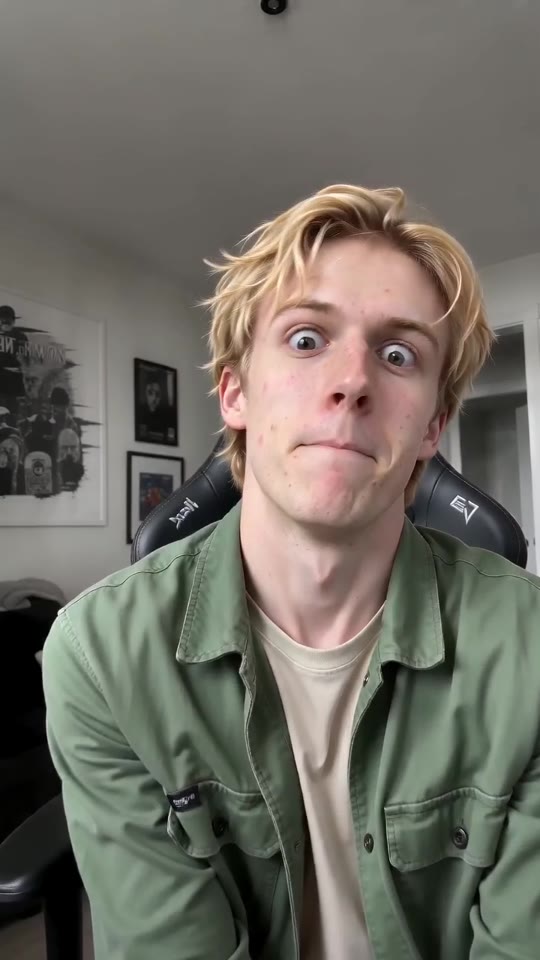
Faces that are hard to see get lost, and the wild expressions in this trend pull them out of shape. Go for a bright, crisp picture, face to camera, with the face filling around one third of the shot. No shades, no beauty filters. Eligible accounts can test it with the free 5-second preview.
Causes
- Face too small: in a full-length or group picture the face gets only a handful of pixels.
- Heavy filters or beauty apps: the model sees something unlike your real face.
- Dark or side-on shots: show half a face and the model invents the other half.
- Big expressions: popping eyes and stretched mouths briefly distort the face. That belongs to the gag, and by the recline it should look like you again.
Fix routine
- Try a new picture that follows the photo rules.
- If your account qualifies, run the free preview and hold the face up against your original photo.
- Do the full render last. Each one uses 1 credit.
- Not fixed? Email the video link to support@ozil-goal-ai.app.
Questions people ask
If the face changed, did the render fail?
No. Failure means the render never completed, and then the credits return by themselves. Plenty of finished clips come back with a slightly different face.
Do I need a better phone for a truer face?
Light and camera angle do more. A window-lit, straight-on shot beats a dim photo with more pixels.
Can I send more than one picture of the person?
No, the template takes one photo. Choose the clearest.
Your face. The money line.
Add one photo, adult or pet, and the clip gets built around it. No watermark on paid videos, nothing to cancel later.
Make my video