Ozil goal AI video: the moves are out of order, how do I fix it?
Updated:
Short answer
The scene has a fixed order, but an AI video model can skip or blend steps, such as missing the touch over the keeper. Run the free 5-second preview first, try a clearer photo, and use a redo if your pack includes one. Every run is a new result.
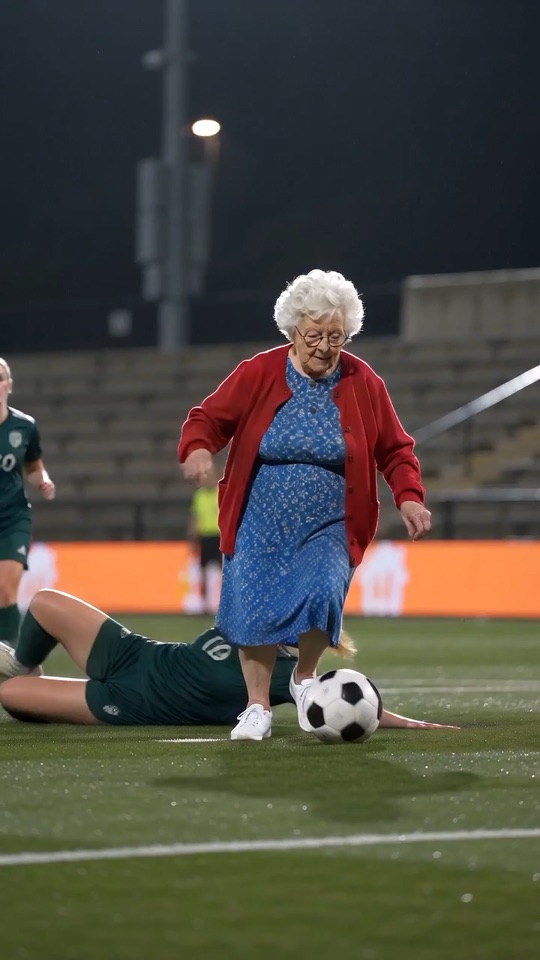
The order you should see
- A long pass, and the scorer runs at goal alone.
- A calm touch lifts the ball over the diving keeper.
- Two defenders slide in and miss.
- A tap into the empty net, then arms wide.
What to try
- Run again. Each run is a new result, and one run is often closer than another.
- Use a sharper photo with the whole subject visible, so the model has more to work with.
- Remember that the 5-second preview squeezes the beats, while the 10-second video has more room.
- Still wrong? Email support@ozil-goal-ai.app with the video link.
Questions people ask
Can I choose the moves myself?
No. The shots follow one set order and there is no prompt box here. For your own moves, see the prompt guides.
Is a skipped move a failed video?
No. Only a run that never finishes counts as failed, and its credits come back by themselves. A finished video with different moves is a normal result.
Does the preview show the same order?
It aims for the same beats in less time, so some can look rushed. Treat it as a quick check on the face and the look.
Make your own Ozil goal video
Upload one photo and try a free 5-second preview. No subscription, no watermark.
Make my video