Green screen, CapCut template or AI: how to make Bby Wow Guy
Updated:
Short answer
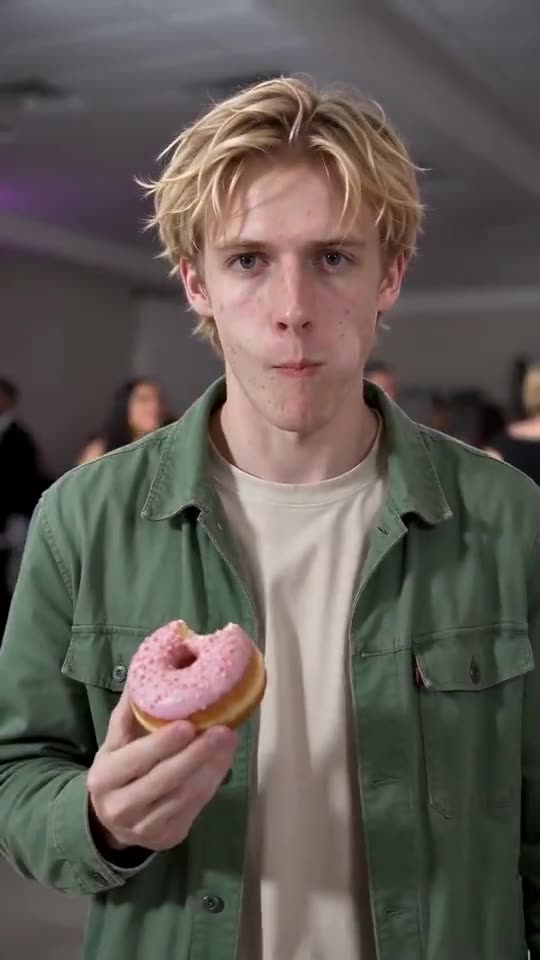
Green-screen and CapCut templates paste your own footage into the original clip. An AI generator makes fresh footage from one photo. Can you film yourself? A template does the job. Only have a still? Ozil Goal AI hands you a ready 9-second video.
How they differ
- Input: templates want video of you. Ozil Goal AI wants one photo.
- Work: templates mean filming, importing and lining up footage. The generator skips editing.
- Output: templates keep your real movements. The generator invents motion, so faces can change.
- Price: lots of templates cost nothing inside their apps. Ozil Goal AI takes 1 credit per full video and needs no app.
- Audio: a template can use the trending sound inside the app. Ozil Goal AI gives you generated party music you can swap out when you post.
Pick a template if
Can you film yourself marching up to a camera with a real snack, and do you want your own face and moves? Then a template wins. Planning to add text or effects in an editor? Templates win there too.
Pick the generator if
Your star is a dog, a faraway friend, or you in a still image with no video. Nobody has to film anything or cut out a green-screen background.
You can mix them. Render here. Load the MP4 into CapCut for captions or the trending sound.
Questions people ask
Does CapCut have an official template for this trend?
Creators post many, and they rotate fast. They aren't ours and we can't vouch for them. Look in the app's template tab for the trend name.
Will the AI clip be identical to the viral video?
No. Beats line up. Faces, outfits and motion come from your photo and change every run.
Can I put a template on top of the AI video?
Yes. Download the clip from Ozil Goal AI, open any editor, add captions, filters or sound.
Be the next Bby Wow Guy
One photo gets you in. No subscription. No watermark on the full video.
Make my video