The face is not mine in my Toc Toc dance AI clip. What now?
Updated:
Short answer
Faces drift once the model can no longer read them clearly. Go for a bright, crisp photo shot head-on, where the face takes up a fair share of the picture. Lose the sunglasses and strong filters, and try it out in the free 5-second preview if you're eligible. Results still vary slightly from run to run.
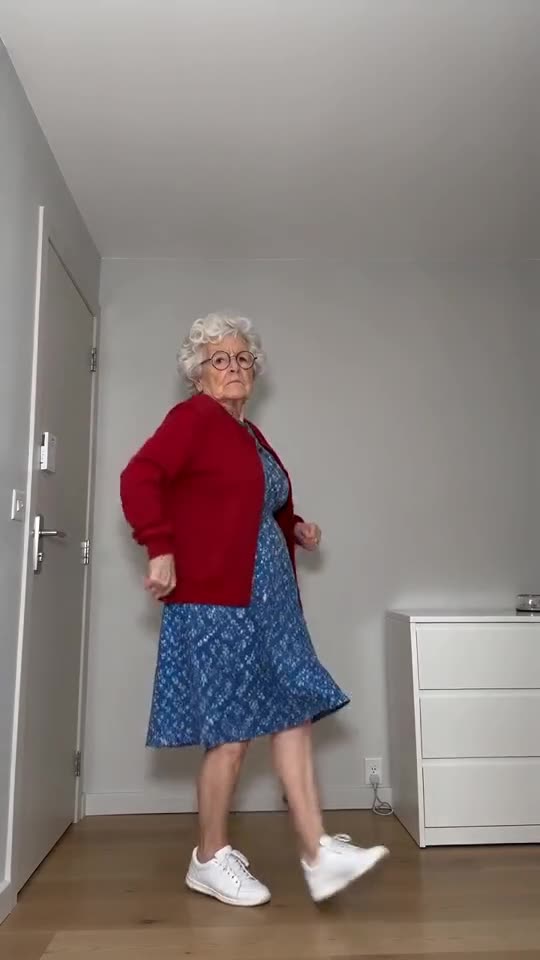
Causes
- Face too small: a full-length or group picture leaves the face only a few pixels.
- Retouching apps or strong filters: the model sees a face that isn't really yours.
- Dark or sideways shots: if half the face is hidden, the model makes up the rest.
- Sunglasses, hats and masks: they hide features the model depends on, and the glare back over the shoulder needs eyes in view.
The quick fix
- Use a different photo, one that satisfies the photo guide.
- Take the free preview if you qualify, and hold the face next to your original picture.
- Do the full render at the end. Each one costs 1 credit.
- Not fixed? Write to support@ozil-goal-ai.app and include the link to the video.
Questions people ask
Does a different face mean the render failed?
No. Failure means the video never finished, and then the credits come back on their own. Getting another face in a completed video is within normal output.
Is it worth using a better camera?
Not much. Lighting and angle count for more. A phone shot taken facing a window beats a murky one with more pixels.
Can I give you more than one photo of the same dancer?
No. Just one photo is accepted. Choose the clearest.
Your turn to knock on nothing
Send a photo and the straight-faced dance gets built around it. No subscription, no watermark on the paid video.
Make my video