Fitting the original sound to your Crazy Frog AI clip
Updated:
In short
The video opens on the first beat, runs 15 seconds and cuts where the original does. Save the silent file, then in TikTok or Reels hit Add sound and find the original. Our file includes its own AI music in place of the song, which is why the silent one works better.
Why the cuts land
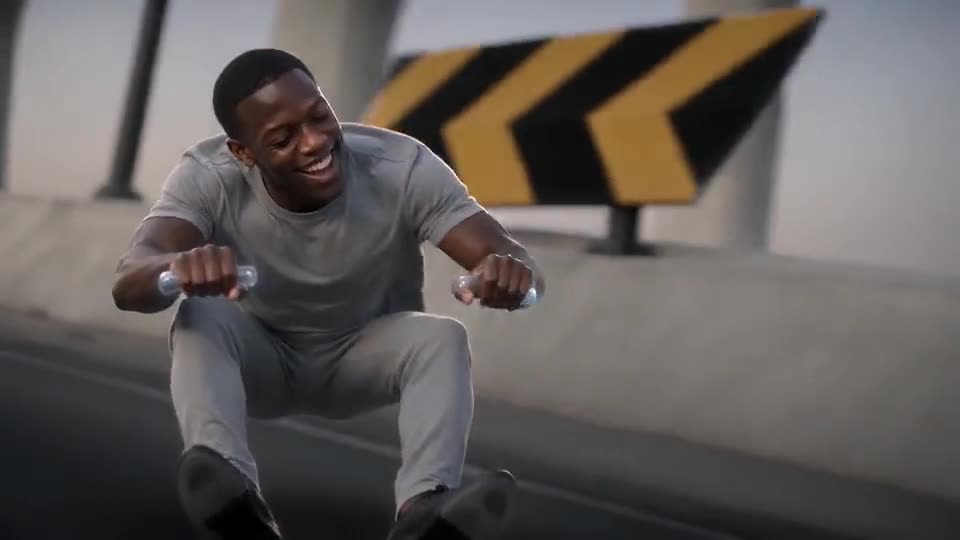
Most Crazy Frog AI clips share a sound that starts at second 0, and this video runs on that same timeline. The officer close-up, the scream, the rear view, the aerial shot and the final bend each land on a cut of the original. Total length: 15 seconds.
Adding it, four steps
- Save the silent file from My videos.
- Open TikTok or Reels and start a new post with it.
- Press Add sound and look for the original in the app's own library.
- Start the sound at zero, make sure the cuts hit the beats, then post.
What we leave to you
The original track isn't included, and you can't upload audio to this site. Platforms license their sound libraries for use inside their own apps, so choosing the sound there is how it's meant to work. We can't give legal advice, and what you publish is on you. The artists, their label and the character's owners haven't endorsed this site, and none of them is connected to it.
Quick questions
Is the song baked into the video?
No. The audio is a mix we generate: music, wind, a hover engine and a siren. When you post, pick the original track inside the app.
Is there an audio upload on this site?
None. Put sound on afterwards, inside an app or an editor.
The beats look a bit late. Help?
Shift the sound slightly in the app's editor. Timings are approximate and each render differs a little.
Your turn on the bike
One photo does it. Nothing to subscribe to, and the finished clip has no watermark.
Make my video