The cape or suit looks off in my skeleton dance video
Updated:
Short answer
The suit and cape are painted onto your body by the model, so a patterned outfit, a bag or a hood in your photo may show through. Pick a plain photo, hands empty, and look at it on the free 5-second preview. Cape and scenery details shift from run to run.
Common culprits
- Busy outfits: a bright jacket or costume in the picture may bleed into the suit. The suit is black over a white shirt, and the cape is red-lined, so very similar colours in your photo can blur the edges.
- Held objects: phones, drinks and bags may blend into the cape.
- Tight framing: where the photo cuts off the body, the model invents the rest.
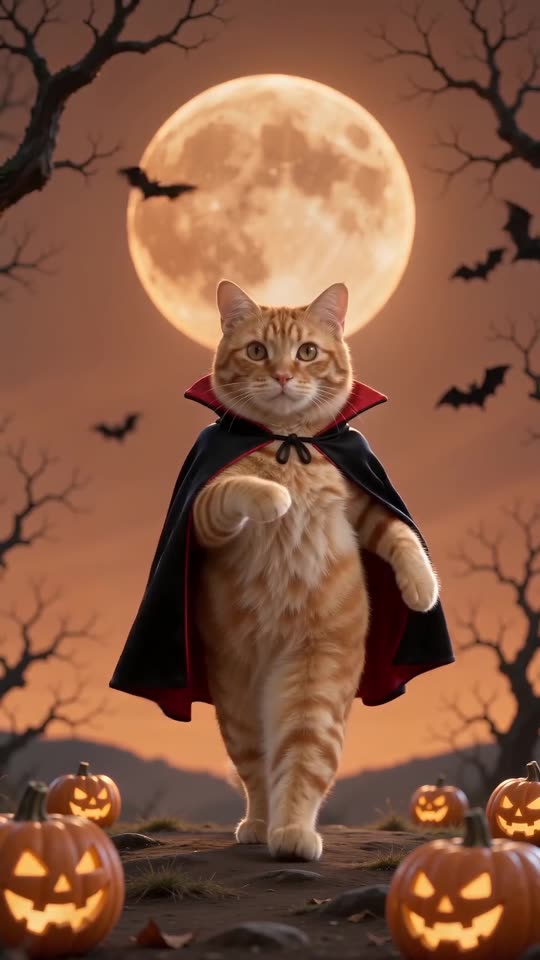
- Pets: drawing a tiny cape on an animal is hard, so it can come out baggy or flat.
Ways to improve it
- Start from a plain photo, shoulders or chest up, with empty hands.
- Play the preview and judge the costume before you spend credits.
- Remember the scene itself is fixed: moon, bats and pumpkins stay as they are.
Questions people ask
Can my own clothes stay instead of the vampire suit?
No. The suit and the cape belong to the template, so they appear in every clip.
Does an odd cape earn a refund?
Automatic refunds cover failed renders only. A finished clip with a flaw is treated as an ordinary result, and that is the reason the preview exists.
Why does the background change between runs?
The model repaints it every time. The moon, bats and pumpkins are always there, just in new places. That is also why two runs never match exactly.
Put on the cape
Send one photo and a vampire dance starring you comes back, with no watermark on the full video and no plan to sign up for.
Make my video