The dance misses the beat in my video. How do I fix the timing?
Updated:
Short answer
The dance keeps the viral timing, which means it hits the beat when the trending sound begins on its very first note. If it drifts, the sound most likely started late or is a different remix. Shift its start in TikTok or your editor until the first kick lands on a beat.
Checks to run first
- Start point: make the trending sound begin on the clip's first frame. Even half a second early or late is enough to look off. Even half a second early or late is enough to look off.
- Remix: every version has its own speed, and the popular sped-up one fits best.
- Silent copy: take the download with no audio, so our beat never competes with the song.
- Full video: previews are short, so check the timing on the full render.
Still drifting?
AI movement can't match frame for frame, and no two runs agree exactly. Nudge the sound by a few tenths of a second in your editor. One or two tries typically puts the kicks on the beat. Everything is spelled out in the sound guide.
Questions people ask
Does the AI video already contain the song?
No. The video comes with its own spooky beat. The trending sound is yours to add in TikTok or Instagram.
Can I get a refund for loose timing?
No. Slight timing wobbles are normal for AI video, and automatic refunds cover only failed renders.
Is there a speed control on this site?
No. For a different remix, you'd change the clip's speed in your editor.
Put on the cape
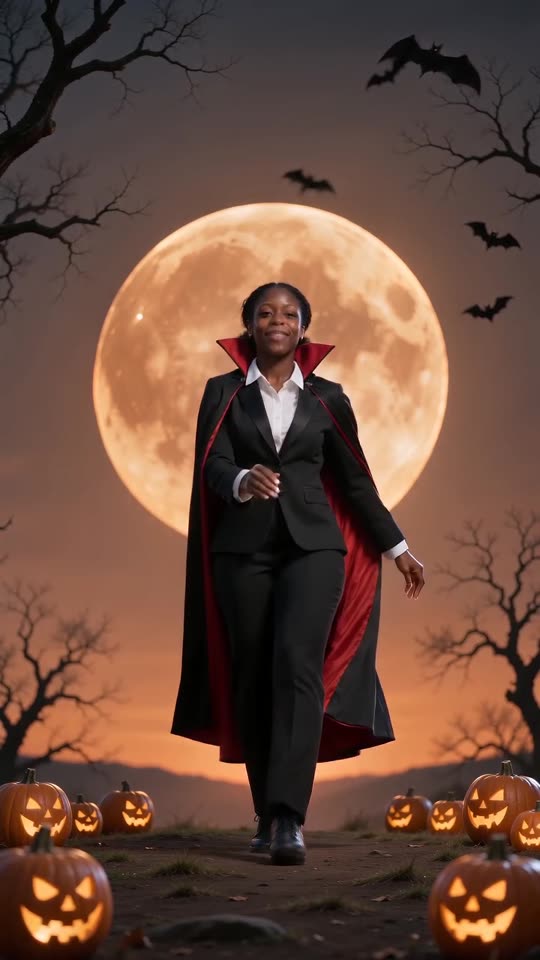
Send one photo and a vampire dance starring you comes back, with no watermark on the full video and no plan to sign up for.
Make my video