The face changed in my Tip Toe video: why, and what to do
Updated:
In short
Faces drift whenever the model can't read them. Give it a crisp, well-lit, front-facing photo with the face filling roughly a third of the frame, take off the sunglasses, skip heavy filters, and test with the free 5-second preview. Runs also differ slightly.
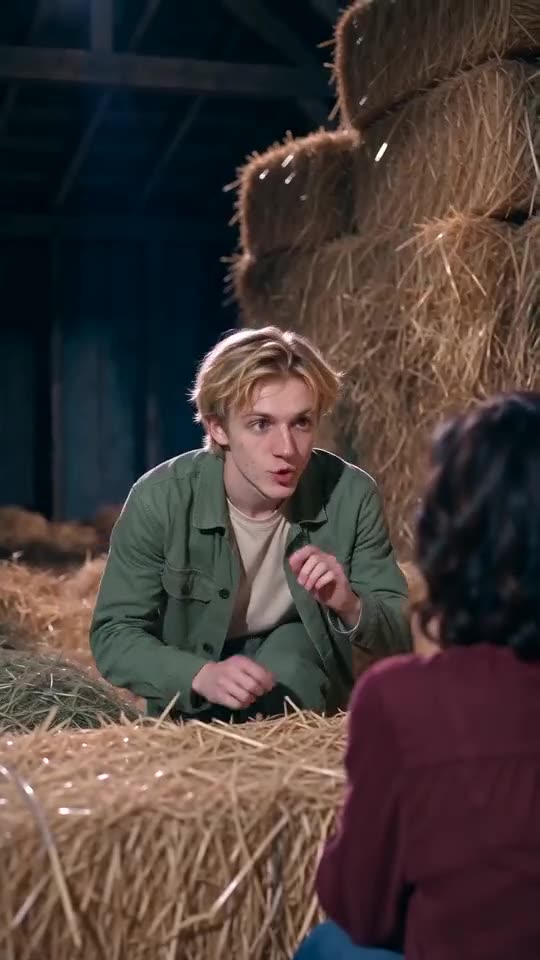
Usual suspects
- A small face: full-body and group shots give it too few pixels.
- Filters and beauty apps: the model sees a face that isn't quite yours.
- Dark or sideways shots: with half a face visible, it guesses the rest.
- Sunglasses, hats, masks: each hides features the model leans on.
A quick routine
- Choose a different photo that follows the photo guide.
- Run the free preview and put its face next to your photo.
- Only then render the full video, which uses 1 credit.
- Nothing helped? Write to support@ozil-goal-ai.app and include the video link.
Quick questions
Does a changed face mean the render failed?
No. A failed render never finished, and its credit returns on its own. If a video finishes with a different face, that's an ordinary result.
Would a better camera fix it?
Light and angle count for more. A phone photo by a window, facing the lens, beats a dim shot from a pricier camera.
Can I give a role more than one photo?
No, each role takes exactly one. Choose the clearest.
Your two faces, one hay barn
Add a Dancer and a Partner, then check the 5-second preview if your account qualifies. No subscription, and no watermark on the full video.
Make my video