CapCut template, or an AI generator, for the Unforgettable car trend?
Updated:
Short answer
A CapCut template re-edits footage you already own, for example a clip of you beside a real car. An AI generator creates fresh footage from one photo. Can you film the scene? Pick a template. Only own a photo? Ozil Goal AI hands you a finished 9-second video.
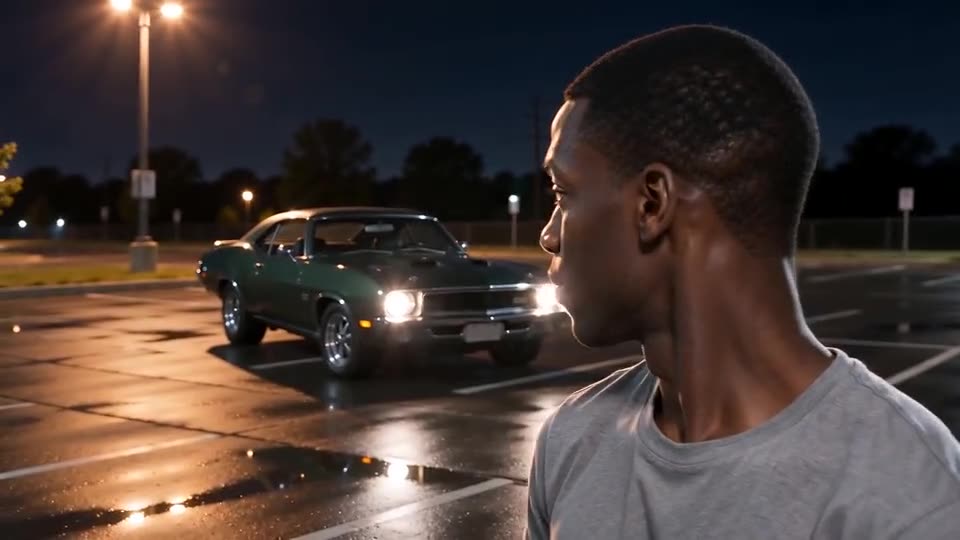
How they differ
- Input: a template wants your own clips, usually with a car. Ozil Goal AI wants one photo.
- Work: a template means filming, importing and lining the cards up with the cut. The generator skips editing.
- Output: a template keeps your real footage. The generator makes up the car and the motion, so faces may vary.
- Price: lots of templates are free inside their apps. Ozil Goal AI takes 1 credit per full video and needs no app.
- Audio: a template can pull in the trending sound inside the app. Ozil Goal AI gives you a generated late-night beat to swap when you post.
Pick a template if
Suppose a friend has a real car and a steady phone. Behind the cards, the cut looks natural, and the footage is truly yours. Want captions and effects in an editor? Templates win there too.
Pick the generator if
No car. No tripod. Nobody to film you. A single photo is all you own. The generator also saves you the headache of timing the cards to the cut.
Mixing is fine. Render here. Then take the MP4 into CapCut for captions or the trending sound.
Questions people ask
Is an official CapCut template available for this trend?
Creators share plenty, and the list moves quickly. We don't own or vouch for any of them. Search the app's template tab for the trend name.
Will the AI clip look like the viral ones?
No. Beats line up, but faces, clothes and car details come from the model and shift with every run.
Is mixing both methods allowed?
Yes. Download the video from Ozil Goal AI, drop it into any editor, then add captions, filters or sound.
Reveal your own car
Send one photo. Skip the subscription. The full video has no watermark.
Make my video