My face changed in the Unforgettable car video. Why?
Updated:
Short answer
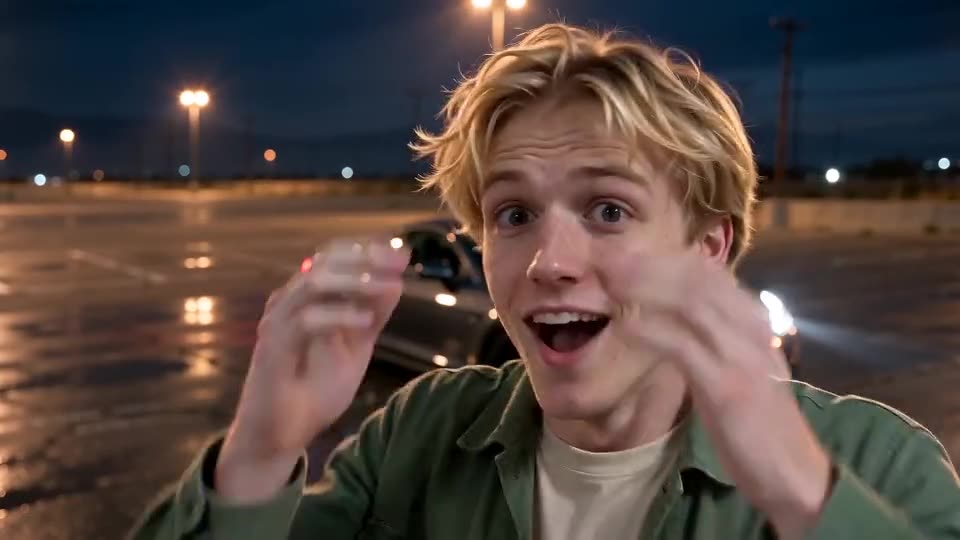
The model drifts when it can't read the face. Use a sharp photo, lit evenly and facing the lens, with the face taking up roughly a third of the frame, and drop sunglasses and heavy filters. Haven't used your free 5-second preview yet? Test the photo there first. Results also vary a little from run to run.
Usual causes
- A tiny face. In a full-body or group shot there are too few pixels to work with.
- Filters and beauty apps. The model receives a face that isn't truly yours.
- Dim or side-on photos. Half a face visible? The model guesses the rest.
- Sunglasses, hats and masks. They cover the facial features the model reads, and dim light blurs small details.
A quick fix routine
- Pick another photo that meets the photo rules.
- Free preview still unspent? Test the new photo there. Compare the face with your original. If not, another full run costs 1 credit.
- Render the full video last. Each full render uses 1 credit.
- Still off? Send the video link to support@ozil-goal-ai.app.
Questions people ask
If my face changed, did the video fail?
No. A failed video never finished, and its credits come back on their own. One that finished with a different face counts as a normal result.
Is a pricier camera worth it?
Hardly. Light and angle count for more. A phone shot facing a window beats a dim shot from a pro camera.
May I upload more than one photo of one person?
No. One photo per template. Choose the sharpest.
Reveal your own car
Send one photo. Skip the subscription. The full video has no watermark.
Make my video