My Alors on Danse AI video's moves land off the beat. Why?
Updated:
Short answer
Begin the trending sound at second one, not at its chorus, and shorten its tail so it finishes with the clip. Ours follows the most-viewed edit, and the first six seconds match in every version we checked. Past the pause, some edits drift a second or two, so the ending can slip.
What goes wrong
- It starts partway in: certain apps skip to the catchy section.
- Another edit of the sound: after the pause, certain cuts are a second or two longer or shorter.
- Natural variation: the generated movement may hit a little ahead of or behind the beat.
The fix
Set the sound's start to 0:00 in the app, so the opening beatbox coincides with the first jab. Ending still off? Switch to a different cut of the sound, or slide it a few frames earlier or later. More about timing is in the song guide.
Questions people ask
Where do I start syncing?
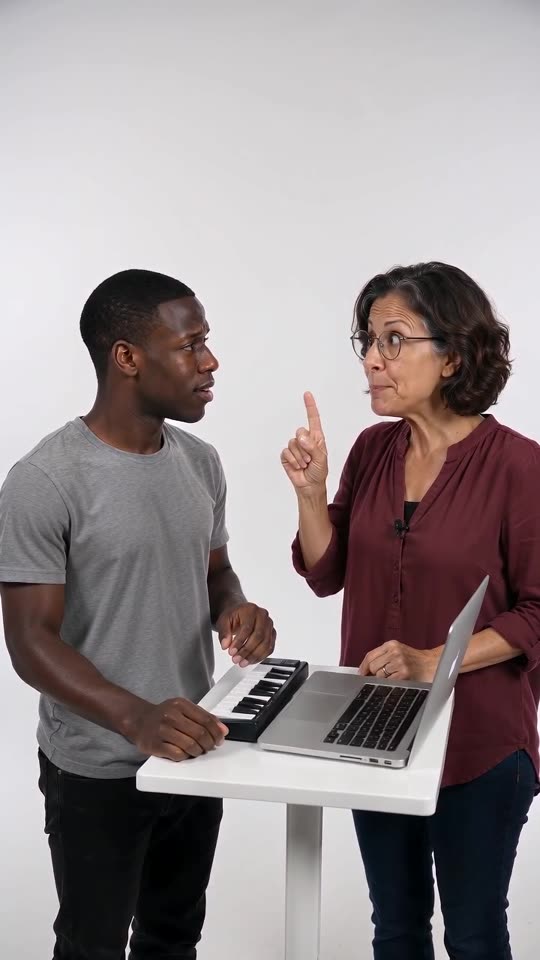
The beatbox intro. For the first three seconds the Hype partner jabs a finger.
Will you attach the trending sound?
No. Our file ships with generated audio of its own. The trending sound is yours to add in the app.
Does the short preview keep the same timing?
No. In the 5-second preview the beats are squeezed together, so only the full video fits the sound.
Take the keyboard yourself
Upload two photos and the studio scene is built around them. No watermark on the paid video, and nothing to cancel later.
Make my video