My Alors on Danse AI video has the Player and Hype partner the wrong way round. Why?
Updated:
Short answer
Which photo goes in which slot sets the roles. The first slot holds the Player (keyboard), the second slot the Hype partner (pointing and cheering). See the wrong character at the keys? Press Swap photos in the generator, then verify it in the free 5-second preview.
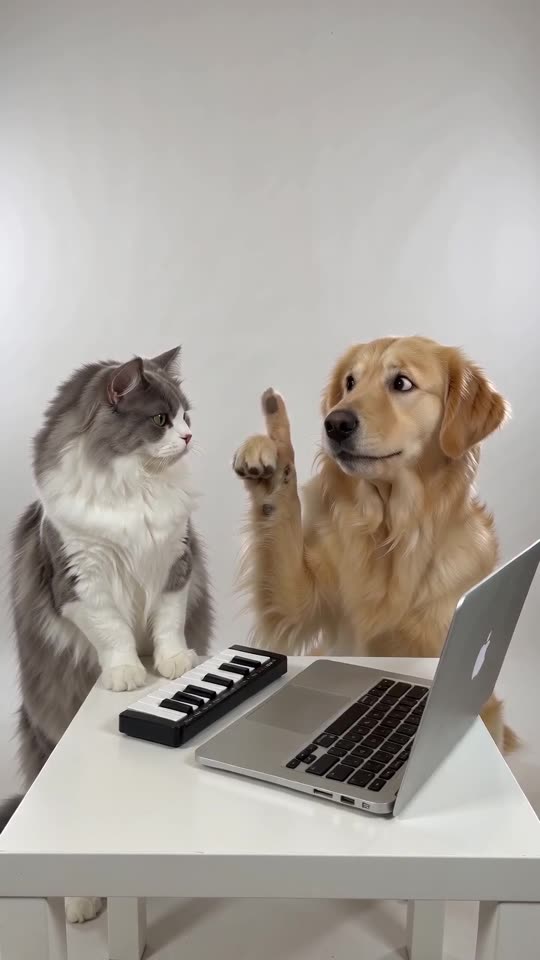
What goes wrong
- Photos placed in opposite slots: the cause in most cases.
- Similar subjects: matching hair, fur or clothes make the two harder to tell apart.
- Hands on the keys, both of them: the Hype partner sometimes taps for a moment. That is normal.
The fix
Check the label above each slot. If your photos are reversed, swap them and run the preview. Characters still blending? Use photos in clearly different colours. You'll see the role name above each slot in the generator.
Questions people ask
Where is Swap photos?
Under the two photo slots in the generator. It turns on once both slots are filled.
Does swapping cost anything?
No. All it does is reorder your inputs before anything runs.
Can I change the roles in a finished video?
No. Completed videos are fixed. Exchange the photos and render again.
Take the keyboard yourself
Upload two photos and the studio scene is built around them. No watermark on the paid video, and nothing to cancel later.
Make my video