Which two photos suit my Alors on Danse AI clip best?
Updated:
Short answer
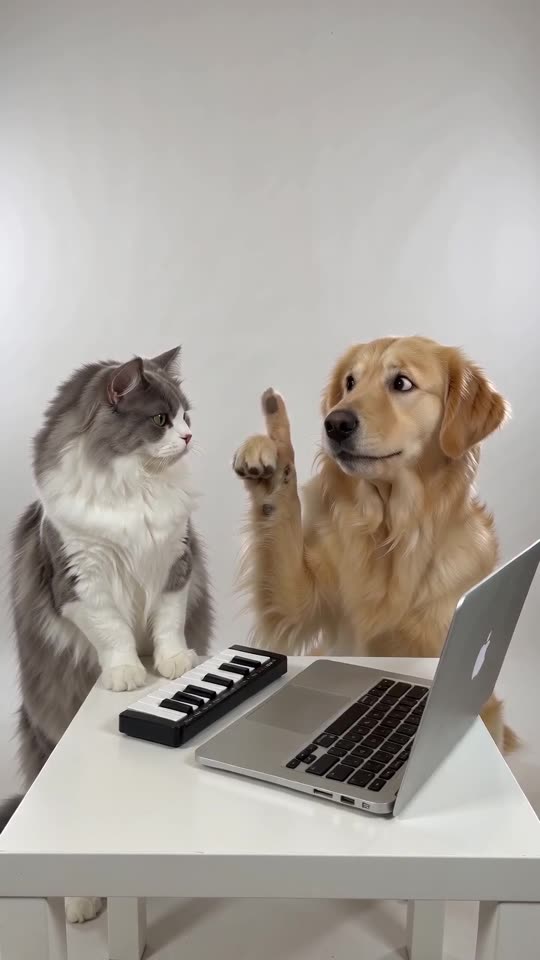
Two sharp photos are required, one for each role (Player, Hype partner). Each should show one person, pet, toy or drawn character, well lit and facing the lens. Accepted: JPG, PNG, WebP; 10 MB maximum; each side 300 to 6000 px.
Technical limits
- File types: JPG, PNG, WebP. Up to 10 MB each.
- Each side: 300 to 6000 px.
- Aspect ratio (width/height) from 0.4 up to 2.5.
- Two photos, no fewer.
Features of a good photo
- Only one subject, looking at the lens.
- Bright, clean light and a sharp face. Masks and dark glasses cause problems.
- Show the upper body where you can, as the Player uses both hands on the keys.
- Two subjects that look different, so the model can't mix them up.
Who can be in the photos
Adults who consented, plus your own pets, toys and drawn characters. Celebrities, well-known characters and under-18s are not allowed. The photo consent rules and acceptable use policy say more.
Which slot is which
The Player, who stays cool at the keys, goes in slot one. The Hype partner, who points, beatboxes and cheers, goes in slot two. Put them the wrong way round? Press Swap photos.
Questions people ask
Will a group shot do?
No. A slot takes one subject, so crop the group picture down to one person or pet.
Must the background be white?
No, the studio is generated. A clear subject counts; the backdrop doesn't.
When do you delete my uploads?
They stay private, and a scheduled job deletes them 14 days after upload.
Take the keyboard yourself
Upload two photos and the studio scene is built around them. No watermark on the paid video, and nothing to cancel later.
Make my video