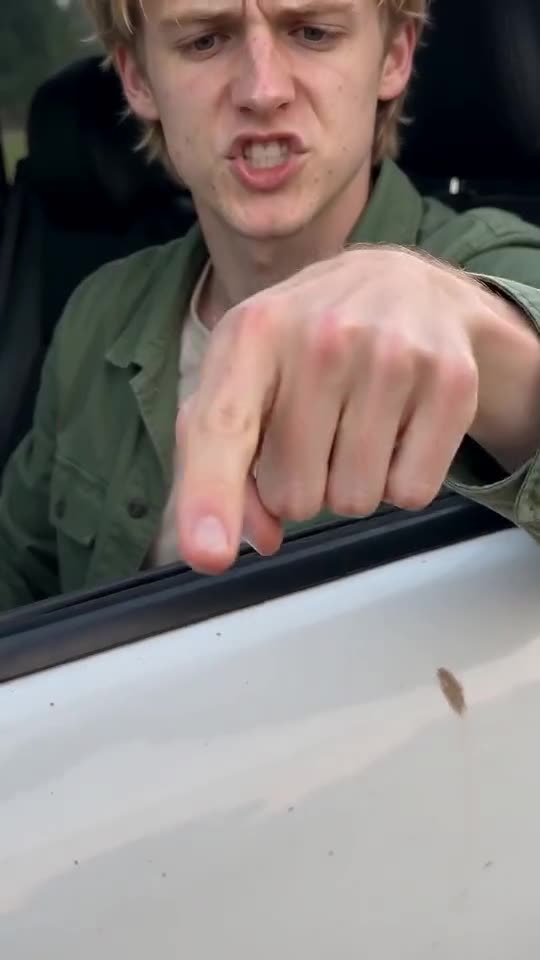
Why doesn't the driver look like me in my Hit the Road Dude clip?
Updated:
Short answer
A face drifts when the model struggles to see it. Use a sharp, well-lit, front-facing photo where the face fills about a third of the frame. Lose the sunglasses and heavy filters. If your free 5-second preview is unused, test the photo there before spending credits. Each run also differs a bit.
Usual causes
- A small face: full-body and group pictures leave it too few pixels.
- Beauty filters: the model is shown a face that isn't really yours.
- Dim or sideways shots: with half a face to go on, it invents the rest.
- Sunglasses, hats, masks: features the model needs end up hidden.
Quick routine
- Find a replacement that matches the photo guide.
- If your free preview is still available, try the new photo there and compare the face with your own. Without it, another full run costs 1 credit. Compare it against your original photo, not against your memory of it.
- Only then spend 1 credit on the full render.
- Still not right? Write to support@ozil-goal-ai.app and include the video link.
Questions people ask
Does a different face mean the render failed?
No. A failed render is one that never finished, and the credits come back by themselves. A finished clip with another face is a normal outcome.
Will a pricier camera fix it?
Hardly. Light and angle count for more. A phone shot by a window, facing the lens, beats a sharper but dim one.
Could I send two photos of the same person?
No, the template takes one. Choose the clearest.
Your turn in the driver's seat
Upload a single photo and your own version comes back, with no watermark and no plan to sign up for.
Make my video