The truck looks strange in my Hit the Road Dude clip
Updated:
Short answer
The scene asks for a plain vehicle, no logos, no legible plate, and the model may still add odd shapes or scrambled marks. Keep vehicles, signs and text out of the Driver photo. If one preset keeps misfiring, try another. Run again when needed.
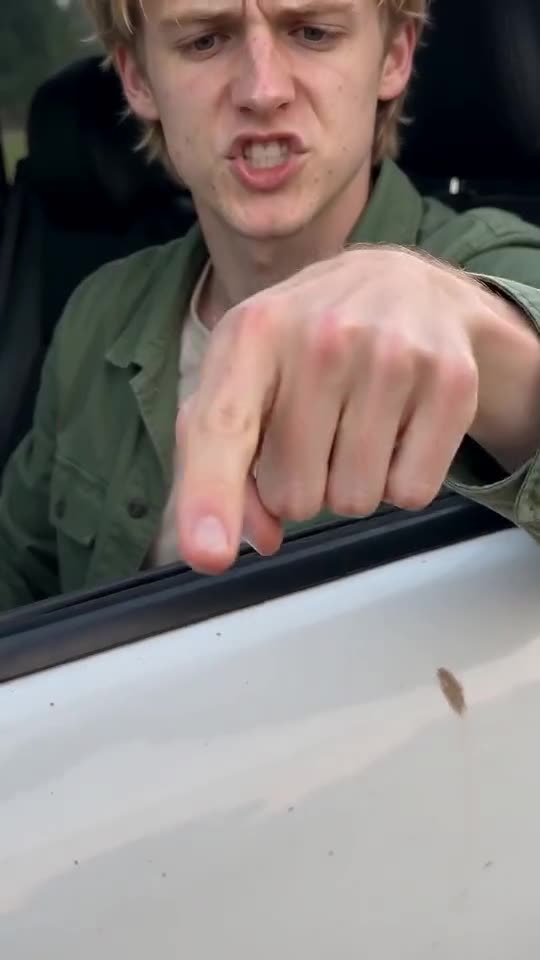
Where it goes wrong
- Another car in your photo: the model may drag it into the scene.
- Writing and logos: signs and printed shirts can bleed onto the truck.
- Tiny parts: mirrors and handles are small and can blur or morph. A new run often helps.
Fixes
Reshoot against a plain wall with nothing printed in view. A rerun often helps, since every run differs, though another full video costs 1 credit. Trying a different vehicle preset is worth a go as well.
Questions people ask
Which vehicles can I choose?
Four are on offer: pickup truck (default), steel electric truck, kids' toy car and tractor. Uploading or typing a vehicle isn't possible.
Where are the badges?
That's deliberate. The scene calls for a generic vehicle with no emblems and no legible plate, so no brand shows.
Is a weird truck a failed render?
No. Failed renders are those that never finish, and they refund automatically. Odd bodywork in a finished clip is an ordinary result.
Your turn in the driver's seat
Upload a single photo and your own version comes back, with no watermark and no plan to sign up for.
Make my video