The mouth doesn't match the words in my Hit the Road Dude clip
Updated:
Short answer
The lips are told to follow every line, but the model can lose track when the mouth is hard to see. Use a sharp, front-facing photo with nothing over the mouth, whether mask, scarf or hand, and run again if needed.
What usually causes it
- Profile shots: only half a mouth shows, so the model guesses.
- Covered mouths: a mask, scarf or hand blocks the lips.
- Distant faces: in a wide frame the mouth is only a few pixels.
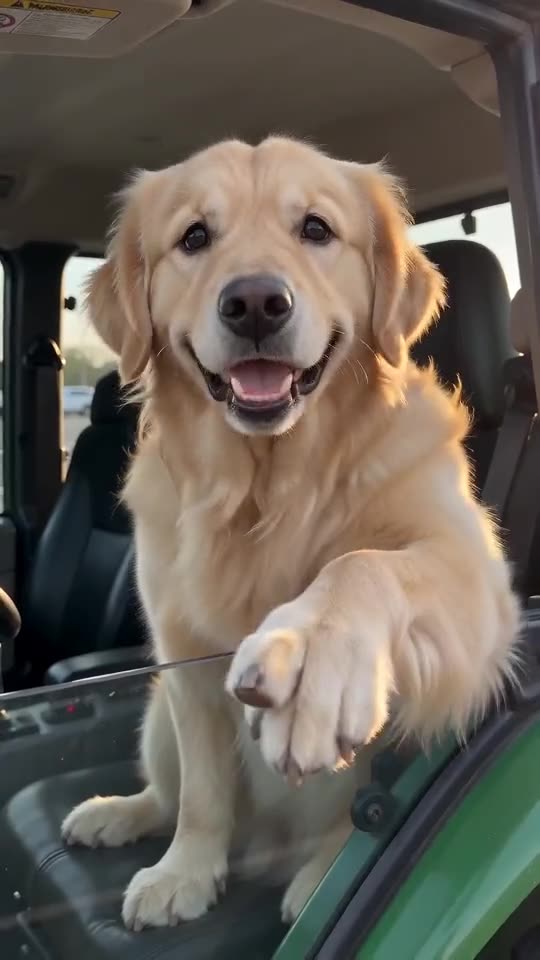
- Furry pets: hair around the mouth makes animation harder.
What to try
- Pick a tight shot from the front with the mouth visible.
- Look for soft, even lighting without harsh shadows over the face.
- Run it again, since runs differ.
- Still wrong? Write to support@ozil-goal-ai.app and include the video link.
Questions people ask
Do loose lips mean the render failed?
No. A failure is a render that didn't complete, and it refunds automatically. A completed clip with loose sync is normal.
Do animals sync like people?
Usually less precisely, since their faces are built differently. Expect a cartoon feel.
Is an editor able to repair it?
You could mute the voices and lay yours over the silent download, but the lip movement itself stays.
Your turn in the driver's seat
Upload a single photo and your own version comes back, with no watermark and no plan to sign up for.
Make my video