Airplane Runway Jump AI: Hover Above a Landing Jet
Also called: Plane Under Me Jump, Runway Split Jump AI, Jump Over Airplane Trend, Airplane Perspective Jump
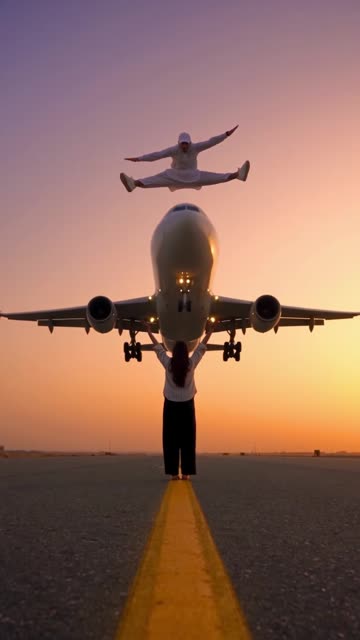
Send in one photo of an adult and Ozil Goal AI sets up the shot. A low camera sits motionless on an empty runway at dusk. You float high up in a mid-air split while, far off, an airliner lines up, swells in the frame and roars past below, so that from this viewpoint it seems to slip beneath your feet. Choose the lighting, your pose, the bystander underneath and the aircraft. The file has no music, so pick your sound inside TikTok.
- 5s HD clip from $8.88 · a bonus preview in every pack
- Vertical 9:16 MP4
- No watermark on the download
- One payment, no plan
TikTok
@abdullahchaudhary814
Original trend on TikTok
The post we follow, played straight from TikTok. Your clip is built from your own photo.
Something not right with your video? Write to support@ozil-goal-ai.app and a person will take a look.
Trending AI templates
More viral video templates you can make from your own photos. Credits work on every template.
Crazy Frog AI Chase
15s · 1 photo
Mandem in Disguise AI
10s · 1 photo
Money Flex AI
10s · 1 photo
Escalade Rampe Géante AI
5s · 1 photo

What each template does
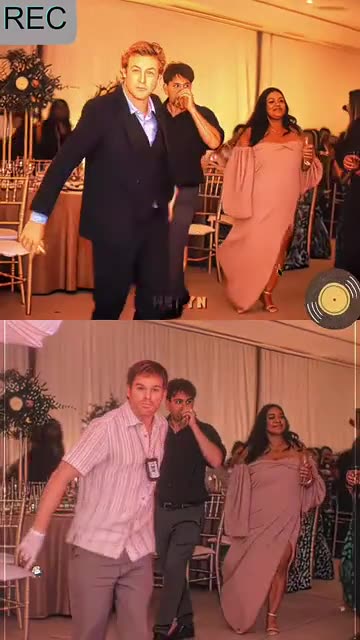
- Rapunzel Funk Loading: A swaying walk out of a party crowd and a very smug stare. Build it from one adult photo.
- Birds of a Feather: You lean back in a drifting office chair, hair spread out, and mouth along to a song. Start from one photo.
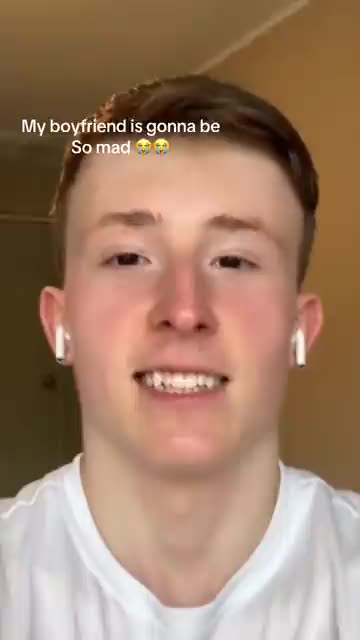
- Boyfriend Makeup Prank AI: A still selfie, a pair of hands from off screen and a full face of makeup. A prank-style glam clip from one photo.
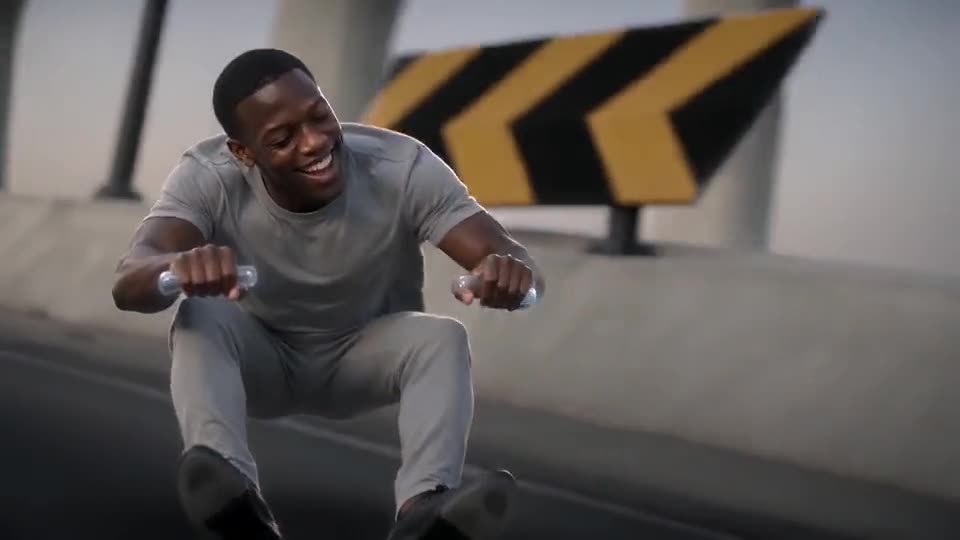
- Crazy Frog AI Chase: You're crouched on a bike that isn't there and the police are gaining. Needs 1 photo.
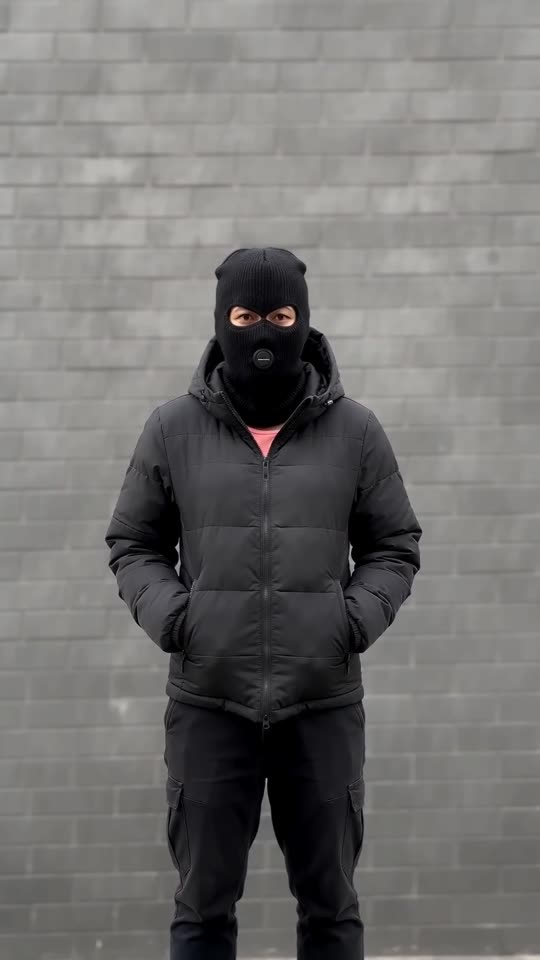
- Mandem in Disguise AI: Turn one photo into the disguise flip: a smile, a flash, then a black balaclava and puffer jacket.
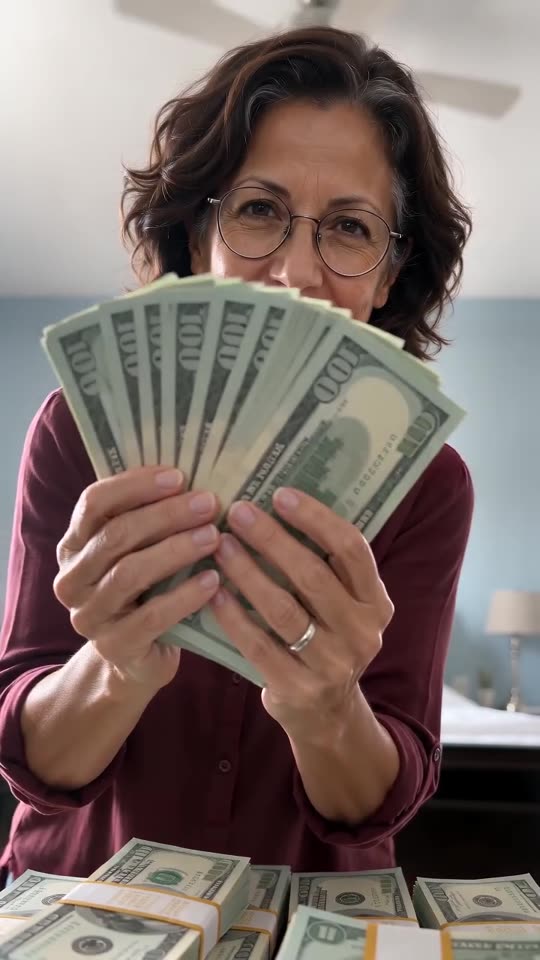
- Money Flex AI: You, a pile of play money and a lens in your face. Needs 1 photo.
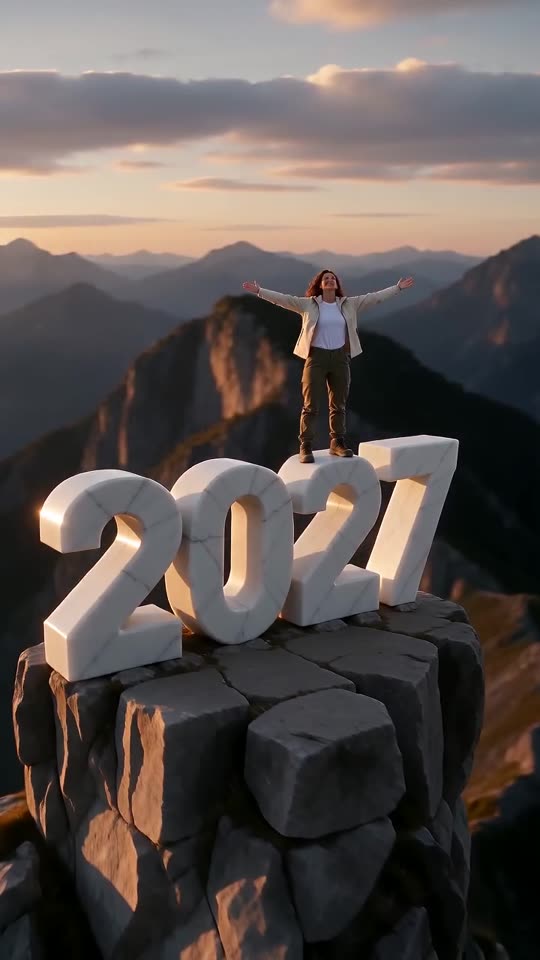
- New Year 2027 AI: Scale four giant digits, stand on top and let the camera pull back to show the year. One photo, six seconds.
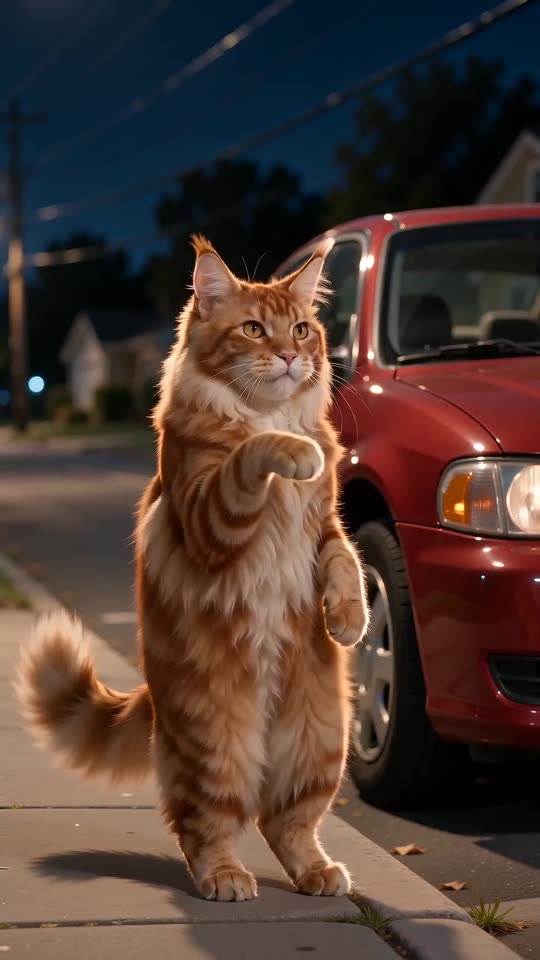
- Car Alarm Dance AI: A quiet street at night, a parked car and a pet that stands up to dance the moment the alarm starts. One photo, ten seconds.
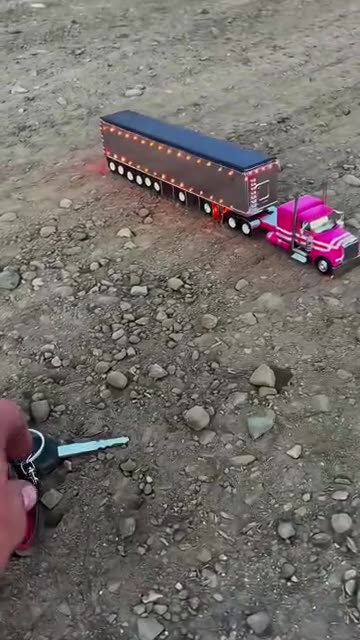
- Toy Car To Real Car: A toy model and a ring of keys, a low push-in, then a cut to the real thing. Build it from one car photo.
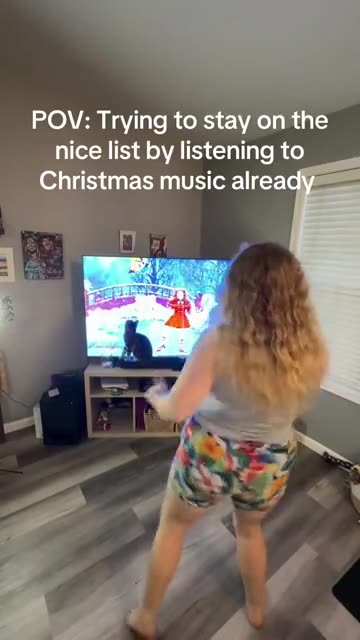
- Santa Tell Me Dance: A solo Christmas dance at home in front of the TV, ending with a turn to the camera. Made from one photo.
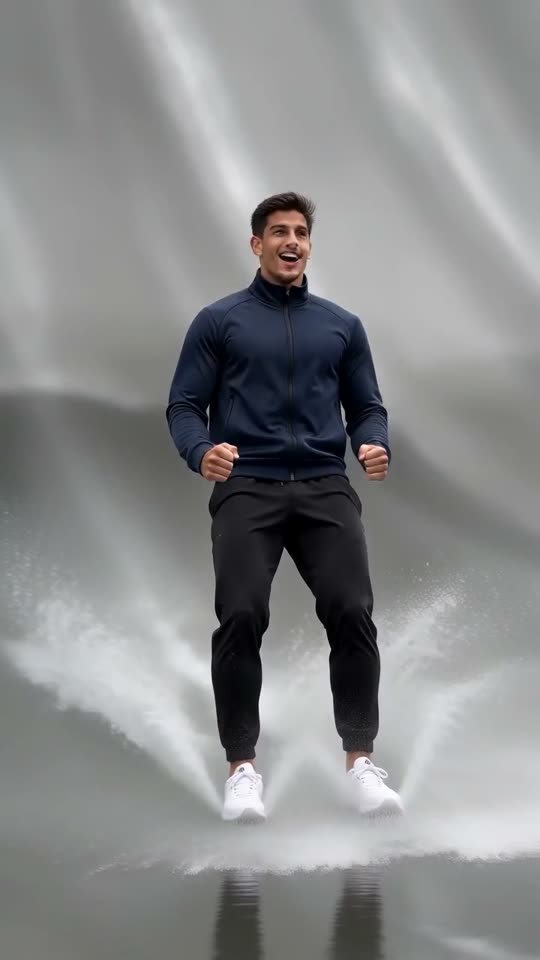
- Escalade Rampe Géante AI: Sprint up a giant wet curved ramp, flip near the top and slide back down into the water, all from one photo.
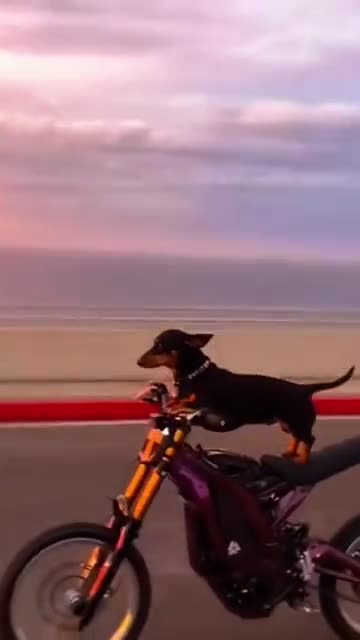
- Cat on Ultra Bee: A cat or dog on a dirt bike, a sunset road and the front wheel in the air. Build it from one pet photo.
Three steps from one photo to a leap
No filming and no typing.
Add your photo
One adult, facing the camera. A full-length or waist-up picture with a sharp face keeps your build and clothes closer to the original. Use a JPG, PNG or WebP file of 10 MB or less.
Pick the details
Choose the light, a pose, whether a stranger stands below and which plane, tick the consent line and sign in with Google. Every pack carries bonus 5-second previews for a face check before a credit is spent.
Render, then add sound
The 5-second 720p render costs 1 credit. Closing the tab is fine, as the result waits in My videos. Choose the sound as you upload to TikTok.
How to add the original sound in TikTok
Your video comes with an AI-made soundtrack. If you would rather use the trending sound, add it inside TikTok when you post. You can also save a copy without sound from My videos (Download without sound) and put the original sound on that.
- Open this clip in TikTok: our video follows it. Tap the sound name at the bottom, then tap Use this sound.
- Tap Upload and pick the video you downloaded from us.
- Open Volume and turn the video's own sound down to 0, or use the Download without sound copy from My videos.
- To line up the beat, use the scissors (trim) so the sound starts at 0 seconds, then post.

Need to move where the sound starts? This short video shows how to trim it.

Video: How To Trim Sound On TikTok 2026 (Very Easy) by Software Solutions on YouTube
Credits, no subscription
Pay for the clips you make. One 5-second Airplane Runway Jump video takes 1 credit.
1 credit
$8.88
Up to 1 video
Every template: 1 credit per full video
Includes 1 bonus preview
One-time payment, no subscription
- Most popularSave 37%
3 credits
$16.88
Up to 3 videos
Every template: 1 credit per full video
Includes 3 bonus previews
One-time payment, no subscription
- Best valueSave 42%
5 credits
$25.88
Up to 5 videos
Every template: 1 credit per full video
Includes 5 bonus previews
One-time payment, no subscription
- Secure checkout by Waffo
- Credits arrive instantly
- Unused packs refundable within 7 days
- Failed renders are refunded
Where this trend comes from
Use this sound: your video is timed to it, from 0s
@abdullahchaudhary814 · TikTok · Nov 9, 2026 · The post we follow: a person leaps into a mid-air split above a sunset runway while an airliner flies in low from the distance and, from this angle, seems to pass right under them. It runs about 10s, with a behind-the-scenes lead-in in the first half, and had about 90,000 plays on 12 November 2026. We follow the jump.
Links open the original posts on their own platforms. We are not affiliated with these creators.
Airplane Runway Jump: common questions
Do I upload just one photo, and what kind?
Yes: one photo with a single adult in it. The face should be sharp and turned to the lens, ideally with the whole body or at least the waist showing. Use a JPG, PNG or WebP file of 10 MB or less. Nobody under 18.
What does the clip show?
A static low view along a runway. You float in a split high up while a plane grows from a speck to a giant and appears to slide beneath you. See the explainer for a second-by-second breakdown.
Where did this clip come from?
Our reference post is dated 9 November 2026 and had roughly 90,000 plays on 12 November. Others may predate it. It lasts about 10s, and its first half is a behind-the-scenes lead-in that we skip.
Which sound does the post use, and is it in my file?
The post plays an original sound uploaded by another account, not a named song. Your file has only a jet rumble and wind. Open the post in TikTok, tap its sound and attach it when you publish.
Will the plane's arrival match the beat once I add sound?
Roughly. The jet grows steadily, so a build-up suits it, but generated motion can drift. Slide the sound a second either way in TikTok, or time the silent copy in an editor.
Can I use a selfie?
Yes, if the face is clear. A selfie shows little body, so the model invents the rest of the pose, and a full-length photo keeps your build and clothes closer to the picture.
Can my dog or cat do the jump?
No. The clip follows one adult. Pets, toys, cartoons and anyone under 18 are turned away. A friend or relative who agreed can appear in your photo instead of you.
Is it a real jump, and can I copy it?
No. Everything here is rendered from your photo: runway, plane and leap. Stay off real runways.
More questions (6)
Do I have to write a prompt?
No. The runway, the camera and the plane's path are preset. You add a photo and choose the light, a pose, the person below and a plane from short lists. There is no text box.
Is this a replacement for a CapCut template?
Not exactly. The post's caption advertises a CapCut template, which re-times footage inside an editor app. Ozil Goal AI builds a new clip from one photo in your browser, with nothing to install, though you cannot direct each frame.
Can I try it without paying?
A full video takes 1 credit and packs start at $8.88. Each pack adds bonus 5-second previews so you can check your photo first. Nothing renews monthly, and downloads carry no watermark.
Is Ozil Goal AI linked to the person who posted it?
Ozil Goal AI is an independent site. Clips made here are not approved, sponsored or licensed by the account behind the original or by anyone shown in it.
May I post it on TikTok or Reels?
Yes. Choose 9:16, upload the file and add your sound in the app. The clip is synthetic, so leave the platform's AI label switched on when you publish.
How long does a render take to be ready, and what do I get?
Give it a few minutes. You receive one 5-second 720p portrait MP4 in My videos plus a silent copy, and the render goes on even if you close the tab.
Airplane Runway Jump guides
Two short pages: what the trend is, and how to make it.
Questions? Email support@ozil-goal-ai.app.
Ozil Goal AI is an independent site that builds AI templates. It is not affiliated with or endorsed by the account that posted the original, by TikTok or by anyone who appears in it, and no footage from the original is used.