Street Light Slide AI Video: Drift Out of the Dark Into the Glow
Also called: AI Slide Transition, AI Slide Transition Effect, CapCut AI Slide, Street Light Slide Effect, Streetlight Slip, Slide Transition Effect
One photo of you, or of an adult friend, is all that goes in. After dark a far-off silhouette ducks out of a deserted path and the view goes blank; then you arrive from the bottom-left corner, hair whipping, and stop at the lens beneath a lamppost with a cool gaze and a slow head sway. Five seconds, locked camera, modelled on the viral AI slide effect. No real footage is used and only adults can be uploaded.
- 5s HD video from $8.88 · bonus previews in every pack
- 9:16 or 16:9
- Full video, no watermark
- No subscription
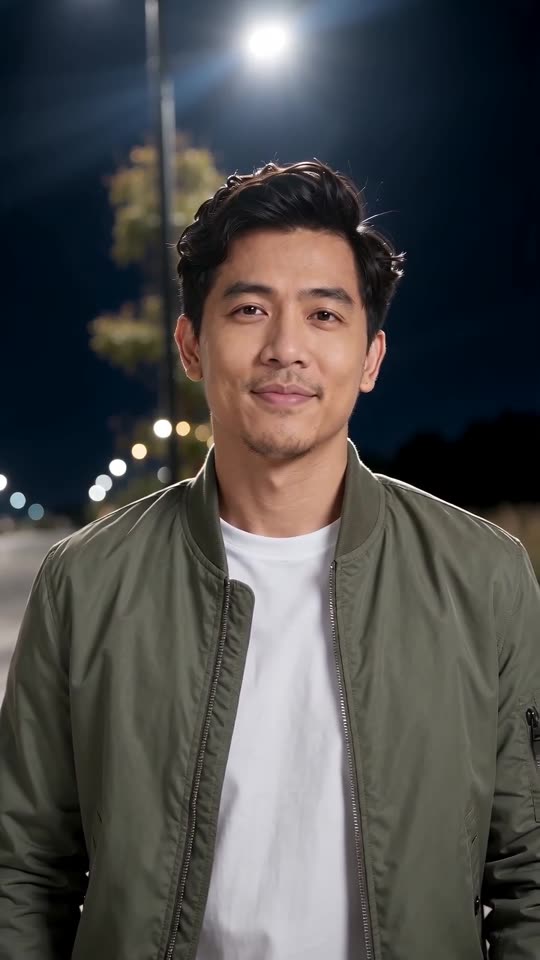 Made with Ozil Goal AI

Sample frame. Yours is built from your photo.
Something not right with your video? Write to support@ozil-goal-ai.app and a person will take a look.
Trending AI templates
More viral video templates you can make from your own photos. Credits work on every template.
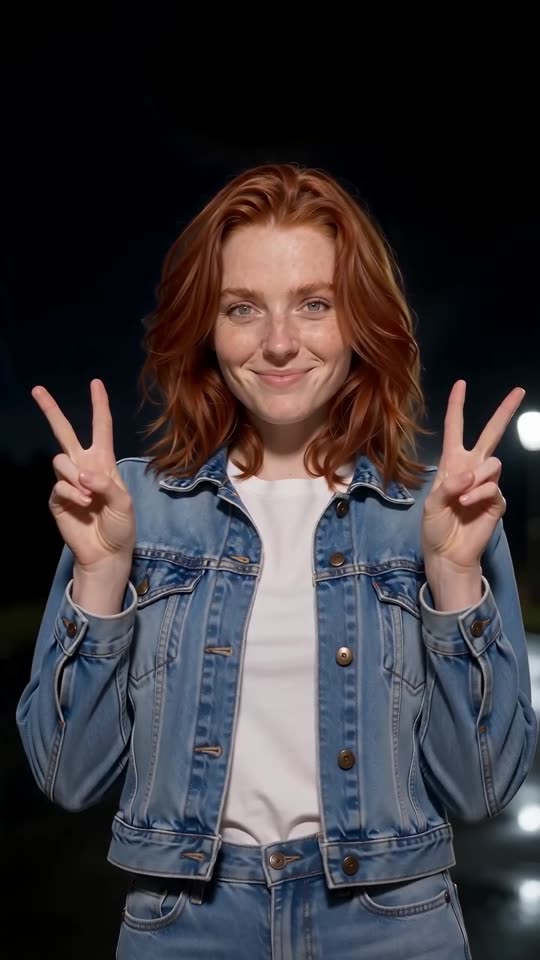
Explosion Walk AI
12s · 1 photo
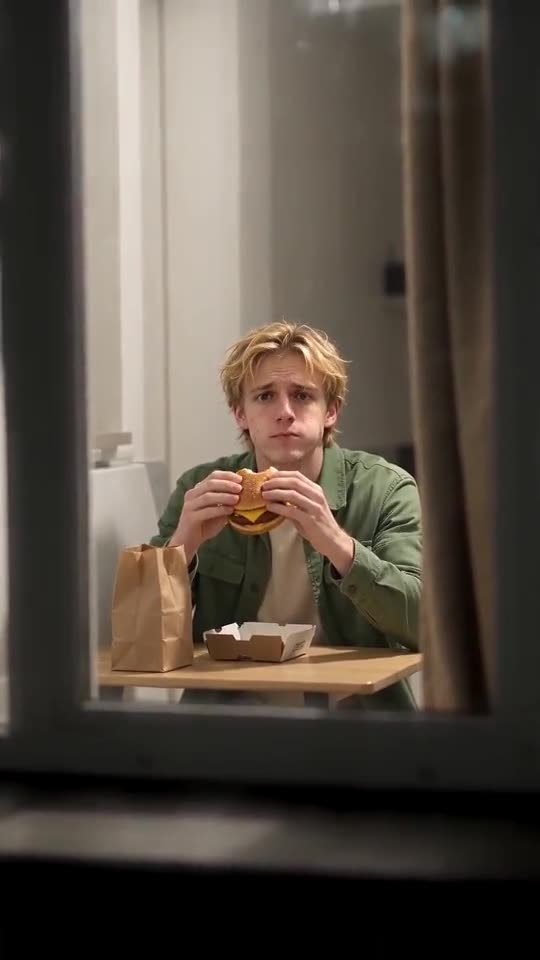
Window Peeper AI
14s · 1 photo
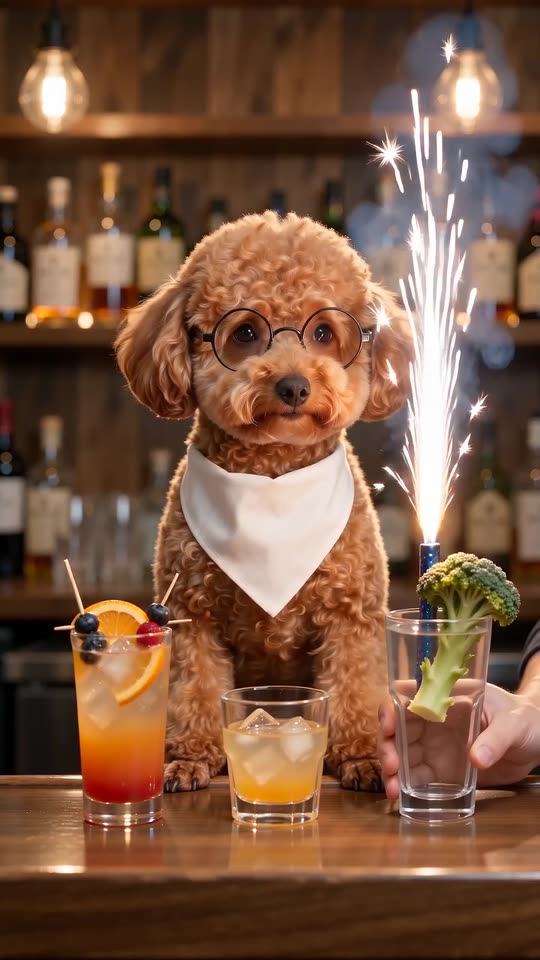
What each template does
- Dog Bartender AI: A straight-faced pet in glasses sits behind the bar while hands make three ever wilder drinks. One photo, twelve seconds.
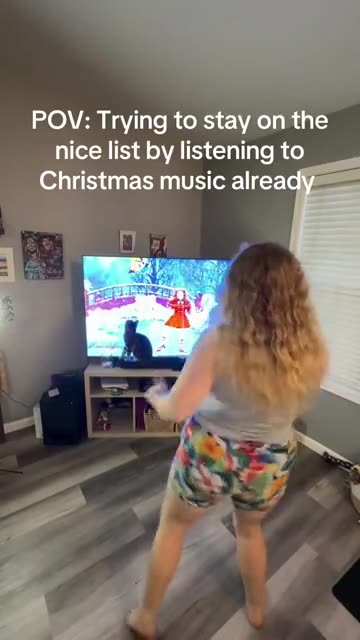
- Santa Tell Me Dance: A solo Christmas dance at home in front of the TV, ending with a turn to the camera. Made from one photo.
- Explosion Walk AI: One photo turns into the Explosion Walk shot: a night road, a lit fuse, a relaxed stroll toward the lens, a fireball behind you and a peace sign.
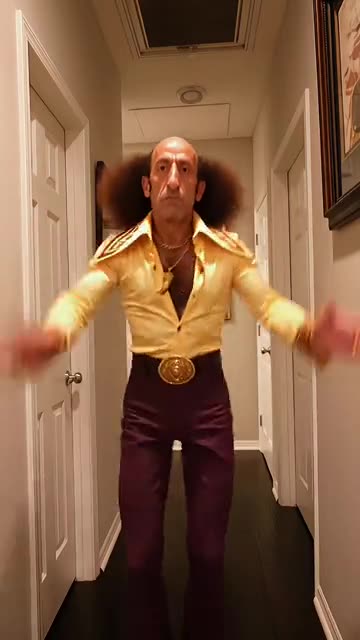
- Can I Ride Dance: A straight-faced dancer comes down a long hallway, then flings, lifts and rides. Build it from one photo.
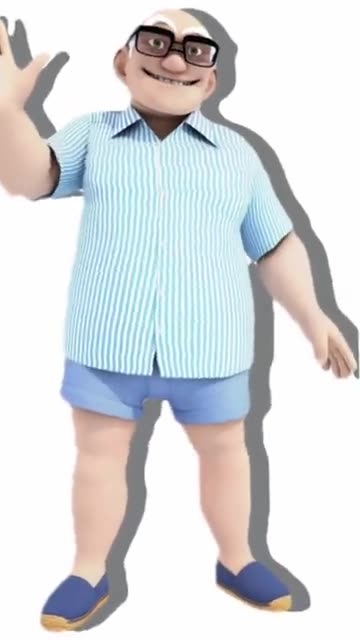
- Wassup In A Minute: A full-length 3D cartoon you, swaying on a plain backdrop. Build it from one adult photo.
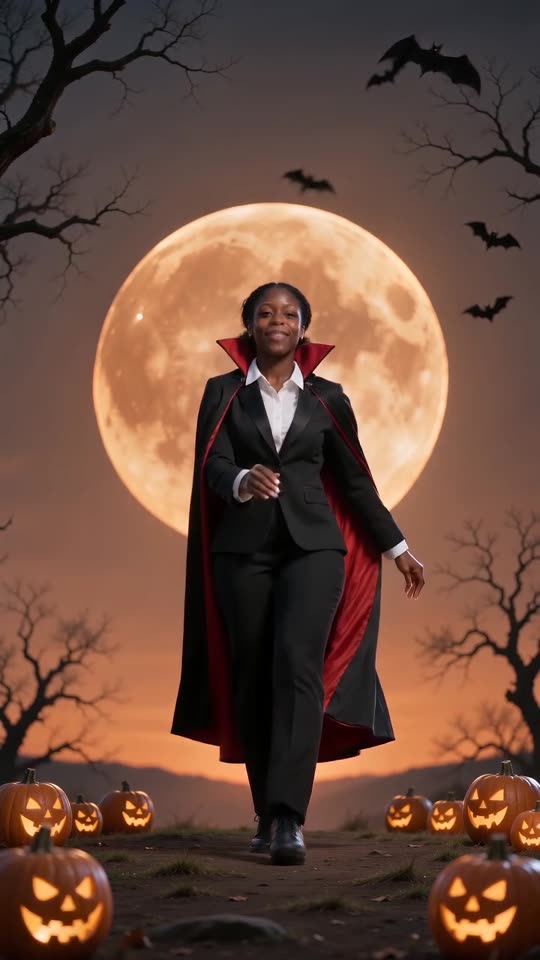
- Spooky Scary Skeletons: Do the skeleton dance as a caped vampire, moon and all. One photo.
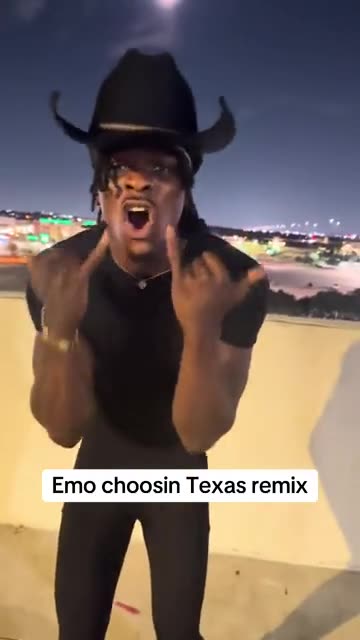
- Choosin Texas Emo: A black hat, a night skyline and a very dramatic silent scream. Build it from one adult photo.
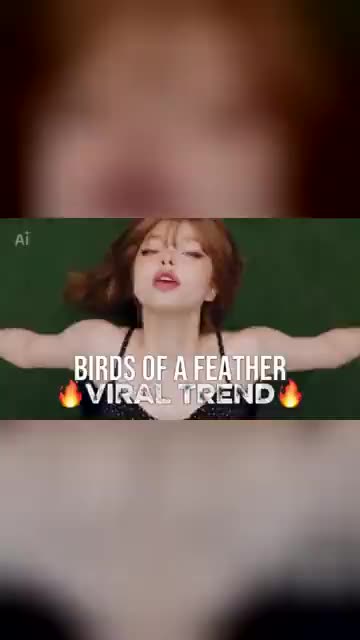
- Birds of a Feather: You lean back in a drifting office chair, hair spread out, and mouth along to a song. Start from one photo.
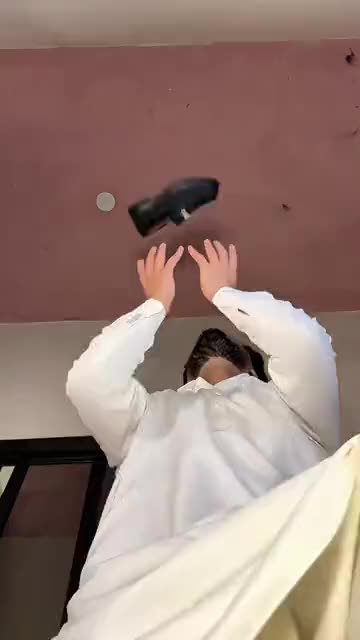
- Casa Tupka Transition: Hold a shoe up to the lens, and a beat later you are in a sharp new outfit. Build it from one photo.
- Window Peeper AI: One picture becomes the Window Peeper scene: the camera dives toward a glowing night window, you freeze mid-bite, stare back and draw the curtain.
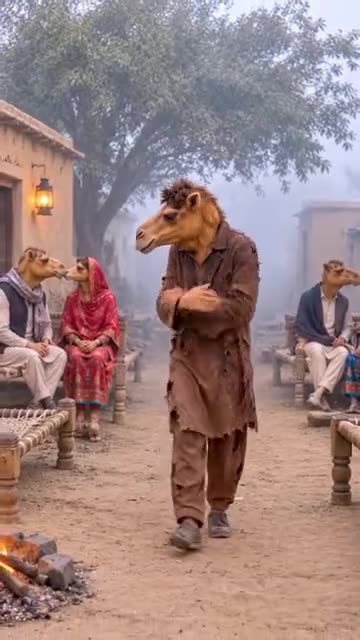
- Single Camel: A lonely walk through a foggy village of couples. Make it from a single photo of an adult or a pet.
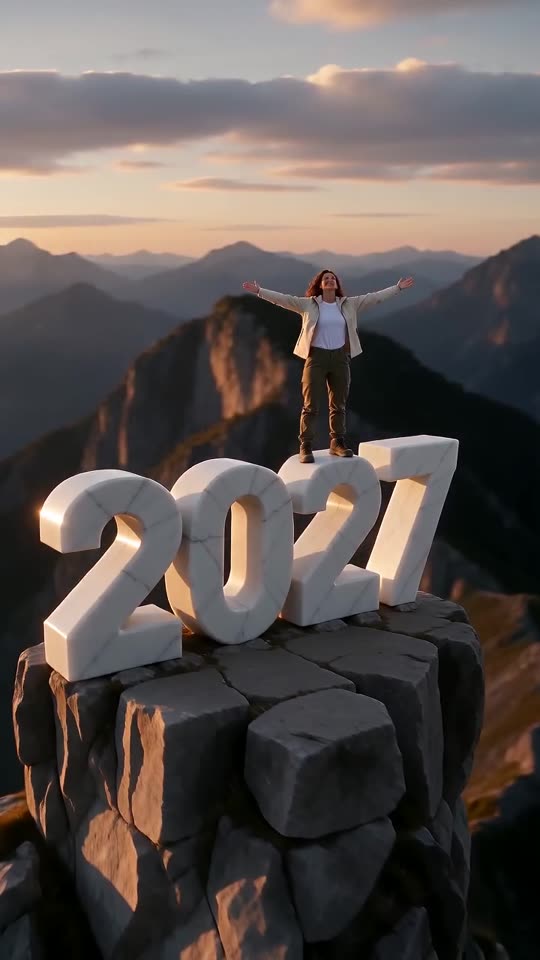
- New Year 2027 AI: Scale four giant digits, stand on top and let the camera pull back to show the year. One photo, six seconds.
Two lamplit entrances, then yours
Ozil Goal AI generated both clips from AI-drawn photos of invented adults. A real photo of you changes the face, the light and the movement.
- Made with Ozil Goal AI
He skids in beneath the lamppost
A made-up man in a khaki-green flight jacket glides in from the bottom-left corner of a deserted path after dark, then holds a chest-up shot under the lamp and looks calmly at the camera. His source photo was drawn by AI.
Place: Lamp-lit path · Outfit: Clothes from my photo
Inputs5s, 720p, AI-generated audio · Made 2026-10-29
Generated with Ozil Goal AI
AI-made backing track, intended as an instrumental; it varies per run. Not the original sound.
Example people are fictional.
- Made with Ozil Goal AI
Same entrance, new face
A made-up woman with cropped blond curls and a green satin blouse swoops close with her hair flying, then holds a steady gaze under the lamp. Her source photo was drawn by AI.
Place: Lamp-lit path · Outfit: Clothes from my photo
Inputs
5s, 720p, AI-generated audio · Made 2026-10-29
Generated with Ozil Goal AI
AI-made backing track, intended as an instrumental; it varies per run. Not the original sound.
Example people are fictional.
Some sites pass off clips ripped from TikTok as examples. These two came straight out of Ozil Goal AI, each from a single photo.
These are samples. Faces, motion and sound will change with your photo, so treat them as illustration only.
Where this trend comes from
The clip we follow
@dreamina_tao · TikTok · Oct 22, 2026 · 2M views · The clip we follow: our video matches the street-light slide demo shown in this post (roughly 1.6 s to 6.8 s of the 32-second post), not the post from second 0- @xdwshfzqi0k · TikTok · Oct 22, 2026 · 548K views · Tutorial: how to make the AI Slide effect from one photo
- @user8015826167671 · TikTok · Oct 25, 2026 · 900K views · Tutorial in Tagalog: how to upload a photo for the effect
Links open the original posts on their own platforms. We are not affiliated with these creators.
Three steps from photo to lamplit entrance
Nothing to film, write or edit.
Upload a photo
Choose a crisp picture of yourself, or of an adult friend who agreed, looking at the camera. You finish right at the lens, so the face is what counts. Files up to 10 MB in JPG, PNG or WebP.
Set the scene
Choose 9:16 or 16:9, then a place and an outfit; tick the consent box and log in. Packs include bonus 5-second previews, so you can test the photo before any credit goes.
Render and download
One credit gets you the 5-second 720p video. Save it, then lay your own sound over it in TikTok.
TikTok sound for your Street Light Slide AI video: how to add it
Our clip carries an AI-made instrumental and is not synced to anything. The usual pairing, in our notes, is the TikTok sound “original sound - naddy”; we do not ship it. Because the effect is brief, you align the beat with your arrival in an editor. Pick your sound in TikTok, or keep the silent file from My videos.
- Search TikTok for “original sound - naddy” (or “Street Light Slide”), open any post that uses it and press Use this sound.
- Choose Upload and pick the file you saved from us.
- Mute the video’s own audio under Volume, or use the silent version.
- Shift the sound until the beat lands on your arrival, trim it to match the clip and post.

Need to move where the sound starts? This short video shows how to trim it.

Video: How To Trim Sound On TikTok 2026 (Very Easy) by Software Solutions on YouTube
Credit packs, paid once
Only videos you actually make cost anything: a full 5-second video takes 1 credit.
1 credit
$8.88
Up to 1 video
Every template: 1 credit per full video
Includes 1 bonus preview
One-time payment, no subscription
- Most popularSave 37%
3 credits
$16.88
Up to 3 videos
Every template: 1 credit per full video
Includes 3 bonus previews
One-time payment, no subscription
- Best valueSave 42%
5 credits
$25.88
Up to 5 videos
Every template: 1 credit per full video
Includes 5 bonus previews
One-time payment, no subscription
- Secure checkout by Waffo
- Instant credits
- Unused packs refundable for 7 days
- Failed videos refunded
Street Light Slide AI: what people ask
Where does this night-time slide trend come from?
Picture a deserted path at night: a distant silhouette ducks out, the picture goes blank, and a person zooms in close to stare at the camera beneath a lamppost. In our notes it took off as CapCut templates in October 2026 and is also called the AI Slide Transition. The AI versions begin with your own picture. More background sits in the explainer guide.
How do I make one, how long is the clip and how soon is it ready?
Add one adult photo, choose 9:16 or 16:9, then a place and an outfit, and press start. In a few minutes a 5-second 720p MP4 is ready to download. Every step is spelled out in the how-to guide.
Is there any way to try it without paying?
Not at the moment. Ozil Goal AI offers no free tier or free preview. A full 5-second 720p video uses 1 credit and packs begin at $8.88, with bonus previews inside each one for testing a photo. No renewals, and no watermark on the result.
Will the video land on the beat of the TikTok sound?
Not automatically. In our notes the effect is usually posted over a TikTok sound called “original sound - naddy”, but our clip is not timed to it and only runs 5 seconds. Put the sound on in TikTok or any editor and nudge it until the beat hits the arrival. A silent download and step-by-step help are in the sound guide.
Which sound goes with this effect, and is it included?
In our notes the sound that goes with it is “original sound - naddy”, uploaded in 2024. We leave it out: Ozil Goal AI produces its own instrumental backing, and you add whichever sound you like inside TikTok.
Is a single selfie enough?
Yes, one is all that is needed. Send a photo of one adult (JPG, PNG or WebP, 10 MB maximum); a front-facing shot from the chest up works best.
Does it work with my pet?
No, adults only here. Pets have their own templates on Ozil Goal AI, such as Talk Dirty AI.
Does CapCut have anything to do with this?
In our notes the effect spread first as CapCut templates, and the post we follow advertises one. Ozil Goal AI is an independent template tool, not made, endorsed or licensed by CapCut or the account that posted the trend: it generates a fresh video from your photo in a browser and contains no real footage. Celebrity photos are refused.
More questions (7)
Will anyone sing or speak in the video?
The person on screen stays silent and the AI backing is requested as an instrumental. A stray voice or noise can still creep in, so grab the silent copy if you want just your own sound.
Does it have a watermark, and can I post it?
No watermark appears on the full video or on a bonus preview, and both download freely. For TikTok and Reels choose 9:16, add your sound in the app, and leave the platform’s AI label on.
Can the place or the outfit be swapped?
Yes, within limits. Four settings are available: lamp-lit path, neon corner, seaside promenade and snowy street. Four wardrobes too: whatever you wear in the photo, a black off-shoulder top, a leather jacket or a white shirt. Camera work, timing and price are untouched by either choice.
Is the street a real place?
No. The footpath, the lamp and the clothing are all produced by AI. Nothing was filmed, and nothing in the scene is legible.
How is this different from the Streetlight Slip?
They are cousins rather than twins. In our notes the Streetlight Slip variant has the person skate out and pop back in as a selfie, while ours follows the cut where you arrive from a distance and stop in a close-up.
Is a prompt something I must write?
No. The scene is preset, so there is no prompt box; you add a photo and choose place, outfit and shape. Prefer another tool? The Kling prompt page lists a prompt ready to paste.
If a render fails, what happens, and how long do you hold my photo?
A render that fails hands its credit back by itself, and an untouched pack can be returned for 7 days (refund policy). Uploaded photos remain private and vanish 14 days later.
Guides for this trend
Each page answers one question about this effect.
Prompts to copy
Comparisons
Ready for your entrance?
A photo is all it takes. Every pack adds bonus previews, and the lamplit entrance is yours.
Make my videoQuestions? Email support@ozil-goal-ai.app.
Ozil Goal AI is an independent AI tool and is not affiliated with CapCut, TikTok, the poster of the trend or whoever owns “original sound - naddy”, and none of them endorse it. “Street Light Slide” is simply a trend name, and each video here is generated by AI from a user’s photo without real footage.