Enchantress Filter AI Video Generator
Also called: Enchantress Filter, Enchantress Filter 1, Enchantress AI, Witch Transformation, Moon Witch Filter, Enchantress Trend
Shut your eyes, hold out a hand and let a dark claw take it. The screen wipes, and you are back as a lunar witch under a crescent crown, one gloved finger at your lips. The face is still your own, which the app version rarely manages. Pacing follows the viral clip, so the trending sound drops in cleanly. Every pack includes bonus previews, so you can check your photos before spending a credit.
- 10s HD video from $8.88 · bonus previews in every pack
- 9:16 or 16:9
- Full video, no watermark
- No subscription
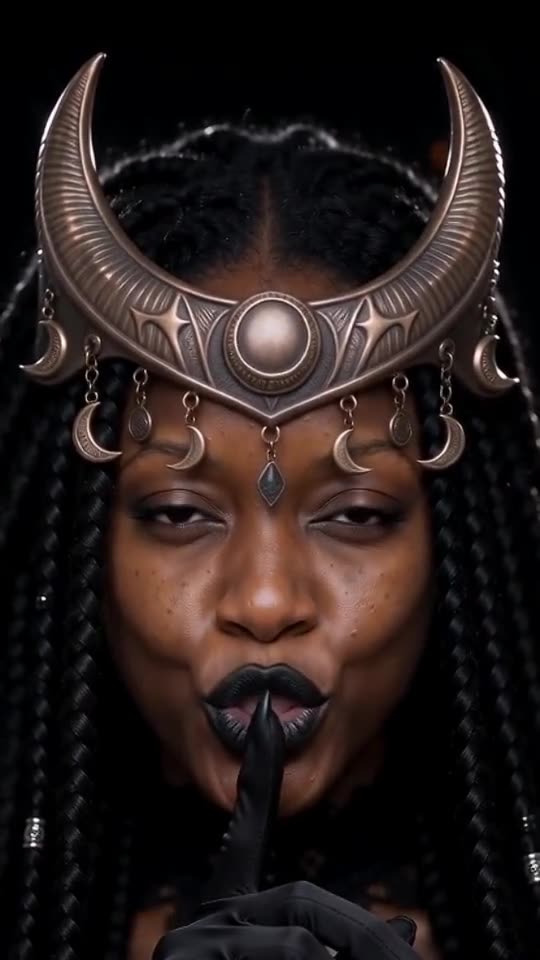 Made with Ozil Goal AI

Example frame. Your own photo drives your video.
Something not right with your video? Write to support@ozil-goal-ai.app and a person will take a look.
Trending AI templates
More viral video templates you can make from your own photos. Credits work on every template.
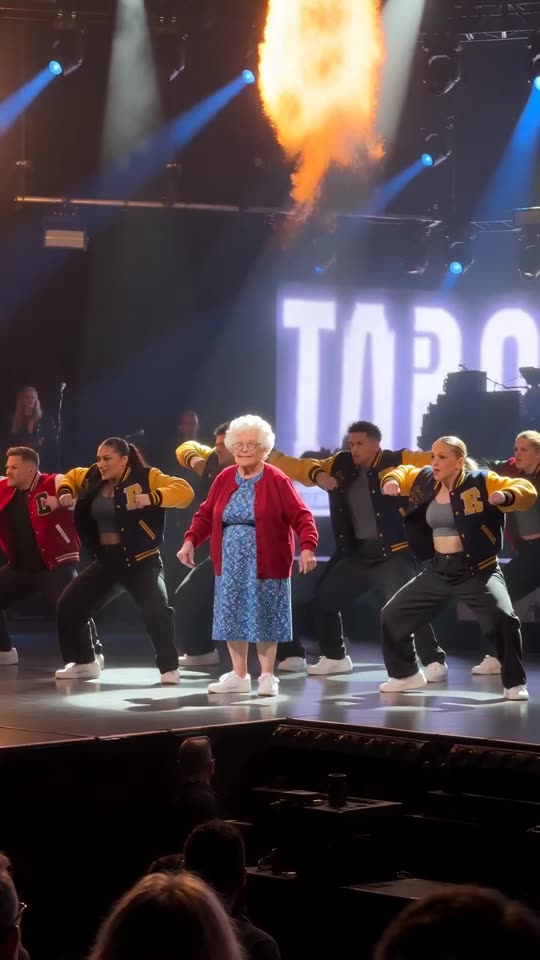
Talk Dirty AI Dance
15s · 1 photo
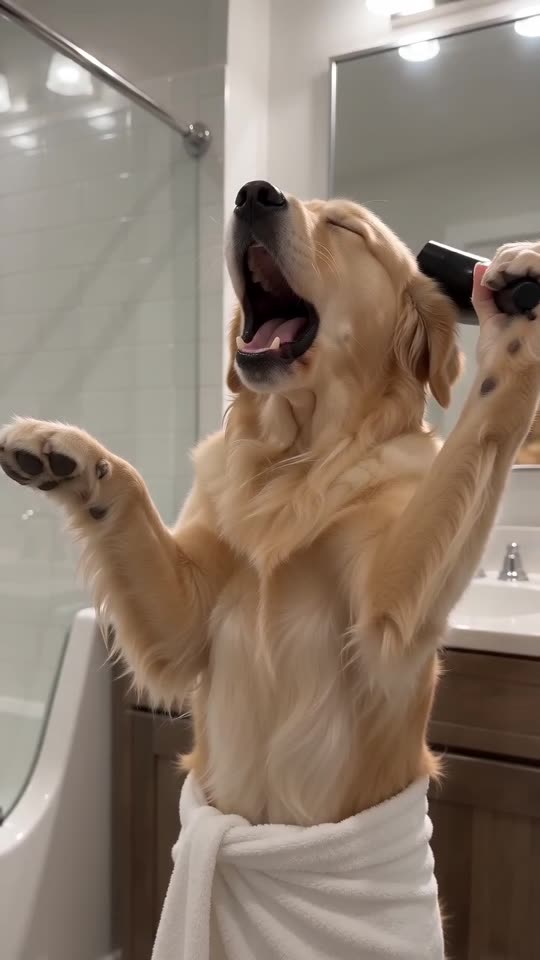
Singing Pet AI
10s · 1 photo
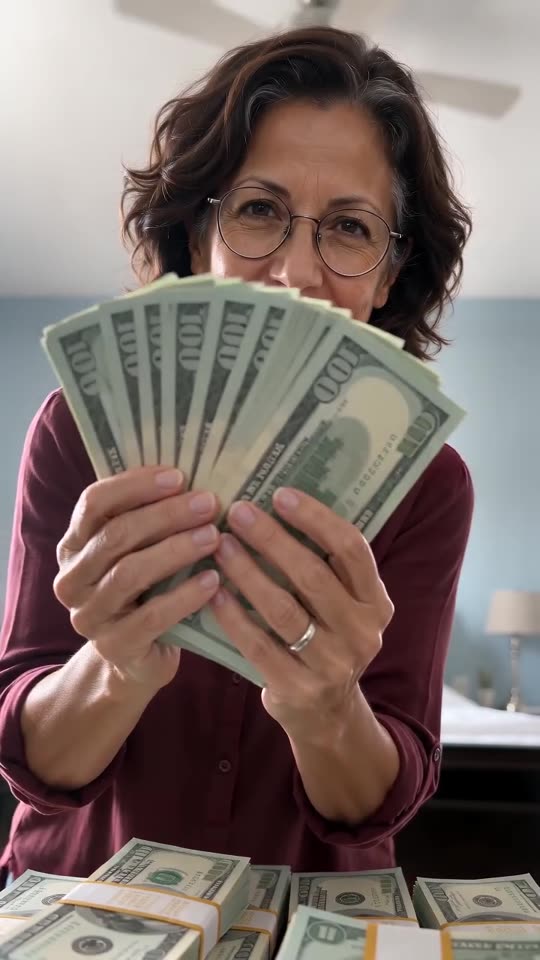
Money Flex AI
10s · 1 photo
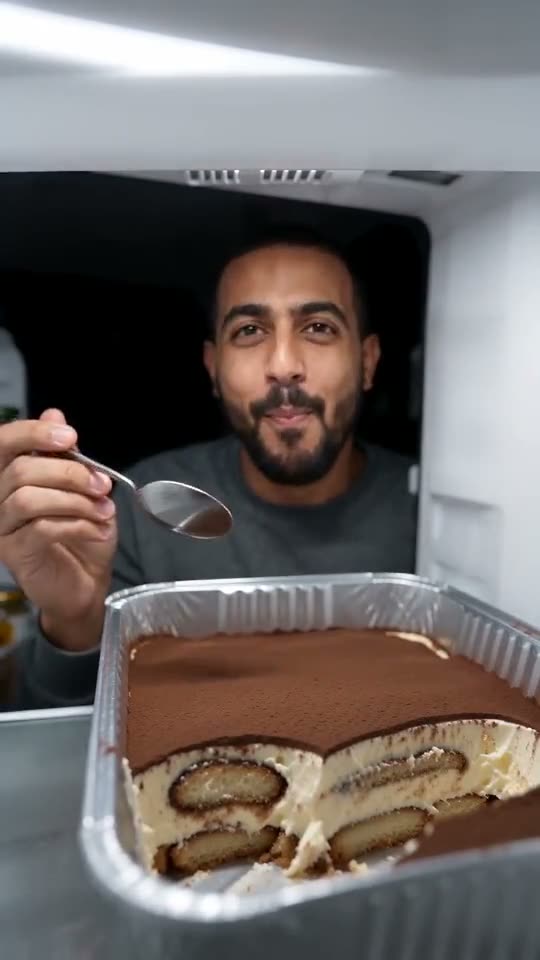
Fridge POV Tiramisu AI
8s · 1 photo
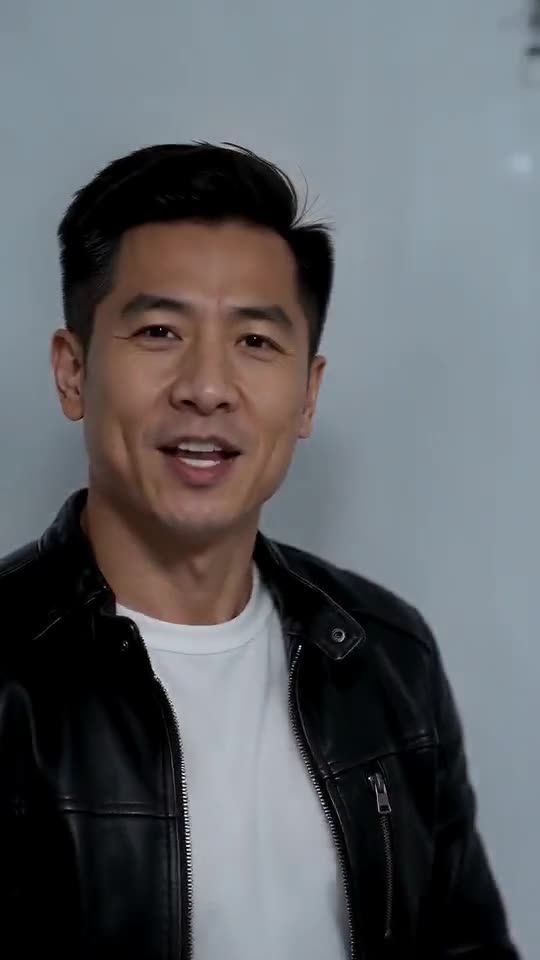
Iceman AI
15s · 1 photo



What each template does
- Jingle Bell Rock Dance AI: Shoulder rolls, waves and claps in the snow. Person or pet, one photo.
- Talk Dirty AI Dance: One photo becomes the Talk Dirty concert clip: you walk out of the line, squat under the spotlight and dance in step with a varsity-jacket crew as flames go up.
- Birds of a Feather: You lean back in a drifting office chair, hair spread out, and mouth along to a song. Start from one photo.
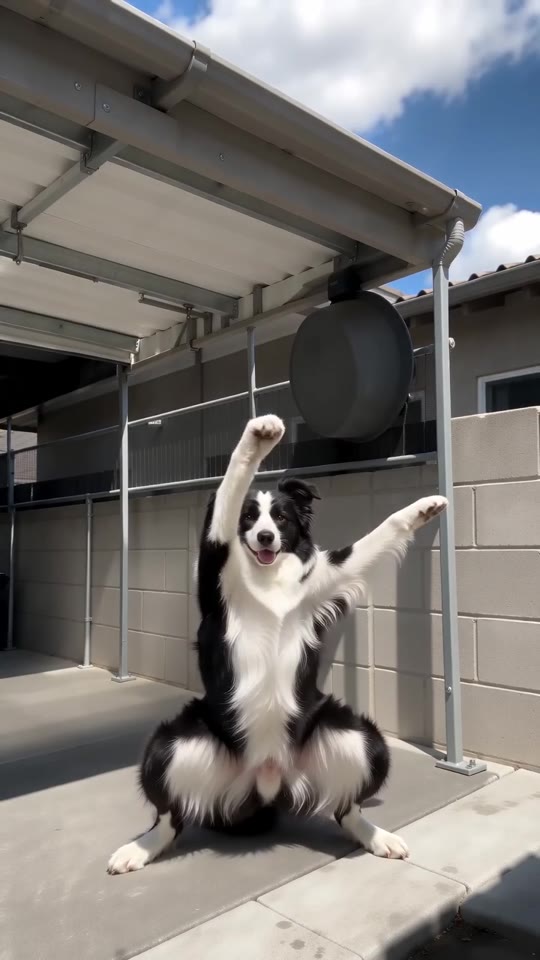
- Fuzzy Dream Dance AI: A wide squat, rolling forearms, hands on the head, shaking knees and one arm thrown high. A sunny yard, one photo, ten seconds.
- Singing Pet AI: Towel on, hair dryer up: your pet goes for the biggest note of its life.
- Money Flex AI: You, a pile of play money and a lens in your face. Needs 1 photo.
- Hotline Bling: Hand-chops, a phone to the ear and a crouch in a room that glows pink, blue and teal. Build it from one photo.
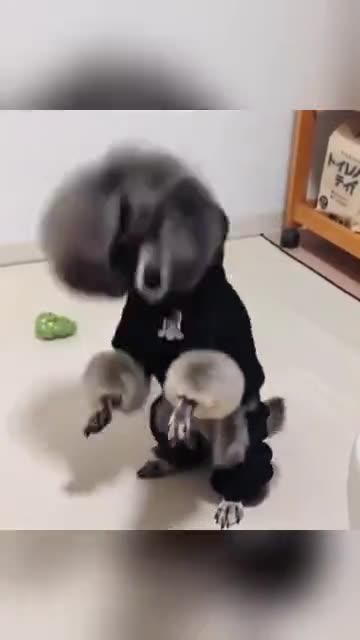
- Pet Rock Dance: A pet rises onto its hind legs and headbangs, fur flying, one paw in the air. Build it from one photo.
- Fridge POV Tiramisu AI: One photo in, a fridge-cam clip out: three big tiramisu scoops in a dark kitchen.
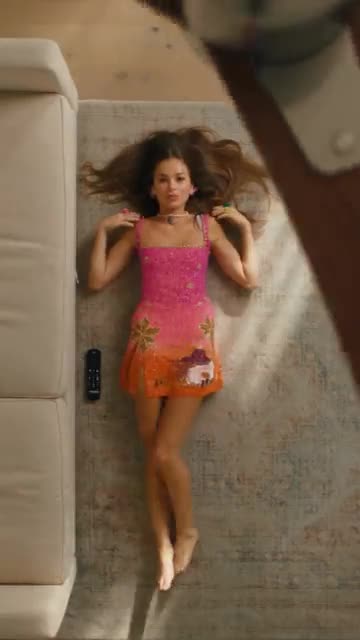
- Sofa Outfit Change: Lie on the rug while a fan blade sweeps by, and a new outfit appears after every pass. Build it from one photo.
- Iceman AI: One photo, one white cold room: walk in, rap at the lens, pass the shelves and strike your poses.
- Convertible Coffee Drive: A drone shot, an open top and a calm sip of coffee. Build it from one photo.
Two reveals, made here
Ozil Goal AI generated both clips from AI-made photos, one picture each. Your video follows your own photo and whichever witch look you choose.
- Made with Ozil Goal AI
Same woman, new crown
In a green T-shirt, she holds out a hand and a black clawed one catches it. After the wipe a close-up shows a crescent crown and black lips, and she is plainly still herself. One photo was enough.
Witch look: Golden moon, black gown
Inputs10s · 720p · AI-generated audio · Made 2026-10-23
Generated with Ozil Goal AI
AI-made music and effects. Not the original audio.
Example people are fictional.
- Made with Ozil Goal AI
Crown for a grey cat
A fluffy grey-and-white cat lifts a paw for the black hand. It returns in a golden crescent crown and velvet cape, hushing the lens. Again, a single photo.
Witch look: Golden moon, black gown
Inputs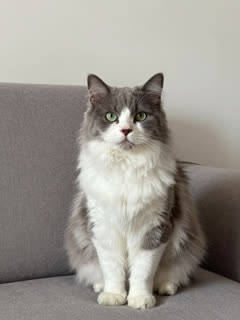
10s · 720p · AI-generated audio · Made 2026-10-23
Generated with Ozil Goal AI
AI-made music and effects. Not the original audio.
Example people are fictional.
None of these came from TikTok. Ozil Goal AI rendered each example from a single input photo, so you are seeing genuine output.
Treat these clips as a taste of the template, with no promise of identical output. Faces, motion and audio differ with each photo.
Where this trend comes from
Use this sound: your video is timed to it, from 0s
@artemiscc_capcut · TikTok · Oct 17, 2026 · 2.7K views · The clip we follow; sound starts at 0s- @artemiscc_capcut · TikTok · Oct 17, 2026 · 12.8K views · Second template demo, blonde version
- @chulapuente_84 · TikTok · Oct 19, 2026 · 35.1K views · Everyday user version
- @kotagene · TikTok · Oct 20, 2026 · 49.1K views · One-hand version
- @emiltian61 · TikTok · Oct 21, 2026 · 456.2K views · Spanish Filtro Hechicera post
Links open the original posts on their own platforms. We are not affiliated with these creators.
Three steps to the crown
Skip the makeup, the costume, the editing and the prompt.
Choose a photo
Select one clear shot from the chest up: you, a friend who agreed, or your pet.
Choose your options
Select 9:16 or 16:9 and a witch look, tick the consent box. Every pack includes bonus 5-second previews, so you can check your photos before spending a credit.
Make it, then score it
One credit gets you the 10-second video. Download it, then put the trending sound on it in TikTok, starting at the very first frame.
How to add the original sound in TikTok
Your video comes with an AI-made soundtrack. If you would rather use the trending sound, add it inside TikTok when you post. You can also save a copy without sound from My videos (Download without sound) and put the original sound on that.
- Open this clip in TikTok: our video follows it. Tap the sound name at the bottom, then tap Use this sound.
- Tap Upload and pick the video you downloaded from us.
- Open Volume and turn the video's own sound down to 0, or use the Download without sound copy from My videos.
- To line up the beat, use the scissors (trim) so the sound starts at 0 seconds, then post.

Need to move where the sound starts? This short video shows how to trim it.

Video: How To Trim Sound On TikTok 2026 (Very Easy) by Software Solutions on YouTube
One-time credit packs
Keep only the videos you like. Each full 10-second video is 1 credit, and every pack includes bonus previews.
1 credit
$8.88
Up to 1 video
Every template: 1 credit per full video
Includes 1 bonus preview
One-time payment, no subscription
- Most popularSave 37%
3 credits
$16.88
Up to 3 videos
Every template: 1 credit per full video
Includes 3 bonus previews
One-time payment, no subscription
- Best valueSave 42%
5 credits
$25.88
Up to 5 videos
Every template: 1 credit per full video
Includes 5 bonus previews
One-time payment, no subscription
- Secure checkout by Waffo
- Instant credits
- Unused packs refundable for 7 days
- Failed videos refunded
Enchantress filter AI: answers
Where does the Enchantress filter come from?
It started as a CapCut template in mid-October 2026 and spread as a Halloween transformation. Eyes shut, a dark claw takes your hand, the picture wipes, and a moon witch in a crescent crown stares out and hushes the camera.
How can I get my own Enchantress video?
Upload one photo framed from the chest up, choose a witch look and, if you have a bonus preview, run the 5-second preview. Then one credit renders the 10-second video. Before posting, add the trending sound in TikTok.
Is there a free preview, and is it watermarked?
Currently no. Ozil Goal AI gives no free tier or free preview for Enchantress Witch. One credit pays for a 10-second 720p video; packs start at $8.88 and each includes downloadable bonus previews for the face before and after the wipe. There is no subscription. The full video has no watermark.
Can I add the trending sound so the wipe lands on the beat?
Yes. Our video is paced to the template clip. Download it, open Add sound in TikTok or Reels, pick the Enchantress template sound and set it to start right at zero. A silent copy is available too.
What song or sound is used in the Enchantress Witch trend?
“original sound – ArtemisCC”, which belongs to the posts of the CapCut template creator @artemiscc_capcut. It is not a released song and it is not in our file, which carries an AI-made dark instrumental. Add it yourself in TikTok. The sound guide walks through it.
Will the witch still look like me, and is the gown modest?
Both, yes. The crown, makeup and gown are new, while your face, eyes, skin tone and hair colour carry over. A high collar, long sleeves and gloves keep you covered from chin to wrists. The preview shows all of it before any credit is spent.
What is the video length, and when will it be ready?
It runs 10 seconds, in portrait or landscape. A render usually takes a few minutes, and closing the tab is fine, because the finished file will be in My videos.
Is one selfie enough, or do I need several photos?
One is enough. The template asks for a single chest-up picture of whoever becomes the witch.
More questions (7)
Can my cat or dog turn into the witch?
Yes. A pet lifts a paw, gets clasped and comes back in the crescent crown and a short velvet cape. Take a look at the pet page.
Are the example videos real, or lifted from TikTok?
They are real output. Each was rendered on this site from one AI-made input photo, and none came from TikTok. Details in your own result will differ.
Which witch looks are on offer?
Five. Golden moon is in black, silver moon in purple, blood moon in crimson, ice moon in a midnight gown and emerald moon in a green one. You can also pick the backdrop and the colour of the embers. None of it costs extra.
Is there a CapCut template for the Enchantress filter, and why choose this instead?
There is one, and the trend began there. Ozil Goal AI is a web tool instead: send a photo, get back a newly rendered video with your own face, and install nothing.
Must I type a prompt?
No. Scene, pacing and camera are already built. You choose a photo, a frame and a look.
Did the template’s creator have a hand in this?
No. Ozil Goal AI is its own tool, unconnected to the CapCut template’s maker, the people who posted it, TikTok or CapCut.
What happens if my render fails, and how long do you keep photos?
A failed render pays its credit back on its own. Uploaded photos stay private and are deleted 14 days later.
Enchantress Witch Filter guides
A single question on each page.
Ways to play
Fix a problem
Prompts to copy
Comparisons
Questions? Email support@ozil-goal-ai.app.
Ozil Goal AI is a standalone AI tool, unaffiliated with the original CapCut template’s maker or the people who posted it, and not backed by TikTok or CapCut.