2026 to 2027 Road Sign Video Maker: Say Goodbye to 2026 With One Photo
Also called: 2026 2027 Road Sign Trend, Goodbye 2026 Hug, Me in 2026 vs Me in 2027, 2027 Self Hug AI, Goodbye 2026 Hello 2027
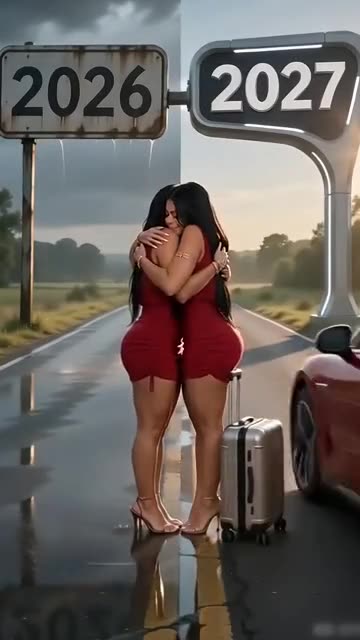
Start with a single portrait of a grown-up. The camera stays put while two of you meet under a road sign that reads 2026 on one side and 2027 on the other. You hug. Then the 2027 you climbs into a car and drives away, and the 2026 you waits beside a suitcase. Choose the sky, the outfit and the vehicle. Our clip carries only rain, a car door and an engine, so any trending sound can go on top in TikTok.
- 6s HD clip from $8.88 · bonus previews in every pack
- Takes 1 photo
- Vertical 9:16
- No watermark
TikTok
@m52e0cw9o3
Original trend on TikTok
The second half of this post is a tutorial. We recreate only the first 9 seconds.
This is the post that started it. Your clip is built from your own photo.
Something not right with your video? Write to support@ozil-goal-ai.app and a person will take a look.
Trending AI templates
More viral video templates you can make from your own photos. Credits work on every template.
Anima Christi Dance AI
5s · 1 photo
Crazy Frog AI Chase
15s · 1 photo

Dog Dance Crew AI
15s · 1 photo


What each template does
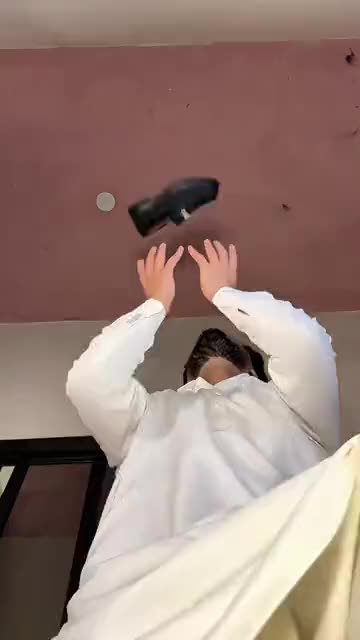
- Casa Tupka Transition: Hold a shoe up to the lens, and a beat later you are in a sharp new outfit. Build it from one photo.
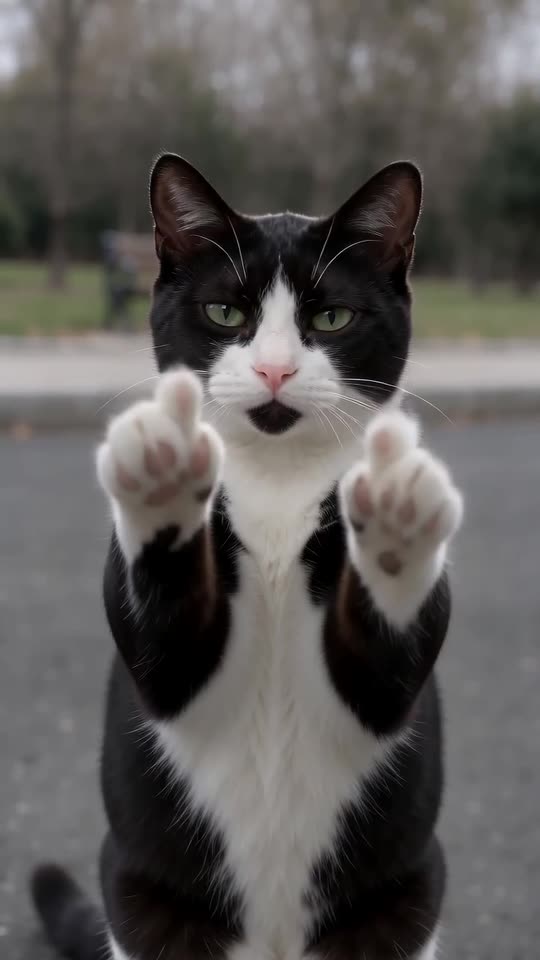
- Cat Middle Finger AI: A cat strolls up on two legs, sits sweetly, then raises both paws with one toe up and walks off. One photo, eight seconds.
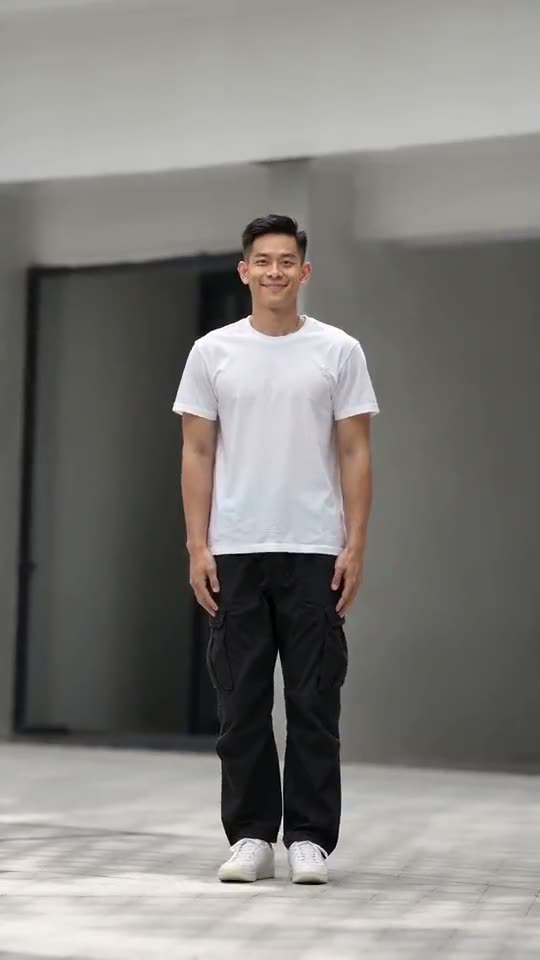
- Anima Christi Dance AI: One photo becomes a solo dance clip: sway, side step, knee-lift hops and a one-leg kick, filmed from the front.
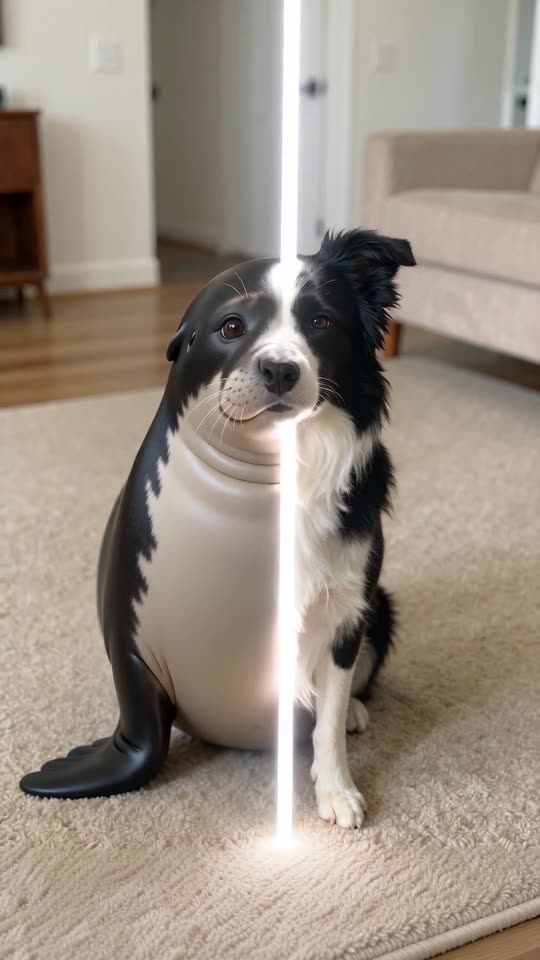
- Pet Seal Filter AI: Your dog or cat sits still, a bright line sweeps past, and a plump seal wearing your pet's face is sitting there instead.
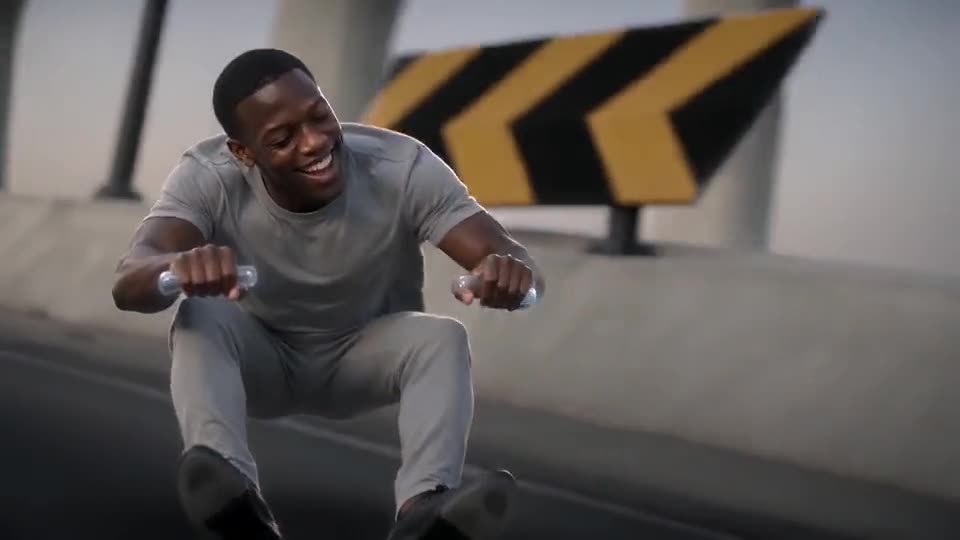
- Crazy Frog AI Chase: You're crouched on a bike that isn't there and the police are gaining. Needs 1 photo.
- Dog Dance Crew AI: Your dog or cat leads a four-pet line on a mirror-floor stage, bowing and shaking heads in time, from one photo.
- Punching Bag Dance: A heavy bag swings at the lens while the dancer behind it leans, spins and holds the beat. Build it from one photo.
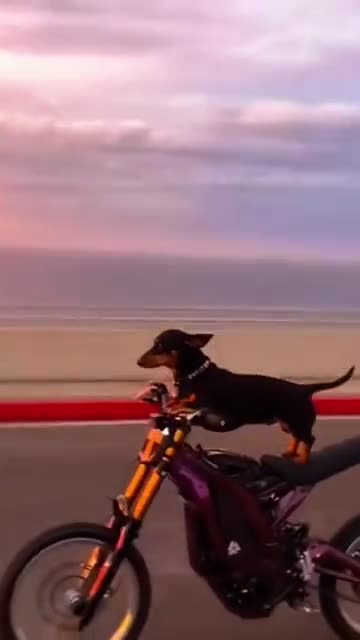
- Cat on Ultra Bee: A cat or dog on a dirt bike, a sunset road and the front wheel in the air. Build it from one pet photo.
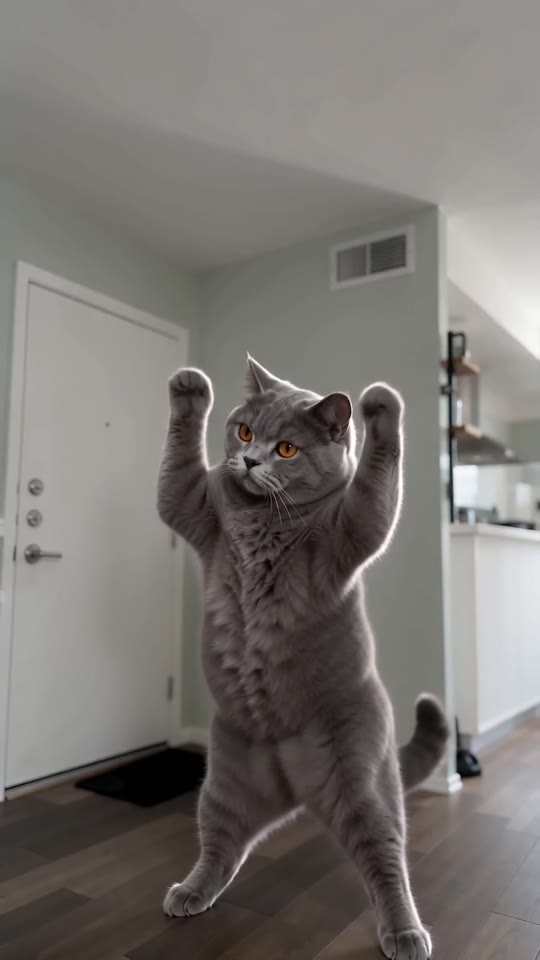
- Pet Rock Dance: A pet rises onto its hind legs and headbangs, fur flying, one paw in the air. Build it from one photo.
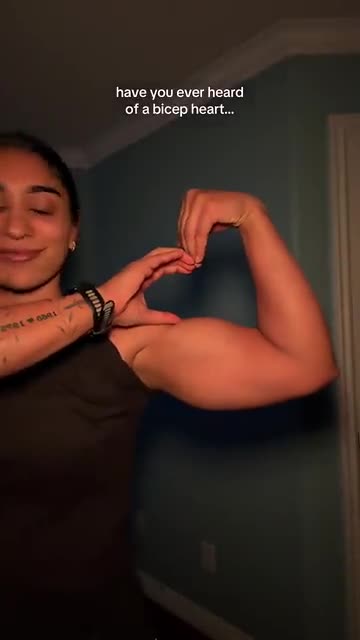
- Bicep Heart: A shy smile, one flexed arm and half a heart pressed against the bicep. A short selfie clip from one photo.
- Christmas Green Dress AI: A gown, a long train and a staircase full of wreaths. One photo does it.
- Lil T Jones Dance AI: A pet stands up in the living room and runs a whole routine: a shy giggle, a salute, kicks, a half turn and a wave. One photo, ten seconds.
Three steps from photo to goodbye
No camera, no editing app, nothing to type.
Choose a photo
Pick a sharp picture of one adult facing the lens, whole body if you have it. JPG, PNG or WebP, 10 MB at most.
Set the scene
Pick a sky, an outfit and a car, then tick the photo consent box and sign in with Google. Each pack comes with bonus 5-second previews, which lets you test the photo before a credit is spent.
Render and save
The full 6-second 720p clip takes 1 credit. You can leave the tab; the result is stored in My videos.
How to add the original sound in TikTok
Your video comes with an AI-made soundtrack. If you would rather use the trending sound, add it inside TikTok when you post. You can also save a copy without sound from My videos (Download without sound) and put the original sound on that.
- Open this clip in TikTok: our video follows it. Tap the sound name at the bottom, then tap Use this sound.
- Tap Upload and pick the video you downloaded from us.
- Open Volume and turn the video's own sound down to 0, or use the Download without sound copy from My videos.
- To line up the beat, use the scissors (trim) so the sound starts at 0 seconds, then post.

Need to move where the sound starts? This short video shows how to trim it.

Video: How To Trim Sound On TikTok 2026 (Very Easy) by Software Solutions on YouTube
Pay once, keep the clip
A full road sign video of 6 seconds costs 1 credit, and unused credits never expire.
1 credit
$8.88
Up to 1 video
Every template: 1 credit per full video
Includes 1 bonus preview
One-time payment, no subscription
- Most popularSave 37%
3 credits
$16.88
Up to 3 videos
Every template: 1 credit per full video
Includes 3 bonus previews
One-time payment, no subscription
- Best valueSave 42%
5 credits
$25.88
Up to 5 videos
Every template: 1 credit per full video
Includes 5 bonus previews
One-time payment, no subscription
- Secure checkout by Waffo
- Credits arrive instantly
- Unused packs refundable for 7 days
- Failed videos are refunded
Where this trend comes from
Use this sound: your video is timed to it, from 0s
@m52e0cw9o3 · TikTok · Nov 8, 2026 · The clip we follow: two identical people hug under a road sign reading 2026 and 2027, then the 2027 one drives off in a car while the 2026 one stays by a suitcase. The post runs about 28s and is followed by a phone tutorial; its caption says the scene is AI-generated. Our clip copies only the daytime version in the first seconds
Links open the original posts on their own platforms. We are not affiliated with these creators.
Questions about the 2026 to 2027 Road Sign video
Where did the 2026 to 2027 Road Sign clip come from?
Two identical people meet under a road sign that reads 2026 on one side and 2027 on the other, hug, and the 2027 one drives away in a car. The clip we copy was posted on TikTok on 8 November 2026. The what-is page tells the full story.
Do I need one photo or two?
One. The same person stands on both sides of the sign, so a single picture of one adult is all this template asks for, as JPG, PNG or WebP up to 10 MB. Looking for a two-person format? Browse all templates.
Can I use a selfie for the road sign clip?
Yes, as long as your face is sharp and nothing hides it. A close selfie crops out the clothes, though, so a waist-up or full-length photo gives a cleaner result. Mirror selfies with a phone in view often confuse the scene.
Which sound goes with the road sign trend?
Ours holds rain, a car door and an engine, and no song. The post that inspired it plays an original sound uploaded by a different TikTok account. Put that sound or a trending track on top inside TikTok, or begin with the silent copy from My videos.
Why not just use a CapCut template?
Posts about this trend often point to CapCut templates, which run inside that app on media you load and edit. Ozil Goal AI works in the browser: add one photo, choose three options, download a finished clip. If you like editing by hand, a template suits you better.
Is there a prompt box?
No. The road, the sign, the hug and the drive-off are built in. You supply the photo and choose weather, clothes and car. The what-is page lists the order of moments if you want to try the scene in another tool.
Do I pay anything to try it?
Yes. There is no trial tier: a full 6-second 720p clip takes 1 credit, and packs start at $8.88. Every pack also includes bonus previews for testing your photo first. Payment is one-off, nothing renews, and the full video carries no watermark.
How long does it take to render?
Usually two to four minutes. Close the tab if you like; the finished video waits in My videos under your account.
More questions (7)
What can I change in the scene?
Three presets shape the look. Sky: rain turning to sun (default), street lamps at night, snowfall, sunset glow or morning mist. Outfit, identical on both selves: your own, a red dress, a denim jacket, a dark suit or a long coat. Car: red sedan (default), black, white, open convertible or yellow taxi. Camera, timing and price never change.
Can a pet take part?
No. The template is built around a single adult; pets, toys, drawn characters and minors are not supported.
Is the hug real footage?
No. Both versions of you, the road, the sign and the car are generated from your photo, and nothing was filmed. Leave the platform's AI label switched on when you post.
Can I post the clip on TikTok, Reels or Shorts?
Yes. It is vertical 9:16, which fits all three, and the full video has no watermark. Download it from My videos and add your sound inside the app.
How is this different from New Year 2027?
New Year 2027 is the mountain-top cousin, where four giant digits get climbed. Here you only say goodbye, on a flat road beneath one sign.
Is there any link to the person who posted the original?
No. Ozil Goal AI runs on its own. Your clip comes from your own photo with none of the original footage, and the account behind the TikTok post did not make, endorse or license it.
What if a render fails, and how long do you keep my photo?
If a render fails, its credit returns by itself. Unopened packs qualify for a refund inside 7 days, per the refund policy. Photos stay private and are deleted after 14 days; the privacy policy has the details.
Road sign guides
Two short pages: what the trend is, and how to make it.
Questions? Email support@ozil-goal-ai.app.
Ozil Goal AI is an independent site and is not affiliated with or endorsed by whoever posted the original clip, TikTok or anyone shown in it.