Turn One Photo Into a Shaking Head Video
Also called: Cat Shaking Head, Cow Shaking Head, Shaking Head Trend, Smug Head Shake, Dog Shaking Head, Pet Shaking Head AI
A fixed close-up of your pet, an adult friend or you: eyes shut, a pleased little smile, the head swaying slowly. Then the eyes pop open and the tongue shoots toward the lens, and the whole thing runs once more. One photo is the only input, and every pack brings bonus previews so you can test it first.
- 7s HD clip from $8.88 · bonus previews bundled with each pack
- 9:16 or 16:9
- Full video, no watermark
- No subscription
 Made with Ozil Goal AI
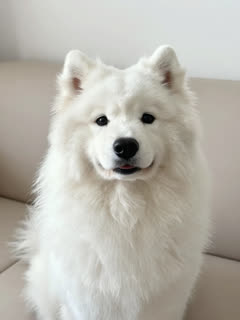
A sample frame; your result is built from your own photo.
Something not right with your video? Write to support@ozil-goal-ai.app and a person will take a look.
Trending AI templates
More viral video templates you can make from your own photos. Credits work on every template.
What each template does
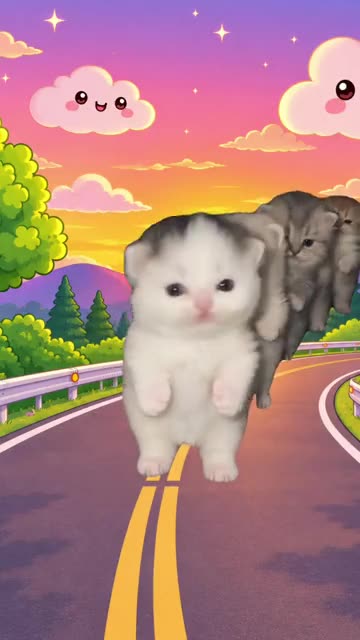
- Kiat Jud Dai Kitten Parade: A cartoon sunset road and a line of tiny look-alikes marching upright. Build it from one pet photo.
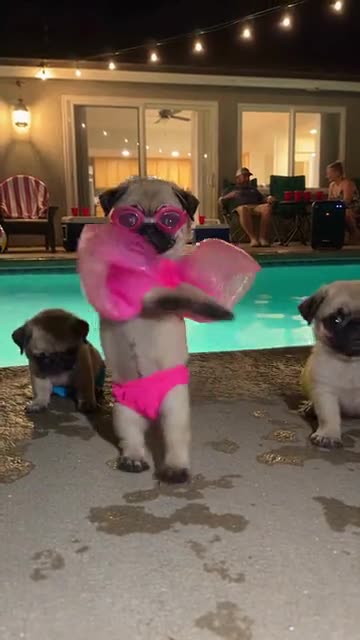
- Dog Pool Party: A pet in swimwear rises onto its hind legs, wiggles and spins. Build it from one photo.
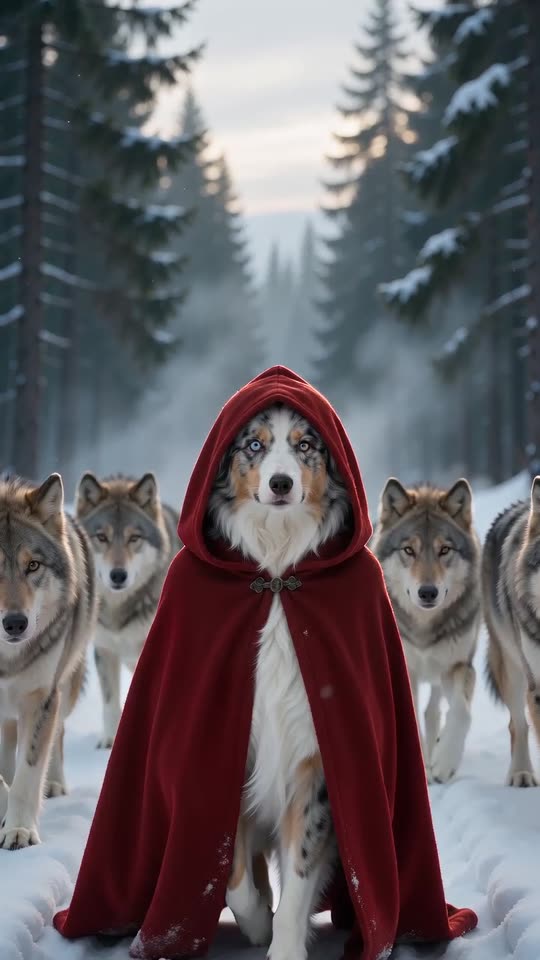
- Red Riding Hood AI: A red hooded cloak, a snowy forest and a calm pack of wolves at your side. One photo, ten seconds.
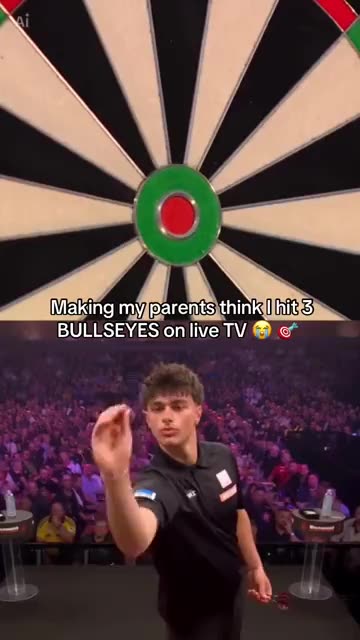
- Darts Bullseye AI: Three darts in the red, a big stage and a roaring crowd. A split-screen darts moment from one photo.
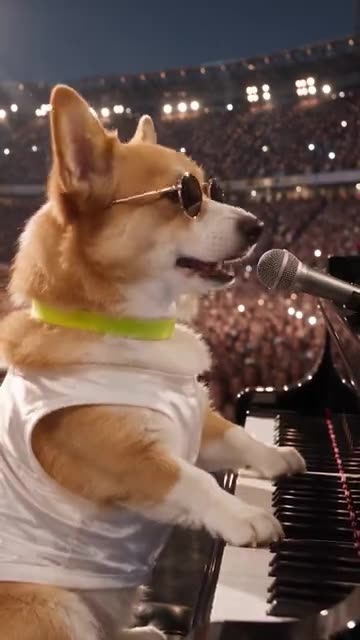
- Dog Bohemian Rhapsody: A pet in sunglasses sings at a grand piano while a stadium crowd waves its lights. Build it from one photo.
- Jingle Bell Rock Dance AI: Shoulder rolls, waves and claps in the snow. Person or pet, one photo.
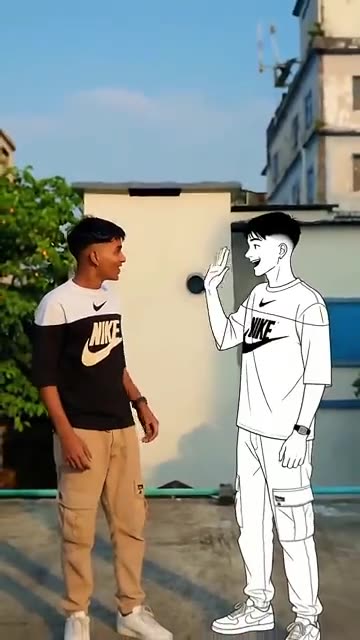
- Dance With Cartoon Self: You and a drawn twin of yourself wave hello, then dance the same steps side by side. Start from one photo.
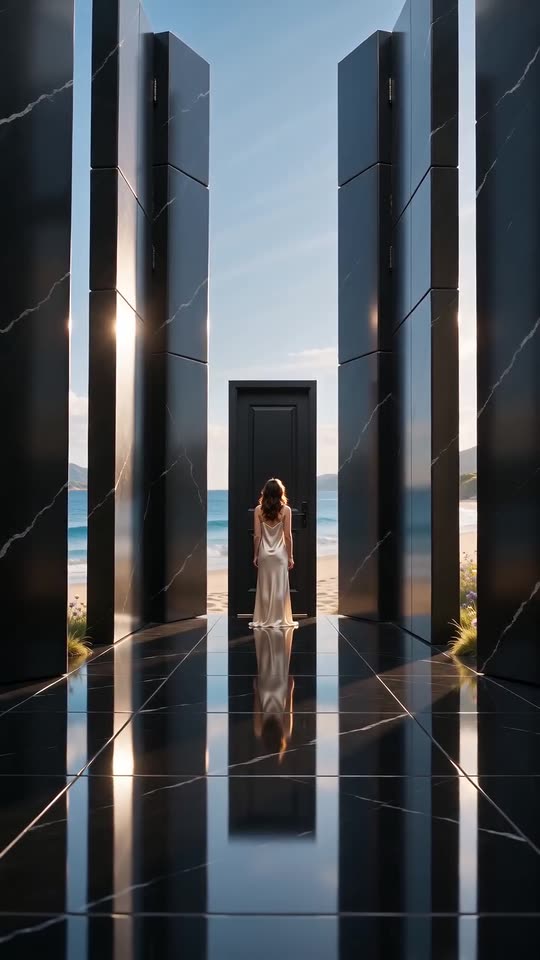
- Closed Door AI: One locked door, a long dark hall and walls that open onto the light. A quiet, emotional clip from one photo.
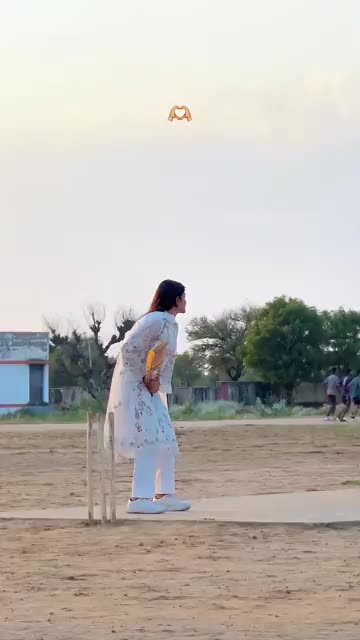
- Cricket Six: You take guard, swing a cricket bat hard and watch the ball leave the frame for a six. Start from one photo.
- Pet Rock Dance: A pet rises onto its hind legs and headbangs, fur flying, one paw in the air. Build it from one photo.
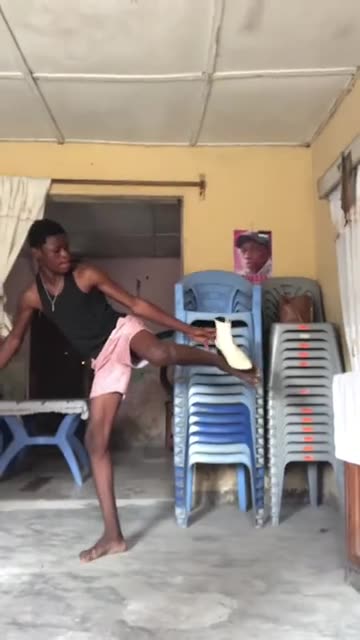
- Bibou Transition: A high kick, a flying shoe and a hard cut to a whole new outfit. Build it from one adult photo.
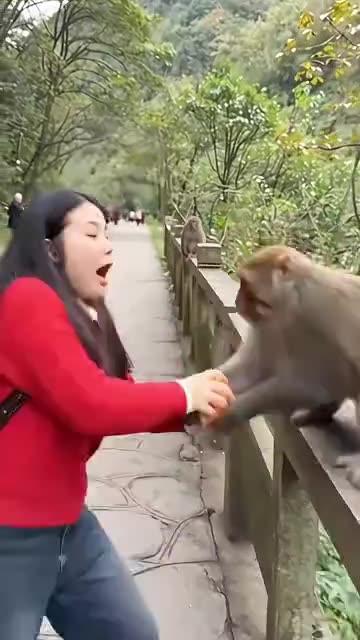
- Monkey Steals Apple: A monkey snatches the apple from your hand on a mountain road. Build it from one photo of an adult.
Two clips: the sway, then the stare
Both clips below came out of Ozil Goal AI. The starting images are AI-made pictures, one of an invented man and one of a Samoyed, so nobody real appears. Your own photo will give different details.
- Made with Ozil Goal AI
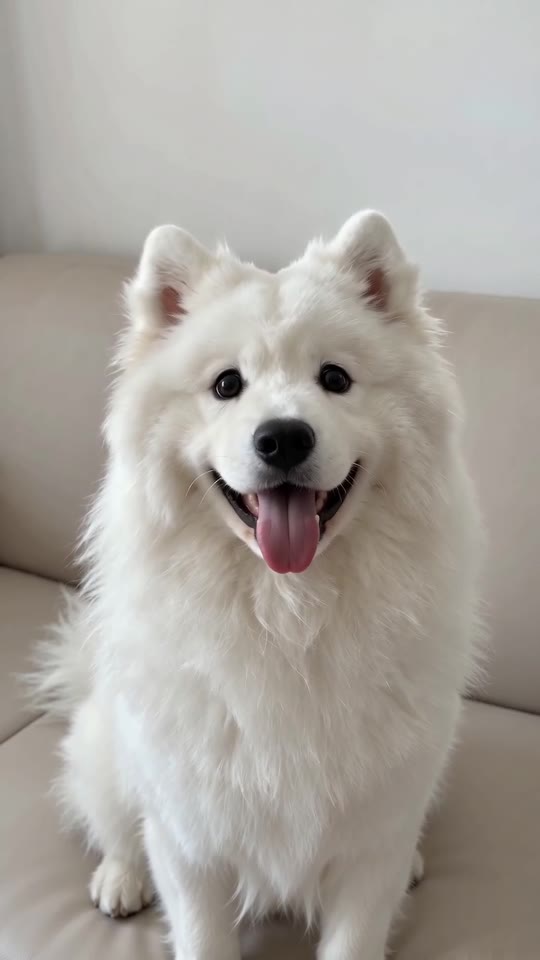
Samoyed on a sofa: squint first, tongue second
On a beige sofa, a fluffy white Samoyed rocks its head with shut eyes, then opens them wide and pokes its tongue toward the camera. The routine repeats. The dog is fictional and so is the AI-made input photo.
Place: My photo's place · Outfit: My own clothes
Inputs7s, 720p, AI-generated audio · Made 2026-10-29
Generated with Ozil Goal AI
The soundtrack is AI-made and may carry invented vocals. It is not the original recording.
Example people are fictional.
- Made with Ozil Goal AI
A man copies the sway and the stare
Sitting in a grey sweatshirt, a man sways with his eyes closed and a smug smile, then snaps them open and sticks his tongue out at the lens, two times in a row. The man and his input photo are AI-generated.
Place: My photo's place · Outfit: My own clothes
Inputs
7s, 720p, AI-generated audio · Made 2026-10-29
Generated with Ozil Goal AI
The soundtrack is AI-made and may carry invented vocals. It is not the original recording.
Example people are fictional.
Many sites show videos downloaded from TikTok as their examples. Every example here was generated on Ozil Goal AI from one photo, so the output you see is the output you get.
These are illustrations, not a promise of identical output; your photo changes the faces, the motion and the sound.
Where this trend comes from
Use this sound: your video is timed to it, from 0s
@baller213465 · TikTok · Oct 20, 2026 · 2.4M views · The clip we follow: the cat version. Our video matches its first 6.9 seconds of the 10-second post, and its sound starts at 0s- @melvdih · TikTok · Oct 19, 2026 · 6M views · Where the wave started: the calf version
- @lemonglow83 · TikTok · Oct 24, 2026 · 792K views · Tutorial: a CapCut template that swaps in your own person or pet
Links open the original posts on their own platforms. We are not affiliated with these creators.
Three steps from photo to Shaking Head clip
Nothing to film, edit or write.
Upload a photo
Choose one sharp picture of your pet, an adult friend or yourself. The face and upper chest should show, eyes open. JPG, PNG or WebP, 10 MB at most.
Pick the setup
Select 9:16 or 16:9, keep your photo's background or switch to a bed, sofa or kitchen, tick the consent box and sign in. A pack brings 5-second bonus previews.
Render the full clip
One credit makes a 7-second 720p video. Save it, then add the trending sound in TikTok so that it begins at 0 seconds.
How to add the original sound in TikTok
Your video comes with an AI-made soundtrack. If you would rather use the trending sound, add it inside TikTok when you post. You can also save a copy without sound from My videos (Download without sound) and put the original sound on that.
- Open this clip in TikTok: our video follows it. Tap the sound name at the bottom, then tap Use this sound.
- Tap Upload and pick the video you downloaded from us.
- Open Volume and turn the video's own sound down to 0, or use the Download without sound copy from My videos.
- To line up the beat, use the scissors (trim) so the sound starts at 0 seconds, then post.

Need to move where the sound starts? This short video shows how to trim it.

Video: How To Trim Sound On TikTok 2026 (Very Easy) by Software Solutions on YouTube
Credit packs, paid once
Each full 7-second video costs one credit, and you pay for nothing else.
1 credit
$8.88
Up to 1 video
Every template: 1 credit per full video
Includes 1 bonus preview
One-time payment, no subscription
- Most popularSave 37%
3 credits
$16.88
Up to 3 videos
Every template: 1 credit per full video
Includes 3 bonus previews
One-time payment, no subscription
- Best valueSave 42%
5 credits
$25.88
Up to 5 videos
Every template: 1 credit per full video
Includes 5 bonus previews
One-time payment, no subscription
- Checkout handled by Waffo
- Credits arrive instantly
- Unused pack? Refund within 7 days
- Failed renders are refunded
Shaking Head AI: common questions
Where did the Shaking Head AI trend start, and what is it?
It is a fixed close-up of a face, usually a cat or a calf. The head rocks with the eyes shut and a self-satisfied smile, then the eyes fly open and the tongue comes out at the camera. In AI versions your pet or you take the starring part. Dates and details are in the explainer guide.
How do I turn my own photo into this video?
Upload one picture of your pet or an adult, keep its background or choose another, test it with a 5-second bonus preview, then spend 1 credit on the 7-second 720p video. No prompt is needed. Each step is spelled out in the how-to guide.
Is any part of it free?
No. Ozil Goal AI has no free tier and no free preview. One full 7-second 720p video costs 1 credit, and packs start at $8.88. Each pack adds bonus previews so you can test photos before spending a credit. Nothing renews, and finished videos have no watermark.
Will the original sound line up with my video?
Yes, when you start it at 0 seconds. The video tracks the first 7 seconds of the @baller213465 cat clip. In TikTok, open that clip, tap its sound and use it on your upload, and the first wide-eyed stare lands on the same beat.
Which TikTok sound does the trend use?
The cat clip we follow uses a TikTok sound named “original sound I.d.k NAME”, and copies made later keep it. Our video leaves it out; the sound guide explains how to add it yourself.
Does my download contain that sound?
No. Every run brings freshly made AI music that can include invented vocals or wordless noises, and the original recording is never used. TikTok is where you add the trending sound, since it holds the license. A silent file is also offered.
Is the viral caption text added to my video?
No. Posts online show a caption on top, yet your file has no text at all. Write whatever caption you like in TikTok or CapCut at posting time.
Is this connected to CapCut or the people who posted the trend?
In our notes, a CapCut template for this look is in circulation, and a 24 October tutorial post shows a person and a pet being swapped in. Ozil Goal AI is an independent template tool whose videos come from your own photo; they are not made, endorsed or licensed by CapCut, TikTok or the accounts behind the trend.
More questions (8)
Is one photo enough, or do I need more?
One is enough. The template has a single role, the head-shaker, so a sharp photo of one pet or one adult facing the lens with open eyes is all it takes. Two animals or two people in the same photo confuse the result.
Does it work with my pet's photo?
Yes. Cats and dogs are the usual stars, though any animal with a visible face can work. Only the head and face move while the paws stay put. Toys, drawings and kids are refused.
How long is the clip, and does it have a watermark?
It runs 7 seconds, in tall 9:16 or wide 16:9. The full 7-second 720p video has no watermark, and neither does a bonus preview, which you can download too.
Can I swap the room or the clothes?
Yes. Backgrounds: your photo's own (the default), a bed, a sofa or a kitchen. Clothes: your own (the default), a pastel hoodie or a cream knitted sweater, scaled down for a pet. Movement and timing stay as they are.
Is there a CapCut template for this trend, and how is this different?
A CapCut template for this trend does exist. It runs inside that app, whereas Ozil Goal AI works on the web from one photo and returns a finished 7-second video, with bonus previews in every pack. The comparison weighs the two.
Is a written prompt part of the process?
No. The scene is fixed, so there is no prompt box: you add a photo and choose the place, the outfit and the format. If you would rather use another tool, copy the ready-made prompt from the Kling prompt page.
If a render fails, what happens, and how long are my photos kept?
If a render fails, the credit returns by itself; an unopened pack can be refunded inside 7 days (refund policy). Photos are kept privately and erased 14 days after upload.
Were these examples really generated on Ozil Goal AI?
Yes. Each passed through the Ozil Goal AI generator, beginning with the input photos shown on its card. Those pictures are AI-made and show no real person or pet. Another creator's video is never used as an example, and yours will differ in the details.
Guides for this trend
One question per page, answered briefly.
Fix a problem
Prompts to copy
Comparisons
Want your own smug sway?
Start with a single photo, test it on a bonus preview, then render your Shaking Head video.
Make my videoQuestions? Email support@ozil-goal-ai.app.
Ozil Goal AI is a separate, independent AI tool built for template videos. Shaking Head is a meme name used across the internet, and Ozil Goal AI is not affiliated with or endorsed by CapCut, TikTok or the accounts that posted it. Every video is AI-generated from the user's own photo.