Chipmunks Dance AI Video Generator: Spin, Swap, Jump
Also called: Chipmunks Dance Trend, Chipmunk Dance Trend, Chipmunks Spin Dance, Chipmunks Trio Dance, Chipmunks Dance AI Trend, Three Person Spin Dance
Add one photo, or up to three, and Ozil Goal AI stages the dance on an outdoor court at sunset. The dancers stand in a row and spin, circle a finger beside the head, trade places, spin again and finally run at the camera for a jump with hands up. The clip lasts 15 seconds in 9:16 or 16:9. Choose the place, the outfits, the sky and how it ends.
- 15s HD clip from $8.88 · bonus previews in every pack
- 1 to 3 photos
- 9:16 or 16:9
- No watermark
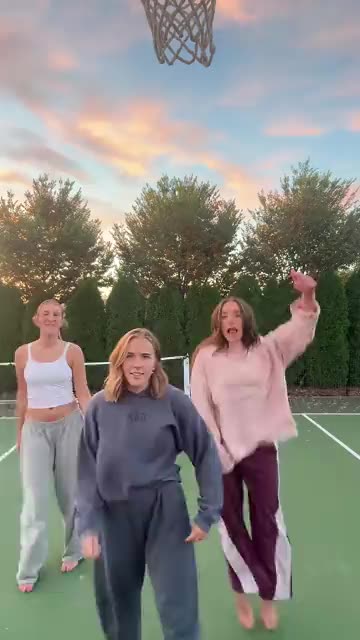
TikTok
@bopieandjo
Original trend on TikTok
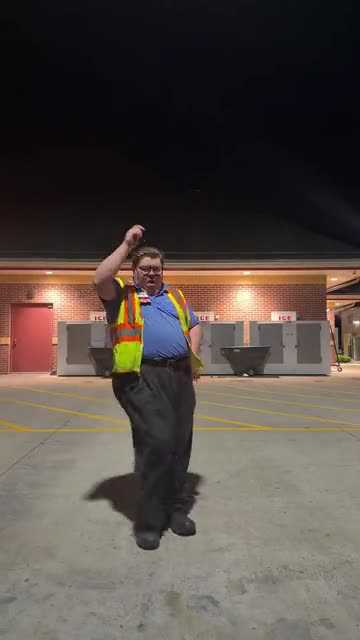
The post behind this template, played straight from TikTok. Your clip is built from your own photos.
Something not right with your video? Write to support@ozil-goal-ai.app and a person will take a look.
Trending AI templates
More viral video templates you can make from your own photos. Credits work on every template.
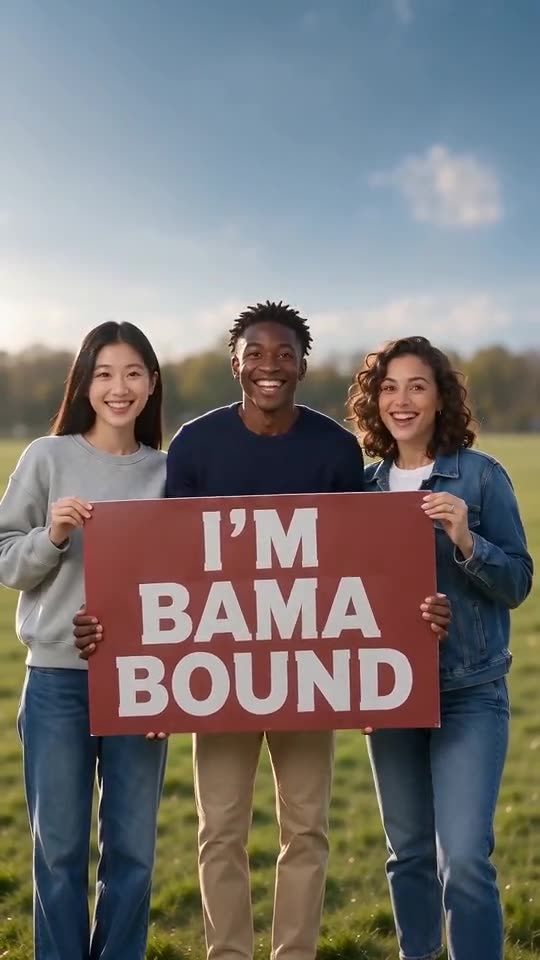
Bama Bound AI
12s · 1–2 photos
What each template does
- Bama Bound AI: Friends or pets hold a red sign on a lawn, raise it overhead, scream and jump, all made from one to four photos.
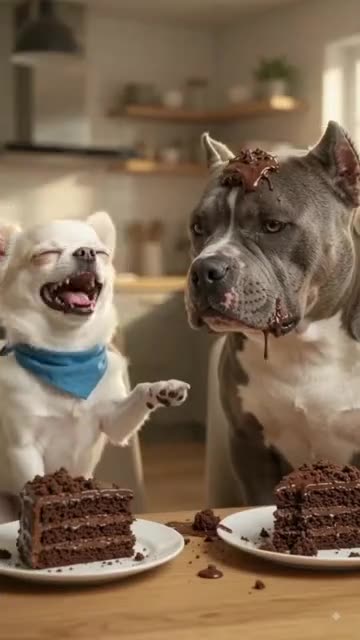
- Dog Cake Smash AI: One pet flicks cake, the other wears it, then payback arrives. A single photo can start the fight.
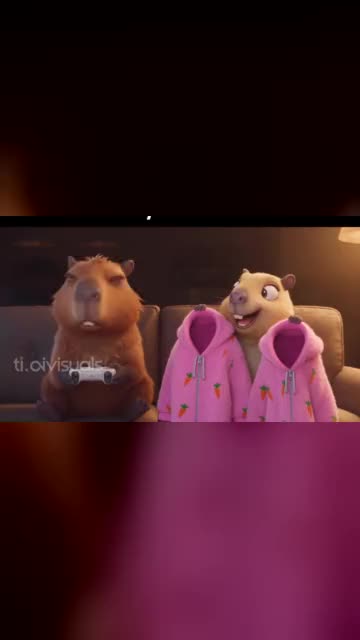
- Capybara Couple: Turn you and your partner, or your pets, into a cartoon capybara couple on the sofa. Build it from two photos.
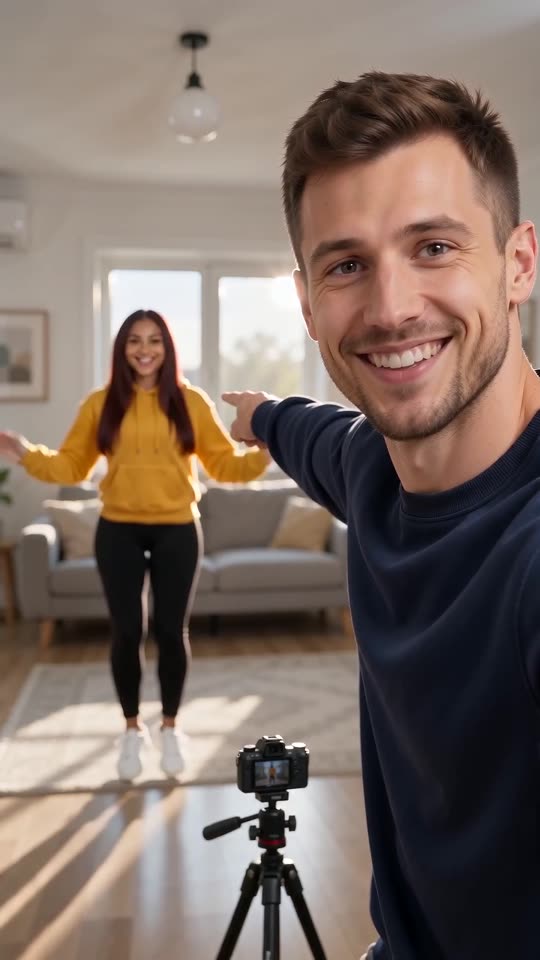
- Hop Hop Hop Dance: One points at the lens, one hops far behind, then a cut swaps them. Two photos, eight seconds.
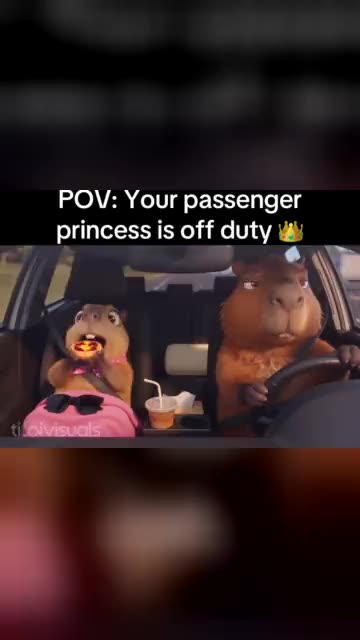
- Passenger Princess AI: A serious driver, a pink blanket and a passenger who is clearly off duty. A road-trip comedy from your photos.
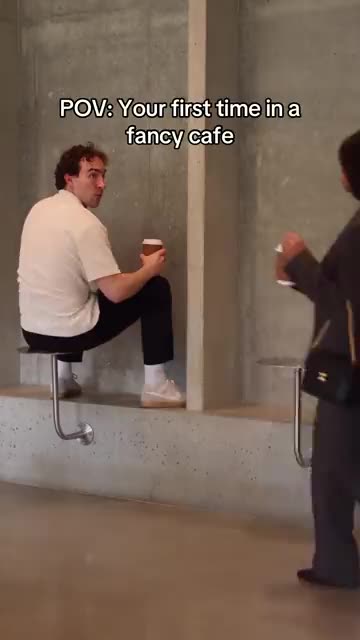
- Fancy Cafe POV AI: A tiny steel table mistaken for a stool, a calm regular and a coffee on the wrong table. A cafe comedy from your photos.
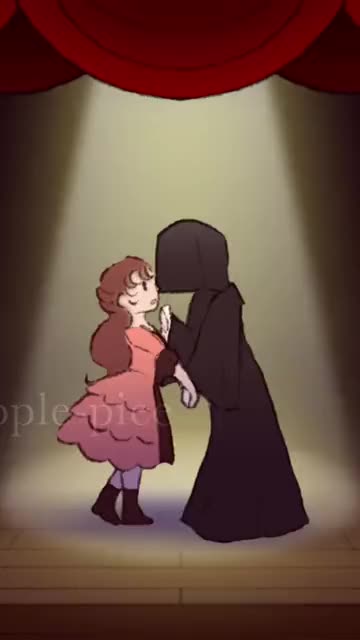
- Last Dance: Two dancers hold hands under a spotlight, spin, pull close and push apart. Cast it with two photos.
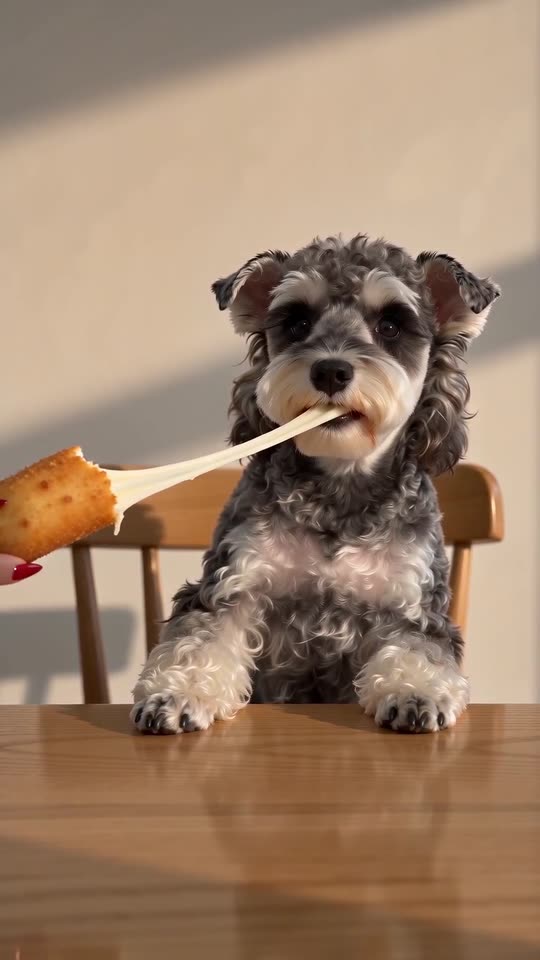
- Cardo Dinner AI: A hand with long red nails feeds you a giant cheese stick, and the cheese will not stop stretching. One photo, ten seconds.
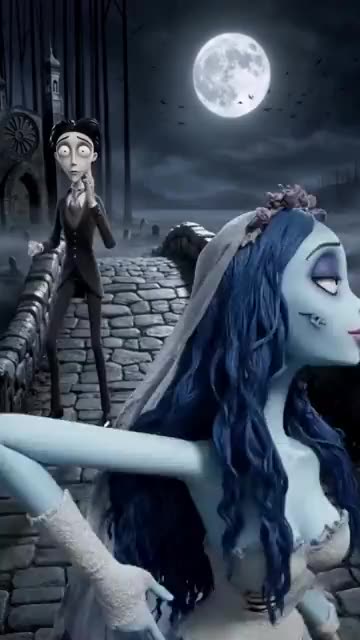
- Corpse Bride AI: A pale bride, a dizzy groom and a moonlit stone bridge. A gothic stop-motion puppet clip from your photos.
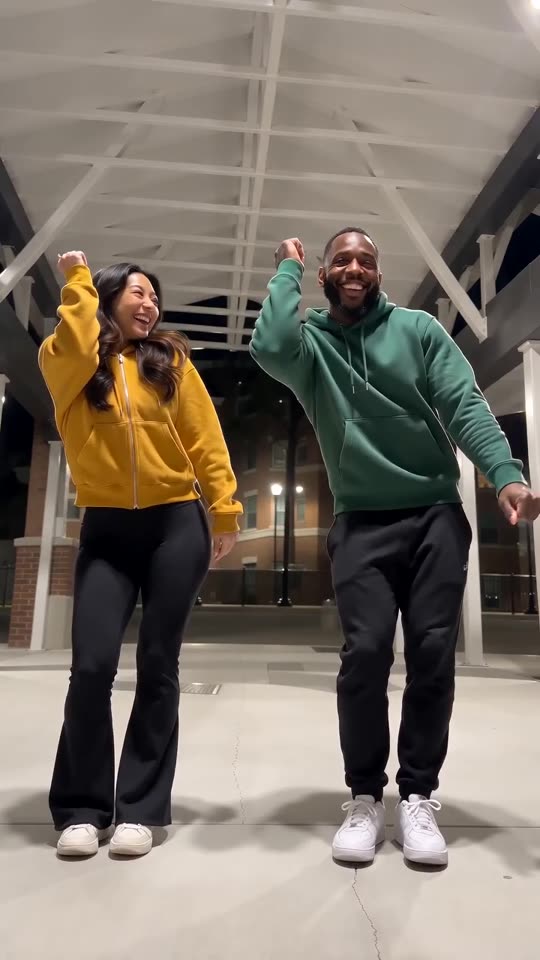
- Puerto Rican Mami Dance AI: Two dancers share a night-time walkway and trade sides on the beat, all made from two photos.
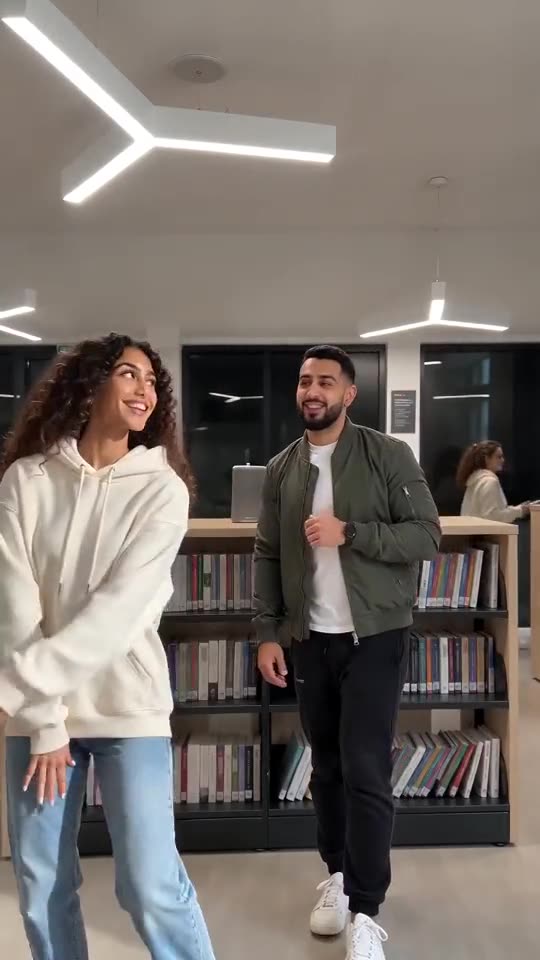
- Ba Ba Ba Dance AI: Two pictures become a library duo: both dancers side by side, then a solo each, timed to the beat.
- Deck the Halls Dance AI: Stomps, a fist, a spin and a big finish. One or two photos.
Three steps from photos to the dance
You film nothing and type nothing.
Add your photos
The first photo is the lead dancer in the middle. Add up to two more for the dancers on either side, or leave those slots empty. Sharp, front-facing, full-length shots work best. JPG, PNG or WebP, 10 MB per file.
Set the scene
Choose a place, outfits, a sky and a finish, tick the consent line and sign in with Google. Packs bring bonus 5-second previews, so you can check the faces before a credit goes.
Render and post
The 15-second 720p version uses 1 credit. Leaving the tab is fine, as the result waits in My videos. Add your sound inside TikTok.
How to add the original sound in TikTok
Your video comes with an AI-made soundtrack. If you would rather use the trending sound, add it inside TikTok when you post. You can also save a copy without sound from My videos (Download without sound) and put the original sound on that.
- Open this clip in TikTok: our video follows it. Tap the sound name at the bottom, then tap Use this sound.
- Tap Upload and pick the video you downloaded from us.
- Open Volume and turn the video's own sound down to 0, or use the Download without sound copy from My videos.
- To line up the beat, use the scissors (trim) so the sound starts at 0 seconds, then post.

Need to move where the sound starts? This short video shows how to trim it.

Video: How To Trim Sound On TikTok 2026 (Very Easy) by Software Solutions on YouTube
One credit per dance
Pay for the clips you make. One 15-second Chipmunks Dance video takes 1 credit, and credits you do not use stay valid.
1 credit
$8.88
Up to 1 video
Every template: 1 credit per full video
Includes 1 bonus preview
One-time payment, no subscription
- Most popularSave 37%
3 credits
$16.88
Up to 3 videos
Every template: 1 credit per full video
Includes 3 bonus previews
One-time payment, no subscription
- Best valueSave 42%
5 credits
$25.88
Up to 5 videos
Every template: 1 credit per full video
Includes 5 bonus previews
One-time payment, no subscription
- Secure checkout by Waffo
- Credits arrive instantly
- Unused packs refundable within 7 days
- Failed renders are refunded
Where this trend comes from
Use this sound: your video is timed to it, from 0s
@bopieandjo · TikTok · Oct 27, 2026 · The post we follow: three sisters in a row on an outdoor green court at sunset spin, draw circles in the air with a finger, swap places and dance to the end. It runs 25s and had about 15,000,000 plays on 12 November 2026. The caption tags #chipmunksdance and #youspinmeround, the sound is listed as an original sound from another account, and the post shows no AI label.- @kimberlykimpena · TikTok · Oct 29, 2026 · The same dance by three people in matching Halloween costumes, indoors. About 13,400,000 plays on 12 November 2026. The caption tags #alvinandchipmunks, and the post shows no AI label.
- @ablitwinz · TikTok · Oct 29, 2026 · A shorter version of the same moves, 12s with about 2,700,000 plays on 12 November 2026. The caption tags #alvinandchipmunks, and the post shows no AI label.
Links open the original posts on their own platforms. We are not affiliated with these creators.
Chipmunks Dance: common questions
Where did the Chipmunks Dance trend come from?
The post we follow is from 27 October 2026 and had about 15 million plays on 12 November. Two more posts from 29 October show the same dance. We cannot say who did it first, only that these were the biggest we found.
What happens in the dance?
The dancers stand in a row and spin on the spot, then spin faster while drawing circles with a finger beside the head. The outer two cross to the other side, everyone spins again and they run at the camera and jump. The explainer has the beats.
How many photos do I need, one or three?
One is enough. The first photo is the lead dancer in the middle, and two optional photos add the dancers beside them. Each photo shows one adult, pet, toy or drawn character, as JPG, PNG or WebP up to 10 MB. Nobody under 18.
Can I start from one selfie?
Yes. A single selfie gives you the full routine as the lead dancer, and you can add up to two more photos for company. The face should be sharp and turned to the lens, ideally in a full-length shot.
Can my dog or cat dance too?
Yes. An animal rises onto its hind legs and spins like a person, and a mix of people and pets works. Pets vary most between runs, so look at a bonus preview first. Toys and drawn characters are accepted as well.
Which sound goes with it, and will the spins land on the beat?
The most-played post lists an original sound, and its caption tags the Dead or Alive song You Spin Me Round. Several posts also tag Alvin and the Chipmunks. Our file holds a generated beat, so add your sound in TikTok and slide it until the first spin lines up.
Is a CapCut template better for this dance?
A CapCut template re-times footage you filmed yourself, so you need real dancers and a court. Ozil Goal AI builds a new clip from photos in the browser, with no filming and no app, but you cannot direct the exact steps.
Must I write a prompt?
No. The camera, the steps and the timing are fixed. You add photos and pick four short presets: place, outfit, sky and finish. There is no text box, and the caption on the original is not copied.
More questions (7)
Do I pay for each dance clip?
Yes. There is no trial tier: a full 15-second 720p clip takes 1 credit, and packs start at $8.88. Every pack adds bonus previews for testing your photos first. Nothing renews monthly, and the download has no watermark.
How long is the clip, and how long until it is ready?
The full clip runs 15 seconds, which covers the first part of the 25s post we follow. Rendering usually takes a few minutes, and if you close the tab the finished video waits in My videos.
What can I change?
Four preset groups: place, outfit, sky and finish. Places include a court, yard, field, beach, rooftop and park. The finish can be a rush at the camera, a jump on the spot, a close-up pose, a spin or a bow. The price stays the same.
Can I post the result on TikTok or Reels?
Yes. Pick 9:16, upload the file and add your sound inside the app. Because the clip is synthetic, leave the platform's AI label on when you publish.
Why is it called the Chipmunks Dance?
Several posts tag the dance with the cartoon group Alvin and the Chipmunks, which is how the name spread. We cannot say who named it first.
Is Ozil Goal AI connected to the dancers, TikTok or the Chipmunks?
Ozil Goal AI is an independent site, so a clip built from your photos is not made, endorsed or licensed by the people in the original posts, TikTok, Alvin and the Chipmunks or Dead or Alive.
What if the render fails, and how long are photos stored?
A failed render returns its credit by itself. A pack you never opened can be refunded within 7 days under the refund policy. Photos stay private and are erased after 14 days, per the privacy policy.
Chipmunks Dance guides
Two short pages: what the dance is, and how to make yours.
Questions? Email support@ozil-goal-ai.app.
Ozil Goal AI is an independent site and is not affiliated with or endorsed by Alvin and the Chipmunks, Dead or Alive, the accounts that posted the dance clips or TikTok, and no footage or sound from the original is used.