Dog Dance Crew AI Video Generator
Also called: When Your Dog Assembles His Crew, Dancing Puppy Crew, Dog Dance Crew Trend, Dog Crew Dance, Dog Crew AI, Dog Assembles His Crew
Send a photo of your dog or cat and it steps into second place in a four-animal dance line on a mirror-floor stage: a synchronized dip, nods that grow into big head swings, then a panting grin. The timing follows the original post, so the TikTok sound lands on the beats. Bonus previews ship with every pack.
- 15s HD video from $8.88 · every pack includes bonus previews
- 9:16 or 16:9
- Full video, no watermark
- No subscription
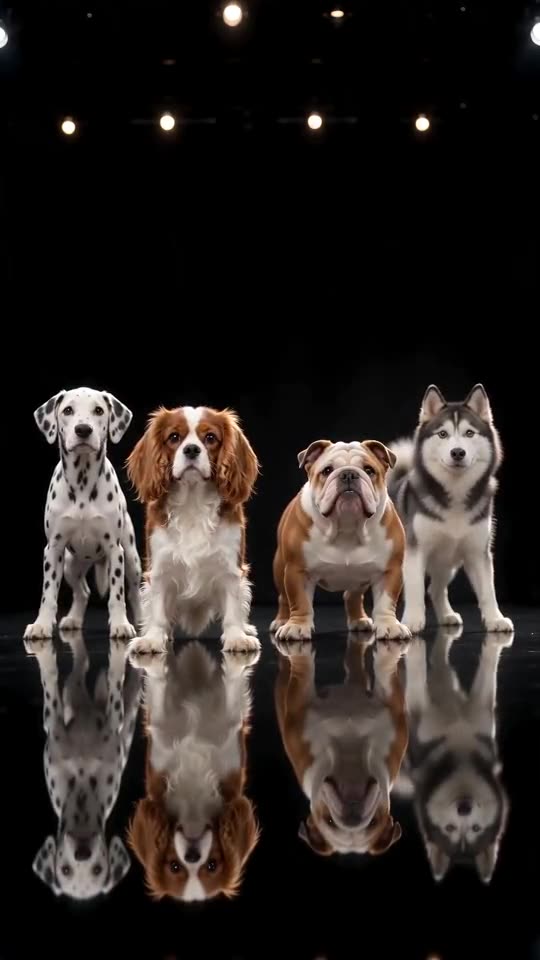 Made with Ozil Goal AI
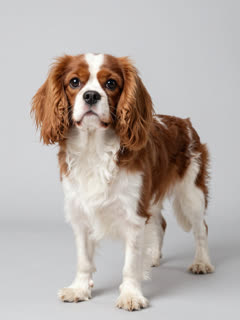
A still from an example video; yours is made from your photo.
Something not right with your video? Write to support@ozil-goal-ai.app and a person will take a look.
Trending AI templates
More viral video templates you can make from your own photos. Credits work on every template.
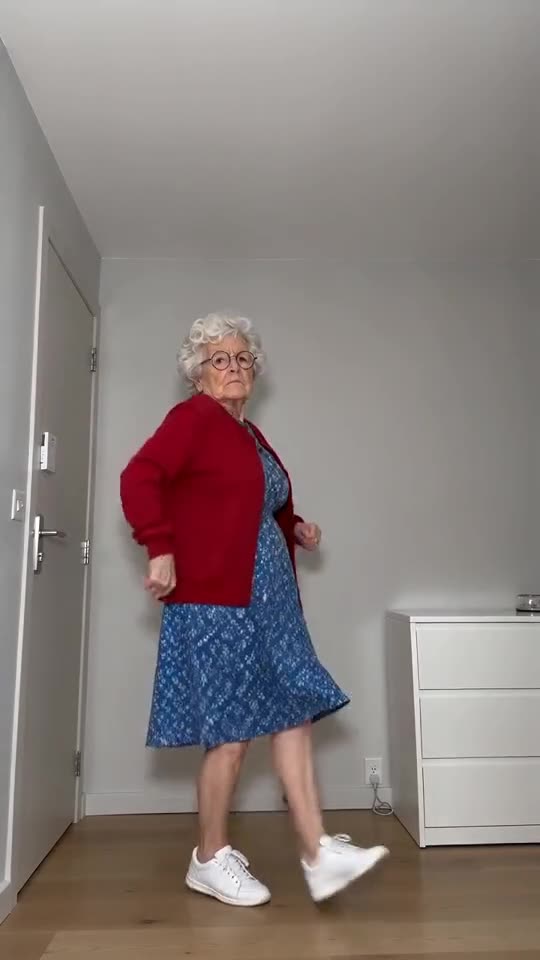
Toc Toc Dance Maker
11s · 1 photo
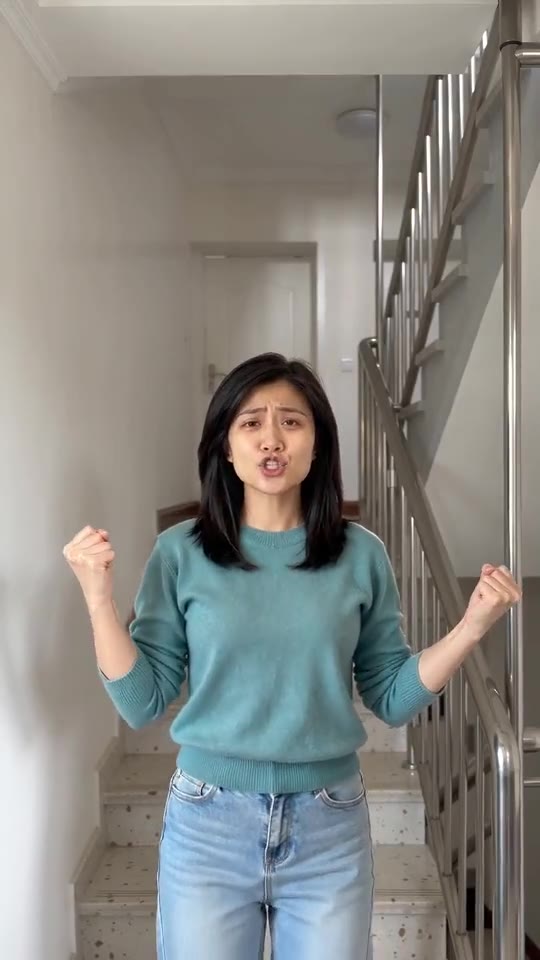
I'm So In Love With You, the AI Dance
8s · 1 photo
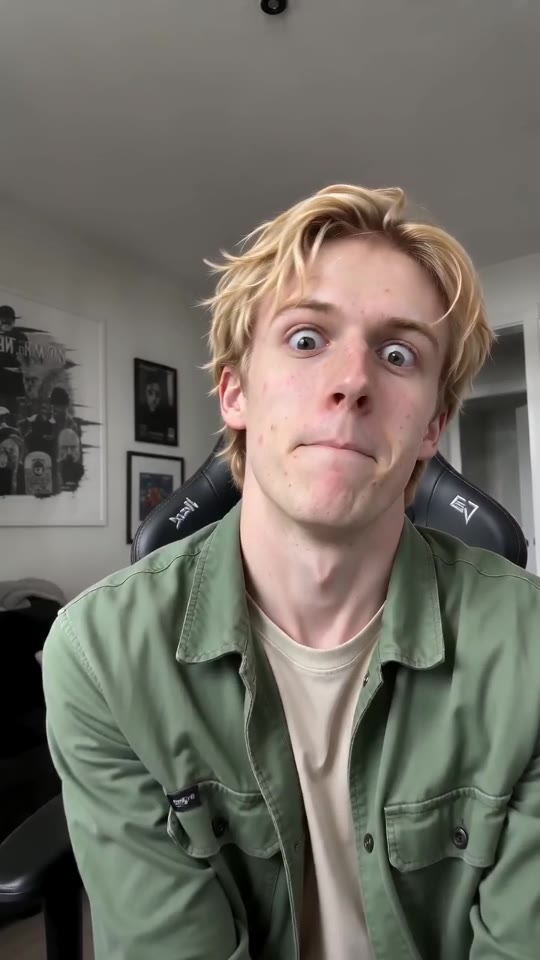
ABCDEFG Money Lip-Sync Clip Maker
11s · 1 photo
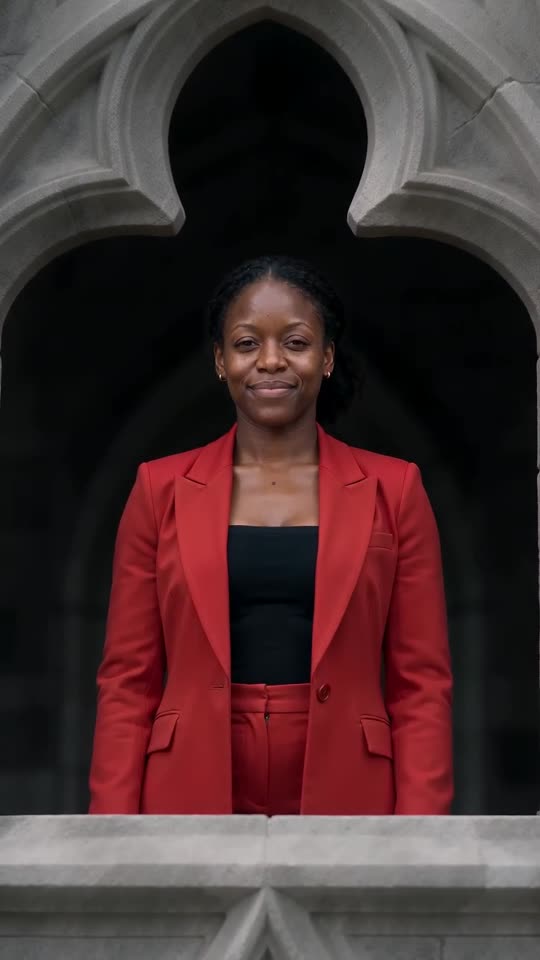
Stones to Castle AI
15s · 1 photo
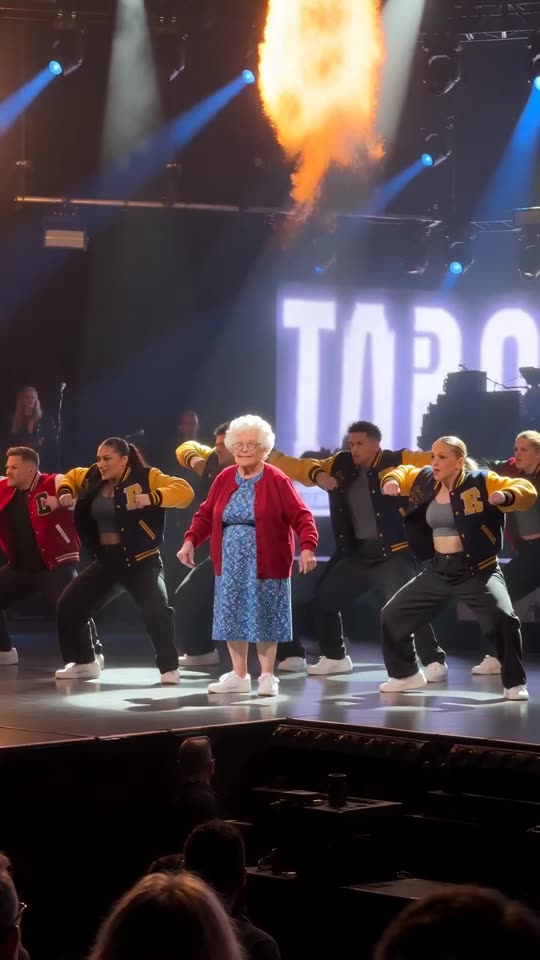
Talk Dirty AI Dance
15s · 1 photo
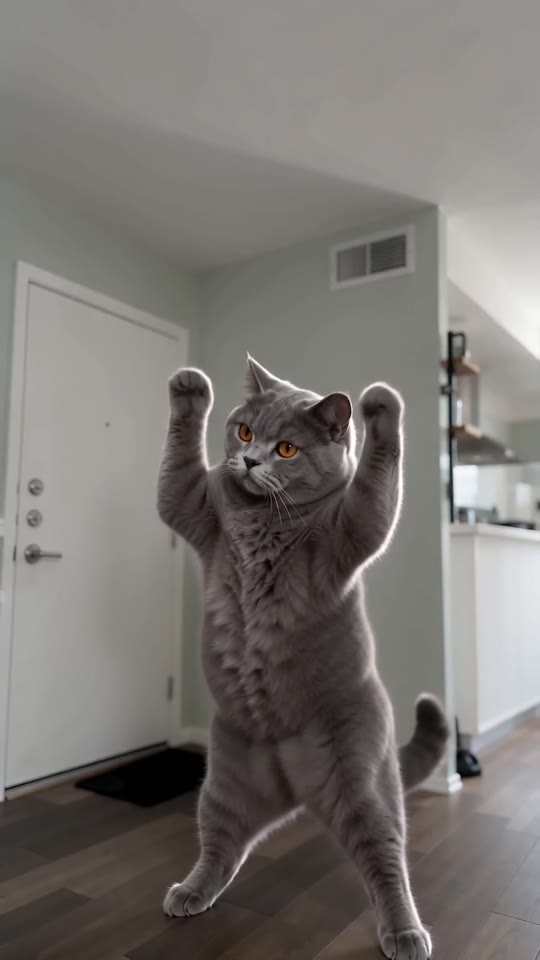
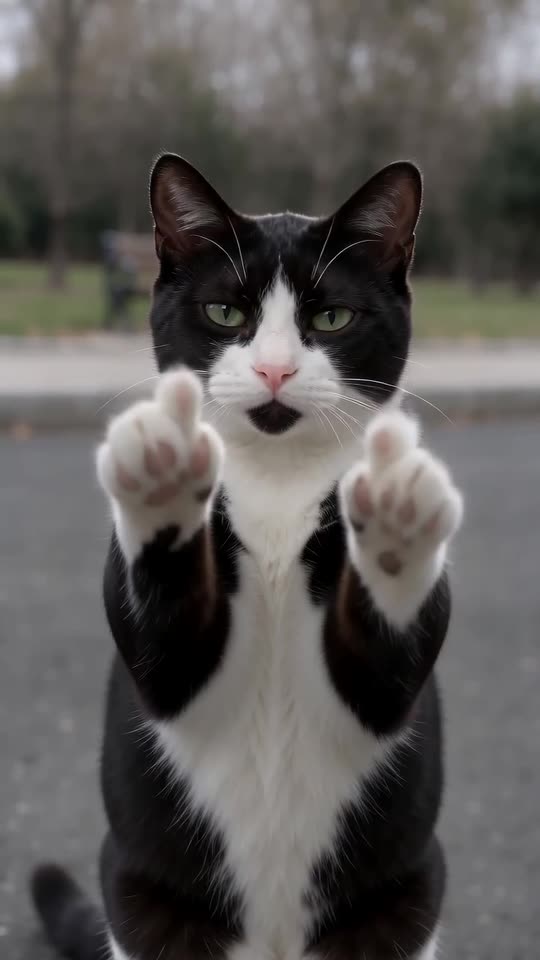
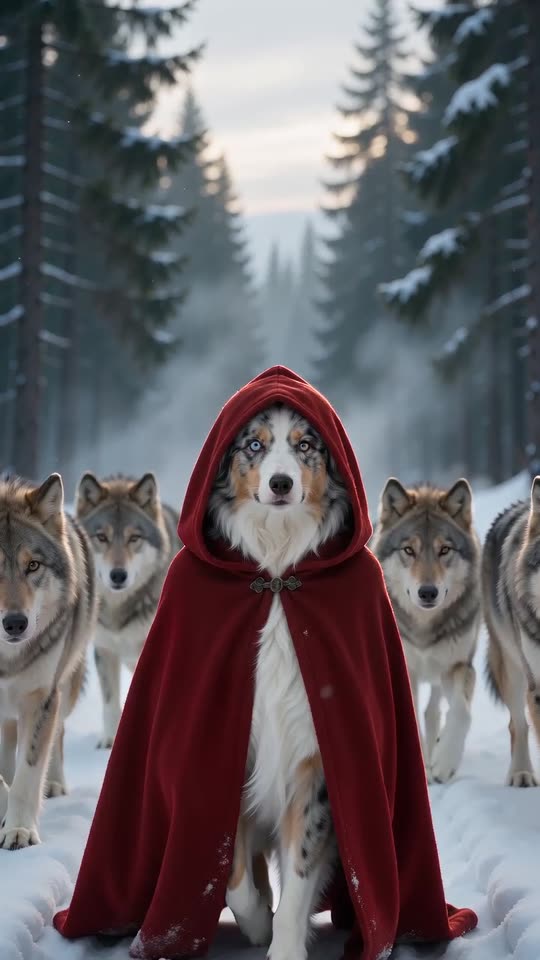
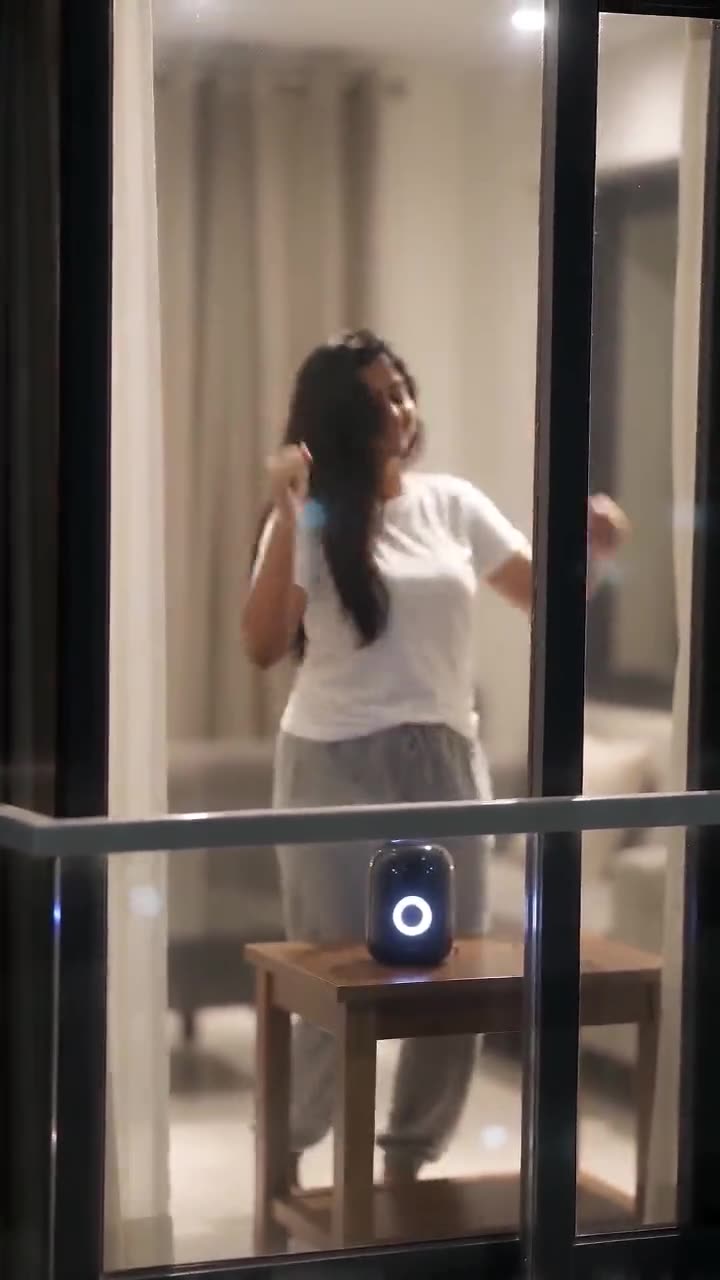
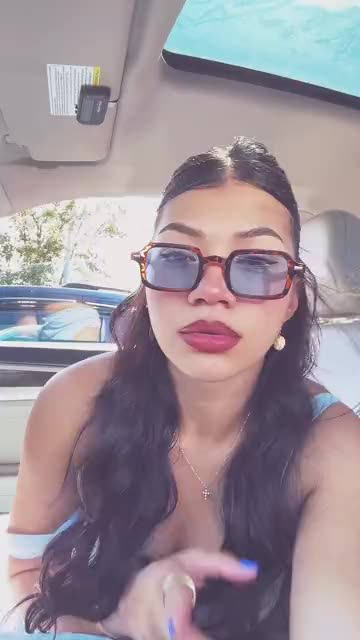

What each template does
- Toc Toc Dance Maker: Hop, rap on empty air, go rigid, keep that straight face. Needs just one photo.
- Lil T Jones Dance AI: A pet stands up in the living room and runs a whole routine: a shy giggle, a salute, kicks, a half turn and a wave. One photo, ten seconds.
- I'm So In Love With You, the AI Dance: Make yourself or your pet the star: sing along with fists out, then fists on hips.
- Cat Middle Finger AI: A cat strolls up on two legs, sits sweetly, then raises both paws with one toe up and walks off. One photo, eight seconds.
- Red Riding Hood AI: A red hooded cloak, a snowy forest and a calm pack of wolves at your side. One photo, ten seconds.
- Window Dance AI: A dark apartment block, one lit window and a dancer who spots the camera. A night-time dance clip from one photo.
- Asereje Trend: Sit in the passenger seat in sunglasses and mouth along with open hands. Build it from one photo of you or your pet.
- Me Sitting and Doing Nothing: A pet or an adult in a robe and shades lies back on pink glitter, eats a snack and stares at the lens. Build it from one photo.
- ABCDEFG Money Lip-Sync Clip Maker: Alphabet, big faces, a request for cash. Feed it a single adult or pet photo.
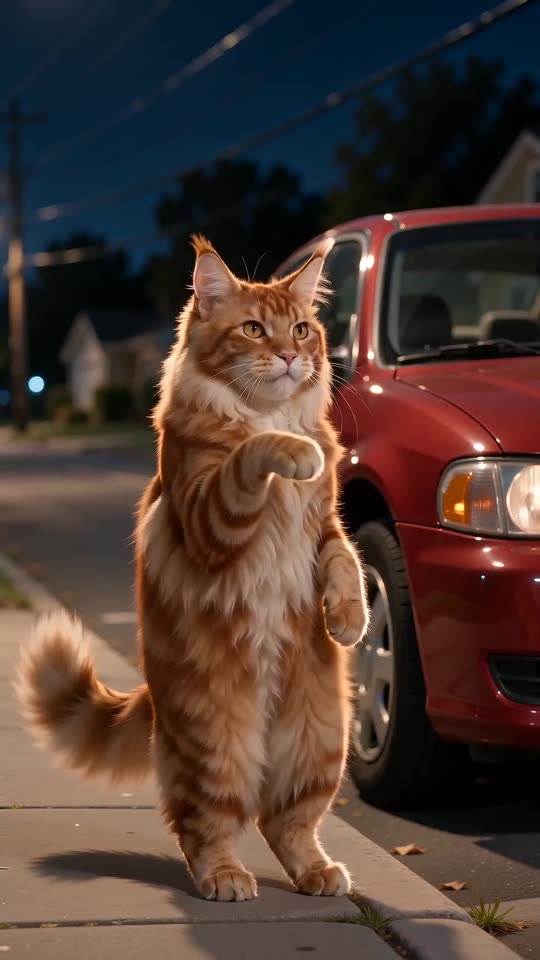
- Car Alarm Dance AI: A quiet street at night, a parked car and a pet that stands up to dance the moment the alarm starts. One photo, ten seconds.
- Stones to Castle AI: Turn a single photo into the Stones to Castle comeback story: the crowd throws stones, you gather them without flinching, a wall becomes a Gothic castle and you smile out of its window.
- Talk Dirty AI Dance: One photo becomes the Talk Dirty concert clip: you walk out of the line, squat under the spotlight and dance in step with a varsity-jacket crew as flames go up.
Watch the crew, then pick your lead
Both clips below came out of Ozil Goal AI, each from one AI-generated pet picture. Your own result will use your photo and your chosen stage.
- Made with Ozil Goal AI
A spaniel takes the second place
A chestnut-and-white Cavalier lines up beside the Dalmatian, with the Bulldog and the Husky to its right. Everyone dips, nods and swings on cue. One photo went in.
Stage: Black mirror stage · Outfit for the lead: No clothes
Inputs15s · 720p · AI-generated audio · Made 2026-10-29
Generated with Ozil Goal AI
AI-made audio, meant to be wordless; a stray voice or bark can slip in. Not the trending sound.
Example people are fictional.
- Made with Ozil Goal AI
A Siamese cat in front of three dogs
The cat holds the lead place among three dogs and answers their big swings with soft nods and slow head tilts. One photo went in.
Stage: Black mirror stage · Outfit for the lead: No clothes
Inputs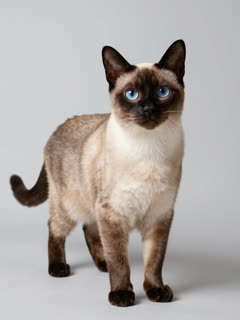
15s · 720p · AI-generated audio · Made 2026-10-29
Generated with Ozil Goal AI
AI-made audio, meant to be wordless; a stray voice or bark can slip in. Not the trending sound.
Example people are fictional.
Many sites show clips downloaded from TikTok as their examples. Each example here was generated on Ozil Goal AI from a single photo, so it shows what the tool really produces.
These examples illustrate the idea. Your result will differ with your photo: faces, movement and audio all vary.
Where this trend comes from
Use this sound: your video is timed to it, from 0s
@world.winnie · TikTok · Oct 25, 2026 · 1.2M views · The clip we follow; sound starts at 0s- @chanel_ed1t · TikTok · Oct 7, 2026 · 263K views · Dancing Puppy Crew (CapCut), the earlier version with five puppies in a living room
Links open the original posts on their own platforms. We are not affiliated with these creators.
Three steps to your own Dog Dance Crew clip
Nothing to film, no prompt to write, no dogs to train.
Add a pet photo
Pick a bright picture in which your dog, cat or other pet looks at the lens. Show the whole body if you can; only one animal, never a person.
Choose your options
Choose 9:16 or 16:9, then the stage and the outfit. Accept the photo consent and sign in. Your pack's 5-second bonus previews let you vet the photo before a credit goes.
Render, then put the sound on
One credit renders the 15-second video. Save the file, then attach the TikTok sound in the app you post from.
How to add the original sound in TikTok
Your video comes with an AI-made soundtrack. If you would rather use the trending sound, add it inside TikTok when you post. You can also save a copy without sound from My videos (Download without sound) and put the original sound on that.
- Open this clip in TikTok: our video follows it. Tap the sound name at the bottom, then tap Use this sound.
- Tap Upload and pick the video you downloaded from us.
- Open Volume and turn the video's own sound down to 0, or use the Download without sound copy from My videos.
- To line up the beat, use the scissors (trim) so the sound starts at 0 seconds, then post.

Need to move where the sound starts? This short video shows how to trim it.

Video: How To Trim Sound On TikTok 2026 (Very Easy) by Software Solutions on YouTube
One-time credit packs
You only pay for videos you make: one full 15-second clip is 1 credit.
1 credit
$8.88
Up to 1 video
Every template: 1 credit per full video
Includes 1 bonus preview
One-time payment, no subscription
- Most popularSave 37%
3 credits
$16.88
Up to 3 videos
Every template: 1 credit per full video
Includes 3 bonus previews
One-time payment, no subscription
- Best valueSave 42%
5 credits
$25.88
Up to 5 videos
Every template: 1 credit per full video
Includes 5 bonus previews
One-time payment, no subscription
- Secure checkout by Waffo
- Instant credits
- Unused packs refundable for 7 days
- Failed videos refunded
Dog Dance Crew AI: your questions answered
Where did this dog crew clip come from, and what happens in it?
It is an AI-made clip from late October 2026: @world.winnie posted it on 25 October, captioned “When your dog assembles his crew”. Four dogs on a mirror-floor stage dip together, nod, whip their heads around, then smile at the lens.
What do I do to put my own pet out in front?
Add one photo, select a stage and an outfit, accept the consent box and pay 1 credit for the 15-second render. Before that, a 5-second bonus preview from your pack shows how your pet's face will hold up. No prompt, no editing.
Can I try it without paying?
No. Nothing here is free to try: Ozil Goal AI sells credits, 1 for each 15-second 720p video, and the cheapest pack is $8.88. Your pack also holds bonus previews for vetting a photo; there is no subscription, and the full video has no watermark.
How do I make the TikTok sound fit the clip?
Save the file, open TikTok and tap Add sound, then choose the sound attached to the post we follow and begin it at second 0. The timing follows that post, so the dips and shakes should land on its beats. The silent file is there if you want only that sound.
Which song goes with this trend?
In our notes, posters often pair the clip with Beyoncé’s “Single Ladies”, though the sound listed under the post we follow in TikTok is the one to pick. Our video does not contain it; its audio is a separate AI instrumental. The trend guide has the background.
Will my file already have the trend's sound?
No: the audio is a separate AI-made instrumental, and you add the TikTok sound when posting. We request no vocals, but AI audio is only partly controllable and an odd voice or bark can appear. The silent file avoids the risk.
Is a single picture enough?
Yes, one photo is all it takes: the one of the pet that will lead.
Who stands beside my pet in the line-up?
A Dalmatian holds the far-left place, your pet comes next, and an English Bulldog and a Siberian Husky finish the line; those three never change. In the original post a golden retriever occupies your pet's place.
More questions (10)
Can a cat or a rabbit lead instead of a dog?
Yes. A cat leads the dogs with gentler moves, and other animals with a clear face, such as rabbits or parrots, work too. More on the cat page.
Are people allowed in the picture?
No. This template takes pets only, so upload a clear photo of the animal instead.
What is the length of the finished video?
15 seconds, taken from the start of a slightly longer original, so that original's closing moments are left out.
Is the finished video watermarked?
No watermark on the full video. Bonus previews are clean too, and they can be downloaded.
What can I change about the scene?
The stage (black mirror, neon, living room or lawn) and what the lead wears (nothing, a bow tie, sunglasses or a red collar). The price does not move. The other three dogs and the four-animal line-up are fixed, since they make the joke.
Is a prompt required?
No. Scene, camera and timing come preset; you only choose a photo, a format, a stage and an outfit.
Which app was the original made in?
The older Dancing Puppy Crew video was cut together in CapCut, while the black-stage clip is AI footage. This site makes one in the browser from a single photo, ready to post on TikTok, Reels or Shorts.
Is this a CapCut template?
No. CapCut templates run inside that app and edit your footage. Ozil Goal AI works in a browser: you add a photo and receive a new video, with nothing to install or edit. The CapCut comparison weighs both routes.
Are you tied to the creators of the trend?
No. Ozil Goal AI is an independent template tool: Beyoncé, CapCut, TikTok and the people who posted the clips did not make it and do not endorse or license it, and “Single Ladies” is not in the file. Every video is generated from your own photo.
If generation fails, what happens, and when are photos deleted?
If a run fails, the credit comes straight back. Uploads stay private and are wiped after 14 days, sooner when you delete your account.
Guides for this trend
Brief answers, one question per page.
Ways to play
Prompts to copy
Time to call your own crew?
A single photo, bonus previews in your pack, and your pet at the head of the line.
Make my videoQuestions? Email support@ozil-goal-ai.app.
Ozil Goal AI is independent and is not affiliated with or endorsed by CapCut, TikTok or the people who posted the original clips.