Dog Dance Crew AI: my pet looks different in the video, what now?
Updated:
Short answer
Faces drift when the model gets too little detail, and this routine's rapid head swings smear them further. Start from a crisp, well-lit front view in which the pet fills the picture, skip costumes and strong filters, and try a 5-second bonus preview before paying for the full render.
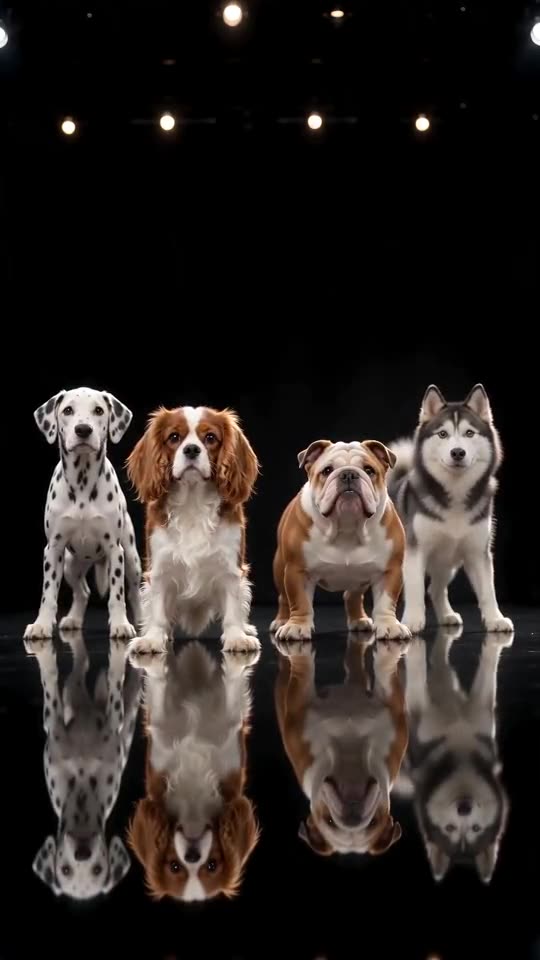
Common causes
- Distance: a pet far from the lens, or lost in a group shot, leaves the face with too few pixels.
- Beauty filters: the model then sees a face your pet does not actually have.
- Dark or side-on shots: they show half a face, so the rest is guesswork.
- The shakes themselves: the head blurs briefly mid-shake, which belongs to the look, and clears right after.
A quick fix routine
- Swap in a different picture, following the photo guide.
- Run a bonus preview and set the pet beside your original picture.
- Render the full video only after that, since each full render is 1 credit.
- Still wrong? Write to support@ozil-goal-ai.app and paste the video link.
Questions people ask
Does a different look count as a failure?
No. Failure means the video did not finish, and then the credit comes back by itself. A clip that completed but looks different is treated as an ordinary result.
Why did my cat's colour change?
Warm indoor bulbs and shadows change how fur colours read. A photo taken in daylight keeps the real coat.
Is there room for extra photos of the same animal?
Only one slot exists, so choose the best shot.
Start your own crew video
A pet photo is all you add; 15 seconds of HD arrive from $8.88. There is no subscription and the finished video carries no watermark.
Make my video