Flamingo Float AI: Drift Toward the Edge, Get Pushed Back
Also called: Flamingo Float Trend, Flamingo Float AI, Infinity Pool Flamingo, Flamingo Pool Ring, Rooftop Pool Flamingo
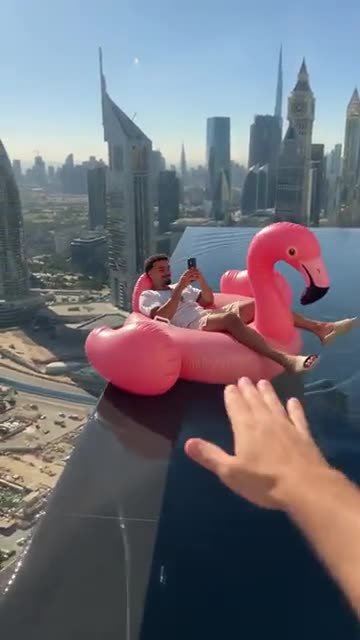
Upload one photo of yourself, an adult friend or your pet and Ozil Goal AI lays it on a pink flamingo ring in a rooftop infinity pool. Filmed from the water, the ring drifts toward the glass edge while your subject looks at a phone, a hand from off-screen pushes it back, and then your subject looks up, laughs and floats away with a skyline behind. You choose the city, the ring colour and the light. The file has no original sound, so add yours in TikTok.
- 10s HD clip from $8.88 · every pack includes a bonus preview
- 1 photo, adult or pet
- Vertical 9:16
- No watermark
TikTok
@youneszarou
Original trend on TikTok
The post behind this template, played straight from TikTok. Your clip is built from your own photo.
Something not right with your video? Write to support@ozil-goal-ai.app and a person will take a look.
Trending AI templates
More viral video templates you can make from your own photos. Credits work on every template.
Window Peeper AI
14s · 1 photo


What each template does
- Jingle Bell Rock Dance AI: Shoulder rolls, waves and claps in the snow. Person or pet, one photo.
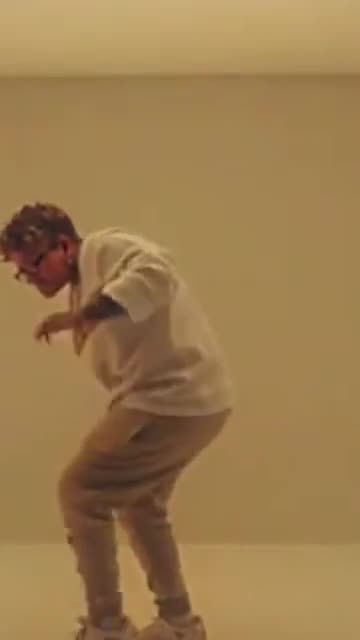
- Hotline Bling: Hand-chops, a phone to the ear and a crouch in a room that glows pink, blue and teal. Build it from one photo.
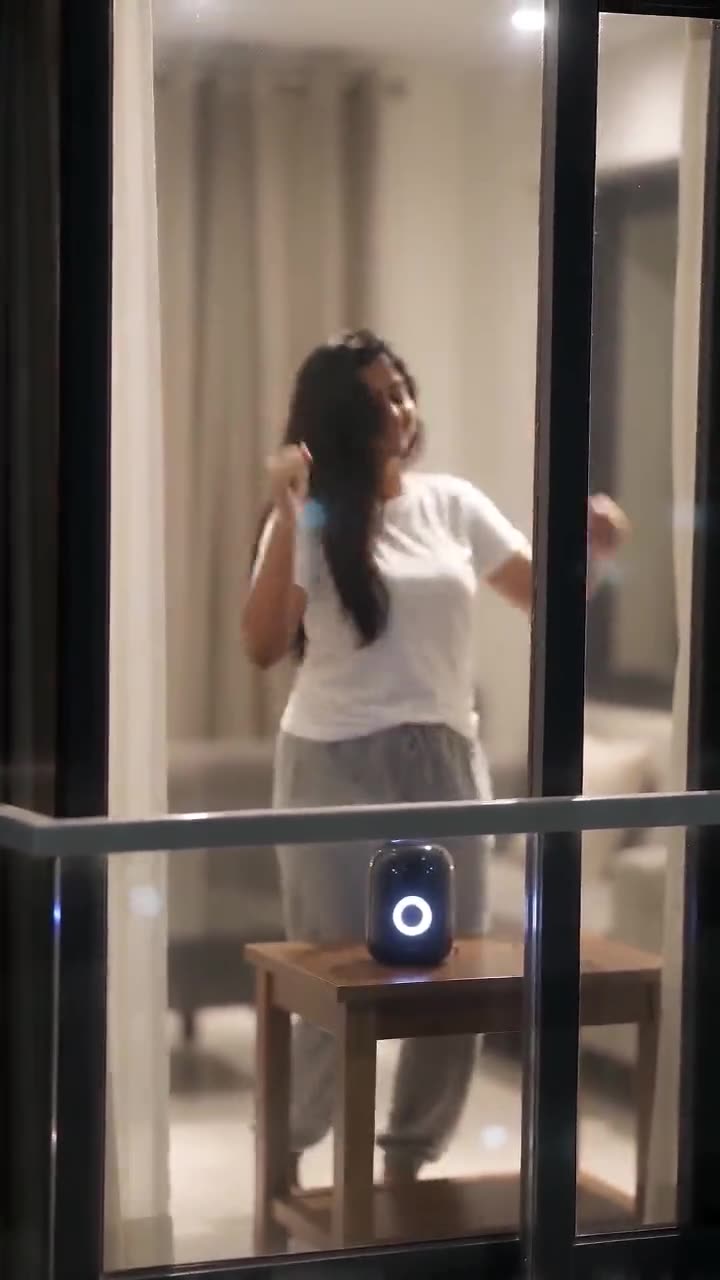
- Window Dance AI: A dark apartment block, one lit window and a dancer who spots the camera. A night-time dance clip from one photo.
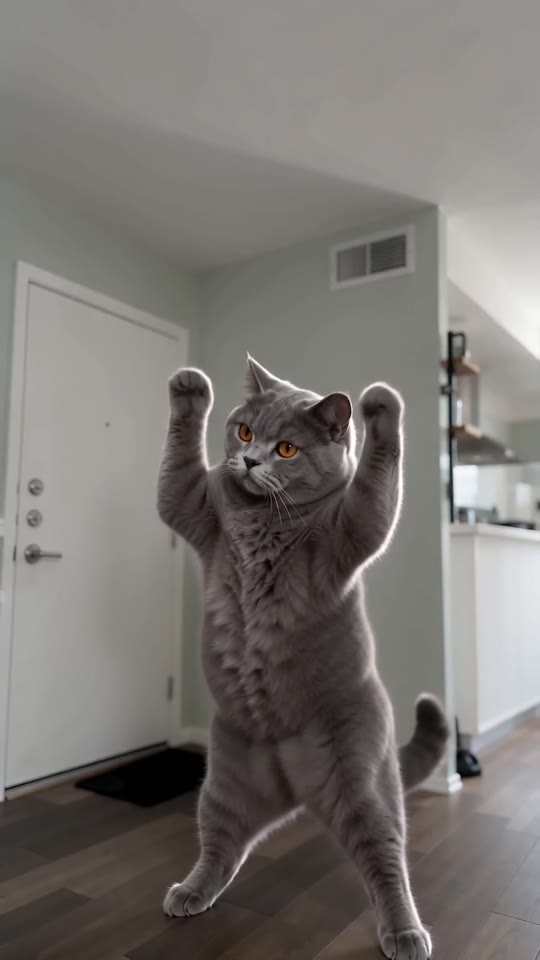
- Lil T Jones Dance AI: A pet stands up in the living room and runs a whole routine: a shy giggle, a salute, kicks, a half turn and a wave. One photo, ten seconds.
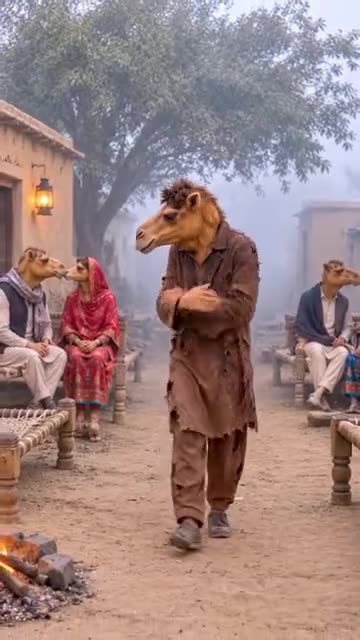
- Single Camel: A lonely walk through a foggy village of couples. Make it from a single photo of an adult or a pet.
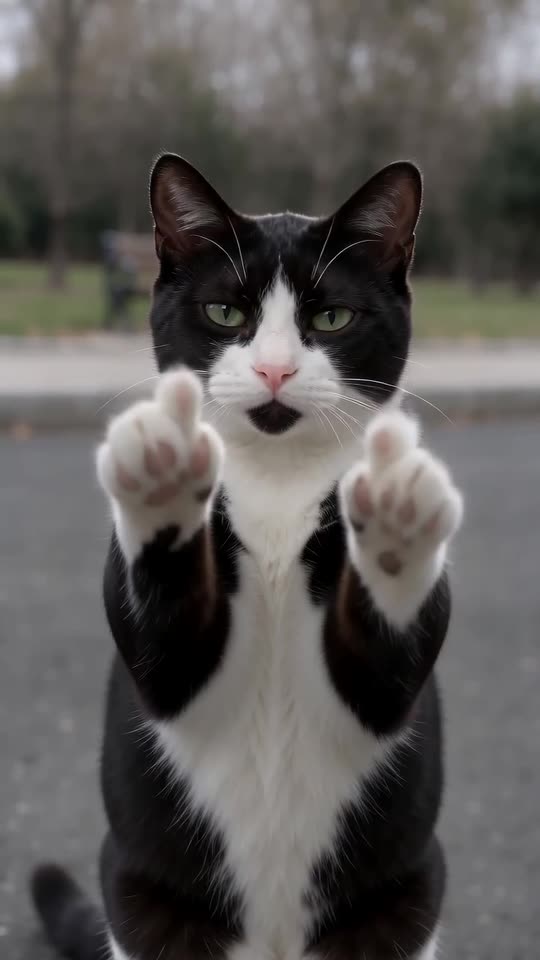
- Cat Middle Finger AI: A cat strolls up on two legs, sits sweetly, then raises both paws with one toe up and walks off. One photo, eight seconds.
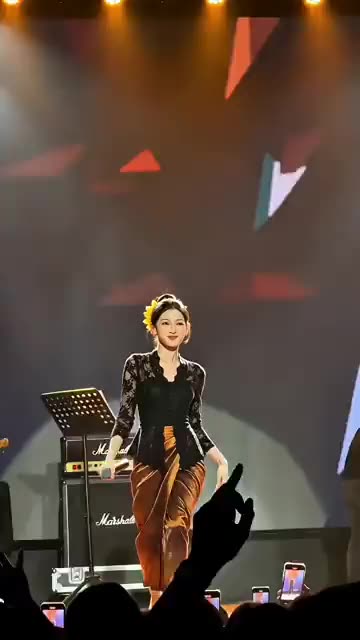
- Stage Singing: You sing and dance on a big lit stage while phones glow in the crowd. Start from one photo.
- AI Police Running: A market sprint, a leap onto a bus roof and a billboard climb. A film-stunt style action clip from one photo.
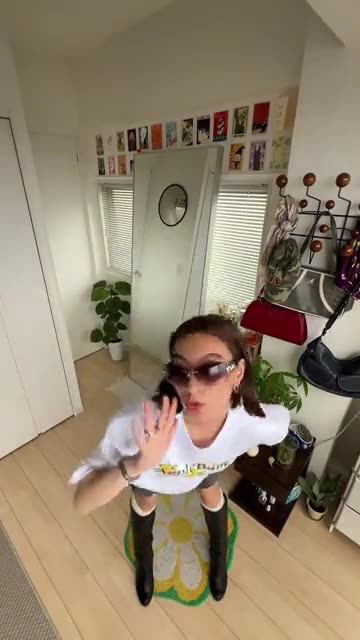
- Gimme Purr Gimme Meow: A high-angle outfit check: a point at the lens, a hand under the chin, hands on hips, then shades on at the drop. Build it from one photo.
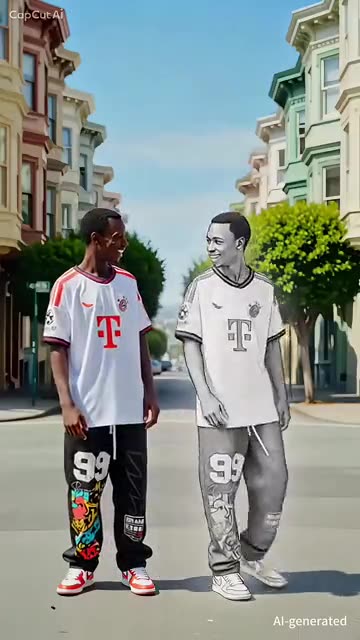
- Magic Double Dance: A sketch version of you steps out beside you, high-fives and dances in sync. Build it from one photo.
- 2026 to 2027 Road Sign AI: Hug the version of you that stays in 2026, then watch the 2027 you drive away. One photo is enough.
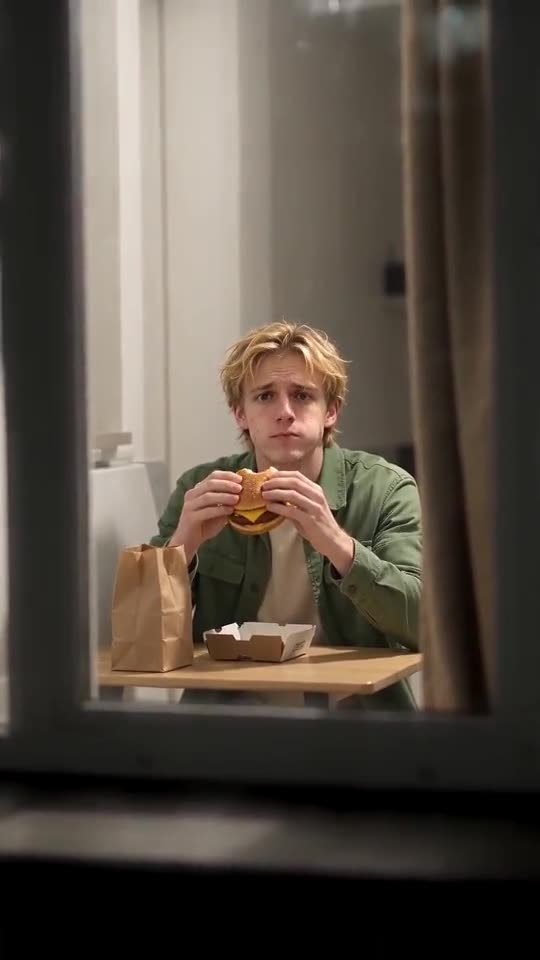
- Window Peeper AI: One picture becomes the Window Peeper scene: the camera dives toward a glowing night window, you freeze mid-bite, stare back and draw the curtain.
Three steps from photo to pool
You film nothing and type nothing.
Add your photo
One adult, one pet, a toy or a drawn character, facing the lens with the face clear. A shot from the waist up or the whole body is ideal. JPG, PNG or WebP, 10 MB per file.
Choose the look
Pick a city, a ring colour and the light, tick the consent line and sign in with Google. Packs bring bonus 5-second previews, so you can check the likeness before a credit goes.
Render and post
The 10-second 720p version uses 1 credit. Closing the tab is fine, as the result waits in My videos. Lay your own sound over it in TikTok.
How to add the original sound in TikTok
Your video comes with an AI-made soundtrack. If you would rather use the trending sound, add it inside TikTok when you post. You can also save a copy without sound from My videos (Download without sound) and put the original sound on that.
- Open this clip in TikTok: our video follows it. Tap the sound name at the bottom, then tap Use this sound.
- Tap Upload and pick the video you downloaded from us.
- Open Volume and turn the video's own sound down to 0, or use the Download without sound copy from My videos.
- To line up the beat, use the scissors (trim) so the sound starts at 0 seconds, then post.

Need to move where the sound starts? This short video shows how to trim it.

Video: How To Trim Sound On TikTok 2026 (Very Easy) by Software Solutions on YouTube
Credits, no subscription
Pay for the clips you make. One 10-second Flamingo Float video takes 1 credit.
1 credit
$8.88
Up to 1 video
Every template: 1 credit per full video
Includes 1 bonus preview
One-time payment, no subscription
- Most popularSave 37%
3 credits
$16.88
Up to 3 videos
Every template: 1 credit per full video
Includes 3 bonus previews
One-time payment, no subscription
- Best valueSave 42%
5 credits
$25.88
Up to 5 videos
Every template: 1 credit per full video
Includes 5 bonus previews
One-time payment, no subscription
- Secure checkout by Waffo
- Credits arrive instantly
- Unused packs refundable within 7 days
- Failed renders are refunded
Where this trend comes from
Use this sound: your video is timed to it, from 0s
@youneszarou · TikTok · Nov 2, 2026 · The post we follow: a rooftop infinity pool filmed from the water, someone on a pink flamingo ring drifts to the glass edge, a hand pushes the ring back, they look up and laugh and drift away with a skyline behind. It runs about 12s. The page opened normally on 12 November 2026, but TikTok gave us no play count or posting date, so the date and the figure of about 8.7 million plays come from our early-November notes. The sound is listed as a song from a well-known animated film.
Links open the original posts on their own platforms. We are not affiliated with these creators.
Flamingo Float: common questions
Where does the Flamingo Float trend come from?
The post we follow is by @youneszarou on TikTok. On 12 November 2026 it loaded normally, but TikTok showed us no play count or date. Our early-November notes say about 8.7 million plays and a 2 November post. We cannot say who began it.
What do I see in the scene?
Filmed from the water of a rooftop infinity pool, someone on a pink flamingo ring drifts to the glass edge while looking at a phone. A hand from off-screen pushes the ring back, they laugh, and the ring floats away with the skyline behind. Details are in the explainer.
Do I need one photo or two for Flamingo Float?
One. The template has a single role, the floater. Add a clear photo of one adult, a pet, a toy or a drawn character as JPG, PNG or WebP up to 10 MB. The hand that pushes the ring is generated, so there is no second slot. Nobody under 18.
Can one selfie be my only photo?
Yes. A selfie is all this template needs if your face is sharp and you look at the lens. A shot that shows your shoulders gives the model more to build on than a tight crop. Crop out anyone else first.
Is the original sound in my video?
No. TikTok's share page lists a song from a well-known animated film as the sound of the post, and our clip carries a light generated tune with soft water sounds instead. Add any track you like when you upload.
Will the push of the hand line up with my sound?
Roughly. The order of beats follows the post, but the clip is generated and not timed to any track. Start your sound at zero and slide it until the push lands on a beat, or take the silent copy into an editor.
Can my pet or a friend be the floater?
Yes. A cat, dog or rabbit can lie on the ring holding the phone, and an adult friend or relative works if they agreed and you may use the picture. The consent box covers that. Children are not accepted.
Is it safe to copy this at a real rooftop pool?
No. This is a generated scene: the ring never goes over the edge, nobody falls and nobody is in danger. A real pool edge on a tower is not a place to try it, so keep the stunt on screen.
More questions (6)
Must I write a prompt?
No. The camera, the order of beats and the pool are fixed. You add a photo, then pick three short presets: city, ring and light. There is no text box, and nothing from the original is copied.
Is this better than a CapCut template?
They suit different jobs. A CapCut template edits footage you already have, inside an app, so you must shoot a pool scene first. Ozil Goal AI makes a new clip from one photo in the browser, with no filming and no app, but you cannot direct the exact shots.
How long does it take, and what do I get?
Expect a few minutes. You get one 10-second 720p vertical MP4 in My videos, with a silent copy beside it. The render carries on if you close the tab.
Do I pay for each Flamingo Float clip?
Each full video takes 1 credit, and packs start at $8.88. Every pack adds bonus 5-second previews so you can check the likeness first. Nothing renews monthly, and downloads carry no watermark.
Is Ozil Goal AI connected to the person who posted it?
Ozil Goal AI is an independent site, so a clip built from your photo is not made, endorsed or licensed by the poster of the original, the owner of the sound or anyone in it.
Can I post the result on TikTok or Reels?
Yes. Pick 9:16, upload the file and add your sound inside the app. Because the clip is synthetic, leave the platform's AI label on when you publish.
Flamingo Float guides
Two short pages: what the clip looks like, and how to make yours.
Questions? Email support@ozil-goal-ai.app.
Ozil Goal AI is an independent site that builds AI templates. Neither the author of the original post, TikTok nor anyone who appears in it has any tie to this site or endorses it, and no footage or sound from the original is used.