Bing Bing Bing Kicking AI Video Maker: Your Two Photos, Kicking in Turn
Also called: Bing Bing Bing Trend, Bing Bing Bing Kick, Take Turns Kicking Trend, Kicking at the Camera, Bing Bing Bing AI
Upload a photo for the Left character and another for the Right: two friends, two pets, you and your dog, or one photo copied into both boxes. The phone sits low on a grey street while the pair step up and swing kicks at the lens one after the other, until a hand stops the last foot. It mirrors the viral 12-second clip beat for beat, so the trending sound fits. Nobody gets hit, since every kick is a gag.
- 12s HD video · from $8.88 · no subscription
- 9:16 or 16:9
- Full video, no watermark
- No subscription
 Made with Ozil Goal AI
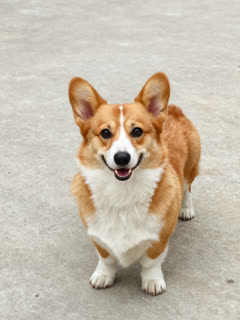
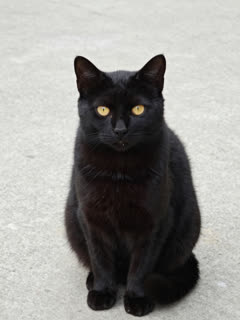
Example frame. Your own two photos drive your own video.
Something not right with your video? Write to support@ozil-goal-ai.app and a person will take a look.
Trending AI templates
More viral video templates you can make from your own photos. Credits work on every template.
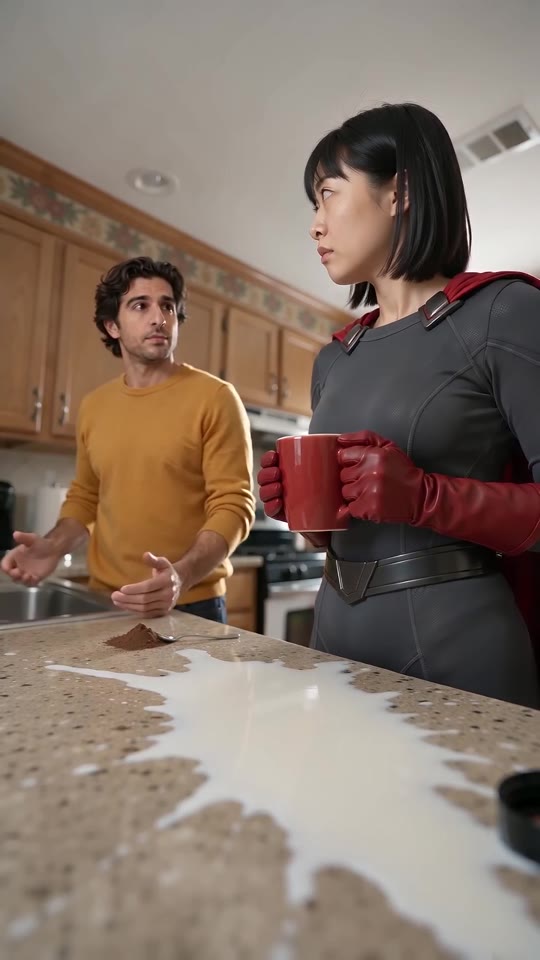
Homelander Milk AI
15s · 1–2 photos
What each template does
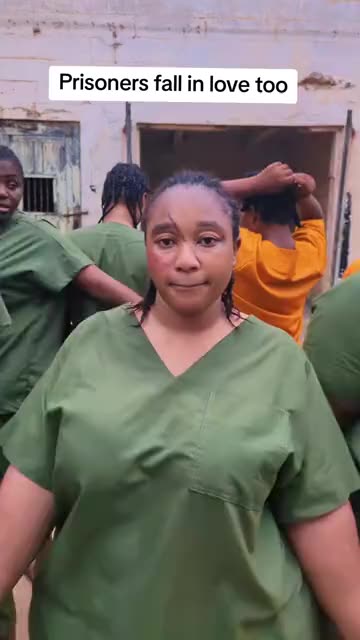
- Baby Lip Sync: A handheld camera passes from face to face as each one mimes the song. Build it from two or three photos.
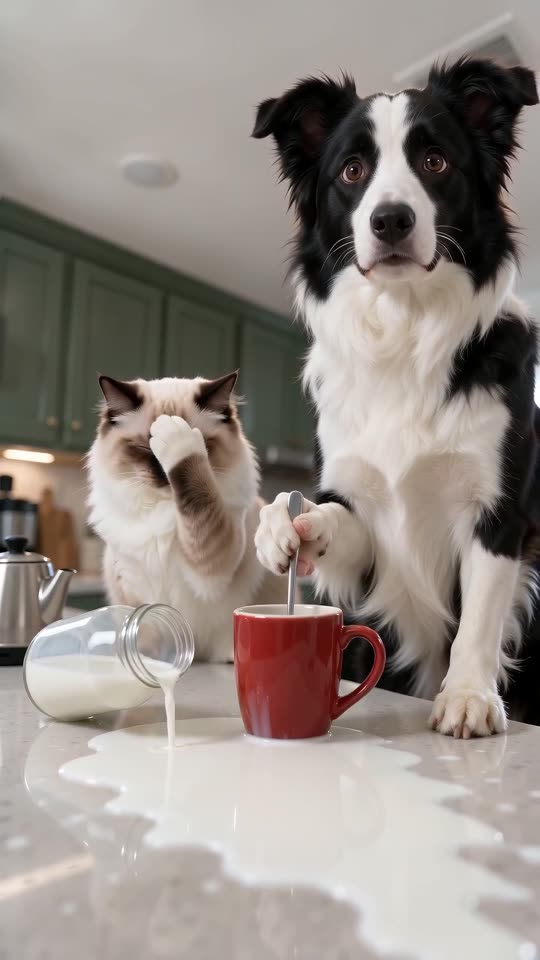
- Pets Making Coffee AI: Two pets at the counter: one pours, one stirs very seriously, a bottle falls and both stare at you. One or two photos, ten seconds.
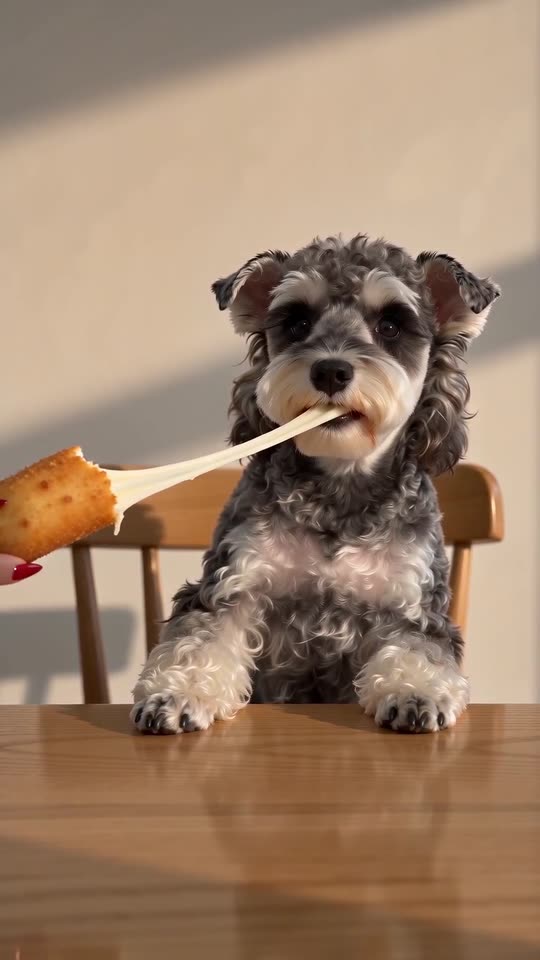
- Cardo Dinner AI: A hand with long red nails feeds you a giant cheese stick, and the cheese will not stop stretching. One photo, ten seconds.
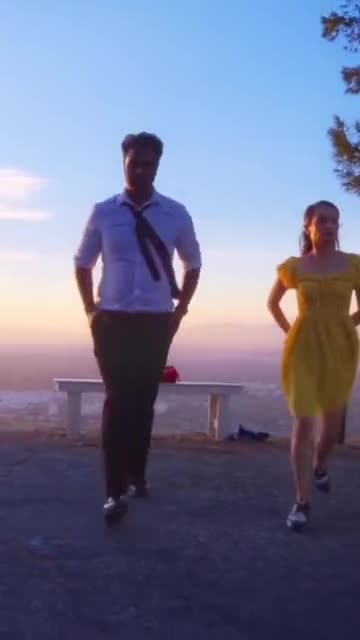
- La La Land Dance: Dusk, a city below and two dancers tapping side by side. Build it from two photos of adults or pets.
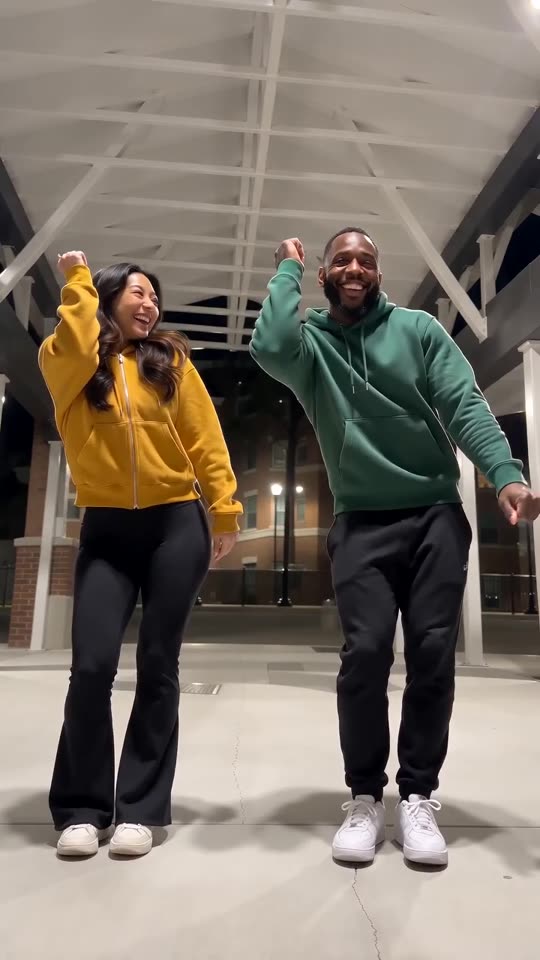
- Puerto Rican Mami Dance AI: Two dancers share a night-time walkway and trade sides on the beat, all made from two photos.
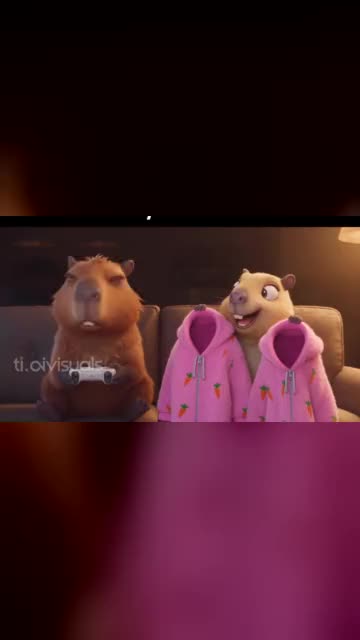
- Capybara Couple: Turn you and your partner, or your pets, into a cartoon capybara couple on the sofa. Build it from two photos.
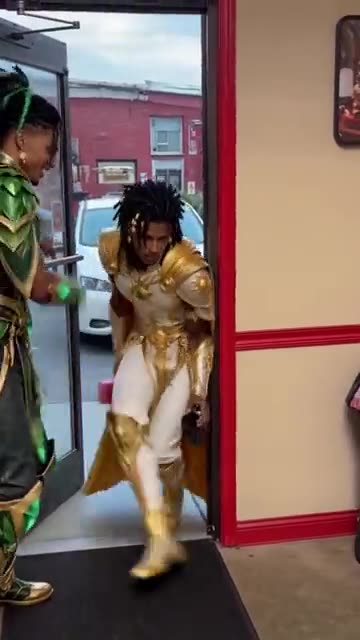
- Pimp Walk Entrance: A door held wide, a slow lean-back stroll with rolling shoulders and a cool close-up. Build it from one photo.
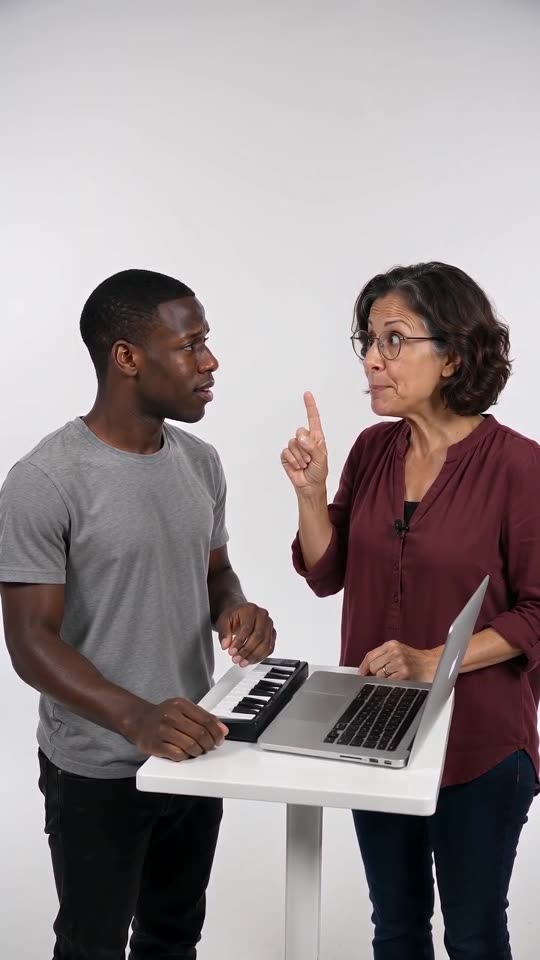
- Alors on Danse Keyboard Skit Maker: One of you stays blank-faced at a mini keyboard while the other hypes. Two photos go in.
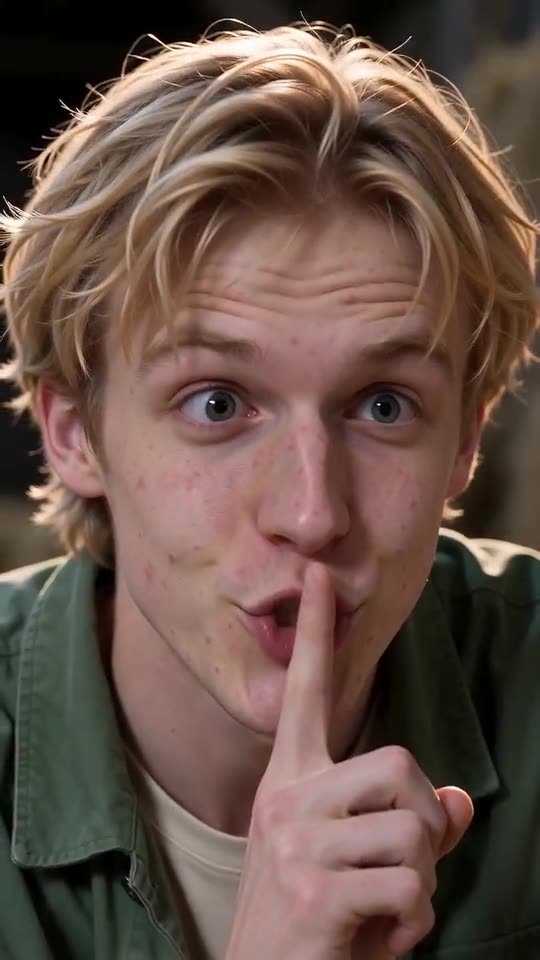
- Tip Toe in My Jordans, With You in It: One of you hushes the camera and tiptoes through the straw while the other gasps. Needs 2 photos.
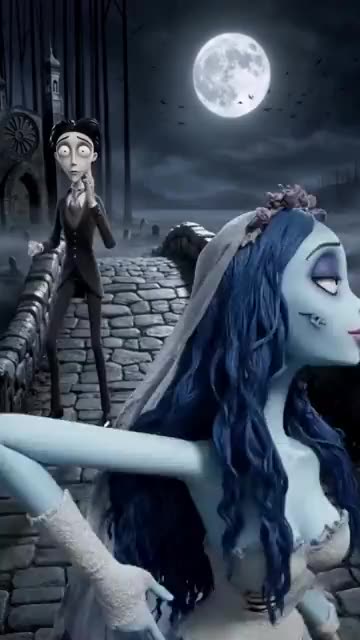
- Corpse Bride AI: A pale bride, a dizzy groom and a moonlit stone bridge. A gothic stop-motion puppet clip from your photos.
- Homelander Milk AI: Spill milk on the counter and watch a caped hero’s smile die: your photo, the Homelander milk meme.
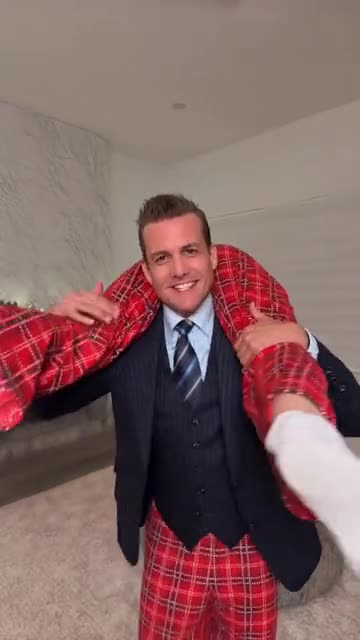
- Suits Carry AI: A sharp suit, a limp pair of pyjamas across the shoulders, one slow spin. Two photos are enough.
Meet the street kickers, then cast your own
Both clips below were rendered on Ozil Goal AI from AI-made portraits of imaginary people and animals. Your own photos steer your result, so details will differ.
- Made with Ozil Goal AI
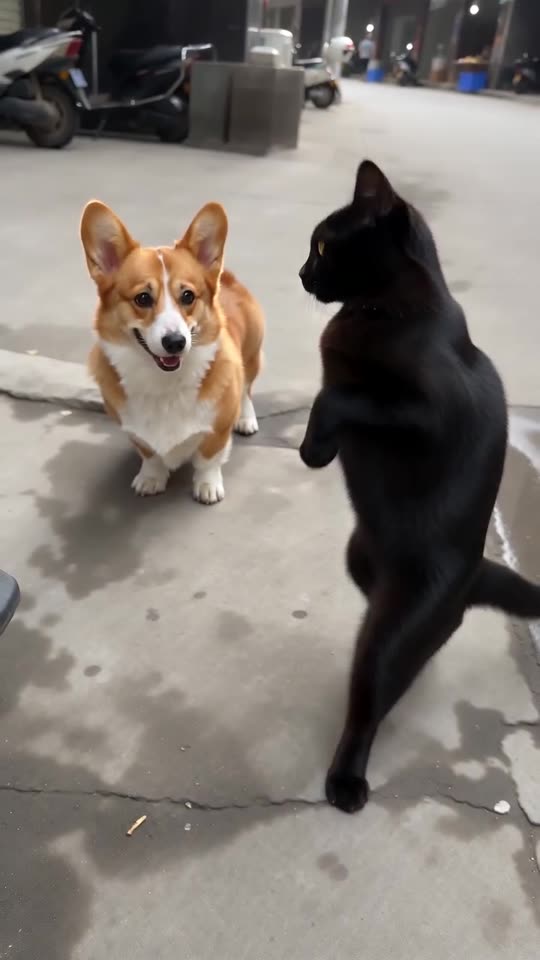
A corgi and a black cat, one kick each
A corgi with an orange-and-white coat (left) and a black cat (right) strut upright toward a camera held near the ground and kick one after the other, and a hand stops the final foot. Both animals are imaginary, and the input photos were created by AI.
Place: Street corner · Outfit: My own look
Inputs12s · 720p · AI-generated audio · Made 2026-10-27
Generated with Ozil Goal AI
AI-made fast beat without lyrics. Not the original recording.
Example people are fictional.
- Made with Ozil Goal AI
Two adults trade kicks
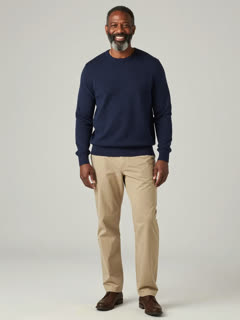
Left, a woman in a red hoodie; right, a man in a navy sweater. They aim kicks at the lens one after the other while a hand stops a foot. Both are made-up people, and the input photos came from AI.
Place: Street corner · Outfit: My own look
Inputs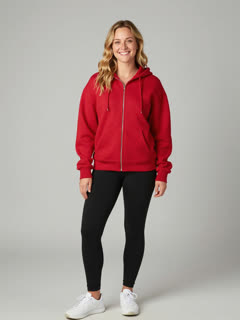
12s · 720p · AI-generated audio · Made 2026-10-27
Generated with Ozil Goal AI
AI-made fast beat without lyrics. Not the original recording.
Example people are fictional.
Plenty of sites show clips ripped from TikTok as their samples. Each sample on this page was rendered on Ozil Goal AI from the photos shown, so you are looking at real generator output.
These examples show what the template can do and promise nothing identical. Faces, fur, motion and audio vary with your photos.
Where this trend comes from
Use this sound: your video is timed to it, from 0s
@jakeyang04 · TikTok · Oct 17, 2026 · 594K views · The clip we follow: two AI parrots take turns kicking at the camera; sound starts at 0s- @jakeyang04 · TikTok · Oct 18, 2026 · 2M views · Two furry street monsters doing the kicks; the first post of the trend past a million views
- @shinxe2001 · TikTok · Oct 15, 2026 · A hippo and a crocodile doing the kicks, the first AI version we found
Links open the original posts on their own platforms. We are not affiliated with these creators.
Three steps to your Bing Bing Bing Kicking video
No camera, no script and no editing app are needed.
Add your two photos
Choose a clear photo for the Left character and another for the Right. Adults and pets are both fine, and one photo can fill both boxes for a double. Showing the whole body helps. Files may be JPG, PNG or WebP, 10 MB or less.
Choose your options
Pick 9:16 or 16:9, then a place and an outfit. Tick the consent box and sign in. Each pack also carries 5-second bonus previews, so you can test the photos before a credit leaves your balance.
Make the full video
One credit buys a 12-second 720p video. Feel free to close the page while it renders; the result waits in My videos.
How to add the original sound in TikTok
Your video comes with an AI-made soundtrack. If you would rather use the trending sound, add it inside TikTok when you post. You can also save a copy without sound from My videos (Download without sound) and put the original sound on that.
- Open this clip in TikTok: our video follows it. Tap the sound name at the bottom, then tap Use this sound.
- Tap Upload and pick the video you downloaded from us.
- Open Volume and turn the video's own sound down to 0, or use the Download without sound copy from My videos.
- To line up the beat, use the scissors (trim) so the sound starts at 0 seconds, then post.

Need to move where the sound starts? This short video shows how to trim it.

Video: How To Trim Sound On TikTok 2026 (Very Easy) by Software Solutions on YouTube
One-time credit packs
Credits cover only the clips you render: one full 12-second video costs 1 credit.
1 credit
$8.88
Up to 1 video
Every template: 1 credit per full video
Includes 1 bonus preview
One-time payment, no subscription
- Most popularSave 37%
3 credits
$16.88
Up to 3 videos
Every template: 1 credit per full video
Includes 3 bonus previews
One-time payment, no subscription
- Best valueSave 42%
5 credits
$25.88
Up to 5 videos
Every template: 1 credit per full video
Includes 5 bonus previews
One-time payment, no subscription
- Secure checkout by Waffo
- Instant credits
- Unused packs refundable for 7 days
- Failed videos refunded
Bing Bing Bing Kicking AI: your questions answered
Where did the Bing Bing Bing Kicking craze come from?
Imagine a phone held near the pavement of a street. Two characters stand side by side, then step up one after the other and fling a kick at the lens, and a hand pushes the last foot away before the clip ends. AI parrots and monsters made it blow up in October 2026; today's AI versions run on two photos of your own. Dates and sources are in the explainer guide.
How do I turn my photos into a Bing Bing Bing Kicking video?
Upload two photos, one per role, choose 9:16 or 16:9 and press start. A few minutes on, a 12-second 720p MP4 set on a street lands in your account. Each step is listed in the how-to guide.
Can I make one without paying?
Currently no, because Ozil Goal AI has neither a free tier nor a free preview. One full 12-second 720p video is 1 credit, packs start at $8.88, and each pack bundles bonus previews so you can test photos before paying a credit. No subscription, no watermark on the finished clip.
What length is the finished video?
12 seconds, roughly the same as the @jakeyang04 parrot clip we mirror. The 5-second bonus preview packs those kicks into less time, so only the full video follows the original timing.
If I add the original sound myself, will the kicks line up?
Yes, because our clip mirrors the @jakeyang04 parrot clip beat for beat. In TikTok, open that clip, tap its sound, apply it to your upload and start it at 0 seconds. Kicks and the final block should land on cue. No song title could be confirmed, so none is named here.
Do I need one photo or two?
Two, and the template will not start without both: a Left character and a Right character. Every photo must show a lone adult or a lone pet, saved as JPG, PNG or WebP at 10 MB or less. The same photo may go in both boxes if you want a double.
Does it work with my cat, my dog or another pet?
Yes. Animals rise onto their hind legs like tiny people, kick with a back leg and keep their own coat and markings. Mix and match: two animals, a human with an animal, or two humans. Animals are the least predictable subjects, so try a bonus preview before the full render.
What sound ends up in my video?
In the trend clips every kick lands on a fast beat. Ours does not carry it. Ozil Goal AI generates its own fast electronic beat and we ask for no singing or lyrics, yet AI audio can still slip in a shout, a grunt or a made-up voice. Download the silent version and add the trending sound in TikTok if you want none of that.
More questions (9)
Any watermark? And am I allowed to post it on TikTok or Reels?
Neither the full video nor a bonus preview carries a watermark, and both can be downloaded. Posting is fine: choose 9:16 for TikTok and Reels, add the trending sound in the app, and keep the platform's AI label on.
Is it possible to use the same photo for both characters?
Yes. Drop one photo into both boxes and you get twin copies of that person or pet, each taking a kick after the other. Different photos read a little more naturally. A single photo that already holds two subjects does not work.
Can the place or the outfit be changed?
Yes, from presets. The place can be a street corner (default, like the original), a living room, a park path or a car park; the outfit can be your own clothes (default), matching tracksuits or bright hoodies. Camera angle, kicks and timing stay put, and so does the price.
Is the street genuine, and does anyone take a kick?
No on both counts. A leg swings toward the lens and never touches a thing, which is the gag. The whole video, street included, is generated by AI, with no real footage inside. Whoever appears in it is simply whoever is in your photos.
Can CapCut do Bing Bing Bing Kicking too?
Yes, apps with two photo slots have templates for it, and editors like CapCut often add trends of this kind. Such a template works only inside its own app. Ozil Goal AI runs on the web instead: you give two photos, and a finished 12-second video comes back, with bonus previews included in each pack. Open the comparison for a closer look at each route.
Must I write a prompt?
No, and there is no prompt box either, because the template is fixed. Add two photos, choose a place, an outfit and a video shape, and you are set. Prefer to drive another tool by hand? Copy the ready-made text from the Kling prompt page.
I only have a single selfie. Can it fill both roles?
Yes. Put the same photo in both boxes and it fills both roles, so you show up twice as a double.
Is any of this linked to the original creators or whoever posted the trend?
No. Ozil Goal AI is an independent AI tool and answers to nobody behind the original clips, the accounts that posted other versions, TikTok or CapCut. All it does is render new videos from your photos.
What happens if a render fails, and how long do you keep my photos?
If a render fails, its credit is returned automatically. A pack that was never used can go back for a refund during the first 7 days; the refund policy gives the terms. Your photos are kept privately and wiped 14 days after upload.
Guides for this trend
One question per page, answered briefly.
Fix a problem
Prompts to copy
Comparisons
Ready to throw a kick?
Two photos, bonus previews in each pack, and a kicking video that belongs to you.
Make my videoQuestions? Email support@ozil-goal-ai.app.
Ozil Goal AI is an independent, self-run AI tool, not affiliated with or endorsed by the makers of the original clips, whoever posted other versions, TikTok or CapCut. Everything it outputs is AI-generated, and no real footage is used.