Making a Bing Bing Bing Kicking video with AI, one step at a time
Updated:
Short answer
Give Ozil Goal AI two photos, one per character (or one photo twice), and it builds the street scene itself. Run a 5-second bonus preview to check the photos, and when they look right pay 1 credit for the 12-second 720p version. You never type a prompt, and you may close the page while it renders.
Step by step
- Start in the generator on the template page. The first box wants the Left character photo, the second the Right character photo. Neither may stay empty, though both can hold the same photo.
- Pick the setting: street, living room, park path or car park for the place, and your own clothes, tracksuits or hoodies for the outfit.
- Select a video shape: 9:16 for TikTok, Reels and Shorts; 16:9 for YouTube and desktop screens.
- Confirm the consent box, then sign in with your Google account.
- Run a bonus preview (5 seconds, 480p) and see whether both faces and the motion survive.
- Spend 1 credit on the full render and save the MP4 when it finishes.
What the fixed scene handles
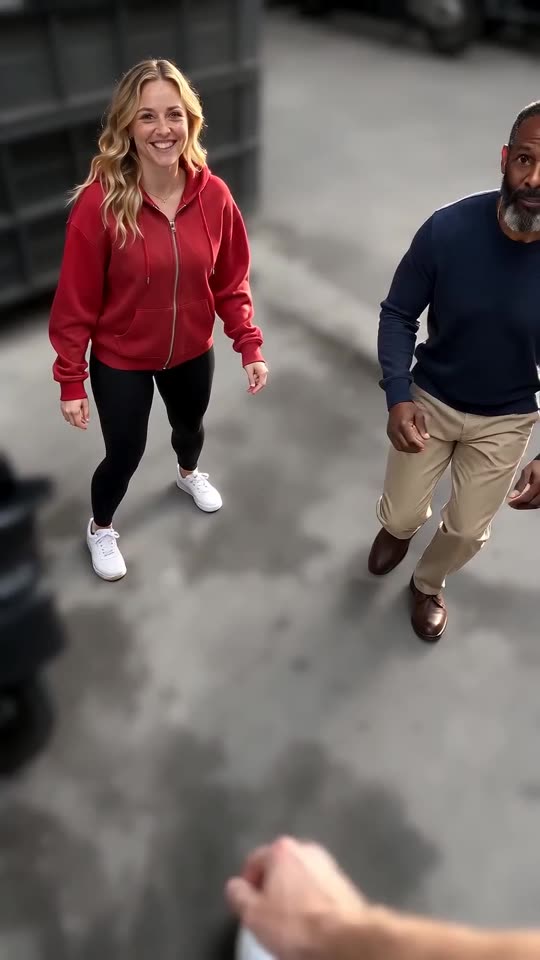
The low camera, the street, the kicks in turn, the blocking hand and the jump kick at the end are bundled into one fixed scene based on the viral clip. There is no prompt to write: your photos only decide who kicks and from which side.
Since the kicks always arrive in the same order, the trending sound matches when it starts at 0 seconds. Faces, fur and motion still vary slightly from one run to the next.
Once it is rendered
Your finished video waits in My videos, where it can be downloaded or shared by link. To add the trending sound, follow the sound guide.
Ozil Goal AI is independent and has no tie to the original creators or to anyone who posted the clips.
Questions people ask
Must I type a prompt?
No. The fixed setup supplies the street and the camera, so you only pick the photos, the place, the outfit and the shape.
Does one photo work for both roles?
Yes, and the result is a double. Two separate photos look more natural, and nobody gets swapped by mistake.
May I close the page during rendering?
Yes. The render continues on our servers, and the result is stored under My videos for your account.
Which shape should I choose?
For TikTok, Reels or Shorts choose 9:16; for YouTube or a desktop screen choose 16:9. Bonus previews run in both.
Build your own Bing Bing Bing Kicking clip
Give us two photos and receive a 12-second HD kicking clip from $8.88. No plan to cancel, and the finished file has no watermark.
Make my video