Ramalama Video Generator: Your Costume Reveal, Built From One Photo
Also called: Ramalama, Ramalama Bang Bang, Ramalama Trend, Róisín Murphy Ramalama, Halloween Costume Reveal, Costume Reveal AI
Choose a photo and an outfit. The lens sits at ankle height while boots stomp toward it, one step per beat. Then it sweeps upward and your face and the whole look arrive at once. Witch, vampire, ball gown, skeleton or what you already wear. Cuts follow the original clip, so the trending sound slots in cleanly.
- 12s HD video from $8.88 · bonus previews in every pack
- 9:16 or 16:9
- No watermark on the full video
- Pay once, no subscription
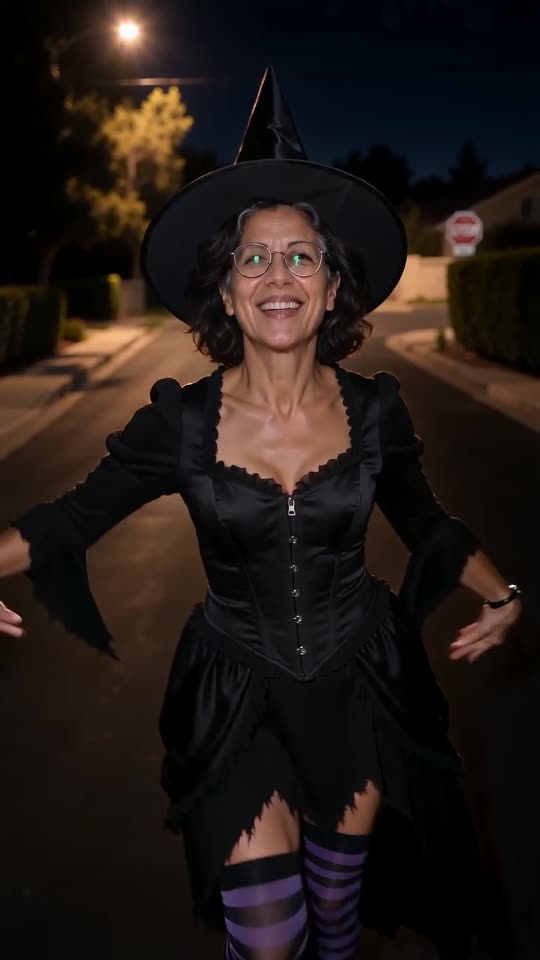 Made with Ozil Goal AI

Rendered on Ozil Goal AI from an AI-made portrait. Your video grows out of your own photo.
Something not right with your video? Write to support@ozil-goal-ai.app and a person will take a look.
Trending AI templates
More viral video templates you can make from your own photos. Credits work on every template.
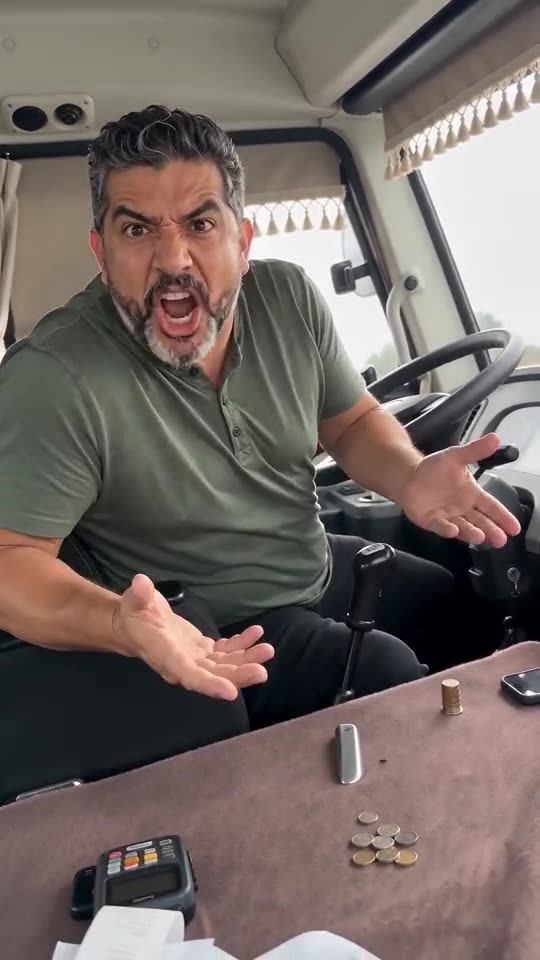
Driver Put Phone Away AI
14s · 1 photo
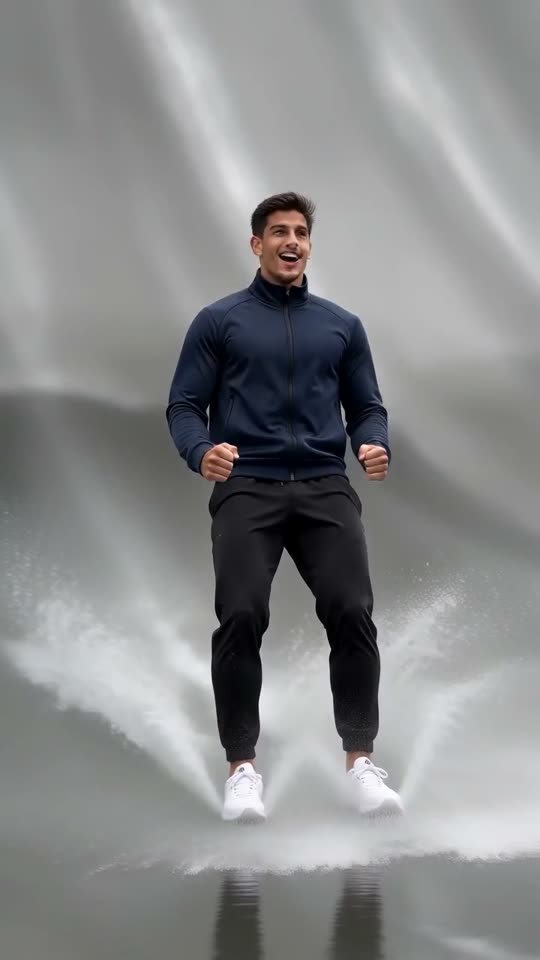
Escalade Rampe Géante AI
5s · 1 photo
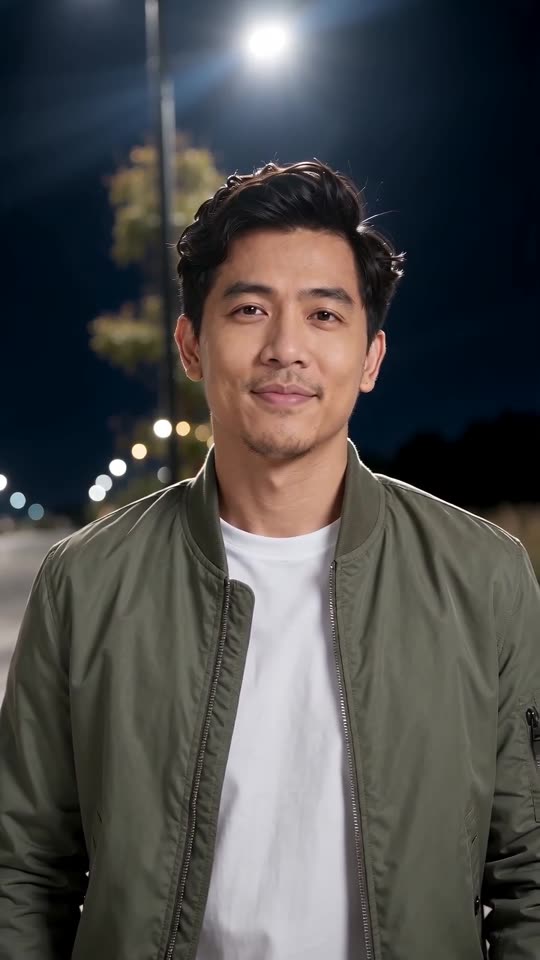
Street Light Slide AI
5s · 1 photo
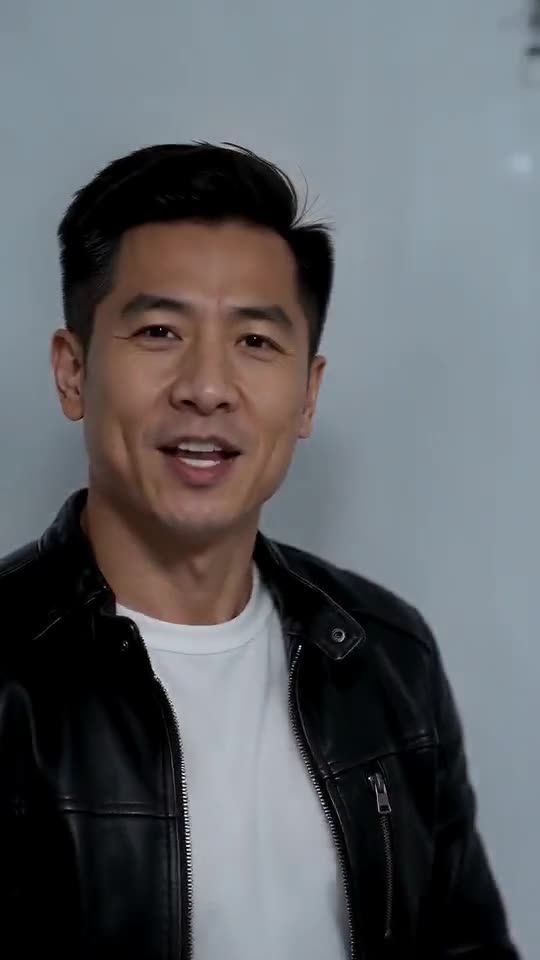
Iceman AI
15s · 1 photo
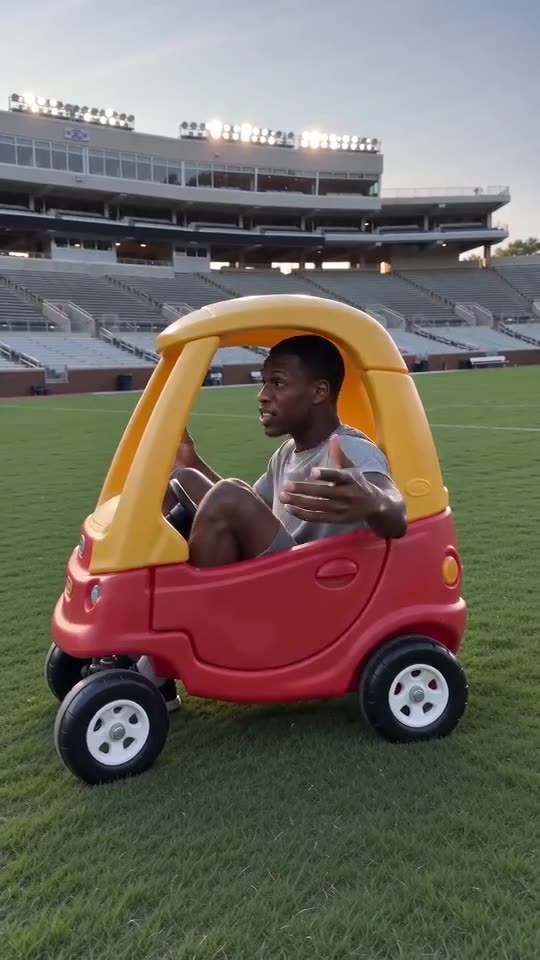
Hit the Road Dude
15s · 1 photo
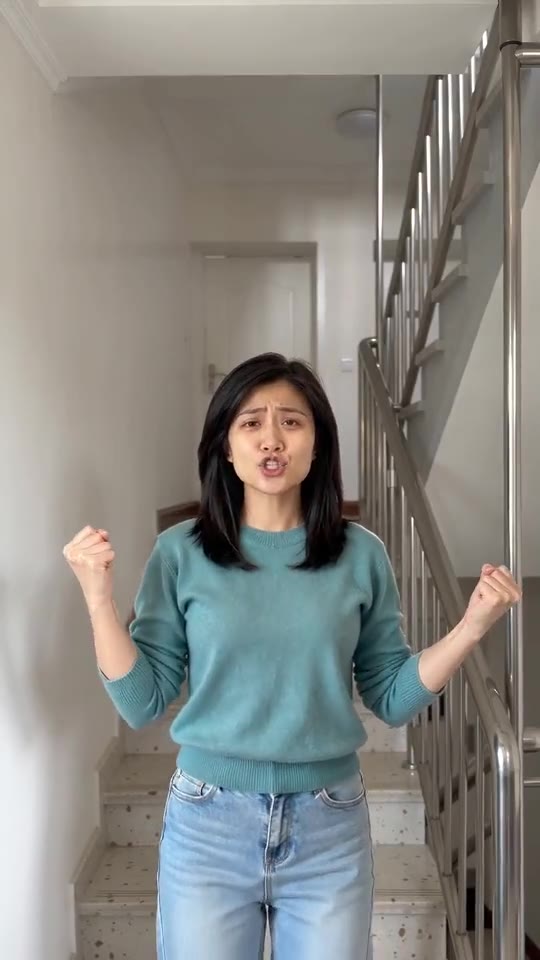
I'm So In Love With You, the AI Dance
8s · 1 photo
What each template does
- Hotline Bling: Hand-chops, a phone to the ear and a crouch in a room that glows pink, blue and teal. Build it from one photo.
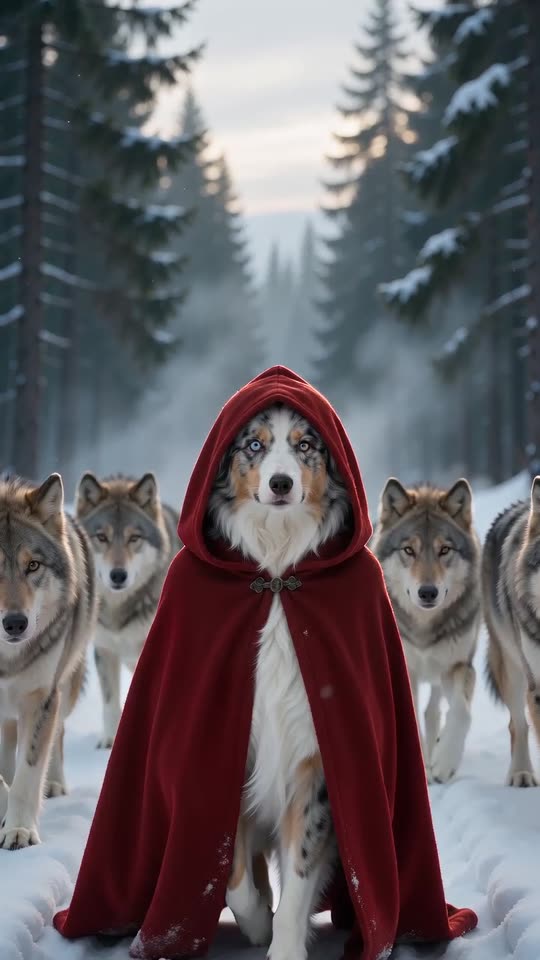
- Red Riding Hood AI: A red hooded cloak, a snowy forest and a calm pack of wolves at your side. One photo, ten seconds.
- Driver Put Phone Away AI: One photo, one angry minibus driver: you glance back, spin round, open both hands and tell the camera to put the phone away, then face the road again.
- Escalade Rampe Géante AI: Sprint up a giant wet curved ramp, flip near the top and slide back down into the water, all from one photo.
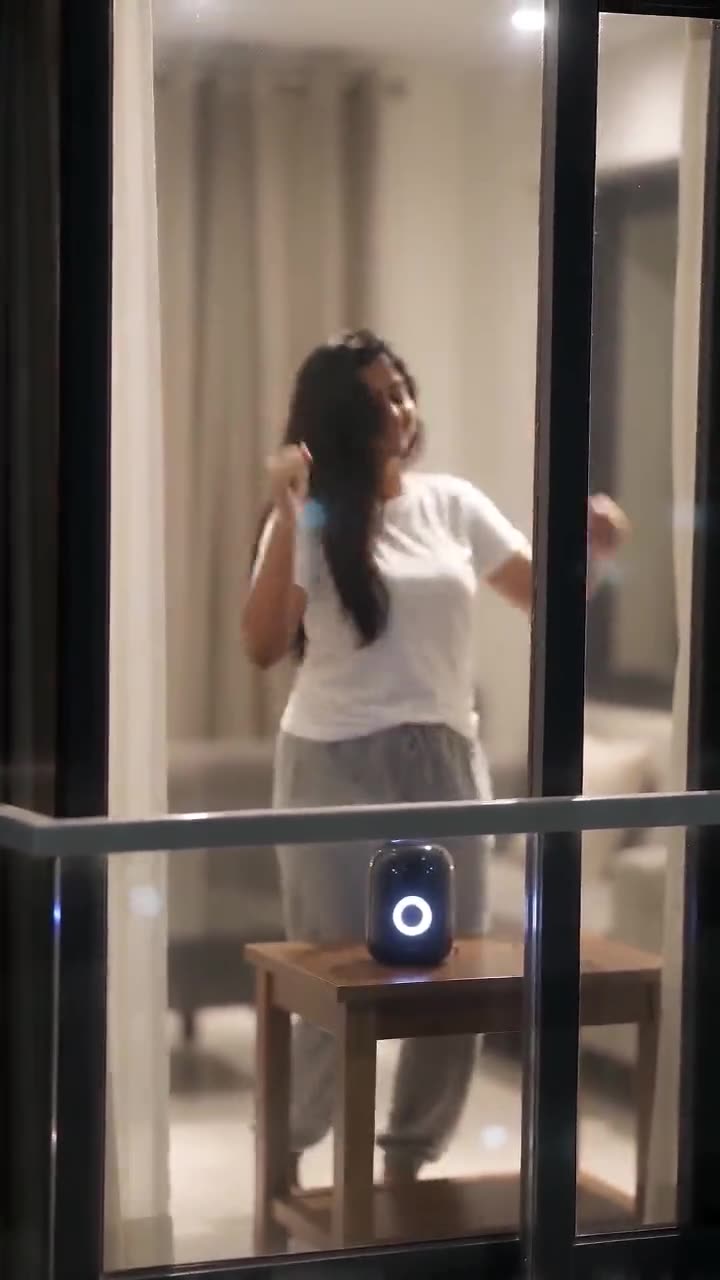
- Window Dance AI: A dark apartment block, one lit window and a dancer who spots the camera. A night-time dance clip from one photo.
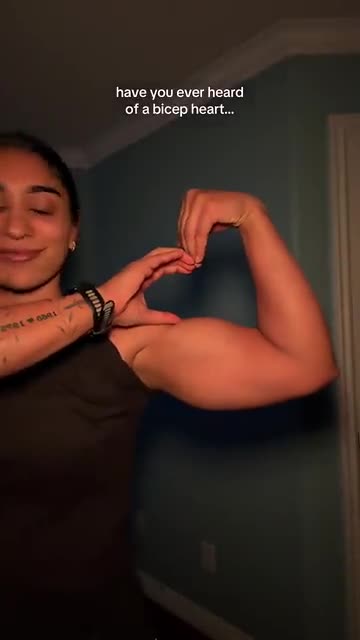
- Bicep Heart: A shy smile, one flexed arm and half a heart pressed against the bicep. A short selfie clip from one photo.
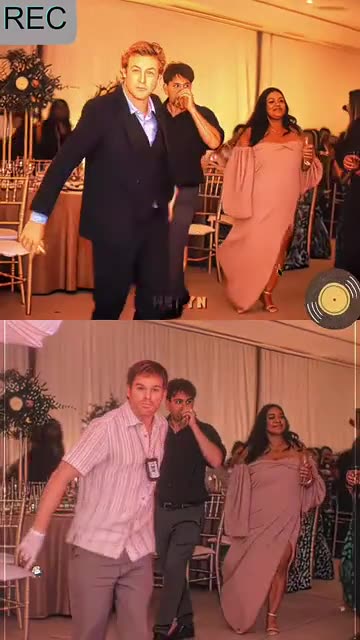
- Rapunzel Funk Loading: A swaying walk out of a party crowd and a very smug stare. Build it from one adult photo.
- Street Light Slide AI: One photo, a dark street and an arrival into a lamplit close-up.
- Iceman AI: One photo, one white cold room: walk in, rap at the lens, pass the shelves and strike your poses.
- Hit the Road Dude: Lean out of the window and wave them off. One photo.
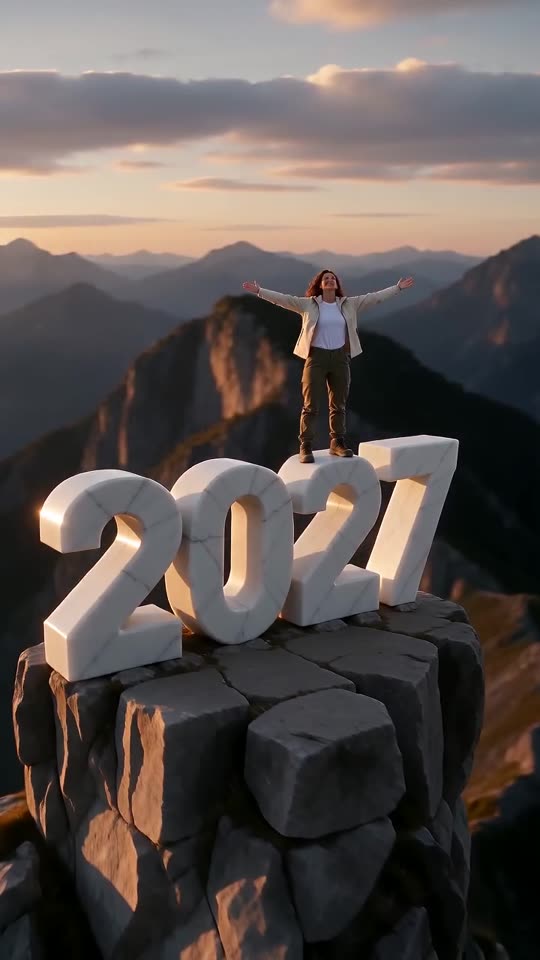
- New Year 2027 AI: Scale four giant digits, stand on top and let the camera pull back to show the year. One photo, six seconds.
- I'm So In Love With You, the AI Dance: Make yourself or your pet the star: sing along with fists out, then fists on hips.
Two finished strolls, first step to final grin
Both clips were rendered on Ozil Goal AI. The input pictures are AI portraits of an invented woman and an invented cat. Use your own picture and the face, the movement and the sound all change.
- Made with Ozil Goal AI
Witch hat after seven seconds of boots
An invented woman with glasses and dark curls marches at a camera set near the floor. Seven seconds go by with purple-striped stockings, black boots and a torn hem and nothing else. Then the frame lifts, a pointed hat appears, and she finishes laughing up close. Her input photo is AI-generated.
Costume: Witch · Place: Night street
Inputs12s, 720p, AI-generated audio · Made 2026-10-22
Rendered with Ozil Goal AI
An AI-made beat. The original song is absent from the file.
The woman and the cat here are invented.
- Made with Ozil Goal AI
Ball-gown cat in an underground car park
Picture a made-up grey-and-white cat in a sparkly pale-blue gown, tiara and white heels pacing across a concrete car park. At the end the lens climbs to its face. No real animal was photographed; the input picture is AI-generated.
Costume: Ball gown · Place: Parking garage
Inputs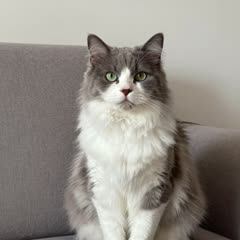
12s, 720p, AI-generated audio · Made 2026-10-22
Rendered with Ozil Goal AI
An AI-made beat. The original song is absent from the file.
The woman and the cat here are invented.
Some sites fill their example slots with clips lifted from TikTok. Every example on this page was rendered on Ozil Goal AI from a single photo, so it shows what the generator itself produced.
These show the format, not what your own clip will look like. Faces, outfits, motion and audio shift with every photo.
Where this trend comes from
Use this sound: your video is timed to it, from 0s
@notsophiesilva · TikTok · Oct 6, 2026 · 18.1M views · 2026 revival, solo live-action- @leodibaa · TikTok · Jul 29, 2025 · 14.6M views · Widely credited as the original
- @swaggy_cucumber · TikTok · Oct 1, 2025 · 94.4M views · Most-copied Halloween costume version
- @jaxsongauntt · TikTok · Oct 7, 2026 · 23.9M views · 2026 revival, most-viewed live-action
- @meowtakeover · TikTok · Oct 11, 2026 · 19.4M views · AI cat version
Links open the original posts on their own platforms. We are not affiliated with these creators.
Photo to reveal in three moves
You will not film anything, buy a costume, type a prompt or open an editor.
Choose your photo
Pick a crisp picture of yourself, a friend or a pet with the face in view. JPG, PNG or WebP, 10 MB at most.
Choose your options
Choose a witch, vampire, ball gown, skeleton or your own clothes, add a place, then pick 9:16 or 16:9. Next come the photo consent tick-box and a login. Every pack includes bonus 5-second previews, so you can check your photos before spending a credit.
Render the full clip
One credit buys a 12-second 720p video. Shut the tab if you like; the result waits in My videos.
How to add the original sound in TikTok
Your video comes with an AI-made soundtrack. If you would rather use the trending sound, add it inside TikTok when you post. You can also save a copy without sound from My videos (Download without sound) and put the original sound on that.
- Open this clip in TikTok: our video follows it. Tap the sound name at the bottom, then tap Use this sound.
- Tap Upload and pick the video you downloaded from us.
- Open Volume and turn the video's own sound down to 0, or use the Download without sound copy from My videos.
- To line up the beat, use the scissors (trim) so the sound starts at 0 seconds, then post.

Need to move where the sound starts? This short video shows how to trim it.

Video: How To Trim Sound On TikTok 2026 (Very Easy) by Software Solutions on YouTube
Credit packs, paid once
Use a pack's bonus previews to test the dance, then pay for keepers. Each full 12-second video draws one credit.
1 credit
$8.88
Up to 1 video
Every template: 1 credit per full video
Includes 1 bonus preview
One-time payment, no subscription
- Most popularSave 37%
3 credits
$16.88
Up to 3 videos
Every template: 1 credit per full video
Includes 3 bonus previews
One-time payment, no subscription
- Best valueSave 42%
5 credits
$25.88
Up to 5 videos
Every template: 1 credit per full video
Includes 5 bonus previews
One-time payment, no subscription
- Checkout handled by Waffo
- Credits land right away
- Untouched packs refundable for 7 days
- Failed renders give credits back
Ramalama AI costume reveal: common questions
Where does the Ramalama trend come from, and what happens in it?
It began as a TikTok stroll to a stomping dance track. A phone at ground level catches only boots stepping on the beat, then rises on a whispered line and shows the full outfit. By Halloween it had turned into a costume reveal. Read the full story in the trend guide.
How do I turn my own photo into a Ramalama video?
Add a photo, choose an outfit, a place and 9:16 or 16:9, then run the preview. Happy with it? Spend 1 credit on the 12-second version, ready in a few minutes. The how-to guide covers every click.
Is the Ramalama generator free to try?
No. The boots-to-costume reveal has no free preview and no free tier on Ozil Goal AI. A 12-second 720p HD video costs 1 credit, with packs from $8.88. Each pack includes bonus previews you can download to try the costume and the rise from the boots before paying. Nothing renews.
If I add the trending sound myself, will the reveal sync with the beat?
Close enough to post. Every shot tracks the viral clip second by second, so the stomping and the upward swing fall where the original’s do. Save the file, open TikTok or Reels, tap Add sound, pick the trending one and start it at 0 seconds. A silent copy exists too.
Does it take just one photo, and does a selfie count?
One is all it takes. A selfie works if the face is sharp. This is a solo strut, so you upload one picture of whoever gets revealed (JPG, PNG or WebP, up to 10 MB).
Will a pet pull off the Ramalama walk?
In the video, yes. Give it a sharp photo facing the camera and the pet marches on two legs in a mini version of the outfit, then gets the same lift. There is a sample on the pet page.
What song or sound is used in the Ramalama trend?
The sound is “Ramalama (Bang Bang)”, a 2005 single by Róisín Murphy, named in our song guide. It is not in the video: what you hear is an AI-made instrumental beat with footsteps. Want the trending sound? Add it inside the app while you post.
Does the video carry a watermark?
No. The full video is clean, and the preview has none either. Both can be downloaded.
More questions (8)
Is this tool linked to the singer or the original posters?
Not at all. Ozil Goal AI is an independent site whose videos start from your own photo, and Róisín Murphy, her label and the people behind the viral clips did not make it or license it.
Do I get to choose the outfit and the setting?
Yes, from presets. Outfits: witch (default), vampire, ball gown, skeleton, or the clothes in your photo. Settings range from the default night street to an underground car park, a foggy graveyard, a snowy lane and a rooftop at night. A Decoration option adds paper lanterns, drifting fog or autumn leaves. Neither touches the price, and the strut and its timing stay put.
Why not just use a CapCut template for Ramalama?
A CapCut template re-cuts footage you filmed. With no costume and no time to film, Ozil Goal AI needs only a photo and hands back a finished 12-second clip. The CapCut comparison weighs the two.
Is there a prompt box I have to fill in?
No. Camera move, timing and scene are built in. You choose a photo, an outfit, a place and the video shape. Curious how it works in another tool? There is a copyable Kling prompt.
How long is the clip, and how long does it take to make?
The full video runs twelve seconds in 9:16 or 16:9, and rendering takes a few minutes. Close the tab if you want: Ozil Goal AI keeps the result in My videos. The preview is shorter.
What happens if a render fails, and can I get my money back?
A failed render returns its credit by itself. A pack you have not touched can be refunded for 7 days after purchase. See the refund policy.
How long are my photos stored?
Private, and gone 14 days after upload (sooner if you close your account). Finished videos stay in My videos until you delete them. More in the privacy policy.
Were the Ramalama examples really generated on Ozil Goal AI?
Yes. We rendered both ourselves on Ozil Goal AI from the photos shown beside them, and those photos are AI portraits of invented subjects. Nothing was taken from TikTok. Your own photo will give different results.
Ramalama guides
One question per page. No padding.
Ways to play
Fix a problem
Prompts to copy
Comparisons
Got a question? Write to support@ozil-goal-ai.app.
Ozil Goal AI is an independent AI tool. It has no tie to the artist, the label or the creators behind the original clips.