Corpse Bride AI: Turn Two Photos Into a Gothic Puppet Couple
Also called: Corpse Bride Trend, Corpse Bride Puppet Filter, Emily and Victor AI, Corpse Bride Photo Trend, Gothic Puppet Couple AI
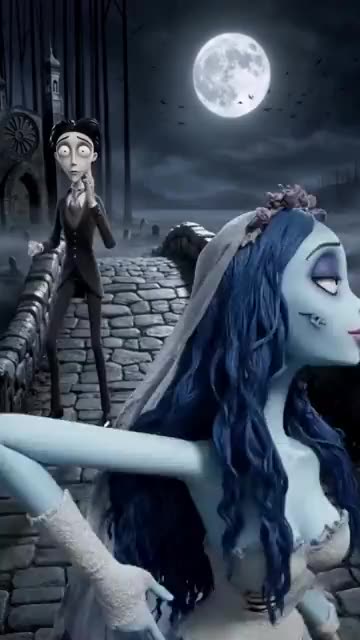
Upload two photos, or one photo used twice, and Ozil Goal AI turns them into a pale stop-motion bride and groom on a moonlit stone bridge. The bride covers her face, then her eyes snap wide open. The groom clutches his head. The camera pulls back and the pair strike a pose side by side and wave. You choose the place, the sky, the colour tone and the outfits. The file has no original sound, so add yours in TikTok.
- 10s HD clip from $8.88 · every pack includes a bonus preview
- 2 photos, adults or pets
- Tall 9:16 or wide 16:9
- No watermark
TikTok
@effiie97
Original trend on TikTok
The post behind this template, played straight from TikTok. Your clip is built from your own photos.
Something not right with your video? Write to support@ozil-goal-ai.app and a person will take a look.
Trending AI templates
More viral video templates you can make from your own photos. Credits work on every template.
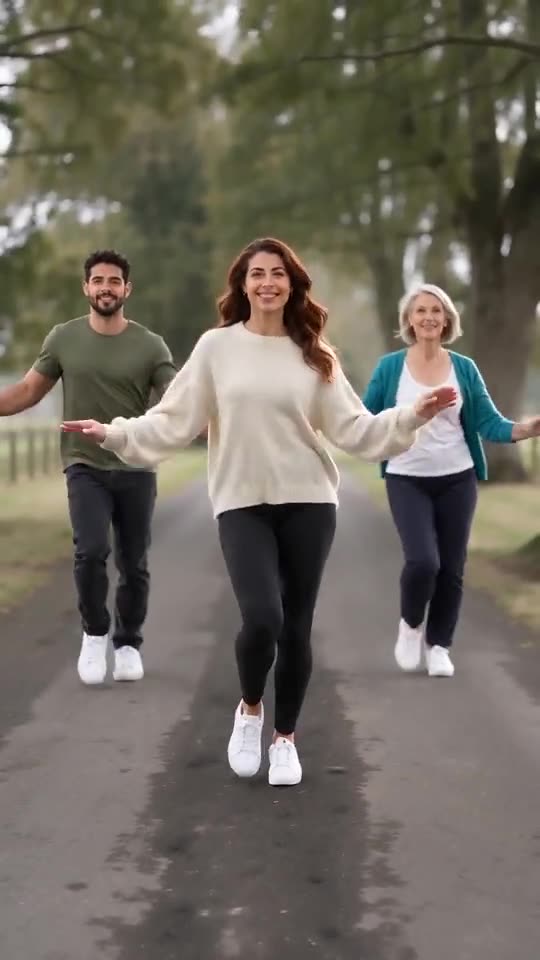
Babydoll Dance AI
15s · 1–2 photos
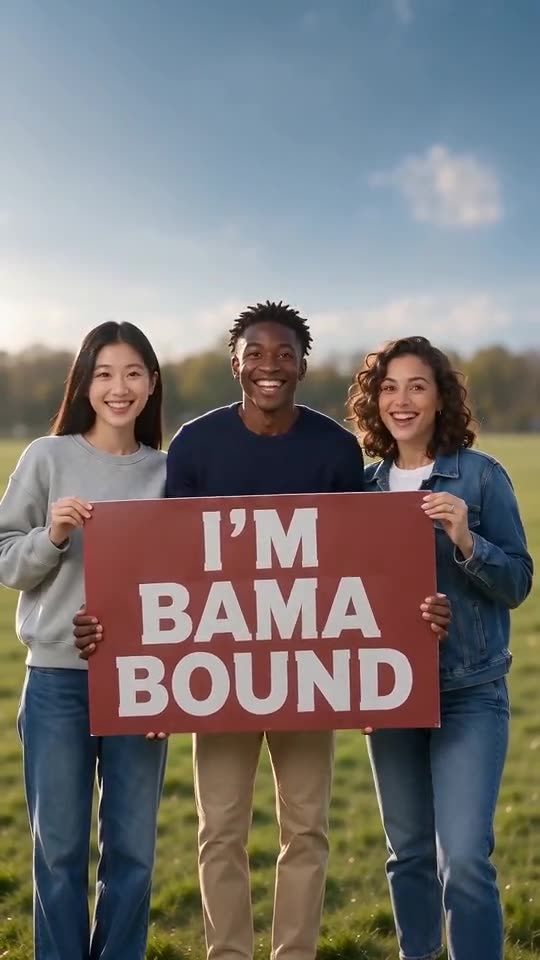
Bama Bound AI
12s · 1–2 photos
What each template does
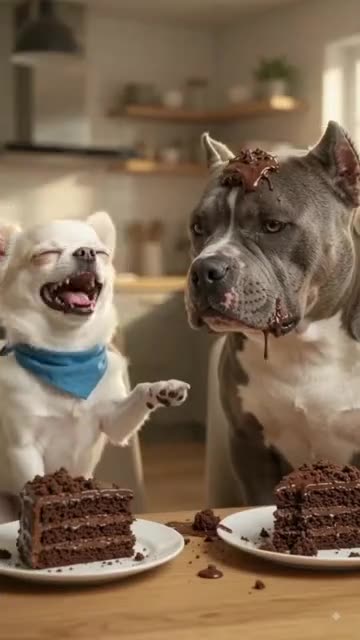
- Dog Cake Smash AI: One pet flicks cake, the other wears it, then payback arrives. A single photo can start the fight.
- Babydoll Dance AI: Send in one to four photos and friends or pets two-step down a country lane.
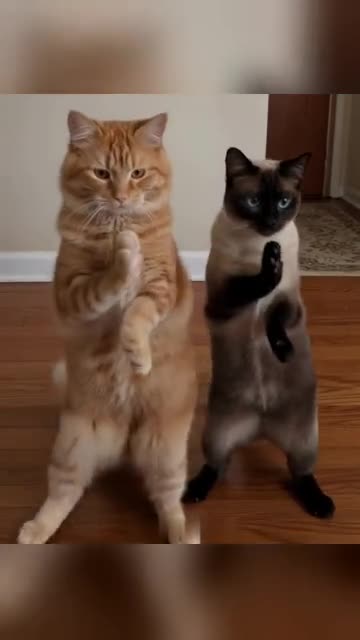
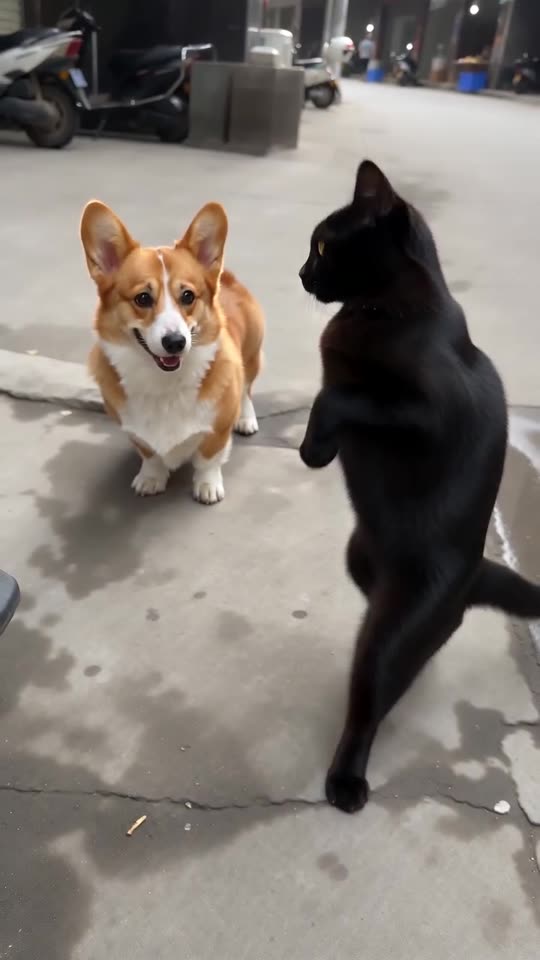
- Pet Duo Dance: Two pets upright, paws swiping in step. Build it from one or two pet photos.
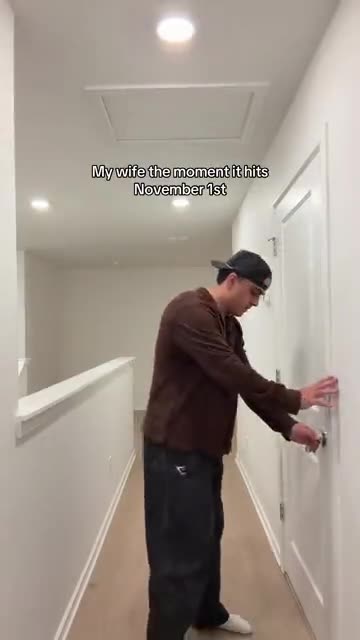
- Christmas Lights Wife AI: One calm at the door, one sprinting past with a tree. Two photos.
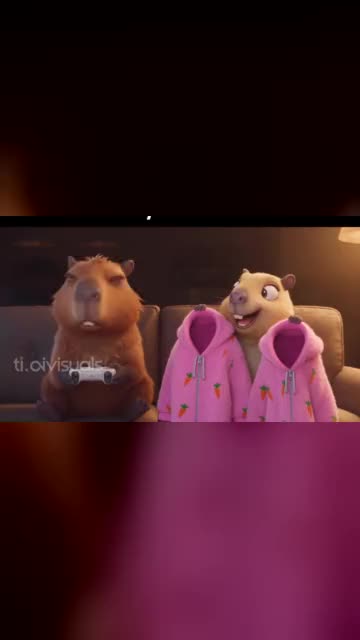
- Capybara Couple: Turn you and your partner, or your pets, into a cartoon capybara couple on the sofa. Build it from two photos.
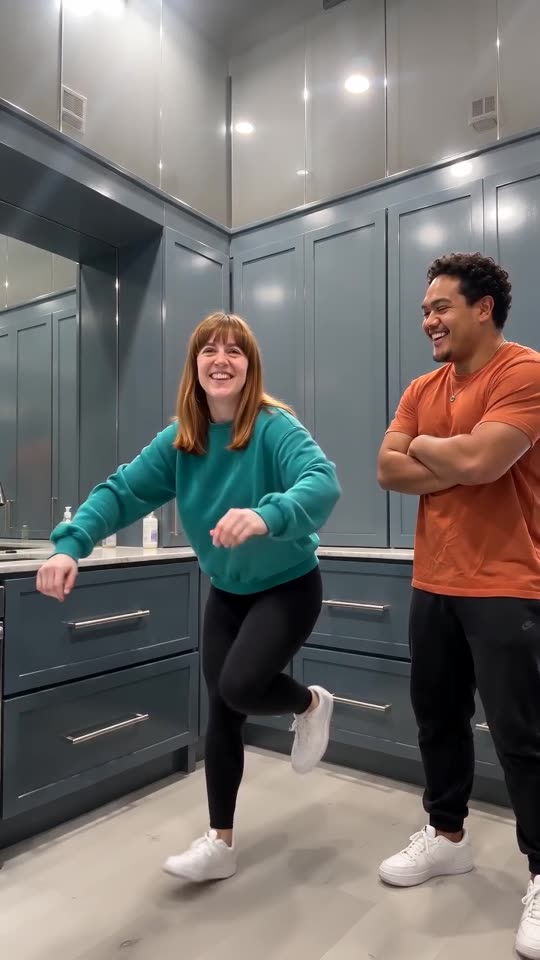
- Wipe Me Down Dance AI: Two photos become the Wipe Me Down kitchen stomp: friends or pets trade places in front of a phone camera.
- Bing Bing Bing Kicking AI: Turn two photos into the Bing Bing Bing Kicking routine: two friends or two pets kick at a low street camera in turn.
- Bama Bound AI: Friends or pets hold a red sign on a lawn, raise it overhead, scream and jump, all made from one to four photos.
- Somebody That I Used To Know: Painted into a patchwork wall, you mouth a slow song and a second singer turns to answer. Build it from one or two photos.
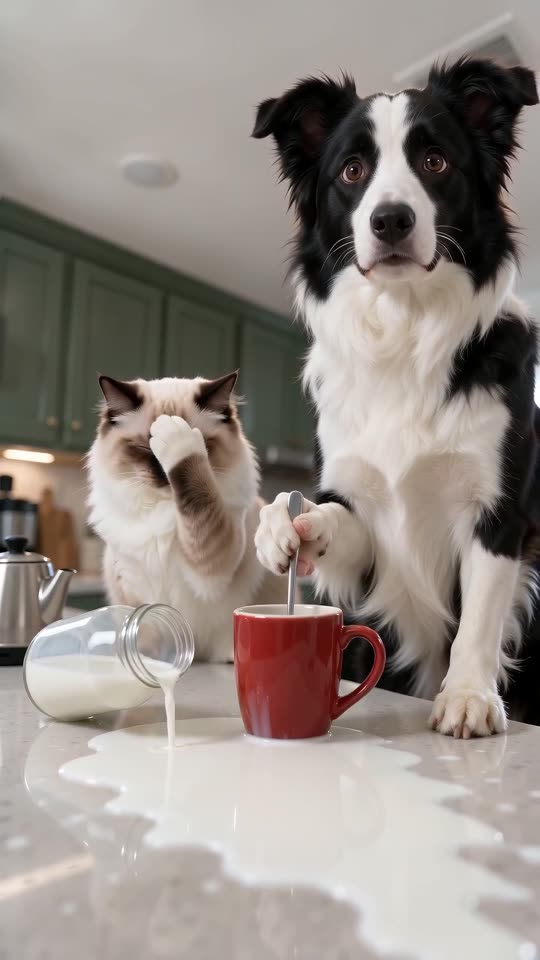
- Pets Making Coffee AI: Two pets at the counter: one pours, one stirs very seriously, a bottle falls and both stare at you. One or two photos, ten seconds.
- Tough Like a Gorilla: A cheeky dare, a giant quesadilla and one deadpan stare. Build it from two adult photos.
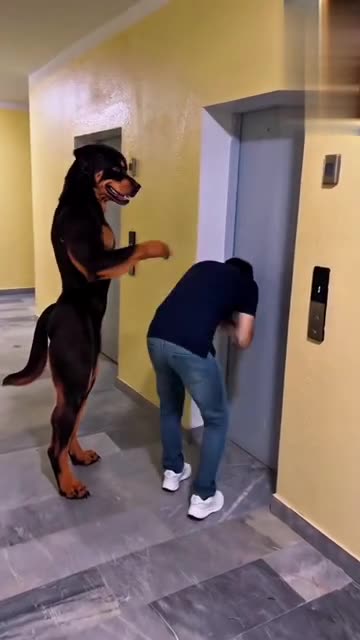
- Dog Elevator Prank: An upright dog presses the button, you bend over, and a gentle shove sends you into the elevator. Build it from an adult and a dog photo.
Three steps from photos to bridge
You film nothing and type nothing.
Add your photos
One for the bride and one for the groom, each showing one adult or one pet with a clear face. Use the same photo twice if you only have one. JPG, PNG or WebP, 10 MB per file.
Choose the look
Pick a place, a sky, a colour tone and the outfits, choose tall or wide, tick the consent line and sign in with Google. Packs bring bonus 5-second previews, so you can check the likeness before a credit goes.
Render and post
The 10-second 720p version uses 1 credit. Closing the tab is fine, as the result waits in My videos. Lay your own sound over it in TikTok.
How to add the original sound in TikTok
Your video comes with an AI-made soundtrack. If you would rather use the trending sound, add it inside TikTok when you post. You can also save a copy without sound from My videos (Download without sound) and put the original sound on that.
- Open this clip in TikTok: our video follows it. Tap the sound name at the bottom, then tap Use this sound.
- Tap Upload and pick the video you downloaded from us.
- Open Volume and turn the video's own sound down to 0, or use the Download without sound copy from My videos.
- To line up the beat, use the scissors (trim) so the sound starts at 0 seconds, then post.

Need to move where the sound starts? This short video shows how to trim it.

Video: How To Trim Sound On TikTok 2026 (Very Easy) by Software Solutions on YouTube
Credits, no subscription
Pay for the clips you make. One 10-second Corpse Bride AI video takes 1 credit.
1 credit
$8.88
Up to 1 video
Every template: 1 credit per full video
Includes 1 bonus preview
One-time payment, no subscription
- Most popularSave 37%
3 credits
$16.88
Up to 3 videos
Every template: 1 credit per full video
Includes 3 bonus previews
One-time payment, no subscription
- Best valueSave 42%
5 credits
$25.88
Up to 5 videos
Every template: 1 credit per full video
Includes 5 bonus previews
One-time payment, no subscription
- Secure checkout by Waffo
- Credits arrive instantly
- Unused packs refundable within 7 days
- Failed renders are refunded
Where this trend comes from
Use this sound: your video is timed to it, from 0s
@effiie97 · TikTok · Oct 29, 2026 · The post we follow: a gothic stop-motion puppet couple on a moonlit stone bridge, with hands over faces, wide eyes and a pose side by side. It runs 21s and had about 1.2 million plays on 12 November 2026. The caption names Emily and Victor and an AI account, TikTok shows no AI label in the page data, and the sound is listed as an original sound from another account.
Links open the original posts on their own platforms. We are not affiliated with these creators.
Corpse Bride: common questions
Where does the Corpse Bride trend come from?
The post we follow is by @effiie97 on TikTok, from 29 October 2026. It runs 21s and had about 1.2 million plays on 12 November 2026. Its caption names Emily and Victor, the leads of the film Corpse Bride. We cannot say who began the idea.
What happens in the scene?
Two gothic stop-motion puppets, a bride and a groom, meet on a moonlit stone bridge. She covers her face and opens her eyes wide, he clutches his head, and they pose side by side and wave. Details are in the explainer.
Do I need one photo or two for Corpse Bride?
Two is the best fit: one for the bride and one for the groom. Each is one adult or one pet, as JPG, PNG or WebP up to 10 MB. With only one photo, the same picture can fill both roles. Nobody under 18.
Can one selfie be my only photo?
Yes. Put the same photo in both roles and the server clones it into two puppets, so you appear twice. Two different photos look more natural, but the clone works. A single photo cannot be split into two people.
Is the original sound in my video?
No. TikTok lists the post's sound as an original sound, and our clip carries a hushed generated waltz with a faint music box. Lyrics are not requested, though a stray voice can appear. Add any track you like when you upload.
Will the pose line up with my sound?
Roughly. The order of beats follows the post, but the clip is generated and not timed to any track. Start your sound at zero and slide it until the pose lands on a beat, or time the silent copy in an editor.
Can my pets be the bride and groom?
Yes. A pet stands upright in the outfit and uses its front paws like hands, and two pets, or a person and a pet, also work. Toys, drawn characters and children are not accepted for this template.
Does the clip use anything from the film?
No. The look is a generic gothic stop-motion puppet style built around your photos. No footage, character design, music or name from the film is used inside the video.
More questions (7)
Is the clip scary?
It is eerie but gentle. The puppets look pale, with big eyes, and they only cover their faces, clutch their heads and wave. Nobody is hurt, and there is no blood or monster.
Must I write a prompt?
No. The camera, the order of beats and the setting are fixed. You add a photo, then pick four short presets: place, sky, colour tone and outfits. There is no text box, and nothing from the original is copied.
Is this better than a CapCut template?
They suit different jobs. A CapCut template edits footage you already have, inside an app, so you must shoot a moonlit bridge scene with puppets first. Ozil Goal AI makes a new clip from your photos in the browser, with no filming and no app, but you cannot direct the exact shots.
How long does it take, and what do I get?
Expect a few minutes. You get one 10-second 720p MP4 in My videos, with a silent copy beside it. The render carries on if you close the tab.
What would I pay for a Corpse Bride clip?
Each full video takes 1 credit, and packs start at $8.88. Every pack adds bonus 5-second previews so you can check the likeness first. Nothing renews monthly, and downloads carry no watermark.
Is Ozil Goal AI connected to the film or the person who posted it?
Ozil Goal AI is an independent site, so a clip built from your photos is not made, endorsed or licensed by the studio behind the film, the poster of the original, the account behind the sound or anyone in it.
Can I post the result on TikTok or Reels?
Yes. Pick 9:16 for the tall shape, upload the file and add your sound inside the app. Because the clip is synthetic, leave the platform's AI label on when you publish.
Corpse Bride AI guides
Two short pages: what the scene looks like, and how to make yours.
Questions? Email support@ozil-goal-ai.app.
Ozil Goal AI is an independent site that builds AI templates, and neither the studio or filmmakers behind Corpse Bride, nor anyone who owns Emily and Victor, nor the author of the original post, nor TikTok has any tie to it, endorses it or has licensed it. No footage, design or music from the film or the post is used.