Darts Bullseye AI: Hit Three Bullseyes on a Big Stage
Also called: Darts Bullseye Trend, Hit 3 Bullseyes on Live TV, Making My Parents Think I Hit 3 Bullseyes, Live TV Darts AI, Triple Bullseye Darts AI, Darts Hat Trick
Upload one photo of yourself, an adult friend or your pet and Ozil Goal AI splits the screen in two. On one panel a close-up dartboard takes three darts in the red bullseye. On the other you step up on a big darts stage, throw, lower your arm and then roar with both fists up as the crowd goes wild. You choose the stage, the shirt, the cheer and the lights. The file has no original sound, so add yours in TikTok.
- 8s HD clip from $8.88 · every pack includes a bonus preview
- 1 photo, adult or pet
- Tall 9:16 or wide 16:9
- No watermark
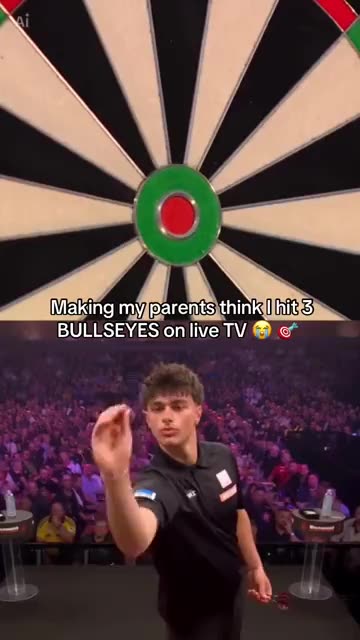
TikTok
@capcutradar.edits
Original trend on TikTok
The post behind this template, played straight from TikTok. Your clip is built from your own photo.
Something not right with your video? Write to support@ozil-goal-ai.app and a person will take a look.
Trending AI templates
More viral video templates you can make from your own photos. Credits work on every template.
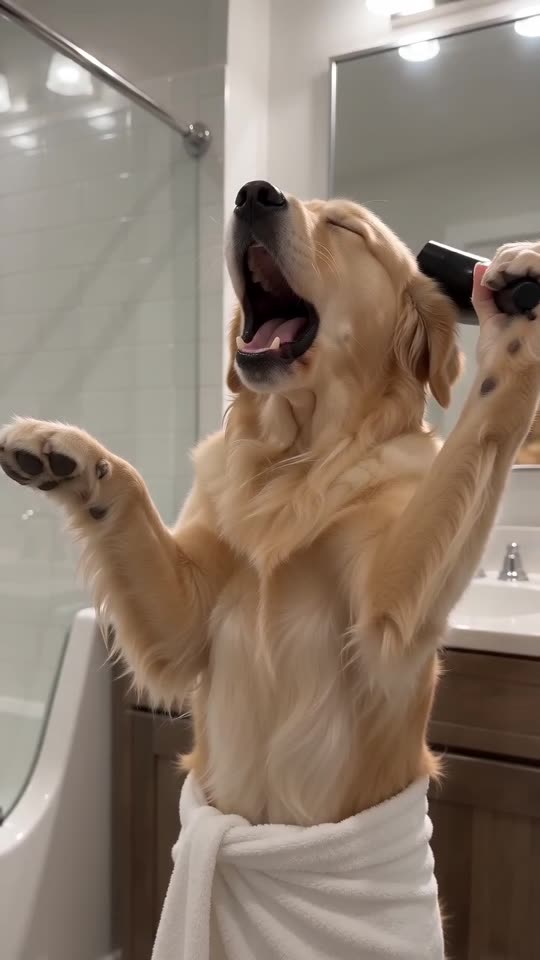
Singing Pet AI
10s · 1 photo
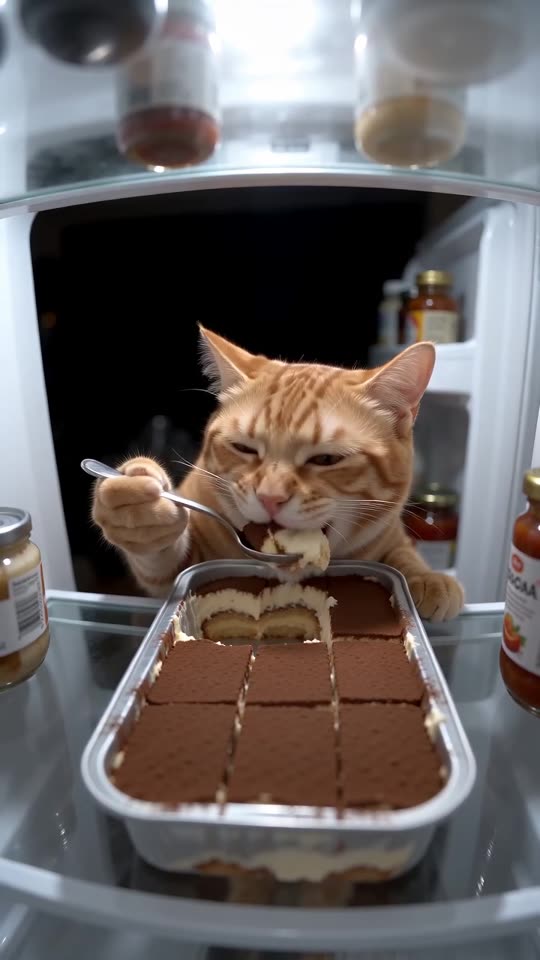
Pet Fridge Cake Heist AI
15s · 1 photo
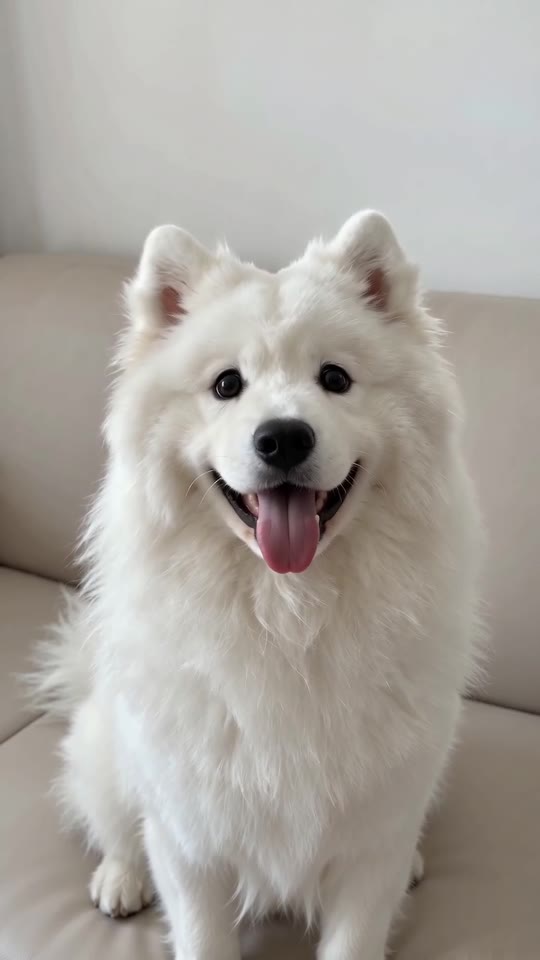
Shaking Head AI
7s · 1 photo
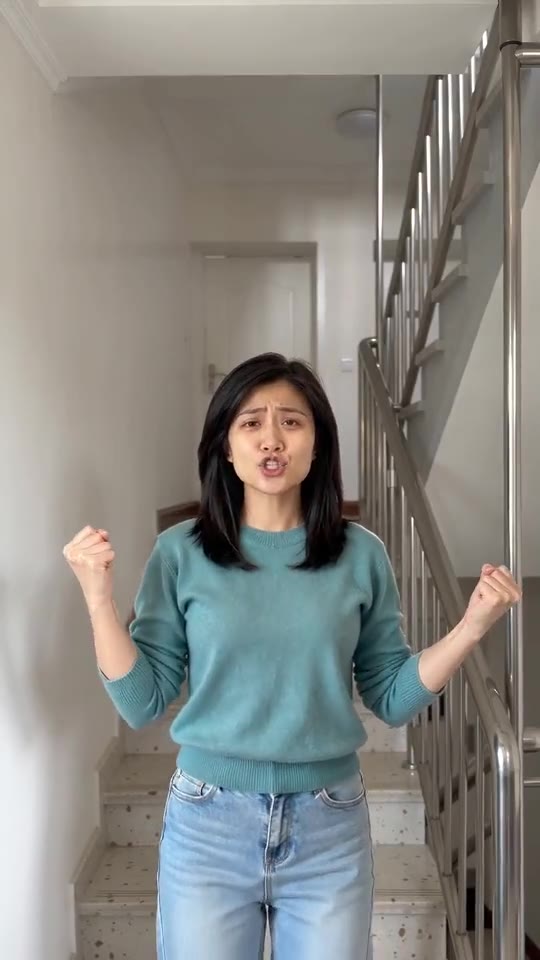
I'm So In Love With You, the AI Dance
8s · 1 photo
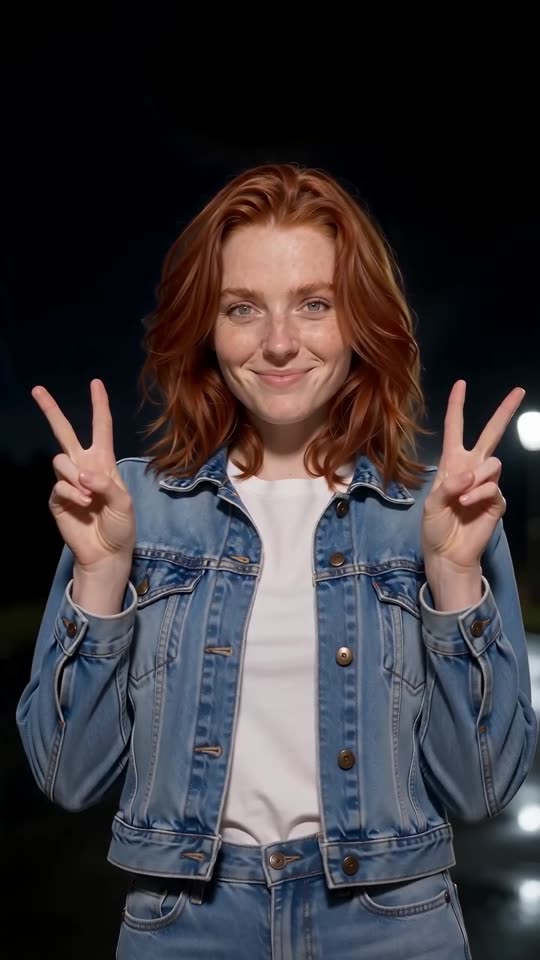
Explosion Walk AI
12s · 1 photo
What each template does
- Singing Pet AI: Towel on, hair dryer up: your pet goes for the biggest note of its life.
- Pet Fridge Cake Heist AI: A hidden camera, a full tray of tiramisu and your pet holding a spoon. Needs 1 photo.
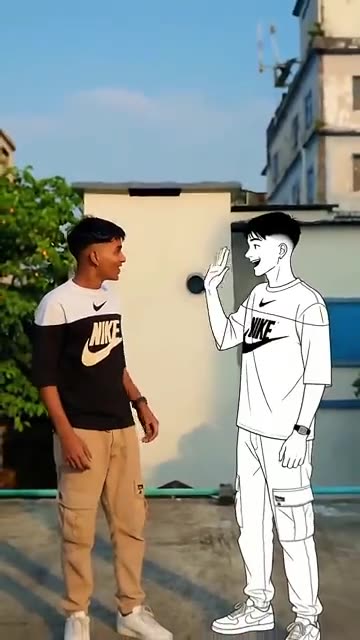
- Dance With Cartoon Self: You and a drawn twin of yourself wave hello, then dance the same steps side by side. Start from one photo.
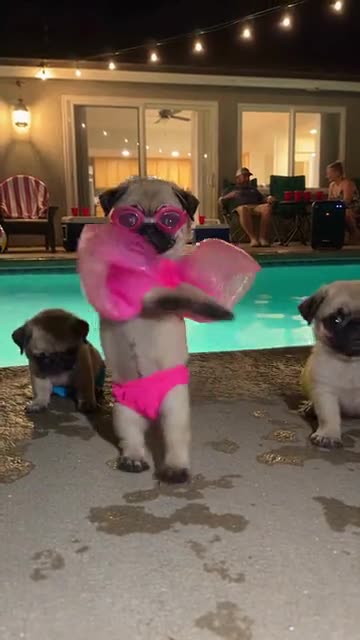
- Dog Pool Party: A pet in swimwear rises onto its hind legs, wiggles and spins. Build it from one photo.
- Hotline Bling: Hand-chops, a phone to the ear and a crouch in a room that glows pink, blue and teal. Build it from one photo.
- Shaking Head AI: Your pet or you in the trend: a smug sway with eyes shut, then a wide stare and the tongue out, from one photo.
- Birds of a Feather: You lean back in a drifting office chair, hair spread out, and mouth along to a song. Start from one photo.
- Cutting the Branch: Chop the branch you sit on and drop into the water. Build it from one photo.
- Winter Pet Bath: On its hind legs in a tiled bathroom, a pet douses itself with a scoop of cold water and shudders. Built from one pet photo.
- I'm So In Love With You, the AI Dance: Make yourself or your pet the star: sing along with fists out, then fists on hips.
- Explosion Walk AI: One photo turns into the Explosion Walk shot: a night road, a lit fuse, a relaxed stroll toward the lens, a fireball behind you and a peace sign.
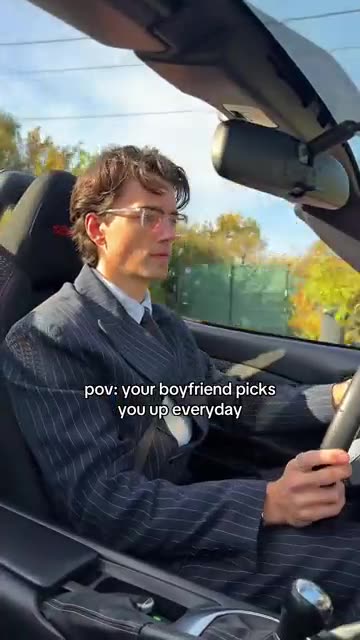
- Boyfriend Picks You Up: Drive an open-top car down an autumn road and turn up in a new outfit after every cut. Build it from one photo.
Three steps from photo to bullseye
You film nothing and type nothing.
Add your photo
One adult or one pet looking at the lens, with the face clear. A shot from the chest up or more is ideal. JPG, PNG or WebP, 10 MB per file.
Choose the look
Pick a stage, a shirt, a cheer and the lights, choose tall or wide, tick the consent line and sign in with Google. Packs bring bonus 5-second previews, so you can check the likeness before a credit goes.
Render and post
The 8-second 720p version uses 1 credit. Closing the tab is fine, as the result waits in My videos. Lay your own sound over it in TikTok.
How to add the original sound in TikTok
Your video comes with an AI-made soundtrack. If you would rather use the trending sound, add it inside TikTok when you post. You can also save a copy without sound from My videos (Download without sound) and put the original sound on that.
- Open this clip in TikTok: our video follows it. Tap the sound name at the bottom, then tap Use this sound.
- Tap Upload and pick the video you downloaded from us.
- Open Volume and turn the video's own sound down to 0, or use the Download without sound copy from My videos.
- To line up the beat, use the scissors (trim) so the sound starts at 0 seconds, then post.

Need to move where the sound starts? This short video shows how to trim it.

Video: How To Trim Sound On TikTok 2026 (Very Easy) by Software Solutions on YouTube
Credits, no subscription
Pay for the clips you make. One 8-second Darts Bullseye AI video takes 1 credit.
1 credit
$8.88
Up to 1 video
Every template: 1 credit per full video
Includes 1 bonus preview
One-time payment, no subscription
- Most popularSave 37%
3 credits
$16.88
Up to 3 videos
Every template: 1 credit per full video
Includes 3 bonus previews
One-time payment, no subscription
- Best valueSave 42%
5 credits
$25.88
Up to 5 videos
Every template: 1 credit per full video
Includes 5 bonus previews
One-time payment, no subscription
- Secure checkout by Waffo
- Credits arrive instantly
- Unused packs refundable within 7 days
- Failed renders are refunded
Where this trend comes from
Use this sound: your video is timed to it, from 0s
@capcutradar.edits · TikTok · Oct 28, 2026 · The post we follow: a split-screen darts clip in which three darts land in the bullseye of a close-up board while a player on a big stage throws and then roars. It runs 10s and had about 2.1 million plays on 12 November 2026. Its page data carries an AI label, the sound is listed as an original sound, and the caption invites viewers to try the filter and carries CapCut hashtags.
Links open the original posts on their own platforms. We are not affiliated with these creators.
Darts Bullseye: common questions
Where does the Darts Bullseye trend come from?
The post we follow is by @capcutradar.edits on TikTok, from 28 October 2026. It runs 10s and had about 2.1 million plays on 12 November 2026, and its page data carries an AI label. We cannot say who began the idea.
What happens in the scene?
The screen is split in two. On one panel three darts hit the bullseye of a close-up board. On the other a player on a big stage throws, lowers the arm, then roars with both fists up. Details are in the explainer.
Do I need one photo or two for Darts Bullseye?
One. The template has a single role, the player. Add a clear photo of one adult or one pet as JPG, PNG or WebP up to 10 MB. The board, the stage and the crowd are generated. Nobody under 18.
Can one selfie be my only photo?
Yes. A selfie works if your face is sharp and you look at the lens, though a shot from the chest up gives the model more to build on. Crop out anyone else first.
Is the original sound in my video?
No. TikTok lists the post's sound as an original sound, and our clip carries a generated instrumental beat with soft dart thuds. Lyrics are not requested, though a stray voice can appear. Add any track you like when you upload.
Will the first dart line up with my sound?
Roughly. The order of beats follows the post, but the clip is generated and not timed to any track. Start your sound at zero and slide it until the first throw lands on a beat, or time the silent copy in an editor.
Can my dog or cat be the player?
Yes. A pet stands upright on the stage, holds the dart in a front paw and flicks it, and an adult can be the player too. Toys, drawn characters and children are not accepted for this template.
Does any real player or sponsor appear?
No. The board, the stage and the crowd are generated, and the picture carries no sponsor names, logos, scoreboards or readable text. Your photo supplies the only face on the stage.
More questions (7)
Can I pick wide or tall?
Yes. Choose 9:16 for TikTok, Reels and Shorts, where the board sits above the stage, or 16:9, where the two panels sit side by side. Both cost the same and the four beats are identical.
Must I write a prompt?
No. The camera, the order of beats and the setting are fixed. You add a photo, then pick four short presets: stage, shirt, cheer and lights. There is no text box, and nothing from the original is copied.
Is this better than a CapCut template?
They suit different jobs. A CapCut template edits footage you already have, inside an app, so you must shoot a darts stage first. Ozil Goal AI makes a new clip from one photo in the browser, with no filming and no app, but you cannot direct the exact shots.
How long does it take, and what do I get?
Expect a few minutes. You get one 8-second 720p MP4 in My videos, with a silent copy beside it. The render carries on if you close the tab.
How much would I pay for one Darts Bullseye clip?
Each full video takes 1 credit, and packs start at $8.88. Every pack adds bonus 5-second previews so you can check the likeness first. Nothing renews monthly, and downloads carry no watermark.
Is Ozil Goal AI connected to the person who posted it?
Ozil Goal AI is an independent site, so a clip built from your photo is not made, endorsed or licensed by the poster of the original, the account behind the sound or anyone in it.
Can I post the result on TikTok or Reels?
Yes. Pick 9:16 for the tall shape, upload the file and add your sound inside the app. Because the clip is synthetic, leave the platform's AI label on when you publish.
Darts Bullseye AI guides
Two short pages: what the scene looks like, and how to make yours.
Questions? Email support@ozil-goal-ai.app.
Ozil Goal AI is an independent site that builds AI templates. Neither the author of the original post, TikTok nor anyone who appears in it has any tie to this site or endorses it, and no footage or sound from the original is used.