Monkey Steals Apple AI: One Photo, One Cheeky Thief
Also called: Monkey Steals Apple Trend, Monkey Apple Snatch, Monkey Grabs Fruit Meme, Railing Monkey Apple Trend, Monkey Takes Apple AI
Upload one photo of an adult and Ozil Goal AI places you beside a railing on a quiet mountain road, calmly biting an apple. A small brown monkey, generated and not taken from any photo, edges along the rail, plucks the fruit out of your hand in one quick move and hurries away while you stand frozen. Choose the place, the fruit, your reaction and an outfit. The file has no soundtrack, so pick your sound in TikTok.
- 7s HD clip from $8.88 · a bonus preview in every pack
- Takes 1 photo
- Vertical 9:16 MP4
- No watermark on the download
TikTok
@xiaoli6049
Original trend on TikTok
The post we follow, played straight from TikTok. Your clip is built from your own photo.
Something not right with your video? Write to support@ozil-goal-ai.app and a person will take a look.
Trending AI templates
More viral video templates you can make from your own photos. Credits work on every template.
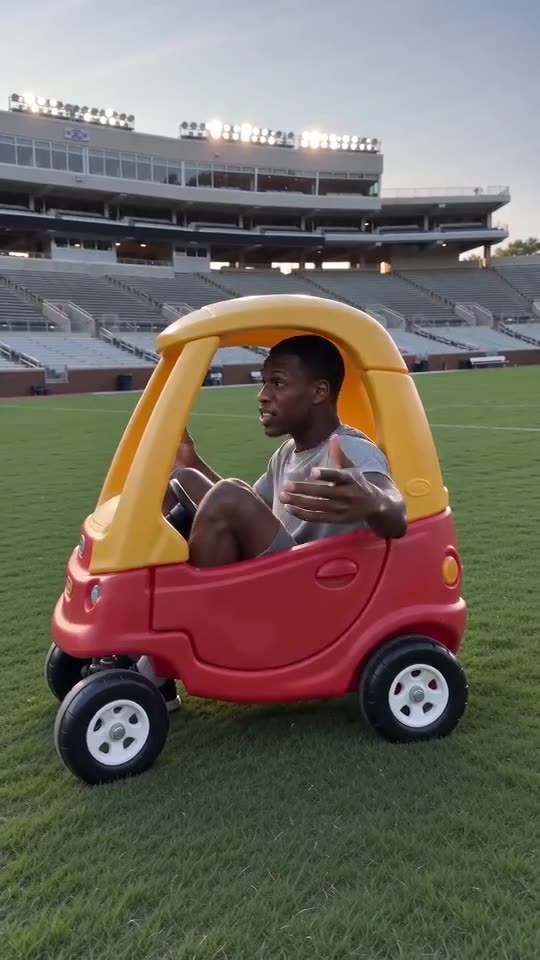
Hit the Road Dude
15s · 1 photo
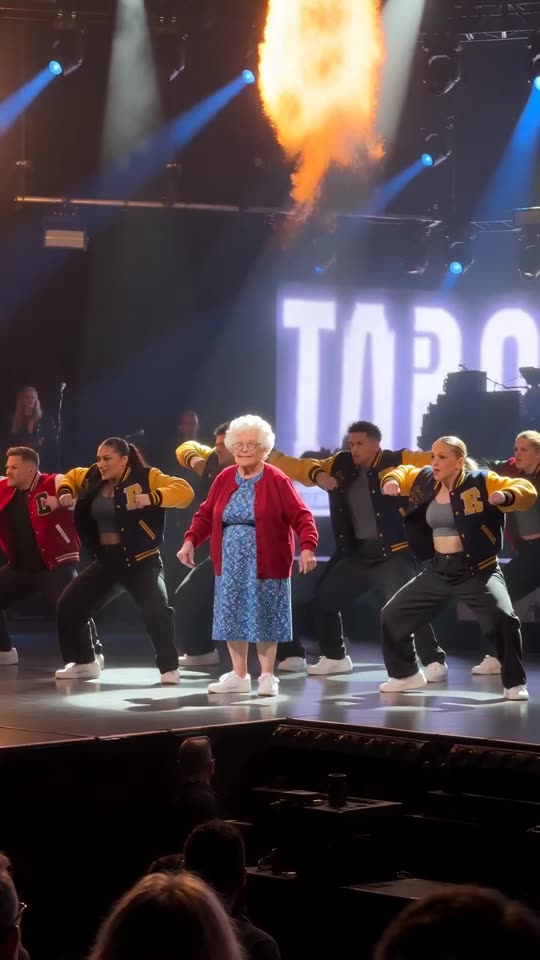
Talk Dirty AI Dance
15s · 1 photo
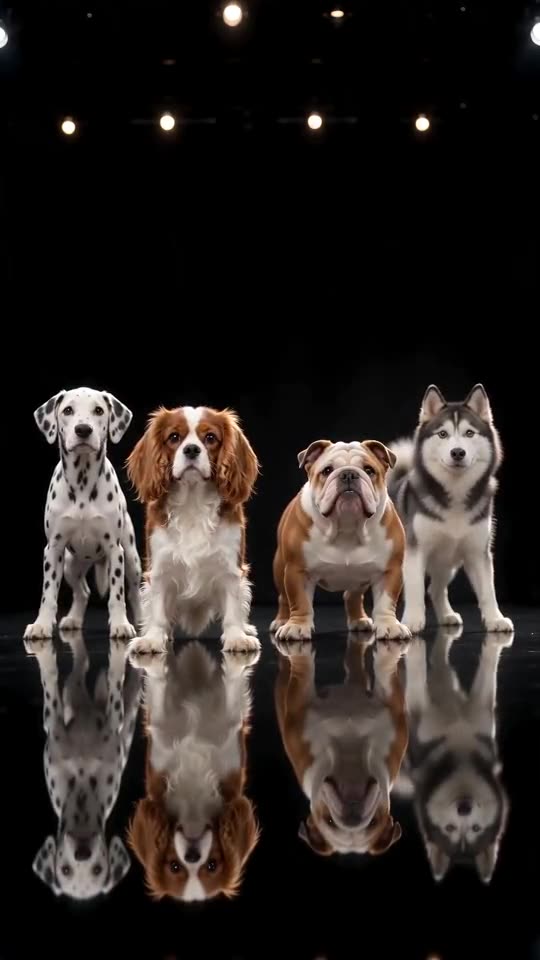
Dog Dance Crew AI
15s · 1 photo
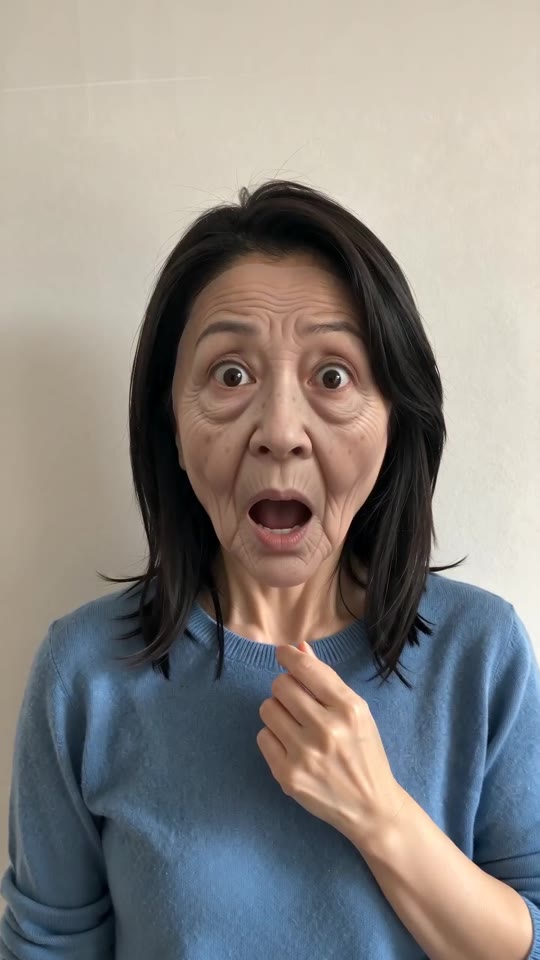
Prank Mask AI
5s · 1 photo
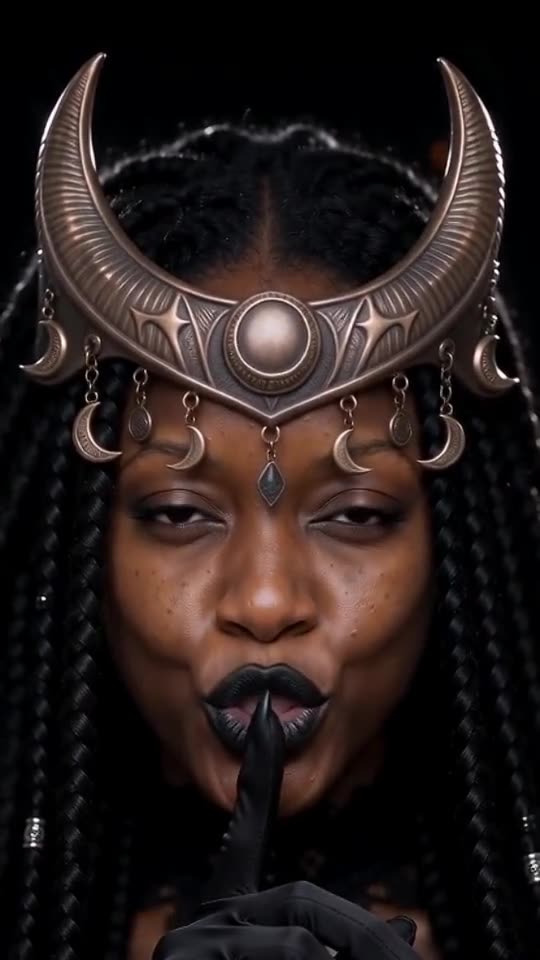
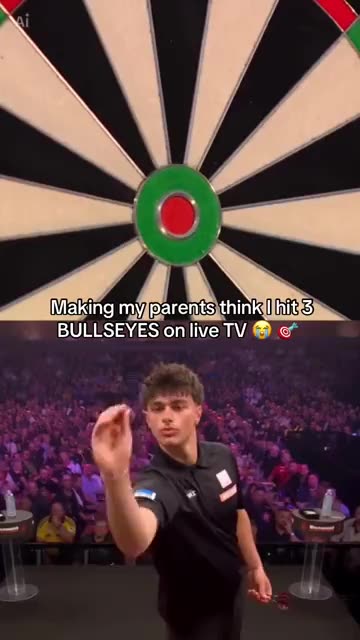
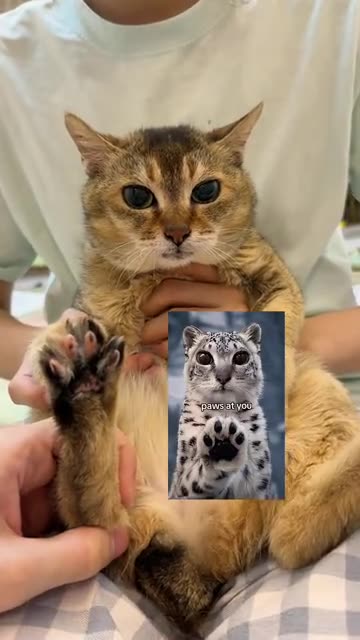
What each template does
- Enchantress Witch Filter AI: One photo turns into the Enchantress witch transformation: eyes shut, a dark claw takes your hand and wipes across the lens, and you return as a moon witch in a gold crescent crown.
- Darts Bullseye AI: Three darts in the red, a big stage and a roaring crowd. A split-screen darts moment from one photo.
- Snow Leopard Paws At You: A big-eyed pet sitting upright, patting a paw toward you. Build it from one pet photo.
- Hit the Road Dude: Lean out of the window and wave them off. One photo.
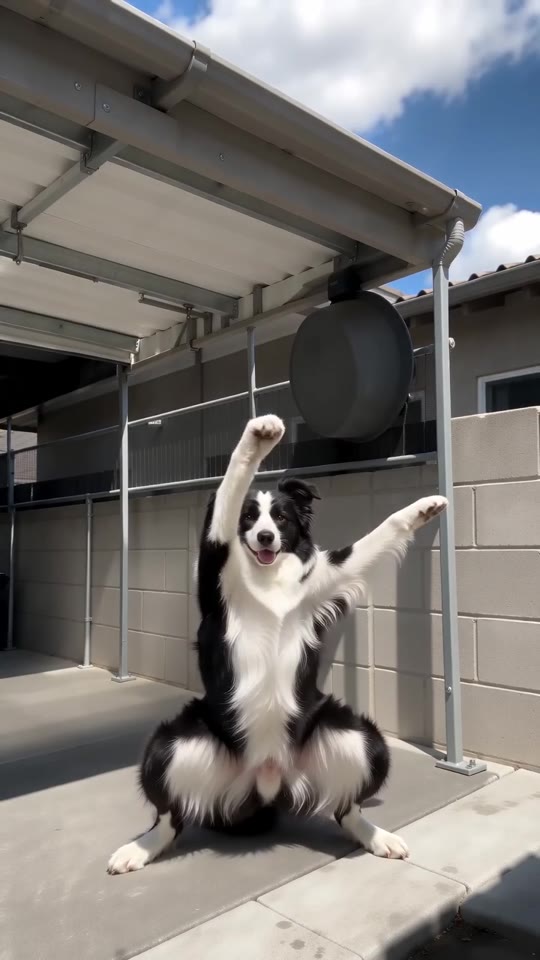
- Fuzzy Dream Dance AI: A wide squat, rolling forearms, hands on the head, shaking knees and one arm thrown high. A sunny yard, one photo, ten seconds.
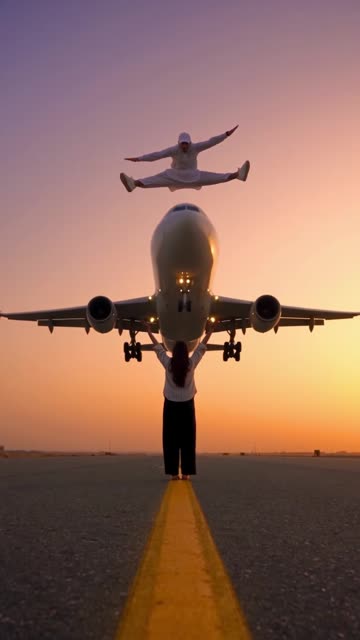
- Airplane Runway Jump: A mid-air split, a sunset runway and a jet that seems to pass beneath. Build it from one adult photo.
- Talk Dirty AI Dance: One photo becomes the Talk Dirty concert clip: you walk out of the line, squat under the spotlight and dance in step with a varsity-jacket crew as flames go up.
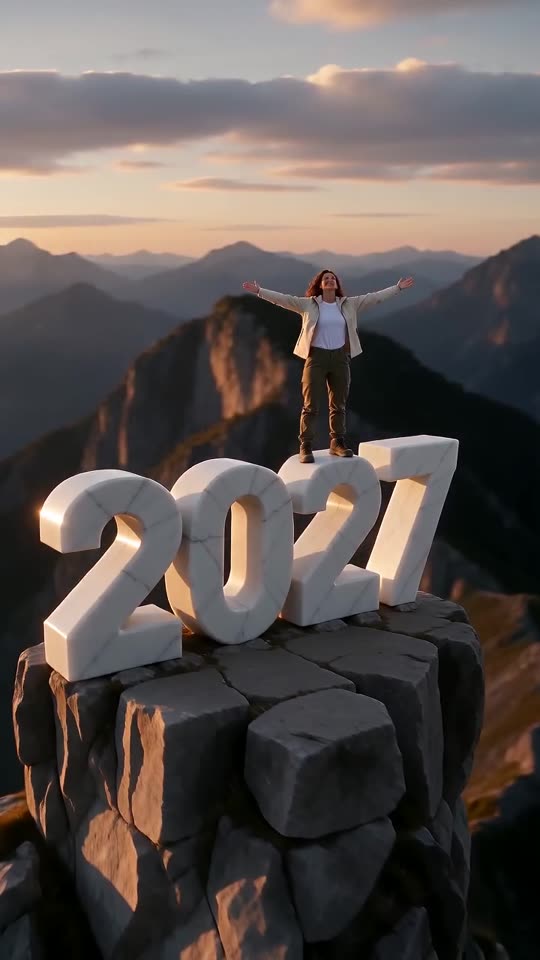
- New Year 2027 AI: Scale four giant digits, stand on top and let the camera pull back to show the year. One photo, six seconds.
- Dog Dance Crew AI: Your dog or cat leads a four-pet line on a mirror-floor stage, bowing and shaking heads in time, from one photo.
- Prank Mask AI: A tug, a sudden old face, a mask peeled off and you are back: one adult photo becomes the whole prank.
- Birds of a Feather: You lean back in a drifting office chair, hair spread out, and mouth along to a song. Start from one photo.
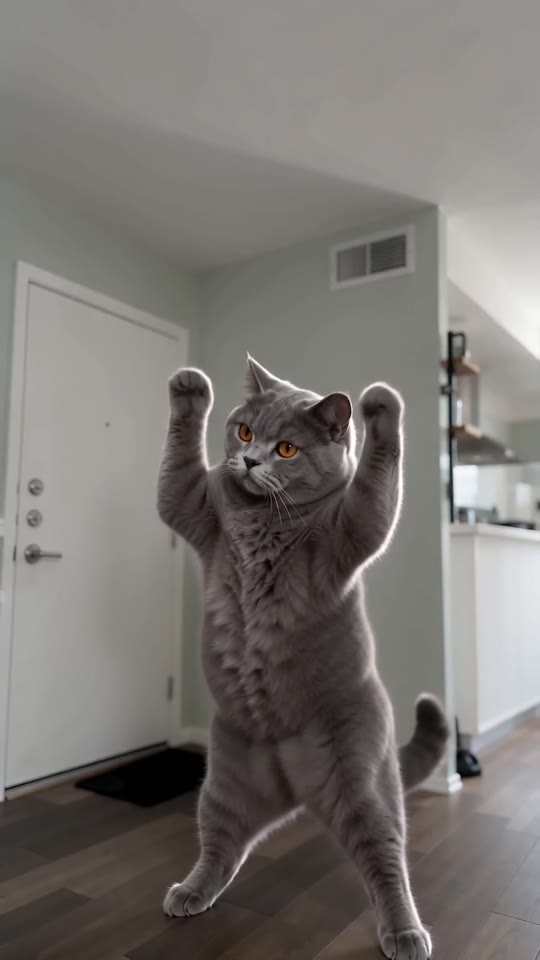
- Lil T Jones Dance AI: A pet stands up in the living room and runs a whole routine: a shy giggle, a salute, kicks, a half turn and a wave. One photo, ten seconds.
Three steps from a photo to a stolen apple
No filming and no typing.
Add your photo
One adult, face in clear view, with the shoulders and hands visible. A sharp, front-facing shot that shows you from the waist up works best, because the monkey reaches for a hand. JPG, PNG or WebP, up to 10 MB.
Set the scene
Pick a place, a fruit, your reaction and an outfit, tick the consent line and sign in with Google. Every pack holds bonus 5-second previews, so you can check the face before a credit is spent.
Render, then add sound
The 7-second 720p render uses 1 credit. You can close the tab, since the finished file waits in My videos. Choose the sound when you upload to TikTok.
How to add the original sound in TikTok
Your video comes with an AI-made soundtrack. If you would rather use the trending sound, add it inside TikTok when you post. You can also save a copy without sound from My videos (Download without sound) and put the original sound on that.
- Open this clip in TikTok: our video follows it. Tap the sound name at the bottom, then tap Use this sound.
- Tap Upload and pick the video you downloaded from us.
- Open Volume and turn the video's own sound down to 0, or use the Download without sound copy from My videos.
- To line up the beat, use the scissors (trim) so the sound starts at 0 seconds, then post.

Need to move where the sound starts? This short video shows how to trim it.

Video: How To Trim Sound On TikTok 2026 (Very Easy) by Software Solutions on YouTube
Credits, no subscription
Pay only for the clips you make. One 7-second Monkey Steals Apple video takes 1 credit.
1 credit
$8.88
Up to 1 video
Every template: 1 credit per full video
Includes 1 bonus preview
One-time payment, no subscription
- Most popularSave 37%
3 credits
$16.88
Up to 3 videos
Every template: 1 credit per full video
Includes 3 bonus previews
One-time payment, no subscription
- Best valueSave 42%
5 credits
$25.88
Up to 5 videos
Every template: 1 credit per full video
Includes 5 bonus previews
One-time payment, no subscription
- Secure checkout by Waffo
- Credits arrive instantly
- Unused packs refundable within 7 days
- Failed renders are refunded
Where this trend comes from
Use this sound: your video is timed to it, from 0s
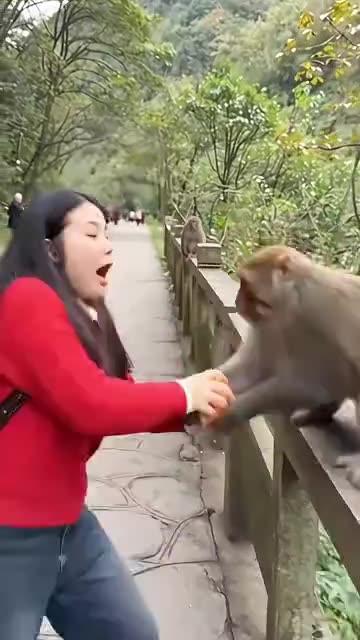
@xiaoli6049 · TikTok · Nov 6, 2026 · The post we follow: a person eats an apple beside a railing on a wooded hillside path and a monkey on the railing grabs it out of their hand in one quick move. It runs about 32s and had about 125,400 plays on 12 November 2026. Only its opening stretch is the finished clip and a phone tutorial follows. We follow about the first 5.6s.
Links open the original posts on their own platforms. We are not affiliated with these creators.
Monkey Steals Apple: common questions
Where does the Monkey Steals Apple trend come from?
From a TikTok post dated 6 November 2026 that showed about 125,400 plays on 12 November. It may not be the first of its kind. The post runs 32s, and only its opening stretch is the finished clip, so we follow about the first 5.6s.
What happens in the clip?
A person takes a bite of an apple beside a railing on a hillside path. A monkey creeps along the rail, snatches the fruit in one quick move and scampers off while the person freezes. The explainer goes through it.
Do I need more than one photo?
No, a single photo of one adult is enough, as JPG, PNG or WebP up to 10 MB. The monkey is generated, so it needs no photo. Choose a sharp shot from the waist up.
Which sound goes with it, and is it in my video?
The post's sound page shows an original sound from the poster's own account. Your file has only a light breeze and the crunch of a bite, no music. Add the sound you want inside TikTok.
Will the grab land on the beat once I add sound?
Roughly. The order of moves follows the post, but the clip is generated and not timed to a track. Slide the sound a second either way in TikTok, or time the silent copy in an editor.
Can a selfie be my only photo?
Yes, one selfie works if the face is sharp. Step back so your shoulders and the hand holding the fruit are in the picture, because the monkey goes for that hand. Heavy filters and sunglasses give weaker faces.
Can my pet, or a friend, be the one losing the fruit?
A friend can, if they are an adult and agreed. Pets, toys, children and drawn characters are refused. Ask for a monkey and you get a generated one, whatever the photo shows.
Do I have to type a prompt?
No. The camera, the framing and the order of moves are preset. You add one photo and pick a place, a fruit, a reaction and an outfit from short lists. There is no text box.
More questions (5)
Is this the same as a CapCut template?
No. A CapCut template re-times footage you already have, so a real monkey would have to take your apple. Ozil Goal AI builds a new clip from one still in your browser, with no app, but you cannot direct the monkey.
How long is the video, and how long does rendering take?
The clip lasts 7s as a vertical 720p MP4. Rendering takes a few minutes, and it goes on if you close the tab. The file lands in My videos with a silent copy beside it.
What would I pay for one Monkey Steals Apple clip?
A full video costs 1 credit, and packs start at $8.88. Every pack adds bonus 5-second previews to check your photo. Nothing renews monthly, and downloads have no watermark.
Is Ozil Goal AI linked to the person who posted the original?
Ozil Goal AI is an independent site, and your video, generated from your own photo, is not made, endorsed or licensed by the poster of the original or anyone or any animal in it.
Can I post it on TikTok or Reels?
Yes. Choose 9:16, upload the file and add your sound inside the app. The clip is synthetic, so leave the platform's AI label switched on when you publish.
Monkey Steals Apple guides
Two short pages: what the trend is, and how to make it.
Questions? Email support@ozil-goal-ai.app.
Ozil Goal AI is an independent site that builds AI templates. It is not affiliated with or endorsed by the account that posted the original, by TikTok or by anyone or any animal that appears in it, and no footage from the original is used.