Baby Lip Sync AI: Pass the Camera, Mime to the Lens
Also called: Baby Lip Sync Trend, Baby Baby Baby Oh Lip Sync, Pass the Camera Lip Sync, Camera Pass Lip Sync, Group Lip Sync Camera Trend, Baby Song Lip Sync
Upload two photos of adults or pets, or three if you have a trio, and Ozil Goal AI builds a handheld selfie-style shot at face height. The camera fills with your first singer, who mimes straight at the lens with huge expressions, a hand on the chest and a point at the viewer. Then it swings across to the second face, who takes over just as dramatically. Add a third photo and the swing carries on to a third singer. Then pick a place, outfits and lighting. The mouths move without any voice, so add your own sound in TikTok.
- 10s HD clip from $8.88 · a bonus preview in every pack
- Takes 2 or 3 photos
- Vertical 9:16 MP4
- No watermark on the download
TikTok
@efuadell
Original trend on TikTok
The post we follow, played straight from TikTok. Your clip is built from your own photos.
Something not right with your video? Write to support@ozil-goal-ai.app and a person will take a look.
Trending AI templates
More viral video templates you can make from your own photos. Credits work on every template.
What each template does
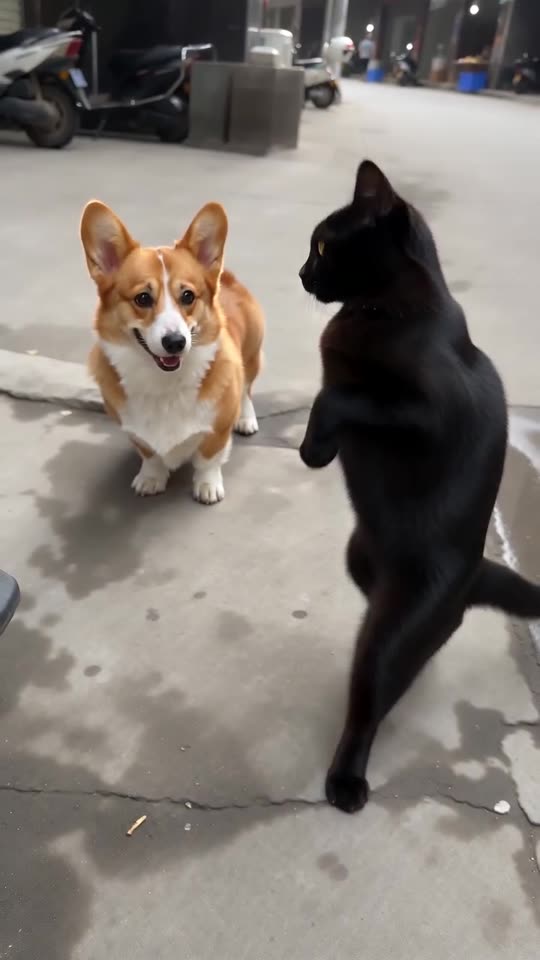
- Bing Bing Bing Kicking AI: Turn two photos into the Bing Bing Bing Kicking routine: two friends or two pets kick at a low street camera in turn.
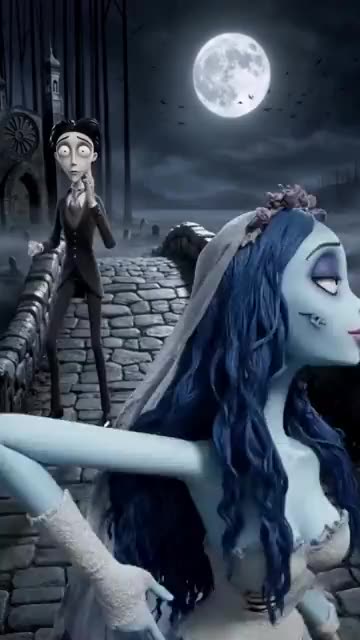
- Corpse Bride AI: A pale bride, a dizzy groom and a moonlit stone bridge. A gothic stop-motion puppet clip from your photos.
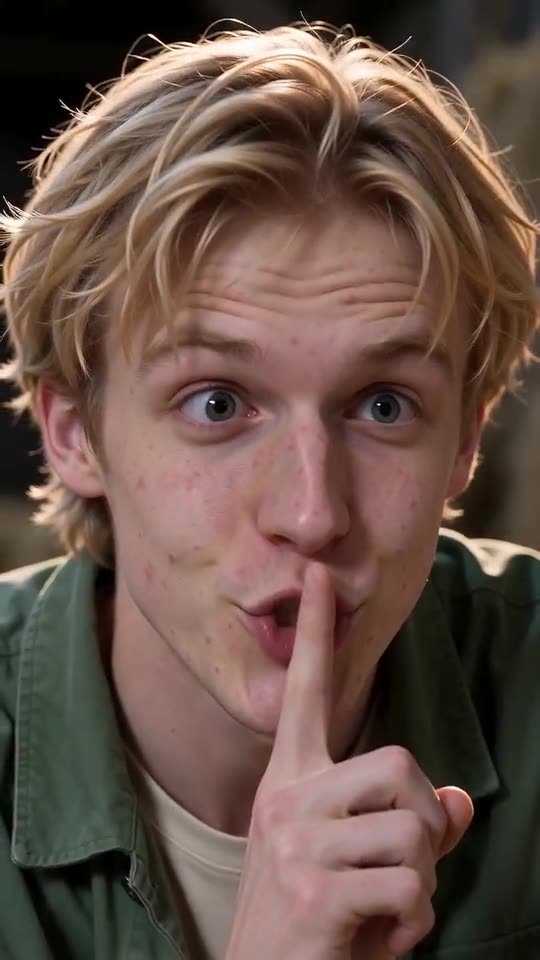
- Tip Toe in My Jordans, With You in It: One of you hushes the camera and tiptoes through the straw while the other gasps. Needs 2 photos.
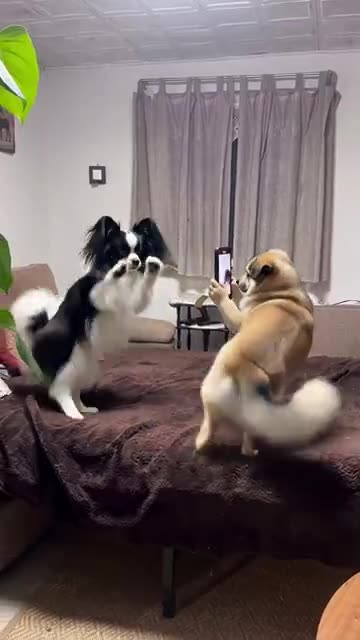
- Dog Couple Dance: One stands on the bed and dances, the other holds up a phone to film it. Build it from one or two photos.
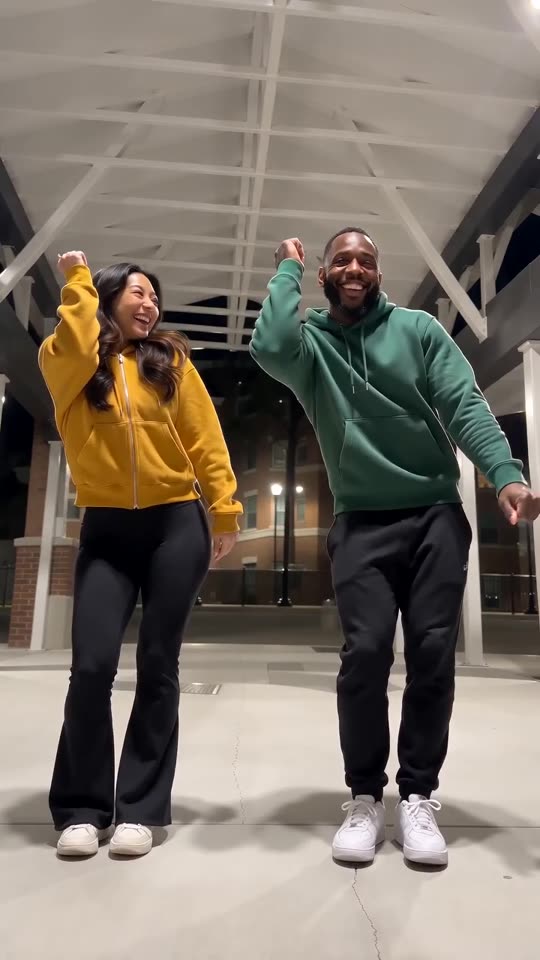
- Puerto Rican Mami Dance AI: Two dancers share a night-time walkway and trade sides on the beat, all made from two photos.
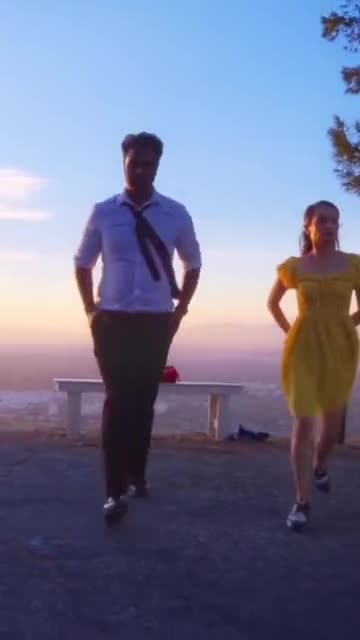
- La La Land Dance: Dusk, a city below and two dancers tapping side by side. Build it from two photos of adults or pets.
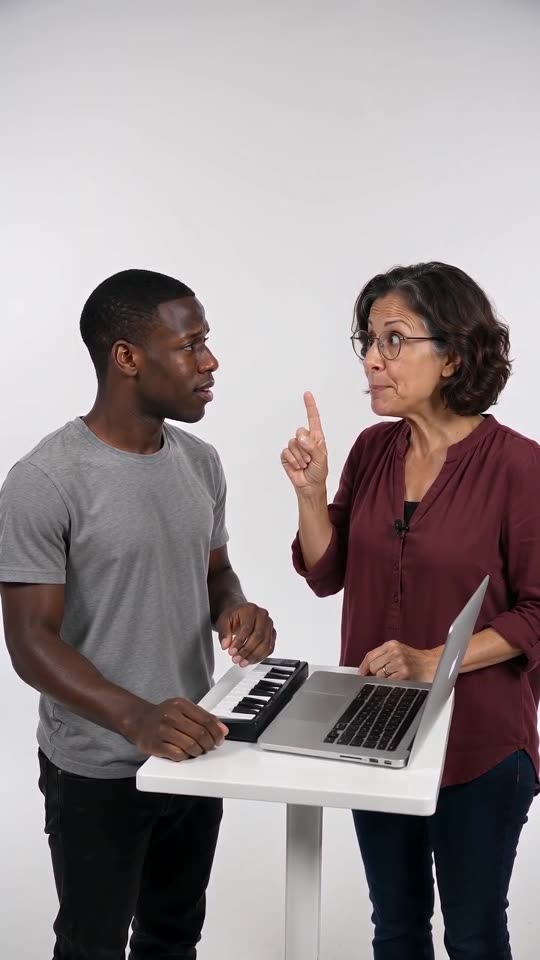
- Alors on Danse Keyboard Skit Maker: One of you stays blank-faced at a mini keyboard while the other hypes. Two photos go in.
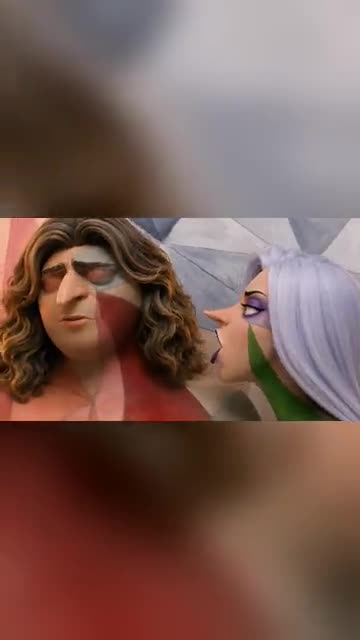
- Somebody That I Used To Know: Painted into a patchwork wall, you mouth a slow song and a second singer turns to answer. Build it from one or two photos.
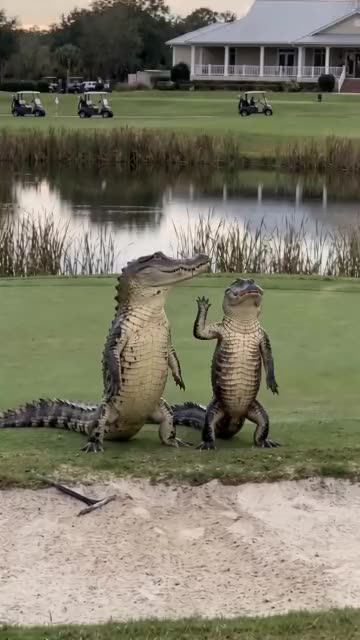
- Dancing Crocodiles: Two costumed dancers step in sync beside a pond. Build it from one photo or two.
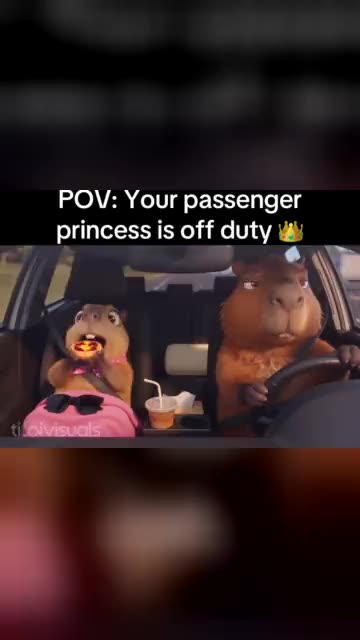
- Passenger Princess AI: A serious driver, a pink blanket and a passenger who is clearly off duty. A road-trip comedy from your photos.
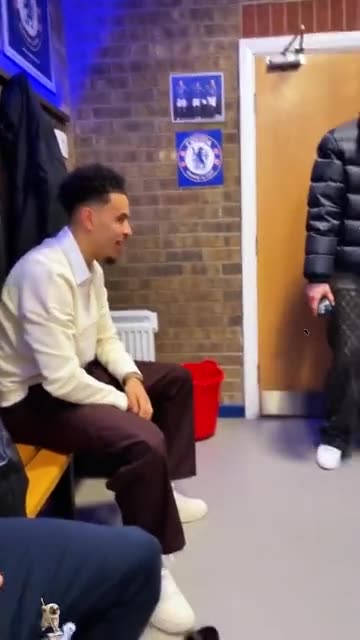
- Spin That Coupe: A shout from the bench, a swing to the door and you stepping in with attitude. Build it from one or two adult photos.
- My Girl Couple Trend: An oversized hand blocks two pairs of eyes, slides off, and the couple lean in. Build it from two adult photos.
Three steps from your photos to a camera pass
No filming and no typing.
Add two or three photos
One adult or one pet per photo, head and shoulders or wider, facing the camera with the mouth clear. Two photos are needed and a third can join them. Accepted files: JPG, PNG or WebP, 10 MB at most each.
Set the scene
Choose the place, the outfits and the light, then tick the consent line and sign in with Google. Each pack carries bonus 5-second previews, so you can check the faces before a credit goes.
Render, then add sound
The 10-second 720p render uses 1 credit. You can leave the tab while it runs, because the finished file waits in My videos. Choose the song when you upload to TikTok.
How to add the original sound in TikTok
Your video comes with an AI-made soundtrack. If you would rather use the trending sound, add it inside TikTok when you post. You can also save a copy without sound from My videos (Download without sound) and put the original sound on that.
- Open this clip in TikTok: our video follows it. Tap the sound name at the bottom, then tap Use this sound.
- Tap Upload and pick the video you downloaded from us.
- Open Volume and turn the video's own sound down to 0, or use the Download without sound copy from My videos.
- To line up the beat, use the scissors (trim) so the sound starts at 0 seconds, then post.

Need to move where the sound starts? This short video shows how to trim it.

Video: How To Trim Sound On TikTok 2026 (Very Easy) by Software Solutions on YouTube
Credits, no subscription
You pay per clip, never monthly. One 10-second Baby Lip Sync video takes 1 credit.
1 credit
$8.88
Up to 1 video
Every template: 1 credit per full video
Includes 1 bonus preview
One-time payment, no subscription
- Most popularSave 37%
3 credits
$16.88
Up to 3 videos
Every template: 1 credit per full video
Includes 3 bonus previews
One-time payment, no subscription
- Best valueSave 42%
5 credits
$25.88
Up to 5 videos
Every template: 1 credit per full video
Includes 5 bonus previews
One-time payment, no subscription
- Secure checkout by Waffo
- Credits arrive instantly
- Unused packs refundable within 7 days
- Failed renders are refunded
Where this trend comes from
Use this sound: your video is timed to it, from 0s
@efuadell · TikTok · Sep 29, 2026 · The post we follow: a handheld camera passes from face to face while each person lip-syncs to the camera with big expressions. It runs 44s, TikTok shows no AI label, and it had about 4.8 million plays on 12 November 2026. We follow roughly its first 12s, sped up to 10s.- @zphilly_ · TikTok · Jul 24, 2026 · The earliest post of the pass-the-camera lip sync that we found. It runs 45s and had about 384,000 plays on 12 November 2026.
Links open the original posts on their own platforms. We are not affiliated with these creators.
Baby Lip Sync: common questions
Where did the pass-the-camera lip sync come from?
The post we follow went up on TikTok on 29 September 2026 and showed about 4.8 million plays on 12 November. An earlier version from 24 July had about 384,000. Both show people miming to the lens as the camera moves between faces.
What does the camera do in the video?
A handheld camera fills with the first singer, who mimes with big expressions, then swings across to the second, and to a third if you add one. The explainer lists the beats.
How many photos do I upload, two or three?
The first two singers each need a photo, while a third is a bonus. With only two, the camera stays on the second face while the first laughs at the edge. One adult or one pet per file; JPG, PNG or WebP files under 10 MB.
Which song do the singers mime?
The post's sound page lists an original sound from another account, not a named song. The earliest clip we found tags Justin Bieber and the word baby, so we read the lyric as Baby. Our video does not contain the song or any singing. The sound is yours to add inside TikTok.
Will the mouths line up with the sound once I add it?
Roughly, but not word for word. The singers mime in a steady rhythm and the camera swings to the next face near 5s, yet the video is generated and not timed to a track. Slide your sound in TikTok, or time the silent copy in an editor.
Can I use a selfie, or the same photo for both singers?
A selfie suits this one, since the camera sits at face height. The same photo can go in both required slots, and the video then shows two identical singers, like twins. Two different photos look more natural, and a group shot cannot be split into separate faces.
Can my dog or cat sing, or a friend?
Yes to both. A pet opens its mouth and moves its head in time, and an adult friend works if they agreed. You can mix people and pets in one video. Children, toys and drawn characters are refused.
Is the original post made with AI?
TikTok shows no AI label on the post we follow, so we cannot say how it was made. Our version is generated from your photos, so leave the platform's AI label switched on when you post it.
More questions (5)
Is there a prompt to write?
No. The camera, the order of faces and the timing are preset. You add photos and pick a place, outfits and the light from short lists. There is no text box.
Can a CapCut template do the same thing?
A CapCut template re-edits footage you filmed yourself, so it cannot start from stills. Ozil Goal AI generates the room, the camera pass and the miming from your photos in your browser, with no app to install, though you cannot direct each step.
How long is the video, and how long do I wait?
The video lasts 10s as a vertical 720p MP4. Rendering takes a few minutes and carries on if you close the tab. The file lands in My videos with a silent copy beside it.
How much would I pay for a Baby Lip Sync video?
A full video costs 1 credit, and packs start at $8.88. Every pack adds bonus 5-second previews to check your photos. Nothing renews monthly, and downloads have no watermark.
Is Ozil Goal AI tied to Justin Bieber or his song?
Ozil Goal AI is an independent site, and your video, generated from your own photos, is not made, endorsed or licensed by Justin Bieber, by the owners of the song Baby, by the accounts behind the posts or by anyone shown in them.
Baby Lip Sync guides
Two short pages: what the trend is, and how to make it.
Questions? Email support@ozil-goal-ai.app.
Ozil Goal AI is an independent site that builds AI templates. It is not affiliated with or endorsed by the account that posted the original, by TikTok, by Justin Bieber or the owners of the song Baby, or by anyone who appears in the posts, and no footage from the originals is used.