Somebody That I Used To Know AI: Painted Into the Wall
Also called: Somebody That I Used To Know Trend, Somebody That I Used To Know AI, Painted Wall Duet, Somebody Duet AI
Send in one or two photos of adults or pets and Ozil Goal AI paints the set. A fixed camera frames you against a wall of large colour patches, your face painted in the same pattern so you nearly vanish. You mouth along to a slow, wistful song, brows raised. With a second photo, that singer turns and answers with a wide-open mouth. Choose a wall, how much paint and a shot. The file has no music, so pick your song inside TikTok.
- 10s HD clip from $8.88 · a bonus preview in every pack
- Vertical 9:16 MP4
- No watermark on the download
- One payment, no plan
TikTok
@myst_vault
Original trend on TikTok
The post we follow, played straight from TikTok. Your clip is built from your own photos.
Something not right with your video? Write to support@ozil-goal-ai.app and a person will take a look.
Trending AI templates
More viral video templates you can make from your own photos. Credits work on every template.
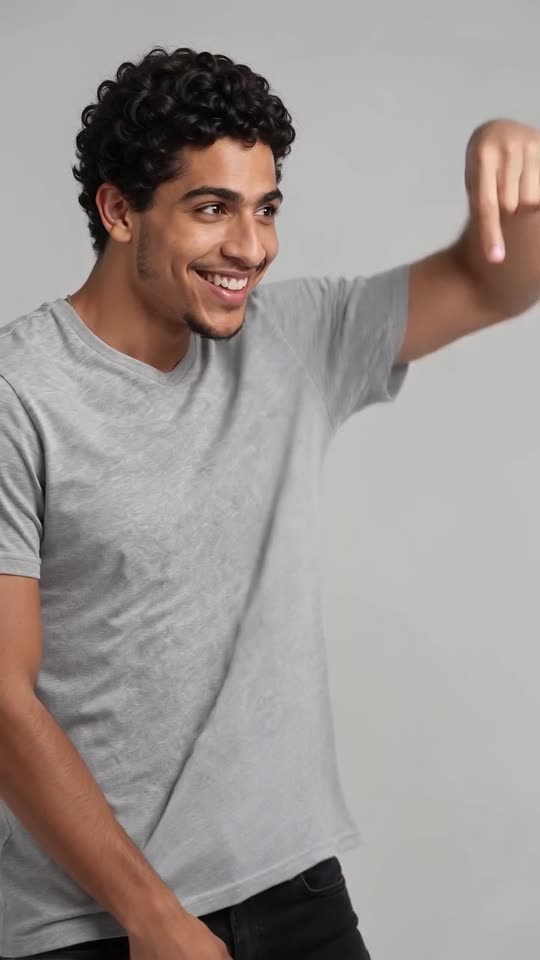
What each template does
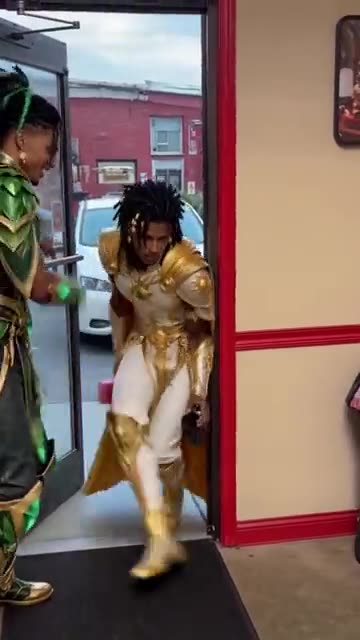
- Pimp Walk Entrance: A door held wide, a slow lean-back stroll with rolling shoulders and a cool close-up. Build it from one photo.
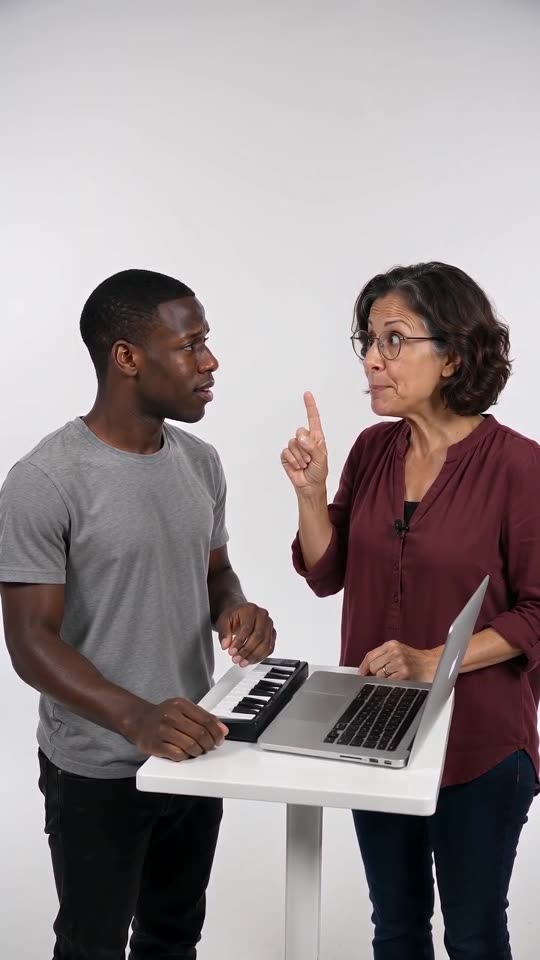
- Alors on Danse Keyboard Skit Maker: One of you stays blank-faced at a mini keyboard while the other hypes. Two photos go in.
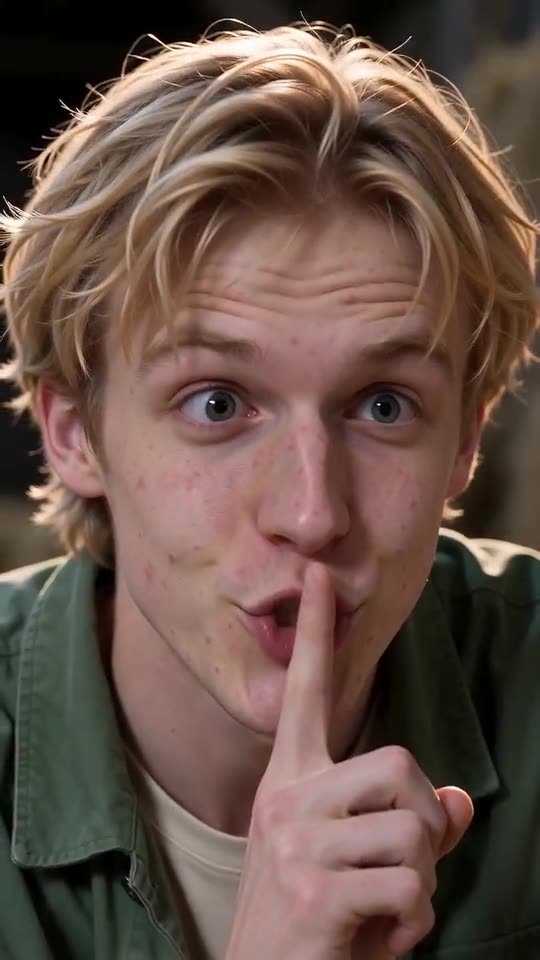
- Tip Toe in My Jordans, With You in It: One of you hushes the camera and tiptoes through the straw while the other gasps. Needs 2 photos.
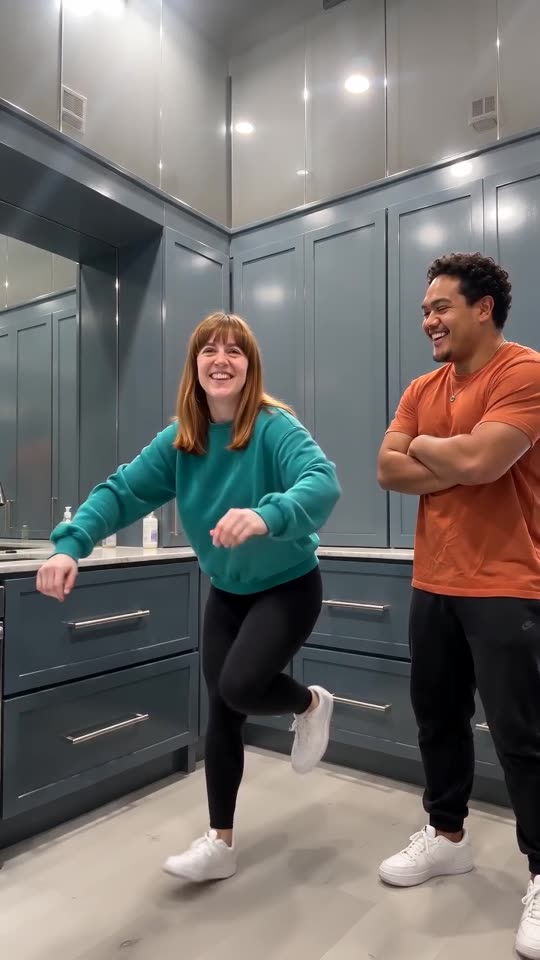
- Wipe Me Down Dance AI: Two photos become the Wipe Me Down kitchen stomp: friends or pets trade places in front of a phone camera.
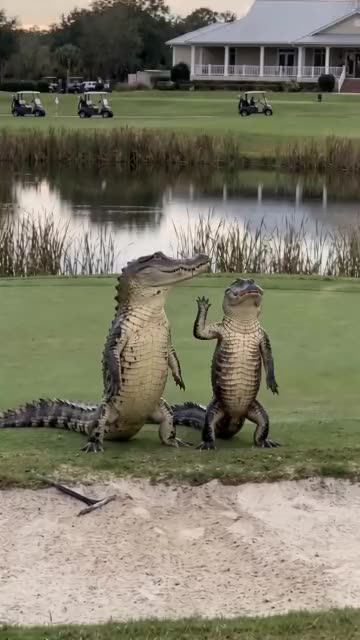
- Dancing Crocodiles: Two costumed dancers step in sync beside a pond. Build it from one photo or two.
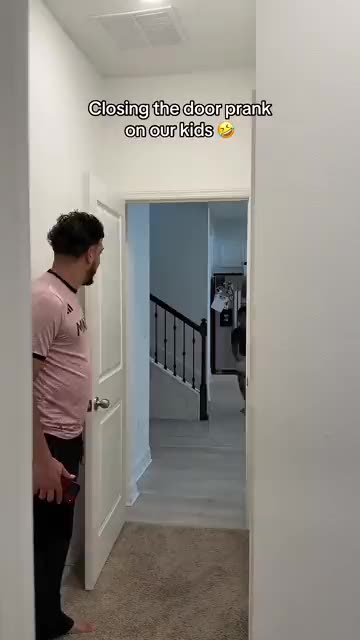
- Closing Door Prank AI: One person sprints down a hallway and the door shuts in front of them just in time. Build it from two photos.
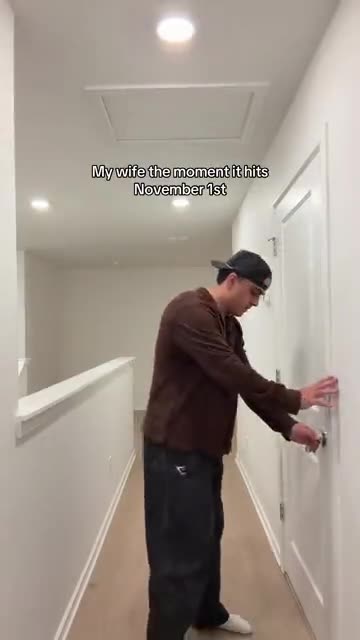
- Christmas Lights Wife AI: One calm at the door, one sprinting past with a tree. Two photos.
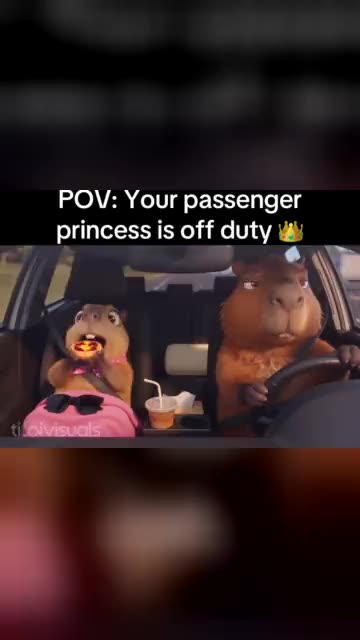
- Passenger Princess AI: A serious driver, a pink blanket and a passenger who is clearly off duty. A road-trip comedy from your photos.
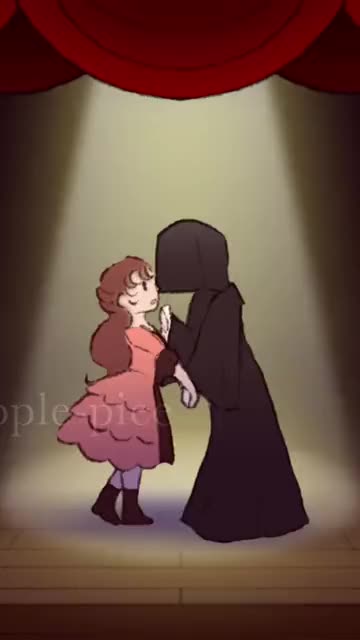
- Last Dance: Two dancers hold hands under a spotlight, spin, pull close and push apart. Cast it with two photos.
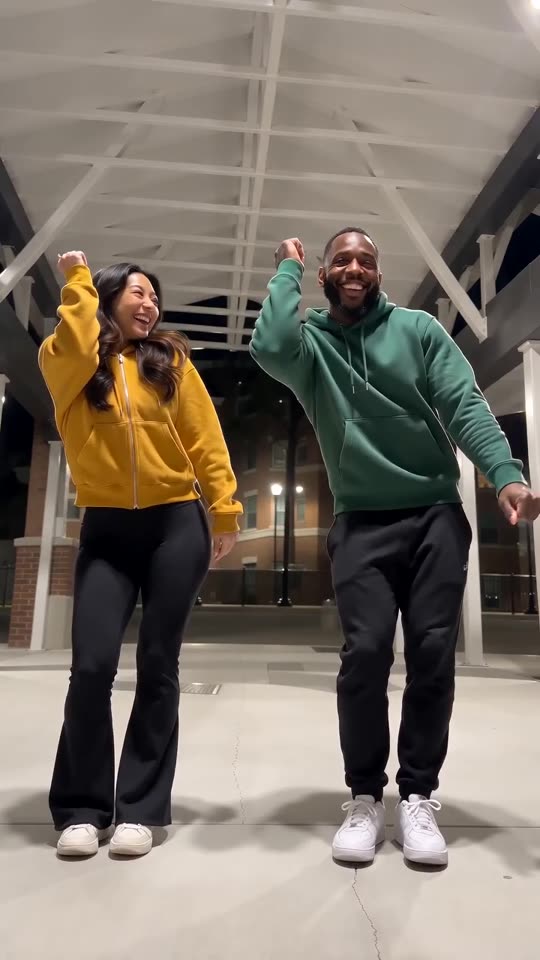
- Puerto Rican Mami Dance AI: Two dancers share a night-time walkway and trade sides on the beat, all made from two photos.
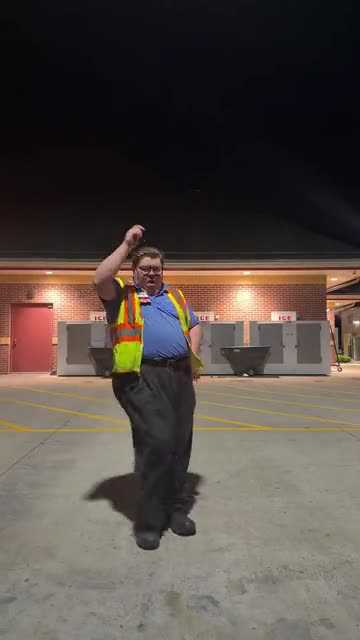
- Deck the Halls Dance AI: Stomps, a fist, a spin and a big finish. One or two photos.
- Oh You Can Make It Cap: Two photos in a white studio: one person laughs, the other twirls with a bag.
Three steps from your photos to the duet
No filming and no typing.
Add one or two photos
One adult or pet per picture, facing the camera, from the head and shoulders down. The second photo is optional and gives you the answering singer. Use JPG, PNG or WebP files of 10 MB or less.
Choose the details
Pick a wall, a paint style and a shot, tick the consent line and sign in with Google. Every pack carries bonus 5-second previews, so you can check the paint before a credit is used.
Render, then add the song
The 10-second 720p render costs 1 credit. You can leave the tab, as the file waits in My videos. Pick the song while uploading to TikTok.
How to add the original sound in TikTok
Your video comes with an AI-made soundtrack. If you would rather use the trending sound, add it inside TikTok when you post. You can also save a copy without sound from My videos (Download without sound) and put the original sound on that.
- Open this clip in TikTok: our video follows it. Tap the sound name at the bottom, then tap Use this sound.
- Tap Upload and pick the video you downloaded from us.
- Open Volume and turn the video's own sound down to 0, or use the Download without sound copy from My videos.
- To line up the beat, use the scissors (trim) so the sound starts at 0 seconds, then post.

Need to move where the sound starts? This short video shows how to trim it.

Video: How To Trim Sound On TikTok 2026 (Very Easy) by Software Solutions on YouTube
Credits, no subscription
Pay for the clips you make. One 10-second Somebody That I Used To Know video takes 1 credit.
1 credit
$8.88
Up to 1 video
Every template: 1 credit per full video
Includes 1 bonus preview
One-time payment, no subscription
- Most popularSave 37%
3 credits
$16.88
Up to 3 videos
Every template: 1 credit per full video
Includes 3 bonus previews
One-time payment, no subscription
- Best valueSave 42%
5 credits
$25.88
Up to 5 videos
Every template: 1 credit per full video
Includes 5 bonus previews
One-time payment, no subscription
- Secure checkout by Waffo
- Credits arrive instantly
- Unused packs refundable within 7 days
- Failed renders are refunded
Where this trend comes from
Use this sound: your video is timed to it, from 0s
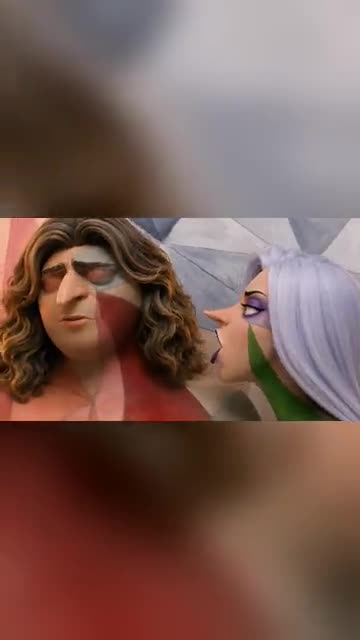
@myst_vault · TikTok · Oct 6, 2026 · The post we follow: an animated, cartoon-style pair stand side by side, painted into a patchwork wall, and take turns singing. It runs about 25s and had about 2,800 plays on 12 November 2026. We follow roughly its first 12s, shortened to 10s.
Links open the original posts on their own platforms. We are not affiliated with these creators.
Somebody That I Used To Know: common questions
Should I upload one photo or two?
Either works. One photo gives a solo singer who does every line. A second photo adds a singer who turns and answers. Each file holds a single adult or pet, as JPG, PNG or WebP of 10 MB or less. Nobody under 18.
What happens in the clip?
You stand before a patchwork wall with face paint that matches it, turn to the camera and mouth a slow song. With two singers, the second turns and answers. The explainer lists every beat.
Where does this idea come from?
Our reference post, an animated pair, is dated 6 October 2026 and had about 2,800 plays on 12 November. It runs about 25s, and its caption says an AI app made it. The look echoes the music video of a 2011 song.
Which song or sound goes with it?
The post plays an original sound from its own account. The look echoes Somebody That I Used To Know by Gotye, a 2011 song we treat as protected. Your file has only room ambience. Open the post in TikTok, tap its sound and attach it.
Will the lip-sync line up with the song I add?
Roughly. The first line falls near 3s and the answer near 7s, but generated mouths can drift. Slide the song a second either way in TikTok, or time the silent copy in an editor.
Can I use a selfie?
Yes, if the face is clear. A selfie shows the face and shoulders, which is all the paint needs, though a half-body photo gives the model more to work with.
Can my dog or cat sing it?
Yes. A pet faces the lens with matching paint and its mouth moves along to the song. A friend or relative who agreed can take a slot instead of you. Toys, cartoons and anyone under 18 are turned away.
Does the paint cover my whole face?
By default the paint covers the face and neck. You can switch to half body, face only, arms and hands, or everything visible. The wall and the shot are short lists too, and none changes the price.
More questions (6)
Do I have to write a prompt?
No. The wall, the camera and the order of beats are preset. You add photos and choose a wall, a paint style and a shot from short lists. There is no text box.
Is this a substitute for a CapCut template?
Not exactly. A CapCut template re-times footage you already shot, inside an editor app. Ozil Goal AI builds a new clip from your photos in your browser, with nothing to install, though you cannot direct each beat.
How much do I pay for one clip?
A full video takes 1 credit and packs start at $8.88. Each pack adds bonus 5-second previews so you can check your photos first. Nothing renews monthly, and downloads carry no watermark.
Is Ozil Goal AI linked to Gotye or the account that posted it?
Ozil Goal AI is an independent site, and clips made here are not made, endorsed or licensed by Gotye, by the accounts behind the posts or by anyone shown in them.
May I post it on TikTok or Reels?
Yes. Choose 9:16, upload the file and add your song in the app. The clip is synthetic, so leave the platform's AI label switched on when you publish.
How long does a render take, and what do I get back?
Plan on a few minutes. One 10-second 720p vertical MP4 lands in My videos, with a silent copy beside it, and closing the tab does not stop the job.
Somebody That I Used To Know guides
Two short pages: what the trend is, and how to make it.
Questions? Email support@ozil-goal-ai.app.
Ozil Goal AI is an independent site that builds AI templates. It is not affiliated with or endorsed by the account that posted the original, by TikTok, by Gotye or by anyone who appears in the posts, and no footage from the originals is used.