Rapunzel Funk Loading AI: Sway Out of the Crowd
Also called: Funk Loading Dance, Funk Loading Trend, Rapunzel Dance AI, Party Walk Funk Loading
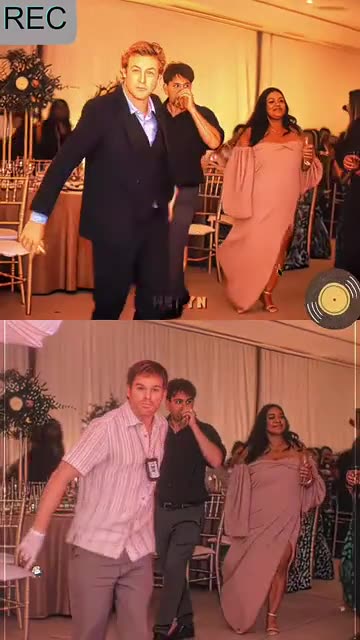
Upload one photo of an adult and Ozil Goal AI drops you into a warmly lit hall packed with guests. Your shoulders sway, you push out of the crowd toward the lens, and at the end you bite a knuckle, grab your head or turn away, with the smuggest stare you can manage. Choose the venue, the finish and what you wear. The file has no soundtrack, so choose a slow funk sound in TikTok.
- 5s HD clip from $8.88 · a bonus preview in every pack
- Vertical 9:16 MP4
- No watermark on the download
- One payment, no plan
TikTok
@tk66816031a
Original trend on TikTok
The second half of this post is a tutorial. We recreate only the first 8 seconds.
The post we follow, played straight from TikTok. Your clip is built from your own photo.
Something not right with your video? Write to support@ozil-goal-ai.app and a person will take a look.
Trending AI templates
More viral video templates you can make from your own photos. Credits work on every template.
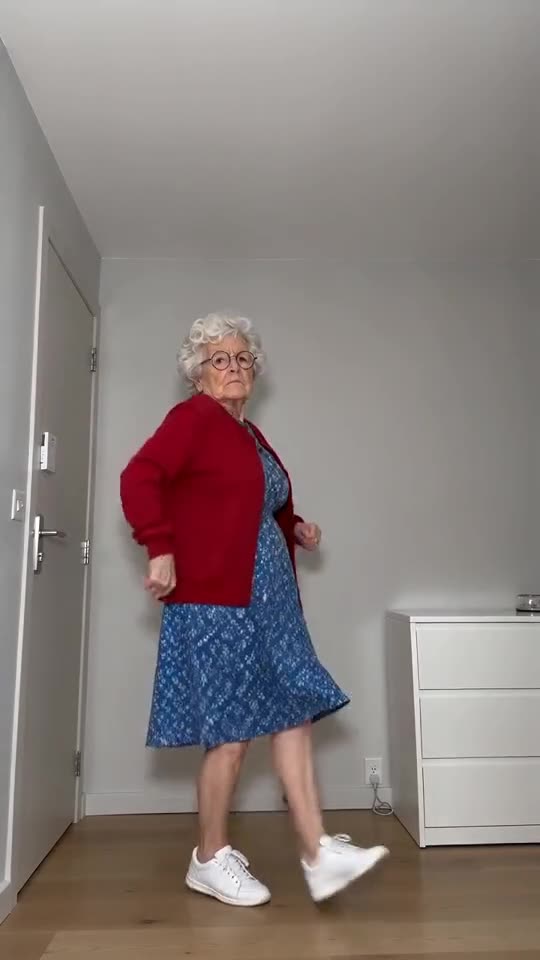
Toc Toc Dance Maker
11s · 1 photo
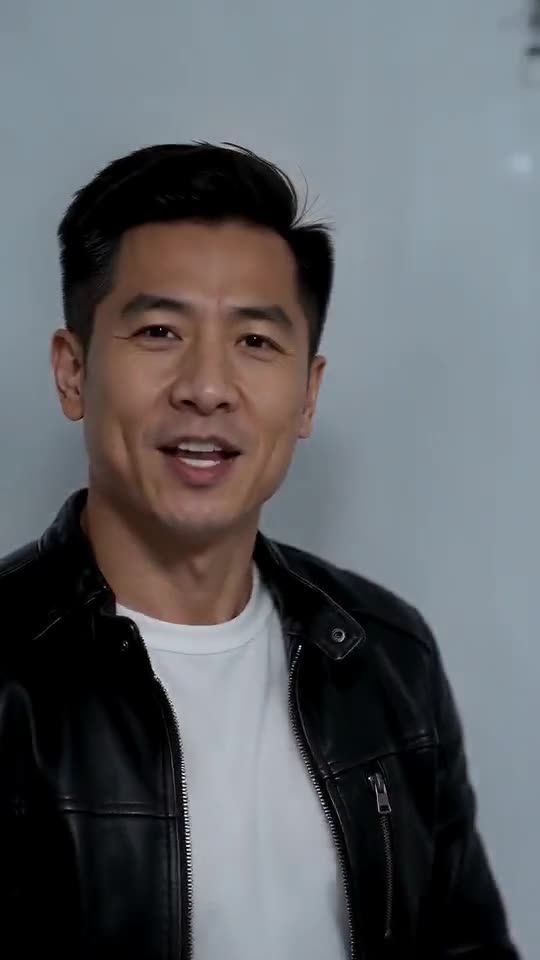
Iceman AI
15s · 1 photo
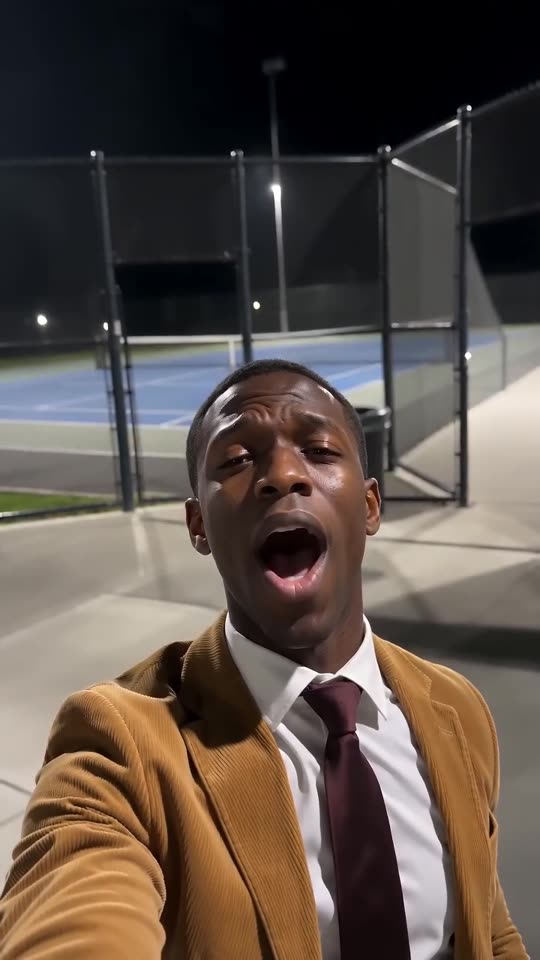
I Wanna Love You AI
10s · 1 photo


What each template does
- Toc Toc Dance Maker: Hop, rap on empty air, go rigid, keep that straight face. Needs just one photo.
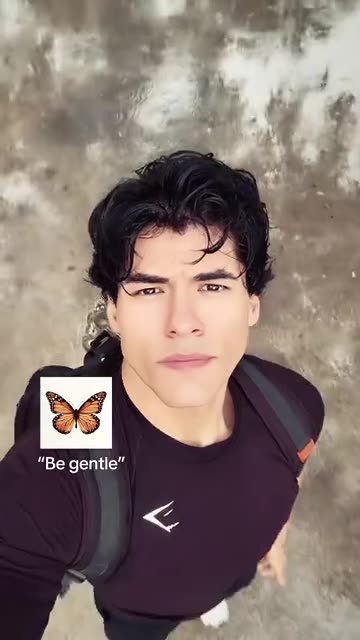
- I Want Wings Glow Up: A sleepy selfie, a flock of butterflies, then a bright new look. Build it from one adult photo.
- Iceman AI: One photo, one white cold room: walk in, rap at the lens, pass the shelves and strike your poses.
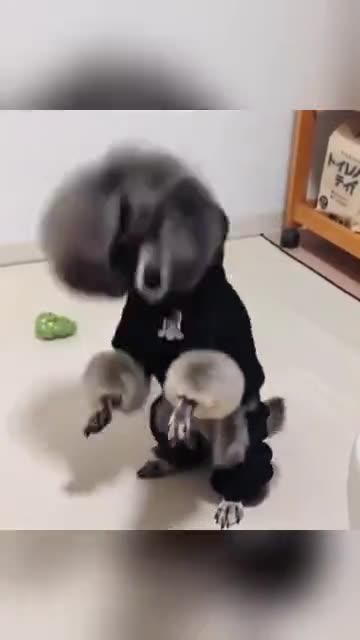
- Pet Rock Dance: A pet rises onto its hind legs and headbangs, fur flying, one paw in the air. Build it from one photo.
- 2026 to 2027 Road Sign AI: Hug the version of you that stays in 2026, then watch the 2027 you drive away. One photo is enough.
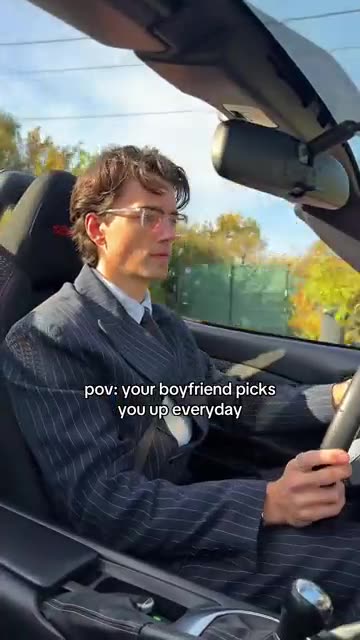
- Boyfriend Picks You Up: Drive an open-top car down an autumn road and turn up in a new outfit after every cut. Build it from one photo.
- Kitty Knight: A pet in armour and a cape, a sword that glows gold and a still army in the mist. A fantasy scene from one photo.
- Ramalama AI Costume Reveal: Boots stomp at ankle height. Then the shot rises and the whole outfit lands.
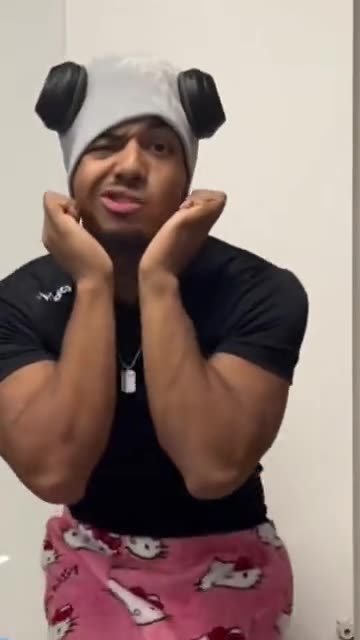
- Talk to Me Doja: A stern face that melts into cupped cheeks, swaying shoulders and floating hearts. Build it from one adult photo.
- I Wanna Love You AI: Suit on, floodlights up, one hand in the sky. Lip-sync it from a single photo.
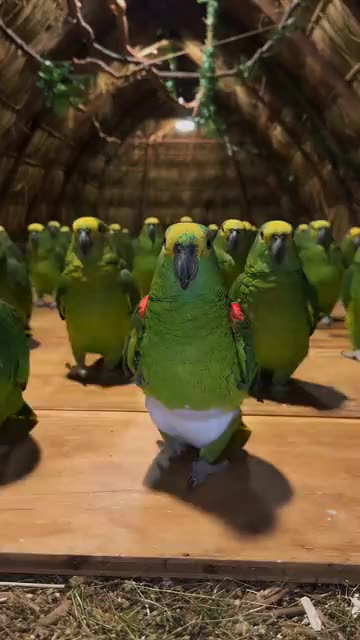
- Parrot Dance AI: A flock of backup dancers in tiny white diapers and one pet in front. A dance clip from one pet photo.
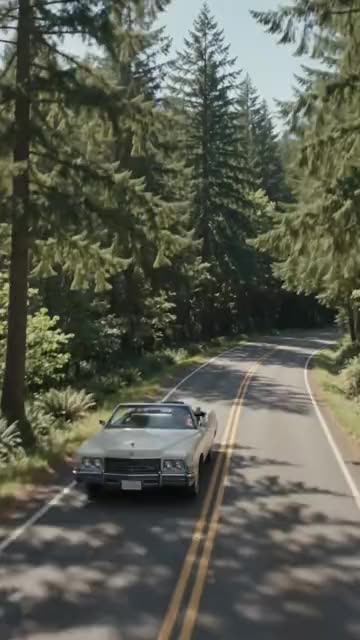
- Convertible Coffee Drive: A drone shot, an open top and a calm sip of coffee. Build it from one photo.
Three steps from one photo to the walk
You film nothing and type nothing.
Add your photo
One adult, facing the camera. Whole-body or thighs-up pictures give the walk the most room. Keep the face sharp and unobstructed. Files: JPG, PNG or WebP, under 10 MB each.
Pick the details
Choose a venue, a finish and an outfit, tick the consent line and sign in with Google. Each pack comes with bonus 5-second previews for checking your face first.
Render and add sound
The 5-second 720p clip costs 1 credit. Closing the tab is fine, as the result waits in My videos. Choose the sound while uploading to TikTok.
How to add the original sound in TikTok
Your video comes with an AI-made soundtrack. If you would rather use the trending sound, add it inside TikTok when you post. You can also save a copy without sound from My videos (Download without sound) and put the original sound on that.
- Open this clip in TikTok: our video follows it. Tap the sound name at the bottom, then tap Use this sound.
- Tap Upload and pick the video you downloaded from us.
- Open Volume and turn the video's own sound down to 0, or use the Download without sound copy from My videos.
- To line up the beat, use the scissors (trim) so the sound starts at 0 seconds, then post.

Need to move where the sound starts? This short video shows how to trim it.

Video: How To Trim Sound On TikTok 2026 (Very Easy) by Software Solutions on YouTube
Credits, no subscription
Pay for the clips you make. One 5-second Rapunzel Funk Loading video takes 1 credit.
1 credit
$8.88
Up to 1 video
Every template: 1 credit per full video
Includes 1 bonus preview
One-time payment, no subscription
- Most popularSave 37%
3 credits
$16.88
Up to 3 videos
Every template: 1 credit per full video
Includes 3 bonus previews
One-time payment, no subscription
- Best valueSave 42%
5 credits
$25.88
Up to 5 videos
Every template: 1 credit per full video
Includes 5 bonus previews
One-time payment, no subscription
- Secure checkout by Waffo
- Credits arrive instantly
- Unused packs refundable within 7 days
- Failed renders are refunded
Where this trend comes from
Use this sound: your video is timed to it, from 0s
@tk66816031a · TikTok · Nov 5, 2026 · The post we follow: in a warmly lit wedding hall full of guests, a person sways their shoulders, walks out of the crowd toward the camera, bites a fist and stares into the lens. The post is a how-to, so only its first stretch is the finished clip and the rest is a phone tutorial. It runs about 27s and had about 424,000 plays on 12 November 2026. We follow the first 5s of the finished part.
Links open the original posts on their own platforms. We are not affiliated with these creators.
Rapunzel Funk Loading: common questions
Do I upload just one photo?
Yes: a single photo with a single adult in it. The face should be sharp and turned toward the lens, with the whole body or at least the thighs showing. Any JPG, PNG or WebP file under 10 MB works. Nobody under 18, and no pets or toys.
What does the walk look like?
A person sways their shoulders and walks out of a crowd toward the camera in a warm hall, then bites a knuckle or grabs their head and stares into the lens. The explainer covers it second by second.
How did the trend begin?
The post we follow went up on TikTok on 5 November 2026 and had about 424,000 plays on 12 November. It may not be the first. The format is said to come from edits of a Disney animated scene, but we only follow this one post.
Which song goes with it, and is it in my file?
The post plays a slowed funk track credited to JXNDRO, a recording under copyright. Your file has no music, only far-off party murmur. Search for the track in TikTok's sound picker, or tap the sound on the original post.
Will the walk match the beat when I add the sound?
Roughly. The steps follow the post, yet generated motion can sit a little early or late on the heavy beat. Nudge the sound by a second in TikTok, or time the silent copy in an editor.
Can I use a selfie?
Yes, a selfie works if it shows your face clearly and ideally more than your head, since the clip shows a walk. A full-length photo is better, because the model then keeps your build and clothes closer to the picture.
Can a friend walk with me, or my dog?
No. The clip follows one adult in front of a crowd. For a second person, try Last Christmas Dance. Pets, toys and children are not accepted, and your photo can show a friend instead of you.
Is there anything to type, like a prompt?
No. The hall, the camera and the timing are preset. You add a photo and choose a venue, a finish and an outfit from short lists. No text box is involved.
More questions (5)
Is this a replacement for a CapCut template?
Not exactly. A CapCut template re-times footage you already filmed, in an editor app. Ozil Goal AI builds a new clip from one photo in the browser, with nothing to install, though you cannot direct each step.
How long does it take, and what do I get?
Give it a few minutes. You receive one 5-second 720p vertical MP4 in My videos, with a silent copy next to it, and the render goes on if you close the tab.
Does trying it cost money?
A full video takes 1 credit and packs begin at $8.88. Each pack adds bonus 5-second previews to check your photo first. Nothing renews monthly, and downloads carry no watermark.
Is Ozil Goal AI linked to Disney, JXNDRO or the poster?
No. Ozil Goal AI is an independent site, and your video, generated from your own photo, is not made, endorsed or licensed by Disney, JXNDRO, the poster of the original or anyone in it.
May I post it on TikTok or Reels?
Yes. Choose 9:16, upload the file and add your sound in the app. The clip is synthetic, so leave the platform's AI label switched on when you publish.
Rapunzel Funk Loading guides
Two short pages: what the trend is, and how to make it.
Questions? Email support@ozil-goal-ai.app.
Ozil Goal AI is an independent site that builds AI templates. It is not affiliated with or endorsed by Disney, the artist behind the song the post plays, the account that posted the original, TikTok or anyone who appears in it, and no footage from the original is used.