Talk to Me Doja AI: Crack the Straight Face, Cup Your Cheeks
Also called: Talk to Me Doja Trend, Talk to Me Doja Dance, Doja Cute Trend, Face Hands Cute Trend
Upload one photo of an adult and Ozil Goal AI acts it out. You start out stern, trying hard not to smile, then give in: both hands cup your face, your shoulders sway and little hearts, sparkles or flowers float up around you. Pick the stickers, the place and the outfit. There is no soundtrack in the file, so add the song in TikTok.
- 5s HD video from $8.88 · every pack includes bonus previews
- Takes 1 photo
- Vertical 9:16
- No watermark
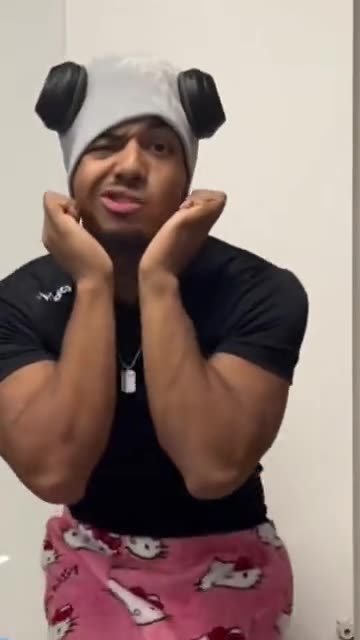
TikTok
@twin.cities.mattress
Original trend on TikTok
The post that started it, played straight from TikTok. Your clip is made from your own photo.
Something not right with your video? Write to support@ozil-goal-ai.app and a person will take a look.
Trending AI templates
More viral video templates you can make from your own photos. Credits work on every template.
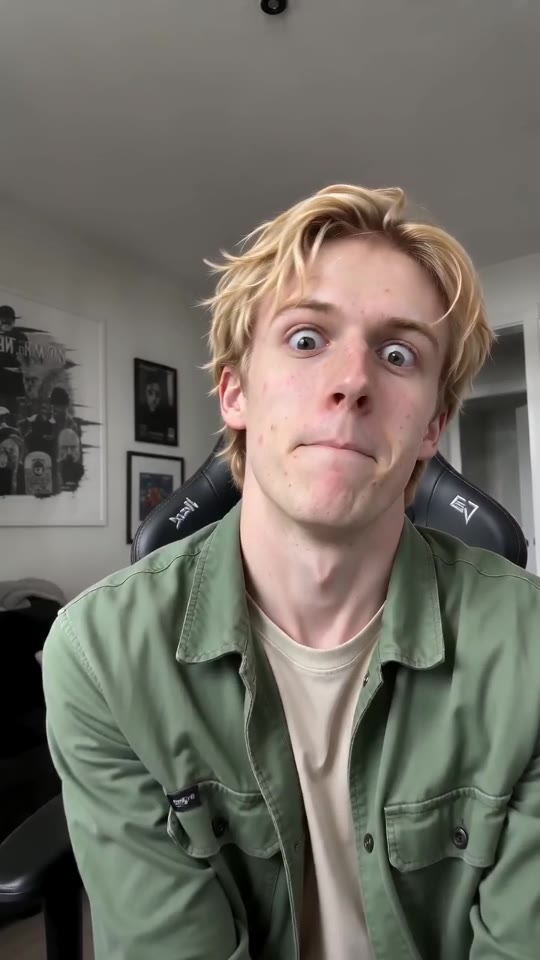
ABCDEFG Money Lip-Sync Clip Maker
11s · 1 photo
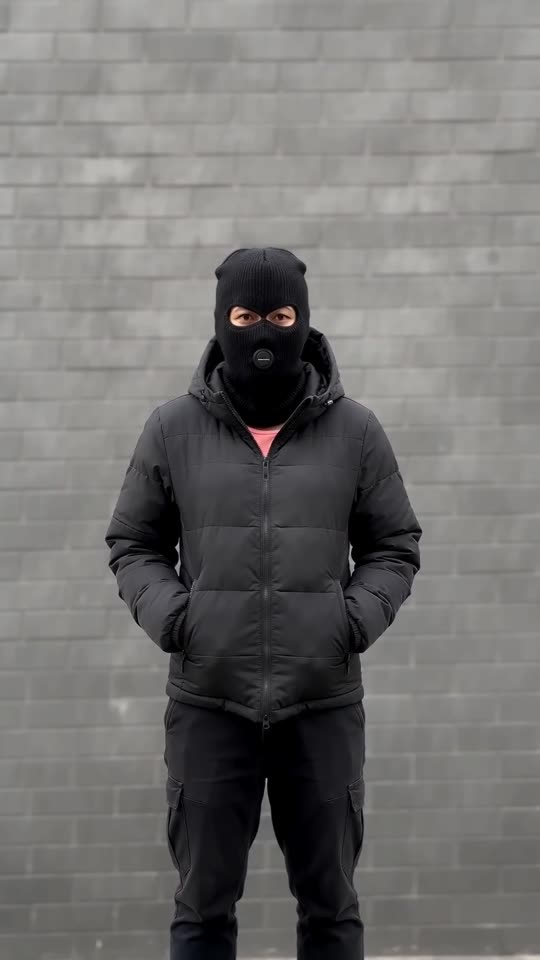
Mandem in Disguise AI
10s · 1 photo
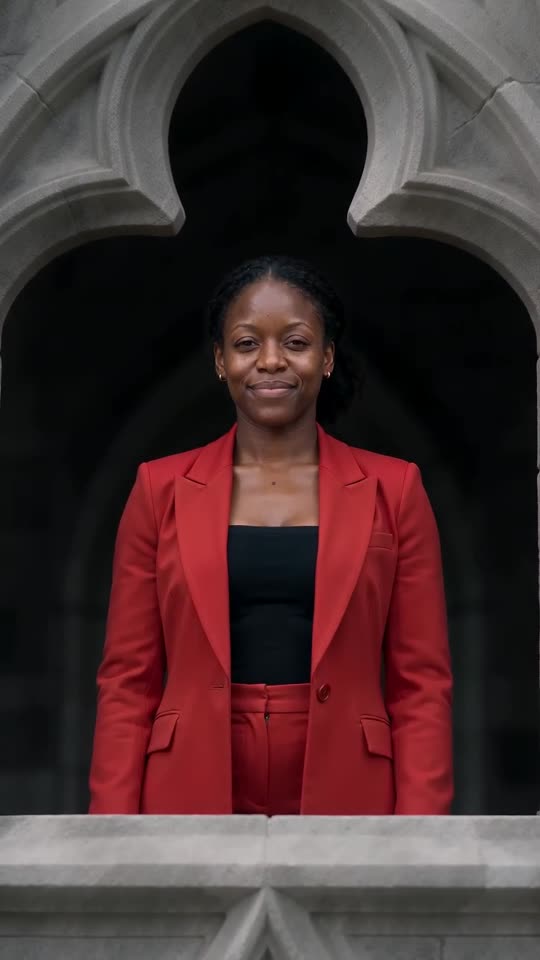
Stones to Castle AI
15s · 1 photo
What each template does
- ABCDEFG Money Lip-Sync Clip Maker: Alphabet, big faces, a request for cash. Feed it a single adult or pet photo.
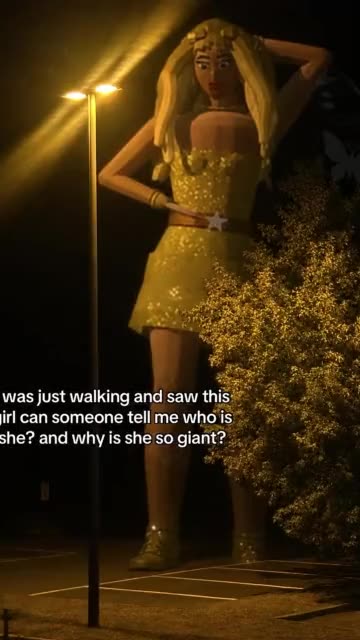
- Giant Woman Singing: A giant rises over the rooftops and sings on a crossroads. Build it from one adult photo.
- Mandem in Disguise AI: Turn one photo into the disguise flip: a smile, a flash, then a black balaclava and puffer jacket.
- Ramalama AI Costume Reveal: Boots stomp at ankle height. Then the shot rises and the whole outfit lands.
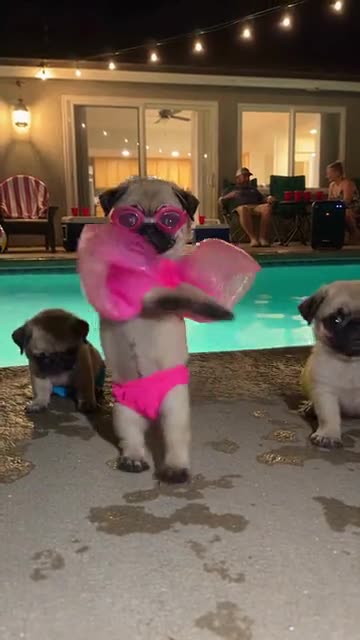
- Dog Pool Party: A pet in swimwear rises onto its hind legs, wiggles and spins. Build it from one photo.
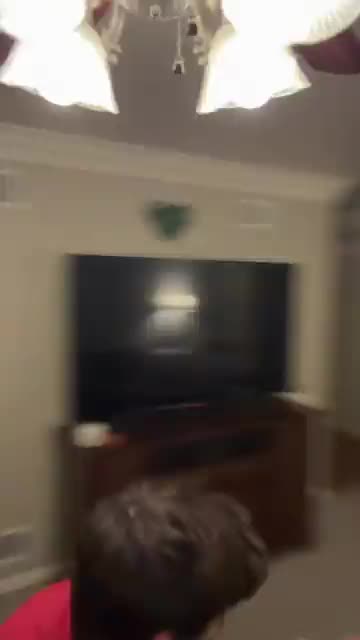
- Milkshake Ceiling Fan Dance: A phone on a ceiling fan films you singing along as the whole room turns. Start from one photo.
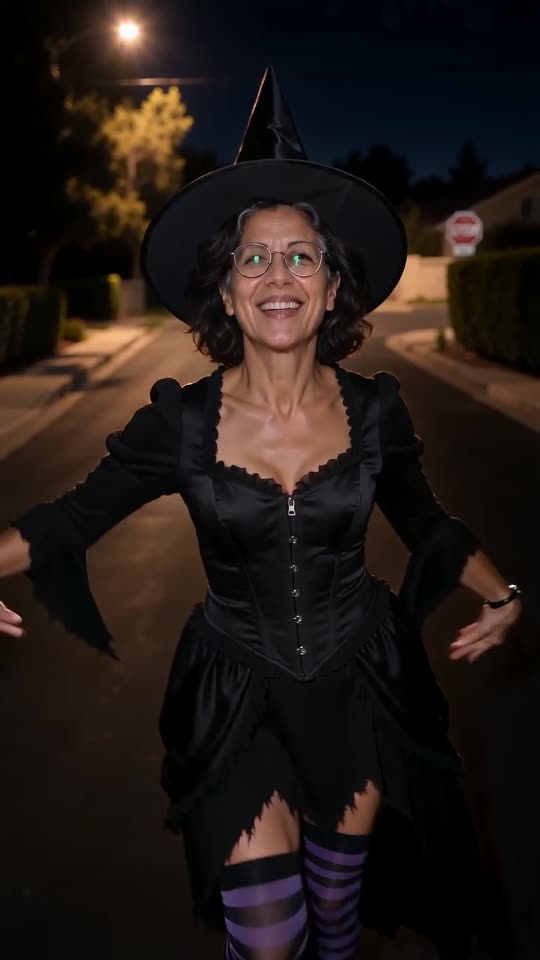
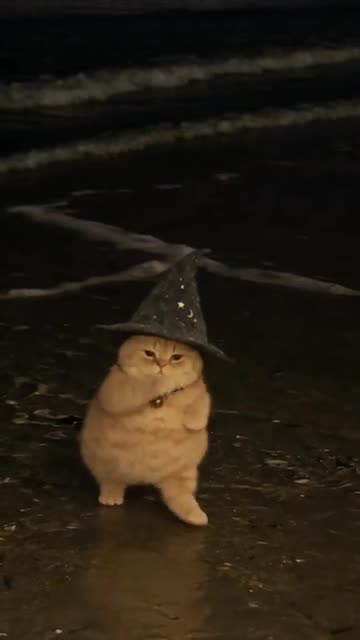
- Buggin Dance: A salute, a chest tap and a stamping spin on a dark beach, wizard hat optional. Build it from one photo of an adult or a pet.
- Stones to Castle AI: Turn a single photo into the Stones to Castle comeback story: the crowd throws stones, you gather them without flinching, a wall becomes a Gothic castle and you smile out of its window.
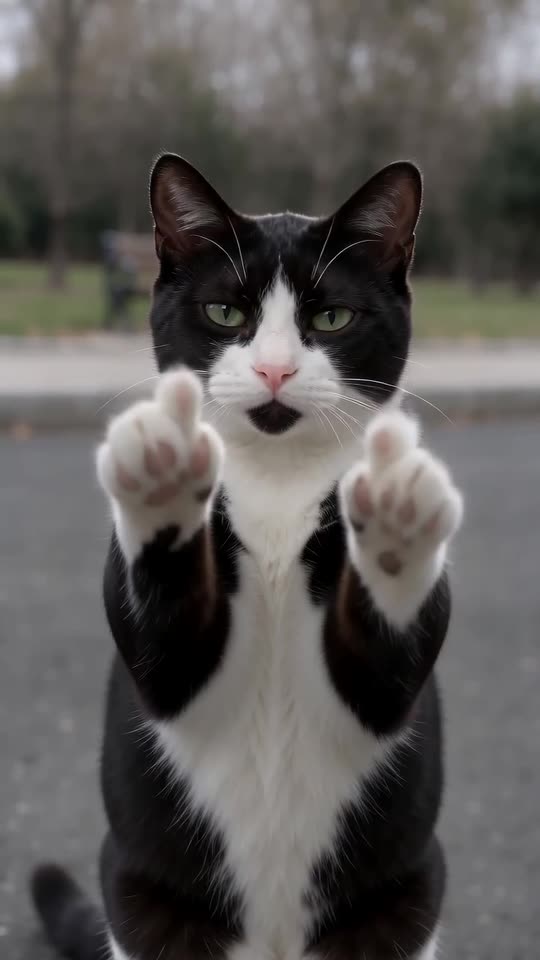
- Cat Middle Finger AI: A cat strolls up on two legs, sits sweetly, then raises both paws with one toe up and walks off. One photo, eight seconds.
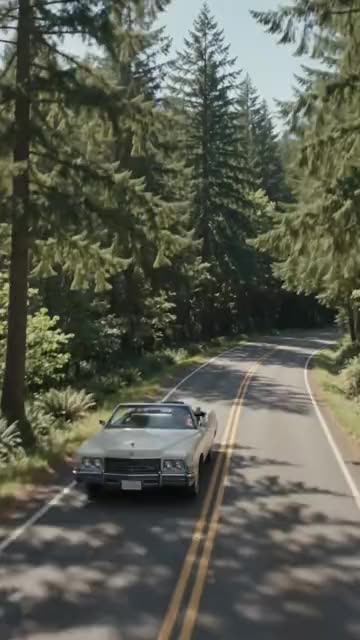
- Convertible Coffee Drive: A drone shot, an open top and a calm sip of coffee. Build it from one photo.
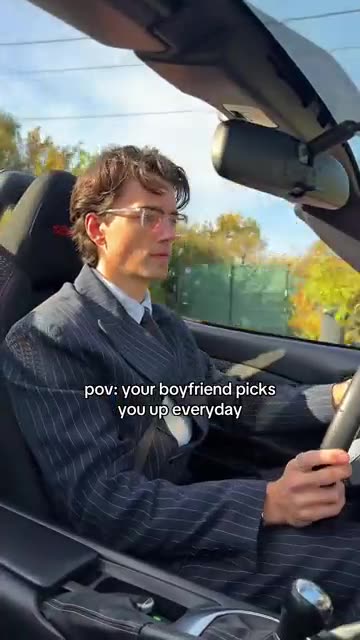
- Boyfriend Picks You Up: Drive an open-top car down an autumn road and turn up in a new outfit after every cut. Build it from one photo.
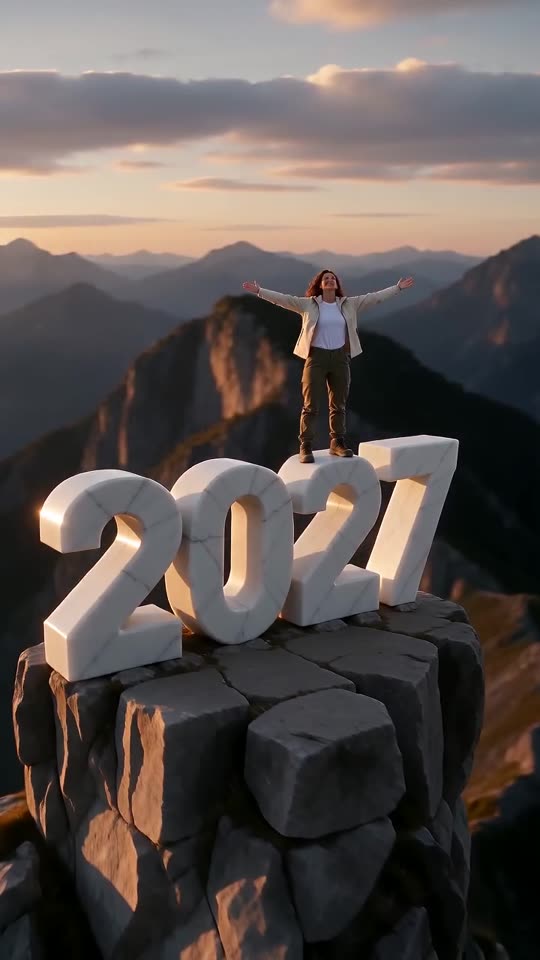
- New Year 2027 AI: Scale four giant digits, stand on top and let the camera pull back to show the year. One photo, six seconds.
Three steps from one photo to a cute pose
You film nothing and type nothing.
Add your photo
One adult, facing the lens, with the face in clear view. A thighs-up shot works best, because the hands and shoulders move too. JPG, PNG or WebP, up to 10 MB.
Set it up
Choose the stickers, a place and an outfit, accept the consent line and sign in with Google. A pack brings bonus 5-second previews, so you can check the face before a credit goes.
Render and post
The 5-second 720p version uses 1 credit. Leaving the tab is fine, since the result waits in My videos. Add the song inside TikTok when you upload.
How to add the original sound in TikTok
Your video comes with an AI-made soundtrack. If you would rather use the trending sound, add it inside TikTok when you post. You can also save a copy without sound from My videos (Download without sound) and put the original sound on that.
- Open this clip in TikTok: our video follows it. Tap the sound name at the bottom, then tap Use this sound.
- Tap Upload and pick the video you downloaded from us.
- Open Volume and turn the video's own sound down to 0, or use the Download without sound copy from My videos.
- To line up the beat, use the scissors (trim) so the sound starts at 0 seconds, then post.

Need to move where the sound starts? This short video shows how to trim it.

Video: How To Trim Sound On TikTok 2026 (Very Easy) by Software Solutions on YouTube
Credits, no subscription
Pay for the clips you make. One 5-second Talk to Me Doja video takes 1 credit.
1 credit
$8.88
Up to 1 video
Every template: 1 credit per full video
Includes 1 bonus preview
One-time payment, no subscription
- Most popularSave 37%
3 credits
$16.88
Up to 3 videos
Every template: 1 credit per full video
Includes 3 bonus previews
One-time payment, no subscription
- Best valueSave 42%
5 credits
$25.88
Up to 5 videos
Every template: 1 credit per full video
Includes 5 bonus previews
One-time payment, no subscription
- Secure checkout by Waffo
- Credits arrive instantly
- Unused packs refundable within 7 days
- Failed renders are refunded
Where this trend comes from
Use this sound: your video is timed to it, from 0s
@twin.cities.mattress · TikTok · Nov 10, 2026 · The post we follow: one adult stands listening to a song and first tries to keep a straight face, then cups both hands around the face and sways the shoulders in a cute way while cartoon stickers pop up around them. It runs about 14s and had about 432,100 plays on 12 November 2026. We follow a stretch from about 7s in.
Links open the original posts on their own platforms. We are not affiliated with these creators.
Talk to Me Doja: common questions
Where does the Talk to Me Doja trend come from?
From a TikTok post dated 10 November 2026 that had about 432,100 plays on 12 November. Someone listens to a song, tries to stay serious, then cups their face and sways. It may not be the first of its kind, so we follow only the stretch from about 7s in.
What exactly happens in the clip?
A person stands still with a straight face, then caves in: both hands come up around the cheeks, the shoulders sway shyly and small stickers float around. Here it is rebuilt around your photo. The explainer has the details.
Is one photo enough for Talk to Me Doja?
Just one: a single photo of one adult, as JPG, PNG or WebP up to 10 MB. A thighs-up shot in even light gives the model the most to work from. Nobody under 18.
Can a selfie be my only photo?
Yes, one selfie is enough if your face is sharp. Step back so the shoulders show, since they sway in the clip. Mirror selfies with a phone hiding the face, and photos with sunglasses, give weaker results.
Which song goes with the trend, and is it in my video?
The post plays "Like That" by Doja Cat, a recording under copyright, although its sound page lists another account as the uploader. Our video does not contain the song, only a faint room hum. Find the track in TikTok's sound picker.
Will the cute pose land on the beat of the song?
Roughly. The moves follow the post, but the clip is generated and not timed to the track. Start the sound at the very beginning and slide it a second either way, or time the silent copy in an editor.
Can a friend or a pet do the pose?
A friend can, if they agreed to be in the video and are an adult. Pets, toys, children and drawn characters are not accepted. The stickers are generic hearts, sparkles and flowers, not the cartoon ones from the post.
Must I type a prompt anywhere?
No. The camera, the order of moves and the stickers are fixed. You add one photo and choose three short presets: stickers, place and outfit. There is no text box to fill in.
More questions (6)
Is this better than a CapCut template?
They suit different jobs. A CapCut template re-times video you already filmed, so you must record the reaction yourself. Ozil Goal AI makes a new clip from one still photo in the browser, with no filming and no app, but you cannot direct the exact moves.
How long does it take, and what do I get?
Expect a few minutes. The result is one 5-second 720p vertical MP4 in My videos with a silent copy beside it, and the render carries on if you close the tab.
Does it cost money to try?
A full video takes 1 credit, and packs start at $8.88. Each pack adds bonus 5-second previews so you can check your photo first. Nothing renews monthly, and the download has no watermark.
What can I change?
Three presets: stickers (hearts, sparkles and stars, flowers, or none), place (your own background, bedroom, office or shop) and outfit (your own clothes, pyjamas or a suit). The camera and timing stay fixed, and no choice changes the price.
Is Ozil Goal AI connected to Doja Cat or the person who posted it?
Ozil Goal AI is an independent site, and your video, generated from your own photo, is not made, endorsed or licensed by Doja Cat, the poster of the original or anyone in it.
Can I post the result on TikTok or Reels?
Yes. Pick 9:16, upload the file and add your sound inside the app. Because the clip is synthetic, leave the platform's AI label on when you publish.
Talk to Me Doja guides
Two short pages: what the trend shows, and how to make it.
Ready to let the straight face go?
One adult photo, one quiet bonus preview, then the cute pose.
Make my videoQuestions? Email support@ozil-goal-ai.app.
Ozil Goal AI is an independent site that builds AI templates. It is not affiliated with or endorsed by the author of the original post, the artist whose song it plays, TikTok or anyone who appears in it, and no footage from the original is used.