Thanksgiving Dance AI Video From Your Photos
Also called: Gobble Gobble Dance, Thanksgiving Bend, Thanksgiving Dance Trend, Turkey Dance AI
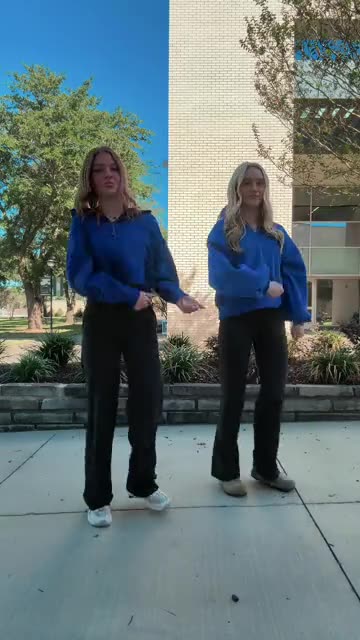
Pick one adult portrait for a solo, or two for a pair standing side by side. In a single fixed outdoor shot you hop from foot to foot, sink into a squat that twists at the hips, flick both hands past your head and settle back. If you want a laugh, turkey mode gives your face a round cartoon bird to go with it. The clip lasts 5 seconds in portrait and has no music, so you add the sound when you post. Bonus previews in every pack let you test your photos first.
- 5s HD video from $8.88 · every pack includes bonus previews
- 1 or 2 adult photos
- Portrait 9:16
- No watermark
TikTok
@ec_marshl
Original trend on TikTok
Above: the post the trend grew from, on TikTok. Your clip is built from your own pictures.
Something not right with your video? Write to support@ozil-goal-ai.app and a person will take a look.
Trending AI templates
More viral video templates you can make from your own photos. Credits work on every template.
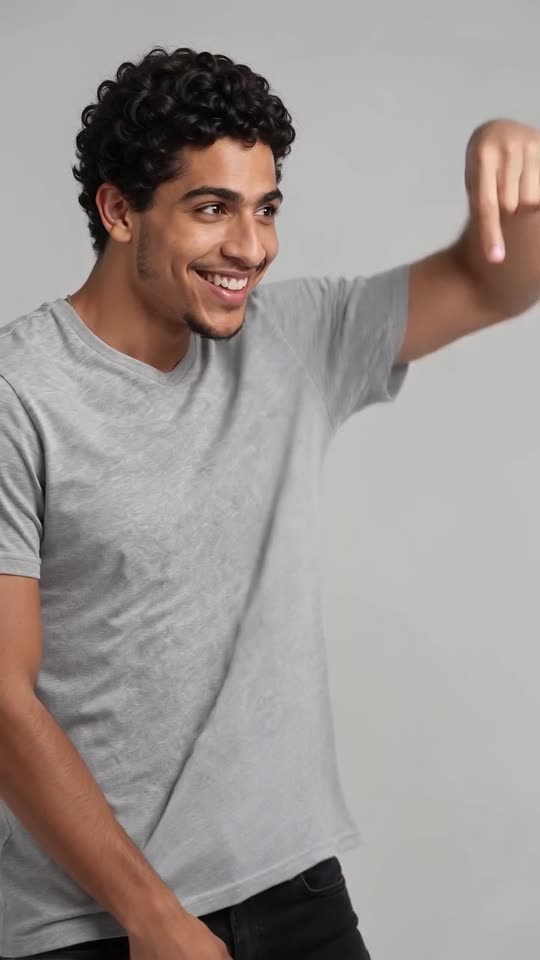
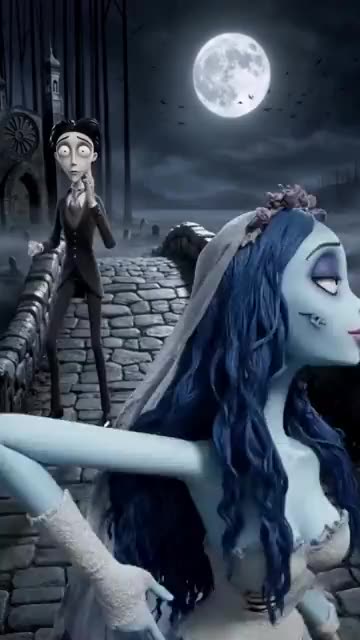
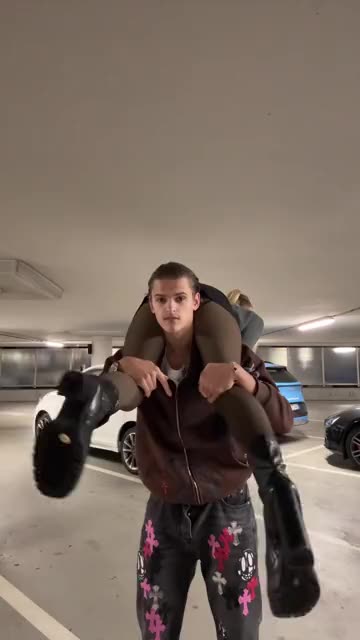
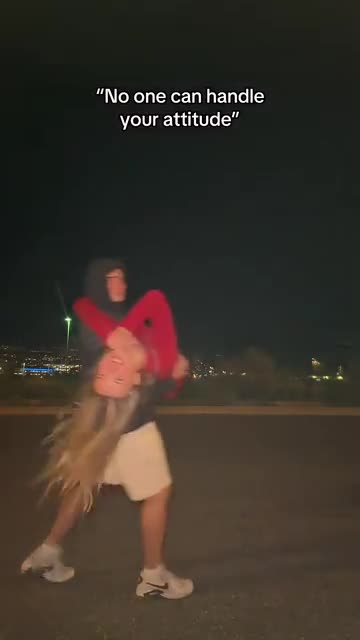
What each template does
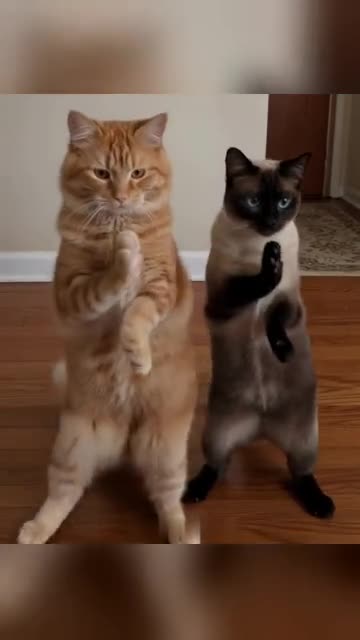
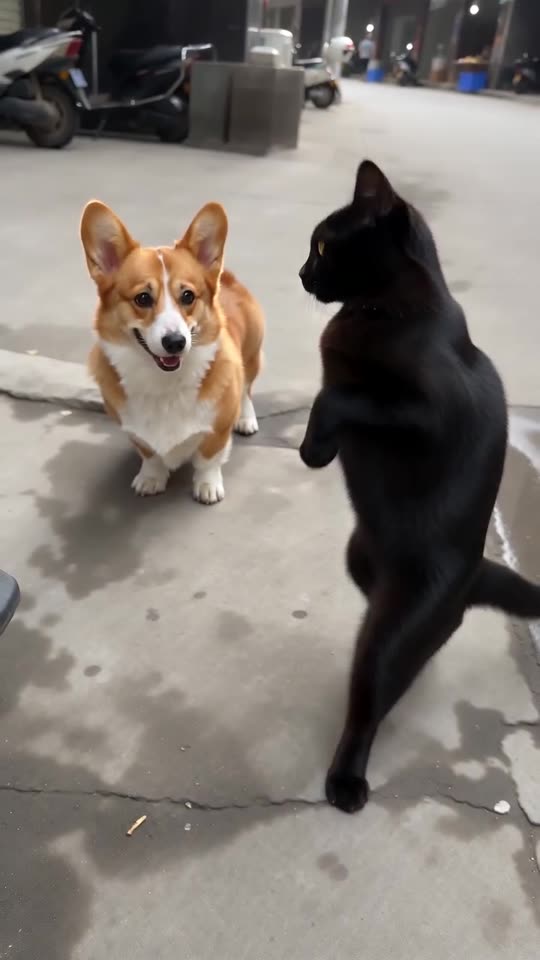
- Pet Duo Dance: Two pets upright, paws swiping in step. Build it from one or two pet photos.
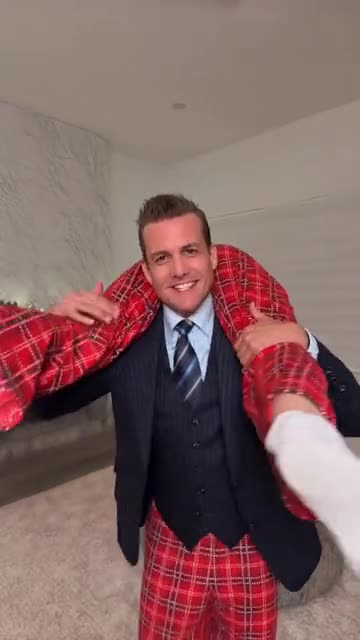
- Suits Carry AI: A sharp suit, a limp pair of pyjamas across the shoulders, one slow spin. Two photos are enough.
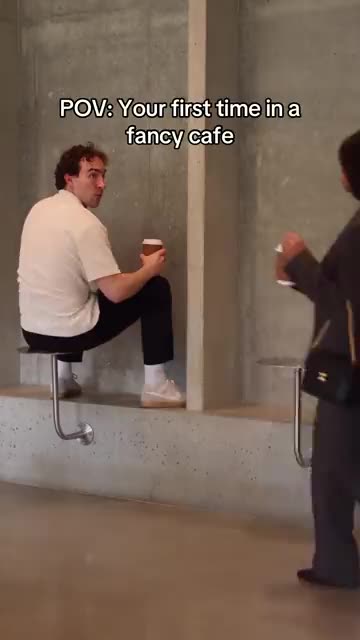
- Fancy Cafe POV AI: A tiny steel table mistaken for a stool, a calm regular and a coffee on the wrong table. A cafe comedy from your photos.
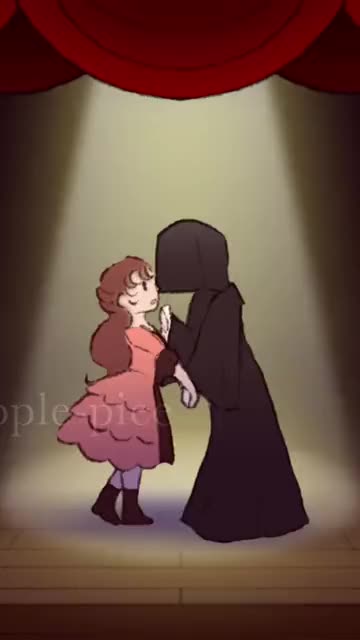
- Last Dance: Two dancers hold hands under a spotlight, spin, pull close and push apart. Cast it with two photos.
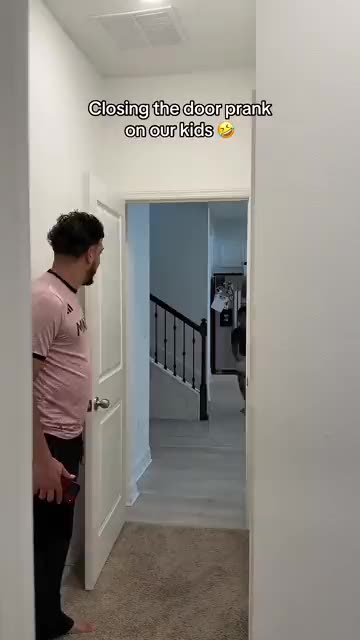
- Closing Door Prank AI: One person sprints down a hallway and the door shuts in front of them just in time. Build it from two photos.
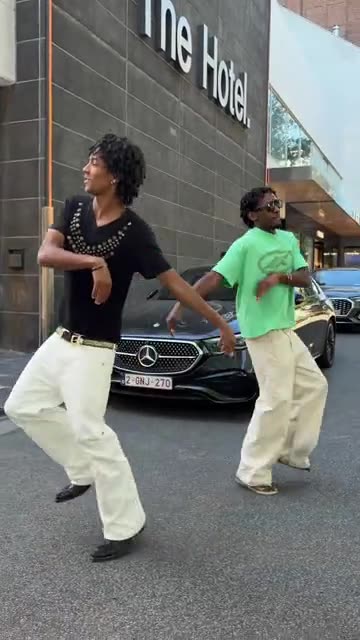
- Street Duo Dance: Contrasting outfits, a pavement dance and a pose on a big green bin. Build it from two adult photos.
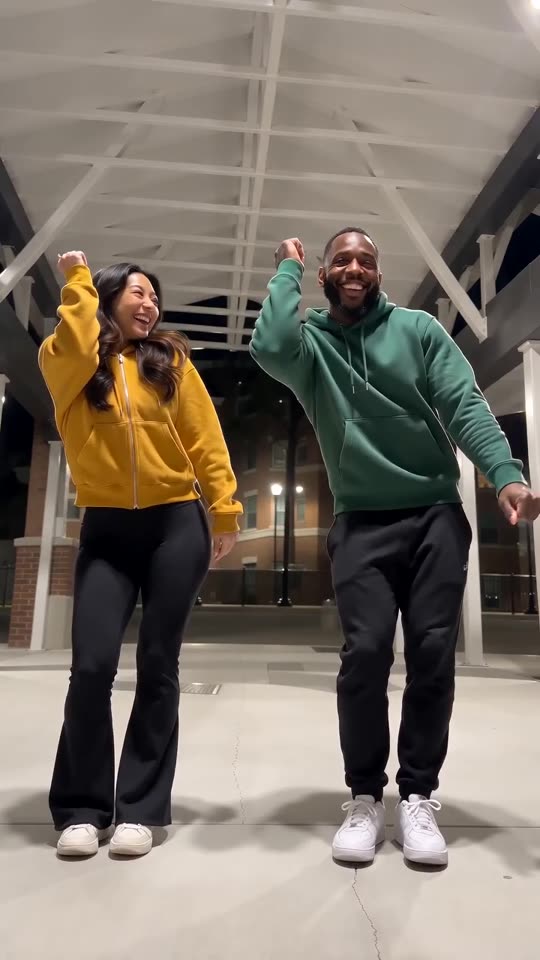
- Puerto Rican Mami Dance AI: Two dancers share a night-time walkway and trade sides on the beat, all made from two photos.
- Oh You Can Make It Cap: Two photos in a white studio: one person laughs, the other twirls with a bag.
- Corpse Bride AI: A pale bride, a dizzy groom and a moonlit stone bridge. A gothic stop-motion puppet clip from your photos.
- Shoulder Carry: One person is carried across the shoulders, turned around and set down to face the camera. Build it from two photos.
- Handle Your Attitude: Two people walk apart, one turns and runs back, then leaps into a hug. Build it from two adult photos.
- Bing Bing Bing Kicking AI: Turn two photos into the Bing Bing Bing Kicking routine: two friends or two pets kick at a low street camera in turn.
From a portrait to a holiday dance
You do not film, edit or type.
Add your photo or photos
A clear adult portrait goes in the first slot. A second adult may take the next slot, or leave it empty for a solo. Files can be JPG, PNG or WebP up to 10 MB.
Pick the look
Choose real person or turkey, a setting and an outfit. Tick the consent box and sign in with Google. Each pack holds bonus 5-second previews, handy for testing the photos.
Render the full clip
A 5-second 720p video uses 1 credit. You can leave the tab. You will find the file in My videos.
How to add the original sound in TikTok
Your video comes with an AI-made soundtrack. If you would rather use the trending sound, add it inside TikTok when you post. You can also save a copy without sound from My videos (Download without sound) and put the original sound on that.
- Open this clip in TikTok: our video follows it. Tap the sound name at the bottom, then tap Use this sound.
- Tap Upload and pick the video you downloaded from us.
- Open Volume and turn the video's own sound down to 0, or use the Download without sound copy from My videos.
- To line up the beat, use the scissors (trim) so the sound starts at 0 seconds, then post.

Need to move where the sound starts? This short video shows how to trim it.

Video: How To Trim Sound On TikTok 2026 (Very Easy) by Software Solutions on YouTube
Buy credits once, keep them
A Thanksgiving Dance video of 5 seconds takes 1 credit. Nothing renews on its own.
1 credit
$8.88
Up to 1 video
Every template: 1 credit per full video
Includes 1 bonus preview
One-time payment, no subscription
- Most popularSave 37%
3 credits
$16.88
Up to 3 videos
Every template: 1 credit per full video
Includes 3 bonus previews
One-time payment, no subscription
- Best valueSave 42%
5 credits
$25.88
Up to 5 videos
Every template: 1 credit per full video
Includes 5 bonus previews
One-time payment, no subscription
- Card payment through a hosted checkout
- Credits arrive straight away
- Credits come back when a render fails
Where this trend comes from
Use this sound: your video is timed to it, from 0s
@ec_marshl · TikTok · Nov 6, 2026 · The clip we follow: two adults stand side by side outdoors in front of a building on a sunny day and dance a fixed routine to a remixed holiday song: side steps, a squat with a hip twist and hand flicks (about 23s, about 767,000 views; we follow a 5-second part from the middle)
Links open the original posts on their own platforms. We are not affiliated with these creators.
Thanksgiving Dance questions, answered
Where does this Thanksgiving trend come from?
A TikTok dance clip from early November 2026. Two adults stand outside in front of a locked-off camera and bounce between steps, sink into a squat with swivelling hips and flick their hands. People now recreate it with their own pictures.
How many photos does the Thanksgiving Dance template need?
One is enough: you dance solo. Add a second adult photo and the two of you stand side by side, you on the left. Both must show an adult facing the camera, one person each, JPG, PNG or WebP under 10 MB.
Can a friend join, or can one selfie be my only photo?
Yes to both. A friend goes in the second slot, and a single selfie makes a solo dance. A clear face and a waist-up or full-body picture look best. Mirror selfies and phone-in-hand shots confuse the model.
Which sound belongs to the Thanksgiving Dance?
The source post plays a remix of "Gobble Gobble" by Ashlee Ruth. Our clip contains only soft ambience. Download the silent copy and add any holiday track inside TikTok, then slide it a second either way if the steps drift.
Will the squat land on the beat of my own song?
Roughly. The order of moves follows the original, but the clip is not timed to a specific track. Start your sound at zero and nudge it by a second if needed. The silent download makes this easy.
What does turkey mode do?
It keeps your face and puts it on a round, golden, cartoon-style turkey that does the same dance. It is kept clean and silly, with no gore. Real person mode is the default.
Can I change where the dance happens?
Yes. Choose the open paved space, a dinner table, a kitchen, a leafy backyard or a bold 80s backdrop. Outfits are presets too: your own clothes, an orange sweater, a feathered hat or a blue zip hoodie.
How long is the video, and how long does it take?
The full clip runs 5 seconds in 9:16. Most renders finish within a few minutes. Close the tab if you like. We keep the file under My videos.
More questions (4)
Is there a CapCut template I could use instead?
A CapCut template re-times footage you already shot, so you need the dance on video and the editor installed. Ozil Goal AI starts from still photos and makes a new clip in the browser, with no editing and no filming.
Is there somewhere to type a prompt?
Nowhere. No prompt box exists. The scene, camera and moves are set in advance, and your photos plus three dropdowns decide the rest.
Is the original post still up, and can I watch it here?
It was live when we last checked. The template page shows it in a card that only loads from TikTok once you press play. Nothing from TikTok loads before that.
If a render goes wrong, do I pay again, and what happens to my uploads?
You do not pay for a failed run: its credits come back on their own. Photos are used only to build your video and are deleted after a short retention period. Details sit in our privacy policy.
Thanksgiving Dance guides
Two short reads: what the trend is, and how the video gets made.
Need a hand? Email support@ozil-goal-ai.app.
Ozil Goal AI is an independent template tool: your clip is generated from your own photos, and neither the author of the original post, nor TikTok, nor Ashlee Ruth has made, endorsed or licensed it.