Cutting the Branch AI: Saw Off the Branch You Sit On
Also called: Cutting The Branch Trend, Sawing Off The Branch You Sit On, Cutting Your Own Branch, Branch Fail AI, Axe Branch Splash Trend, Sitting On The Branch Meme
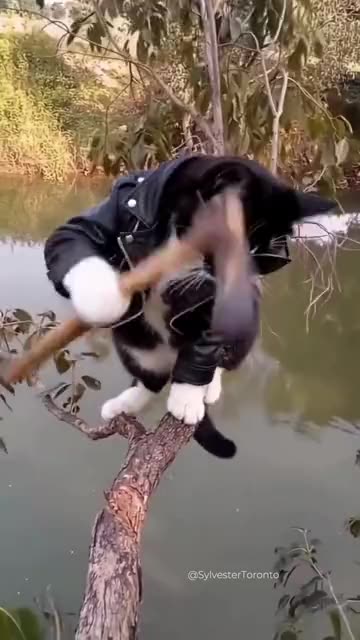
Upload one photo of an adult or a pet and Ozil Goal AI sets you at the end of a thick branch that leans out over the water. You swing a small axe at the part you are sitting on and glance at the camera, and then the wood begins to creak. It cracks, you drop with it, and a big splash follows. A moment later you bob up, wet and baffled, beside the broken branch. Choose the water, an outfit and the light. The clip carries ambience and a short sting but no voices, so add your own sound in TikTok.
- 8s HD clip from $8.88 · a bonus preview in every pack
- Takes 1 photo
- Vertical 9:16 MP4
- No watermark on the download
TikTok
@sylvesterto.ca
Original trend on TikTok
The post we follow, played straight from TikTok. Your clip is built from your own photo.
Something not right with your video? Write to support@ozil-goal-ai.app and a person will take a look.
Trending AI templates
More viral video templates you can make from your own photos. Credits work on every template.

Shaking Head AI
7s · 1 photo
Toc Toc Dance Maker
11s · 1 photo
Missed Train Dance AI
15s · 1 photo


What each template does
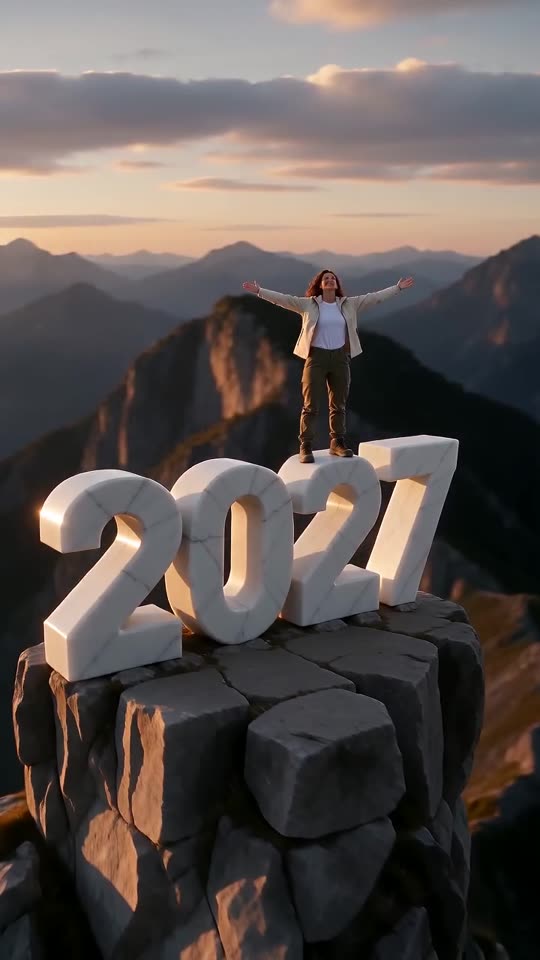
- New Year 2027 AI: Scale four giant digits, stand on top and let the camera pull back to show the year. One photo, six seconds.
- Teach Me How To Dougie: Shoulders swaying, a hand sweeping past your head, knees bouncing and a big grin. All it takes is one picture of an adult or a pet.
- Dog Bartender AI: A straight-faced pet in glasses sits behind the bar while hands make three ever wilder drinks. One photo, twelve seconds.
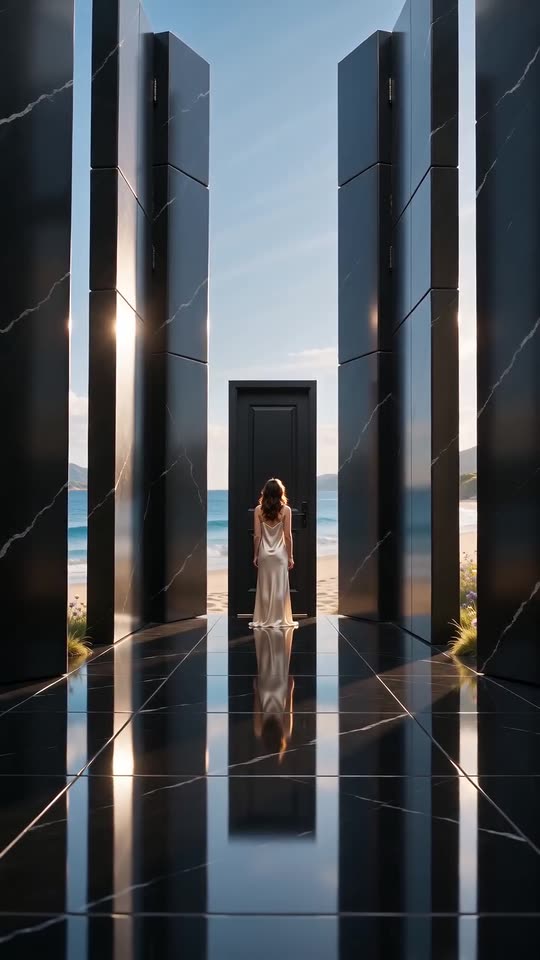
- Closed Door AI: One locked door, a long dark hall and walls that open onto the light. A quiet, emotional clip from one photo.
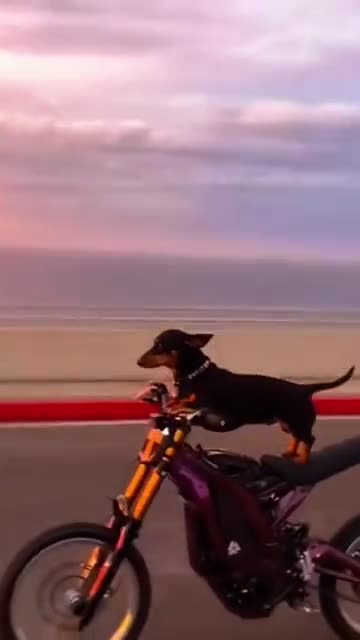
- Cat on Ultra Bee: A cat or dog on a dirt bike, a sunset road and the front wheel in the air. Build it from one pet photo.
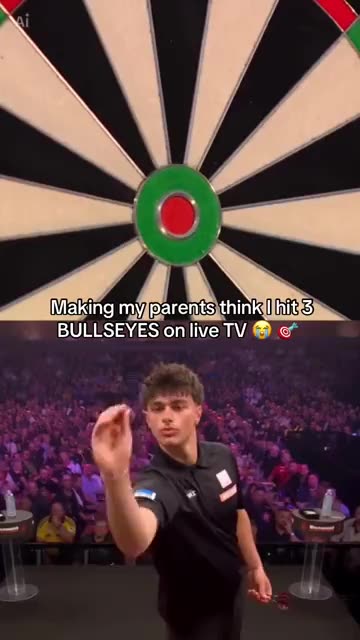
- Darts Bullseye AI: Three darts in the red, a big stage and a roaring crowd. A split-screen darts moment from one photo.
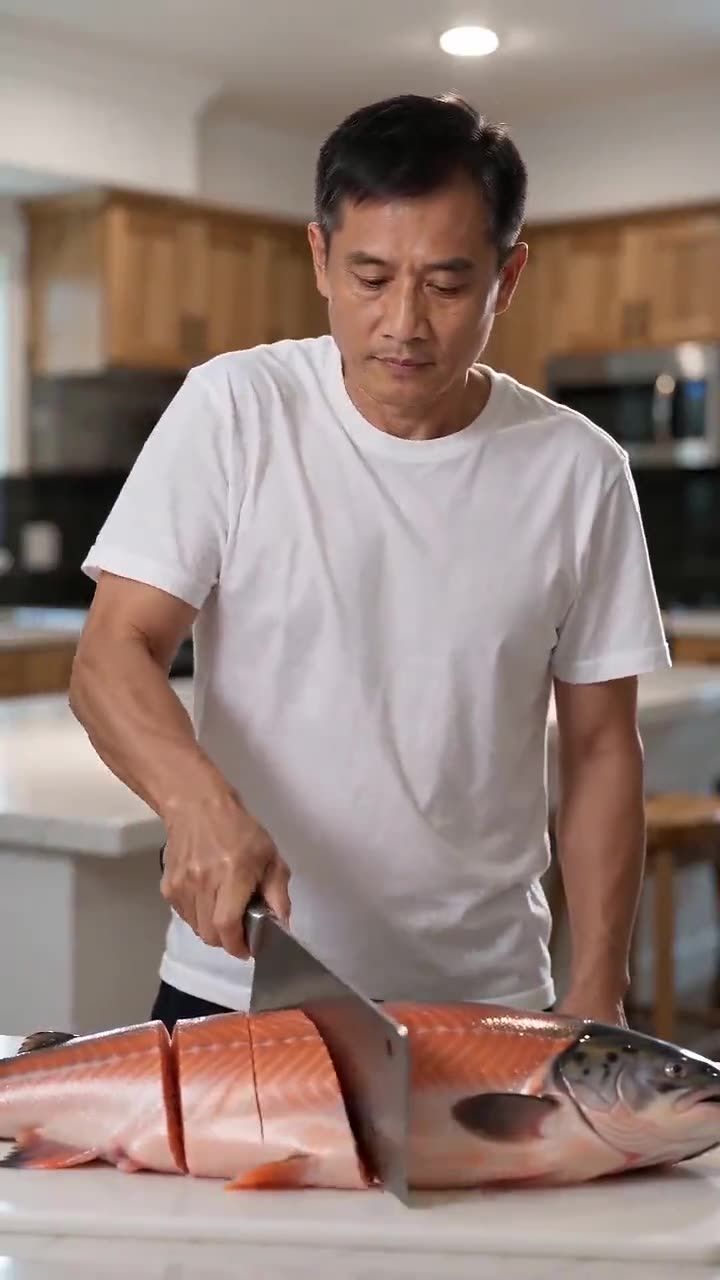
- Fish Cutting Meme: Behind a kitchen counter, someone chops an enormous fish into tidy pieces, thud after thud. Build it from one photo.
- Shaking Head AI: Your pet or you in the trend: a smug sway with eyes shut, then a wide stare and the tongue out, from one photo.
- Milkshake Ceiling Fan Dance: A phone on a ceiling fan films you singing along as the whole room turns. Start from one photo.
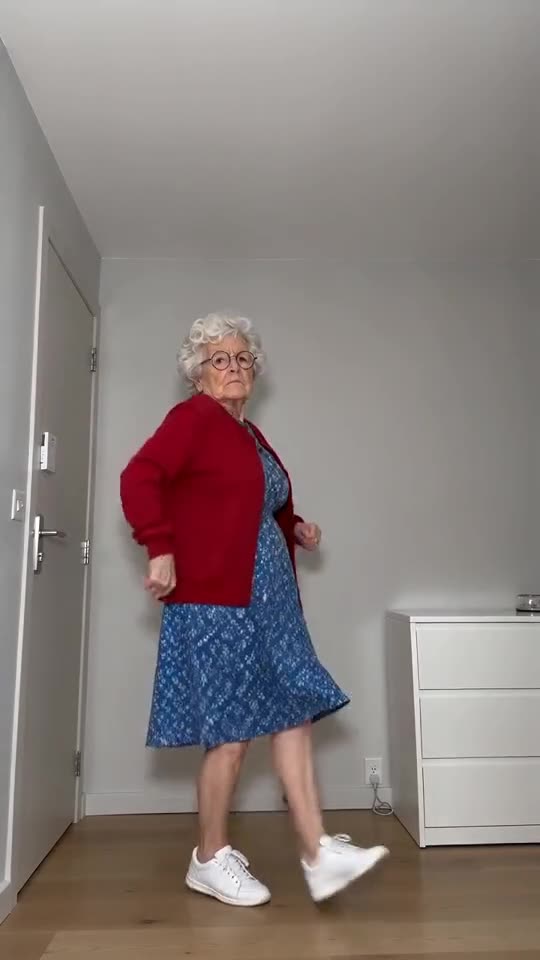
- Toc Toc Dance Maker: Hop, rap on empty air, go rigid, keep that straight face. Needs just one photo.
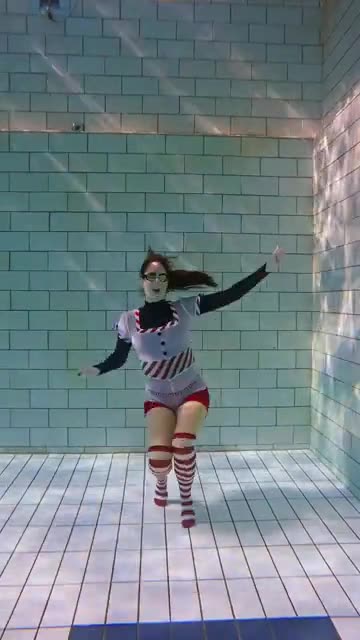
- Here Comes Santa Claus: A slow-motion Christmas dance on the floor of a sunlit pool, hair floating up. Built from a single adult photo.
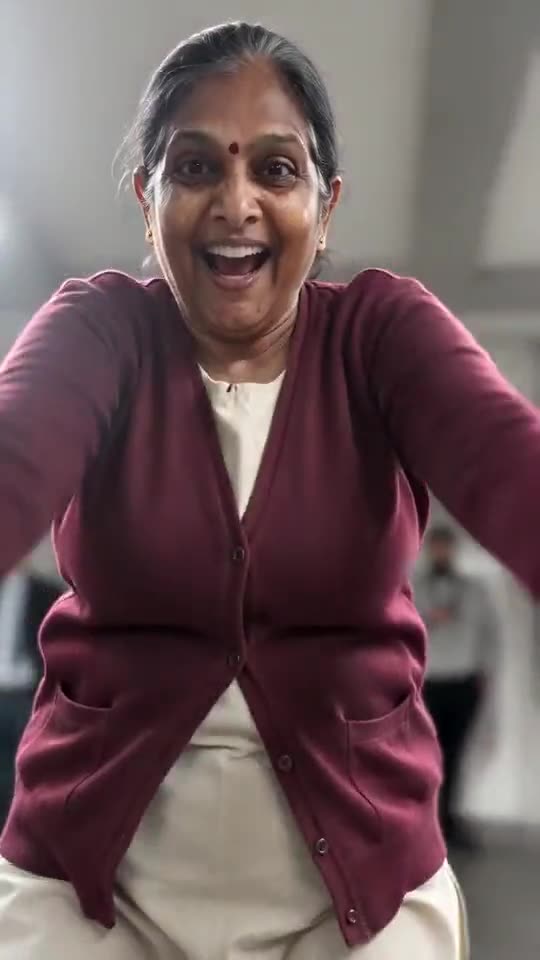
- Missed Train Dance AI: One picture becomes the missed-train clip: a sprint, shutting doors, a kneel and then a dance on the platform.
Three steps from one photo to a splash
No filming and no typing.
Add one photo
One adult or one pet, with the whole body in the picture and the face clear. The model keeps the outfit or fur it sees, so a plain, well-lit shot works best. Accepted files: JPG, PNG or WebP, 10 MB at most.
Pick the setting
Choose the water, an outfit and the light, tick the consent line and sign in with Google. Each pack carries bonus 5-second previews, so you can check the likeness before a credit goes.
Render, then add sound
The 8-second 720p render uses 1 credit. You may leave the tab while it runs, as the finished file waits in My videos. Choose the track when you upload to TikTok.
How to add the original sound in TikTok
Your video comes with an AI-made soundtrack. If you would rather use the trending sound, add it inside TikTok when you post. You can also save a copy without sound from My videos (Download without sound) and put the original sound on that.
- Open this clip in TikTok: our video follows it. Tap the sound name at the bottom, then tap Use this sound.
- Tap Upload and pick the video you downloaded from us.
- Open Volume and turn the video's own sound down to 0, or use the Download without sound copy from My videos.
- To line up the beat, use the scissors (trim) so the sound starts at 0 seconds, then post.

Need to move where the sound starts? This short video shows how to trim it.

Video: How To Trim Sound On TikTok 2026 (Very Easy) by Software Solutions on YouTube
Credits, no subscription
You pay per clip, never monthly. One 8-second Cutting the Branch video takes 1 credit.
1 credit
$8.88
Up to 1 video
Every template: 1 credit per full video
Includes 1 bonus preview
One-time payment, no subscription
- Most popularSave 37%
3 credits
$16.88
Up to 3 videos
Every template: 1 credit per full video
Includes 3 bonus previews
One-time payment, no subscription
- Best valueSave 42%
5 credits
$25.88
Up to 5 videos
Every template: 1 credit per full video
Includes 5 bonus previews
One-time payment, no subscription
- Secure checkout by Waffo
- Credits arrive instantly
- Unused packs refundable within 7 days
- Failed renders are refunded
Where this trend comes from
Use this sound: your video is timed to it, from 0s
@sylvesterto.ca · TikTok · Oct 27, 2026 · The post we follow: a cat crouches at the end of a branch that juts out over a river, chops the part it sits on with a small axe, and drops into the water with the branch. It runs 10s, TikTok shows an AI label, and it had about 500 plays on 12 November 2026. We follow the whole clip, sped up to 8s.- @titusmaximus2 · TikTok · Oct 24, 2026 · The earliest post of the joke that we found: a man saws off the branch he stands on and falls into a lake. It runs 16s and had about 3,000 plays on 12 November 2026.
Links open the original posts on their own platforms. We are not affiliated with these creators.
Cutting the Branch: common questions
Where did the cutting-the-branch joke start?
It plays on the old saying about sawing off the branch you sit on. The post we follow went up on TikTok on 27 October 2026 and showed about 500 plays on 12 November. The earliest version we found, from 24 October, has a man falling into a lake.
What happens to the person on the branch?
They crouch at the end of a branch over the water and chop at the part under them. It cracks, they drop with it, splash down and bob up confused. The explainer lists the beats.
How many photos do I upload, one or two?
One. The same photo gives you the chopper, so there is no second slot. Use one adult or one pet in a JPG, PNG or WebP file of 10 MB or less, with the whole body in view.
Which song or sound goes with it?
The post's sound page lists a music track under another artist's name. We do not include it. Your file has only river and bird ambience, axe taps, a splash and a short sting, with no voices. Add the sound you want inside TikTok.
Will the splash land on the beat after I add sound?
Roughly. The crack lands near 5s and the splash near 6s, but the clip is generated and not timed to a track. Slide the sound a second either way in TikTok, or time the silent copy in an editor.
Can I use a selfie for this?
A selfie works if it shows enough of you, though a longer shot is better because the crouch needs legs and arms. Step back or crop a wider photo so the head and feet are both in frame.
Can my dog or cat be the one with the axe?
Yes. A pet holds the small axe in its front paws in a cartoon-like way, and the splash is the same. An adult friend works too if they agreed. Children, toys and drawn characters are refused.
Does anyone get hurt in the clip?
No. The axe only taps the branch and never touches the subject. After the splash they bob up unharmed with the broken branch floating beside them. There is no blood and no struggling in the water.
More questions (6)
Must I type a prompt?
No. The camera, the order of beats and the timing are preset. You add a photo and pick the water, an outfit and the light from short lists. There is no text box.
Can a CapCut template do the same thing?
A CapCut template re-edits footage you filmed yourself, so it cannot start from one still. Ozil Goal AI generates the scene from a single photo in your browser, with no app to install, though you cannot direct each step.
How long is the clip, and how long do I wait?
The clip lasts 8s as a vertical 720p MP4. Rendering takes a few minutes and carries on if you close the tab. The file lands in My videos with a silent copy beside it.
How much would I pay for a Cutting the Branch video?
A full video costs 1 credit, and packs start at $8.88. Every pack adds bonus 5-second previews to check your photo. Nothing renews monthly, and downloads have no watermark.
Does the original poster have any part in Ozil Goal AI?
Ozil Goal AI is an independent site, and your video, generated from your own photo, is not made, endorsed or licensed by the poster of the original or anyone in it.
Can I post the result on TikTok or Reels?
Yes. Choose 9:16, upload the file and add your sound inside the app. The clip is synthetic, so leave the platform's AI label switched on when you publish.
Cutting the Branch guides
Two short pages: what the joke is, and how to make it.
Questions? Email support@ozil-goal-ai.app.
Ozil Goal AI is an independent site that builds AI templates. It is not affiliated with or endorsed by the account that posted the original, by TikTok or by anyone who appears in it, and no footage from the original is used.