Dance With Cartoon Self AI: You and Your Drawn Twin
Also called: Dance With My Cartoon Self, Cartoon Me Dance, Anime Self Dance, Dance With Cartoon Self AI
Upload one photo of yourself, an adult friend or your pet and Ozil Goal AI draws a cartoon twin from it. A fixed full-body camera sees you on one side and the twin on the other, both turning to face each other, waving hello, then dancing the same easy steps in time. Choose how the twin is drawn, where you stand and what the light is like. The file has no original sound, so add yours in TikTok.
- 8s HD clip from $8.88 · every pack includes a bonus preview
- 1 photo, adult or pet
- Vertical 9:16
- No watermark
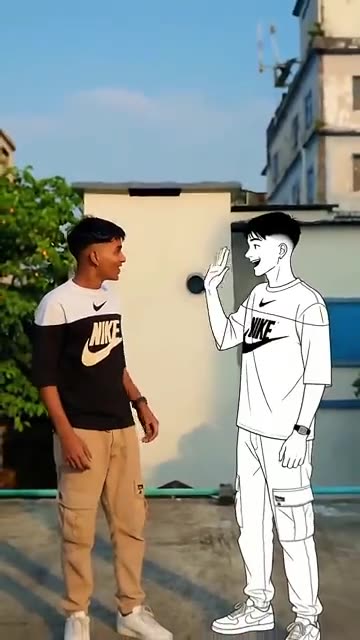
TikTok
@goodboy9919
Original trend on TikTok
The second half of this post is a tutorial. We recreate only the first 9 seconds.
The post behind this template, played straight from TikTok. Your clip is built from your own photo.
Something not right with your video? Write to support@ozil-goal-ai.app and a person will take a look.
Trending AI templates
More viral video templates you can make from your own photos. Credits work on every template.
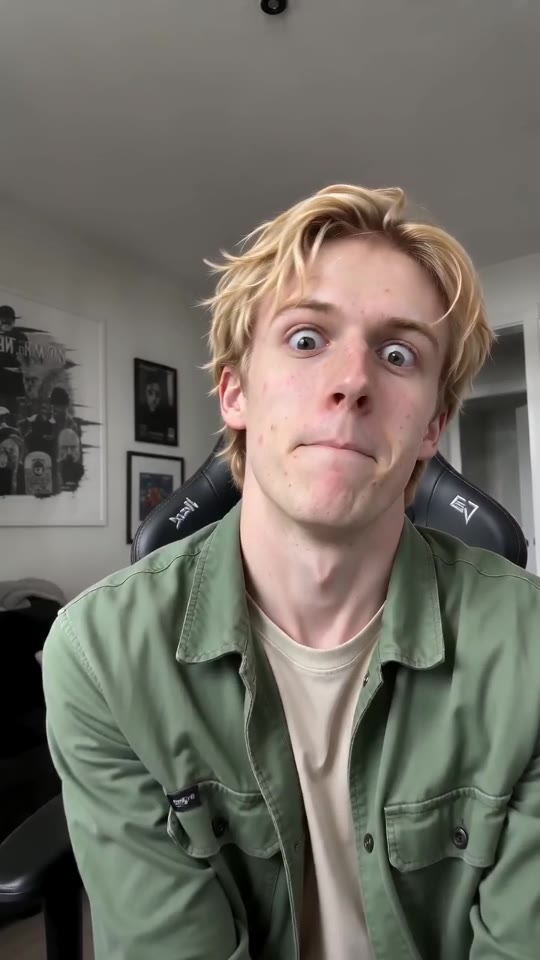
ABCDEFG Money Lip-Sync Clip Maker
11s · 1 photo
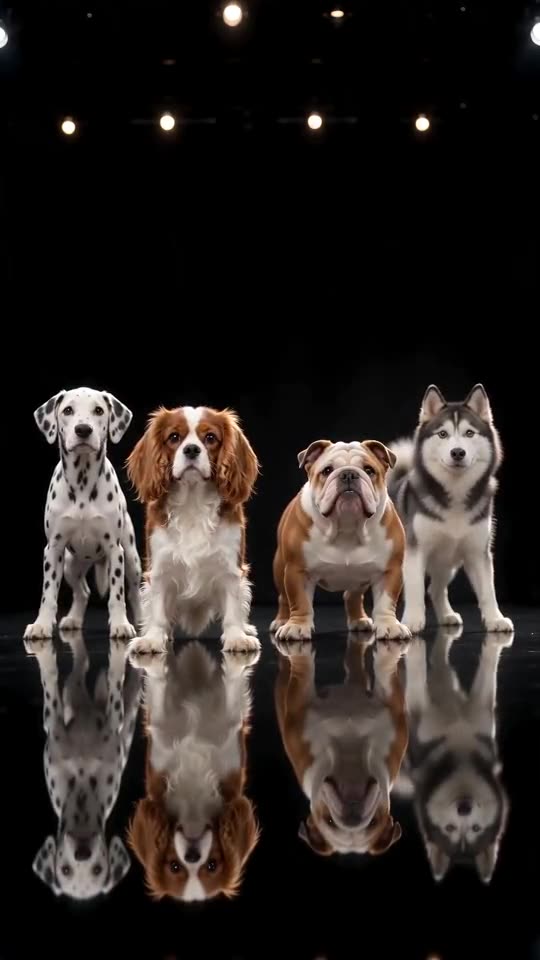
Dog Dance Crew AI
15s · 1 photo
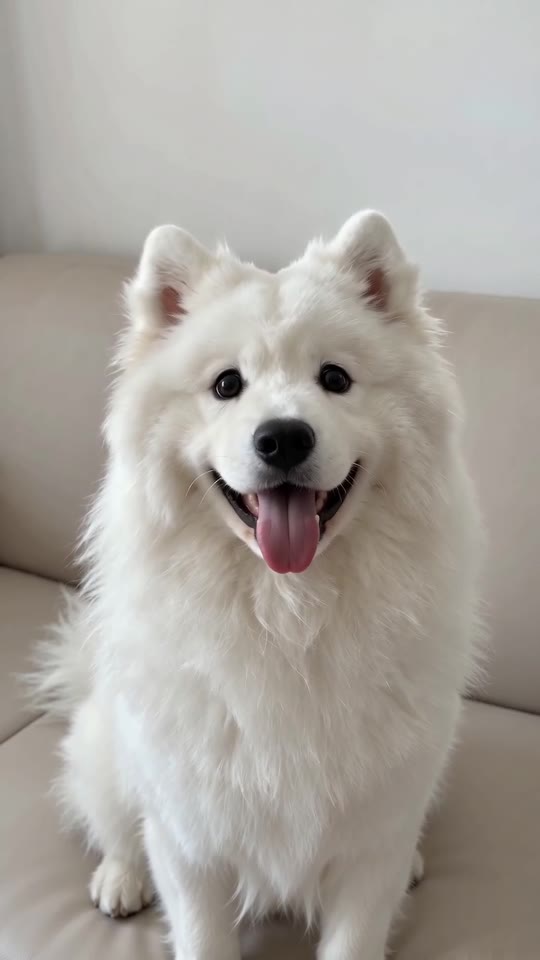
Shaking Head AI
7s · 1 photo
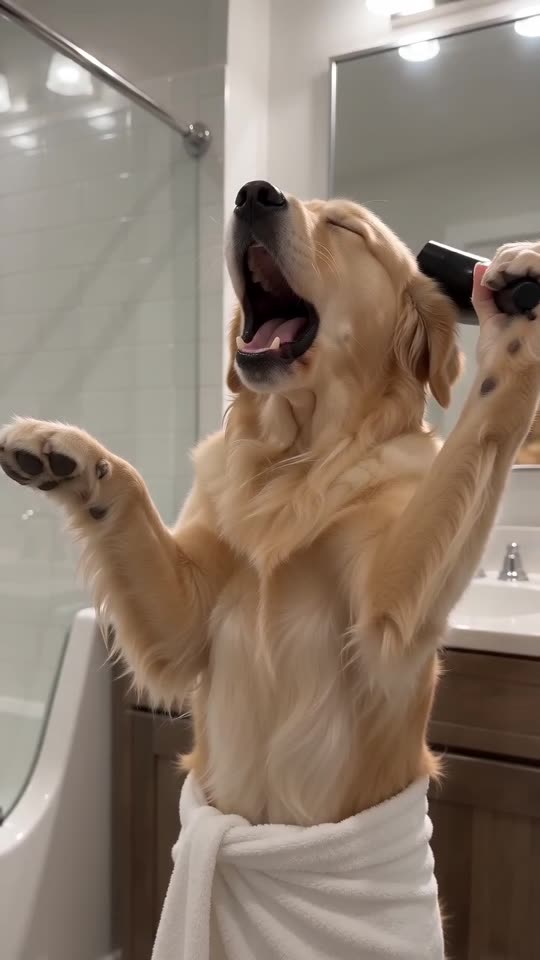
Singing Pet AI
10s · 1 photo
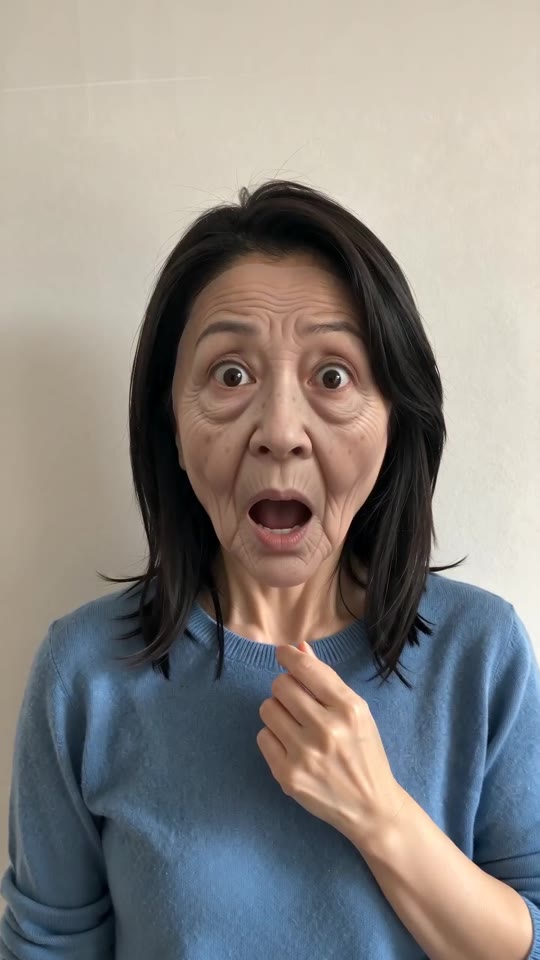
Prank Mask AI
5s · 1 photo
What each template does
- Milkshake Ceiling Fan Dance: A phone on a ceiling fan films you singing along as the whole room turns. Start from one photo.
- ABCDEFG Money Lip-Sync Clip Maker: Alphabet, big faces, a request for cash. Feed it a single adult or pet photo.
- Dog Dance Crew AI: Your dog or cat leads a four-pet line on a mirror-floor stage, bowing and shaking heads in time, from one photo.
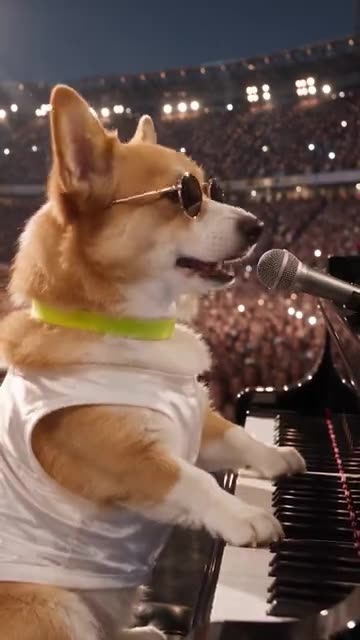
- Dog Bohemian Rhapsody: A pet in sunglasses sings at a grand piano while a stadium crowd waves its lights. Build it from one photo.
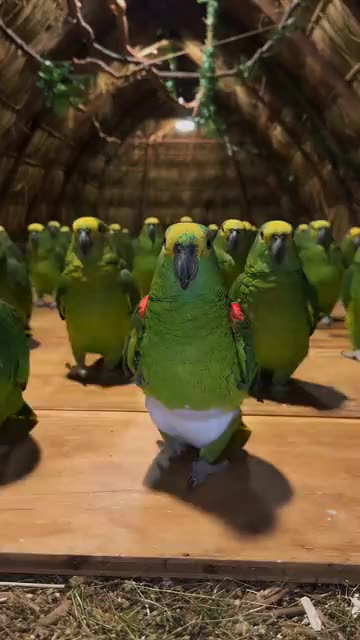
- Parrot Dance AI: A flock of backup dancers in tiny white diapers and one pet in front. A dance clip from one pet photo.
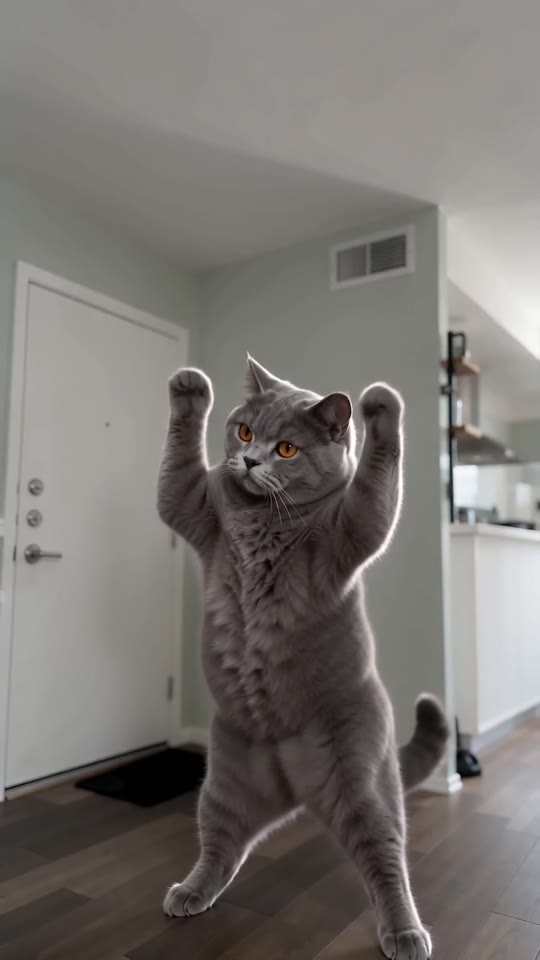
- Lil T Jones Dance AI: A pet stands up in the living room and runs a whole routine: a shy giggle, a salute, kicks, a half turn and a wave. One photo, ten seconds.
- Shaking Head AI: Your pet or you in the trend: a smug sway with eyes shut, then a wide stare and the tongue out, from one photo.
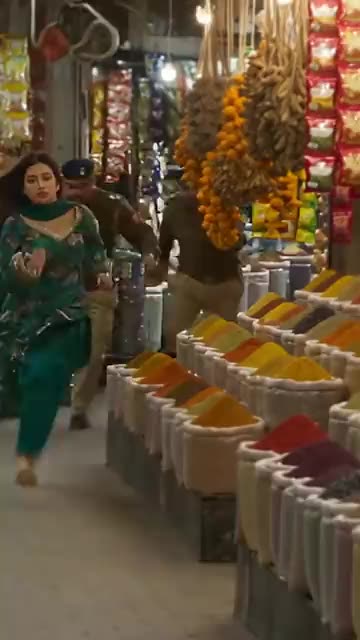
- AI Police Running: A market sprint, a leap onto a bus roof and a billboard climb. A film-stunt style action clip from one photo.
- Singing Pet AI: Towel on, hair dryer up: your pet goes for the biggest note of its life.
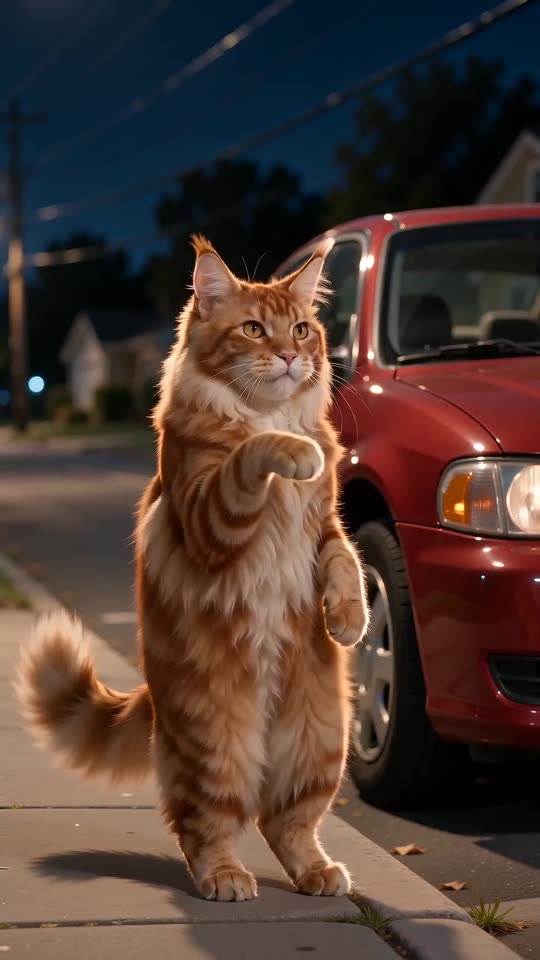
- Car Alarm Dance AI: A quiet street at night, a parked car and a pet that stands up to dance the moment the alarm starts. One photo, ten seconds.
- Prank Mask AI: A tug, a sudden old face, a mask peeled off and you are back: one adult photo becomes the whole prank.
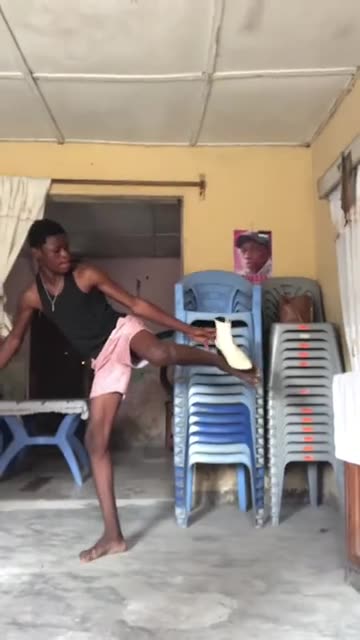
- Bibou Transition: A high kick, a flying shoe and a hard cut to a whole new outfit. Build it from one adult photo.
Three steps from photo to twin
You draw nothing and type nothing.
Add your photo
One adult or one pet, standing and looking at the lens, framed from head to toe if possible. The twin copies the face, hair or fur and clothes. JPG, PNG or WebP, 10 MB at most. Children and toys are not accepted.
Choose the look
Pick a drawing style, a place and a light, tick the consent line and sign in with Google. Packs bring bonus 5-second previews, handy for seeing the twin before you spend a credit.
Render and post
The 8-second 720p version uses 1 credit. You can close the tab, as the result waits in My videos. Add your sound inside TikTok.
How to add the original sound in TikTok
Your video comes with an AI-made soundtrack. If you would rather use the trending sound, add it inside TikTok when you post. You can also save a copy without sound from My videos (Download without sound) and put the original sound on that.
- Open this clip in TikTok: our video follows it. Tap the sound name at the bottom, then tap Use this sound.
- Tap Upload and pick the video you downloaded from us.
- Open Volume and turn the video's own sound down to 0, or use the Download without sound copy from My videos.
- To line up the beat, use the scissors (trim) so the sound starts at 0 seconds, then post.

Need to move where the sound starts? This short video shows how to trim it.

Video: How To Trim Sound On TikTok 2026 (Very Easy) by Software Solutions on YouTube
Credits, no subscription
Pay for the clips you make. One 8-second Dance With Cartoon Self video takes 1 credit.
1 credit
$8.88
Up to 1 video
Every template: 1 credit per full video
Includes 1 bonus preview
One-time payment, no subscription
- Most popularSave 37%
3 credits
$16.88
Up to 3 videos
Every template: 1 credit per full video
Includes 3 bonus previews
One-time payment, no subscription
- Best valueSave 42%
5 credits
$25.88
Up to 5 videos
Every template: 1 credit per full video
Includes 5 bonus previews
One-time payment, no subscription
- Secure checkout by Waffo
- Credits arrive instantly
- Unused packs refundable within 7 days
- Failed renders are refunded
Where this trend comes from
Use this sound: your video is timed to it, from 0s
@goodboy9919 · TikTok · Nov 3, 2026 · The post we follow: a fixed full-body shot of a person beside a white line-art cartoon version of themselves, the two waving hello and dancing the same dance. It runs 29s, the later part being a short editing tutorial, and had about 2,300,000 plays on 12 November 2026. The caption is in Bengali and says the trend can be made in CapCut. The post shows no AI label.
Links open the original posts on their own platforms. We are not affiliated with these creators.
Dance With Cartoon Self: common questions
Where did the cartoon twin dance come from?
From a TikTok post dated 3 November 2026 that had about 2,300,000 plays on 12 November and runs 29s. Its caption, in Bengali, says the trend can be made in CapCut. The second half is a short tutorial. We recreate only the first 9s.
What happens on screen?
A person stands full length on one side, and a flat drawn version of them stands on the other. They turn to each other, wave hello, then dance the same easy dance in step. Here you or your pet is the one on the real side. The explainer has the details.
Is one photo enough for the twin?
Yes, one photo of a single adult or pet is all it needs, and the twin is drawn from that same picture. A sharp face turned to the lens works best, ideally head to toe. JPG, PNG or WebP, up to 10 MB. Nobody under 18.
Does a selfie work as the photo?
Yes. A selfie works if your face is sharp and you look at the lens, though a photo showing your whole body gives the dance more to copy. Crop out other people first, since the twin is drawn from one subject only.
Is the original sound in my video?
No. TikTok lists the post's sound as an original sound, and our clip carries a bright generated dance beat instead. Open the post in TikTok and tap its sound, or pick any track, and add it when you upload.
Will the steps match the beat of my sound?
Roughly. The moves follow the post in order, but the clip is generated and not timed to any track. Start your sound at zero and slide it a second either way, or time the silent copy in an editor.
Can my dog or a friend dance with a twin?
Yes. A pet dances on its hind legs or moves its front paws, the gentle way, and gets a drawn twin too. An adult friend can be the one in the photo if they agreed to appear and you may use it. The consent box covers that.
Must I write a prompt?
No. The camera, the order of moves and the setting are fixed. You add a photo and pick three short presets: drawing style, place and light. There is no text box to fill in.
More questions (6)
Is this better than a CapCut template?
They suit different jobs. A CapCut template works on footage you already have, inside an app, and the post itself teaches that route. Ozil Goal AI makes a new clip from one photo in the browser, with no app to install, but you do not steer the exact moves.
How long does it take, and what do I get?
Expect a few minutes. You get one 8-second 720p vertical MP4 in My videos, with a silent copy beside it. The render carries on if you close the tab.
What do I pay to dance with my cartoon twin?
One full video takes 1 credit, and packs start at $8.88. Each pack adds bonus 5-second previews so you can check the twin first. Nothing renews monthly, and downloads carry no watermark.
Which drawing styles can the twin have?
Six presets: white line art, anime, 3D cartoon, pixel art, watercolour and black-ink comic. The twin keeps your face shape, hair or fur and clothes in whichever style you choose. The timing stays fixed, and no style changes the price.
Is Ozil Goal AI connected to the person who posted it?
Ozil Goal AI is an independent site, so a clip built from your photo is not made, endorsed or licensed by the poster of the original, the account behind the sound or anyone in it.
Can I post the result on TikTok or Reels?
Yes. Pick 9:16, upload the file and add your sound inside the app. Because the clip is synthetic, leave the platform's AI label on when you publish.
Dance With Cartoon Self guides
Two short pages: what the clip looks like, and how to make yours.
Questions? Email support@ozil-goal-ai.app.
Ozil Goal AI is an independent site that builds AI templates. Neither the author of the original post, TikTok nor anyone who appears in it has any tie to this site or endorses it, and no footage or sound from the original is used.