Bibou Transition AI: Shoe Kick, Hard Cut, New Look
Also called: You Rock My World Transition, Kick Shoe Transition, Outfit Kick Transition, Shoe Kick Outfit Change
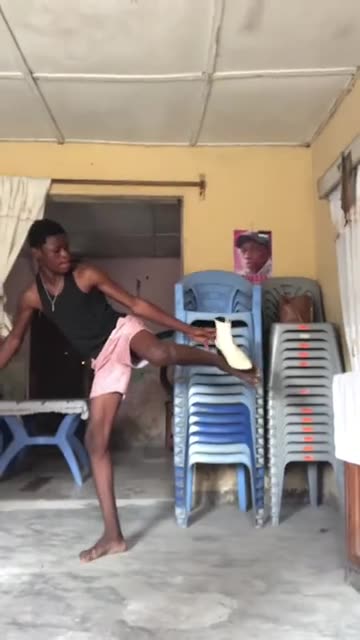
Upload one photo of an adult and Ozil Goal AI films the switch for you. Barefoot in loose clothes you swing a leg up and a shoe sails off screen. Then comes one hard cut, with no fade or effect, and you are in a full outfit, holding poses and wiggling to the beat. Choose the new outfit, the starting look and the room. The file has no soundtrack, so pick your sound in TikTok.
- 5s HD clip from $8.88 · a bonus preview in every pack
- Vertical 9:16 MP4
- No watermark on the download
- One payment, no plan
TikTok
@bibou_kande_
Original trend on TikTok
The post we follow, played straight from TikTok. Your clip is built from your own photo.
Something not right with your video? Write to support@ozil-goal-ai.app and a person will take a look.
Trending AI templates
More viral video templates you can make from your own photos. Credits work on every template.
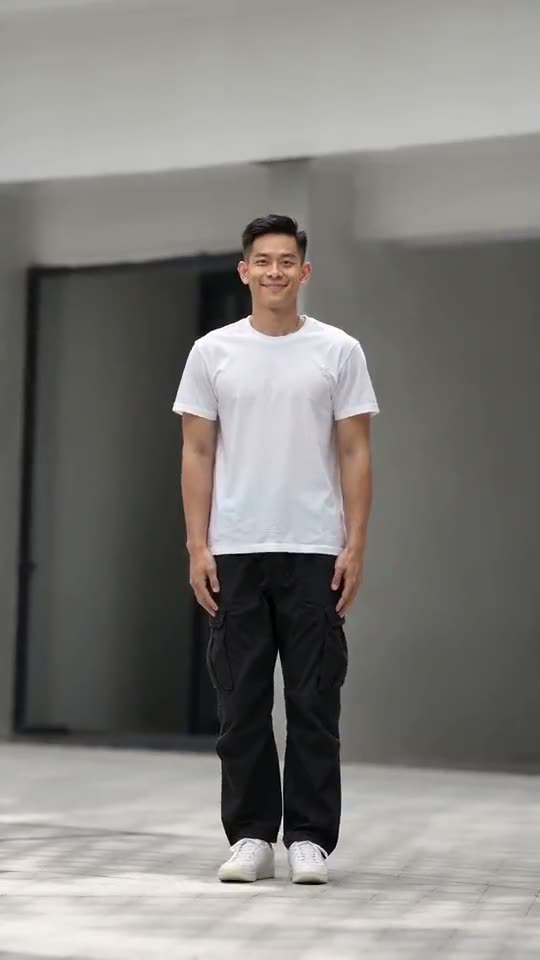
Anima Christi Dance AI
5s · 1 photo
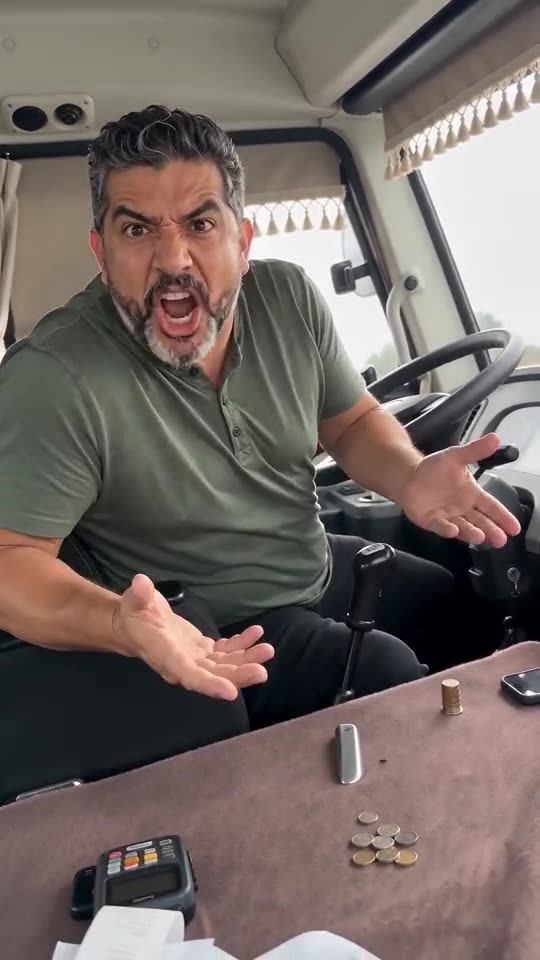
Driver Put Phone Away AI
14s · 1 photo
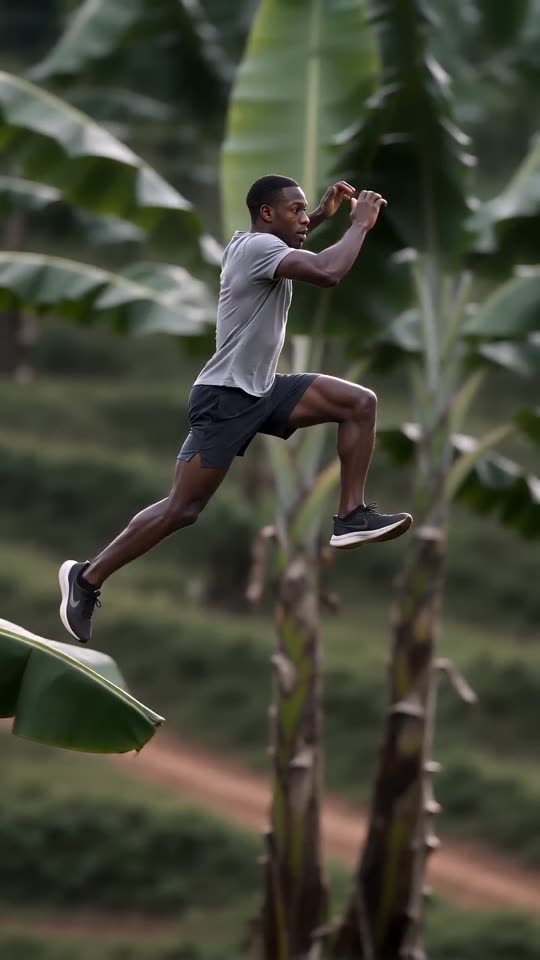
Banana Tree Run AI
11s · 1 photo
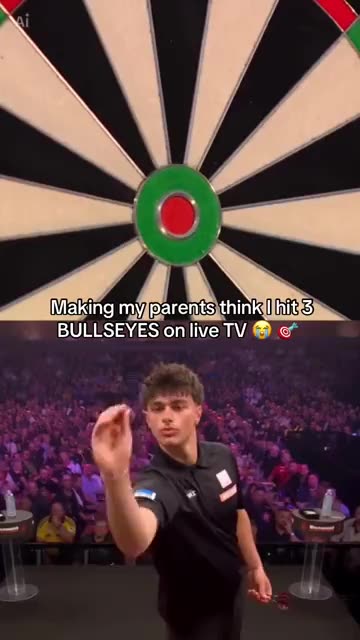
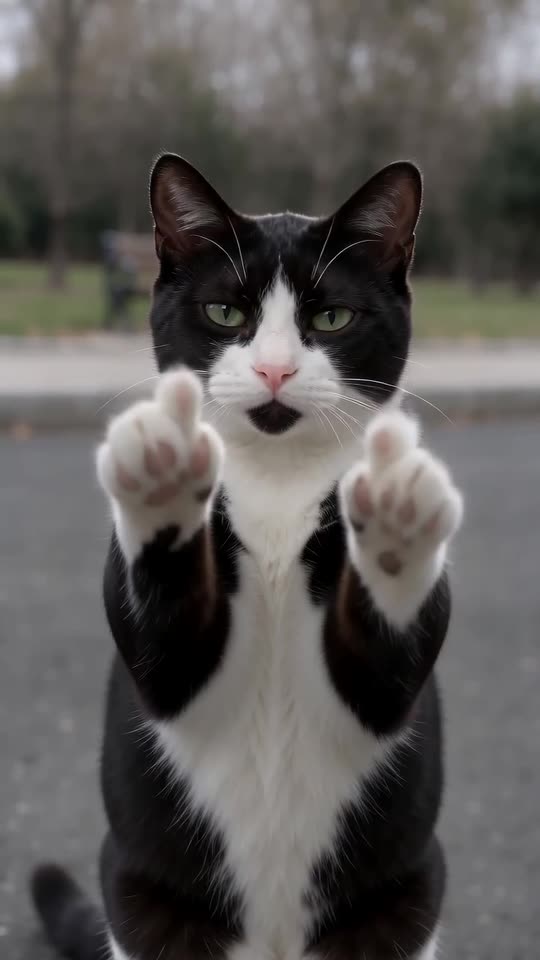


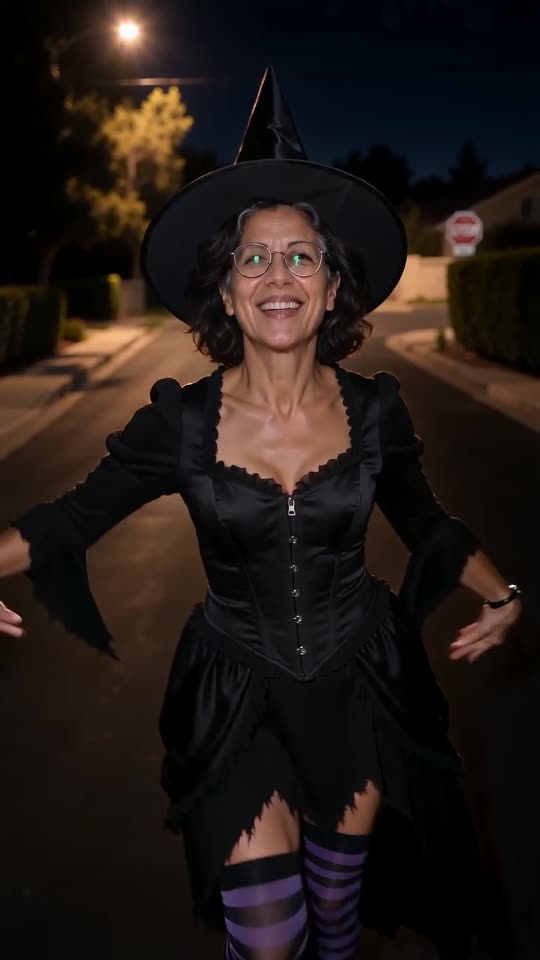

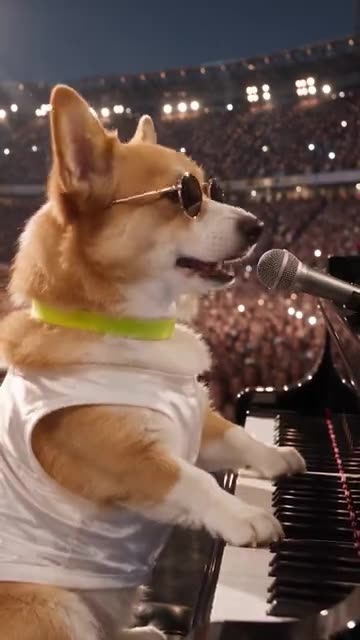

What each template does
- Darts Bullseye AI: Three darts in the red, a big stage and a roaring crowd. A split-screen darts moment from one photo.
- Cat Middle Finger AI: A cat strolls up on two legs, sits sweetly, then raises both paws with one toe up and walks off. One photo, eight seconds.
- AI Police Running: A market sprint, a leap onto a bus roof and a billboard climb. A film-stunt style action clip from one photo.
- Airplane Runway Jump: A mid-air split, a sunset runway and a jet that seems to pass beneath. Build it from one adult photo.
- Anima Christi Dance AI: One photo becomes a solo dance clip: sway, side step, knee-lift hops and a one-leg kick, filmed from the front.
- Ramalama AI Costume Reveal: Boots stomp at ankle height. Then the shot rises and the whole outfit lands.
- Convertible Coffee Drive: A drone shot, an open top and a calm sip of coffee. Build it from one photo.
- Dog Bohemian Rhapsody: A pet in sunglasses sings at a grand piano while a stadium crowd waves its lights. Build it from one photo.
- Driver Put Phone Away AI: One photo, one angry minibus driver: you glance back, spin round, open both hands and tell the camera to put the phone away, then face the road again.
- Me Sitting and Doing Nothing: A pet or an adult in a robe and shades lies back on pink glitter, eats a snack and stares at the lens. Build it from one photo.
- Banana Tree Run AI: Bound over banana leaf tops in a side-on chase shot. One photo, no fall.
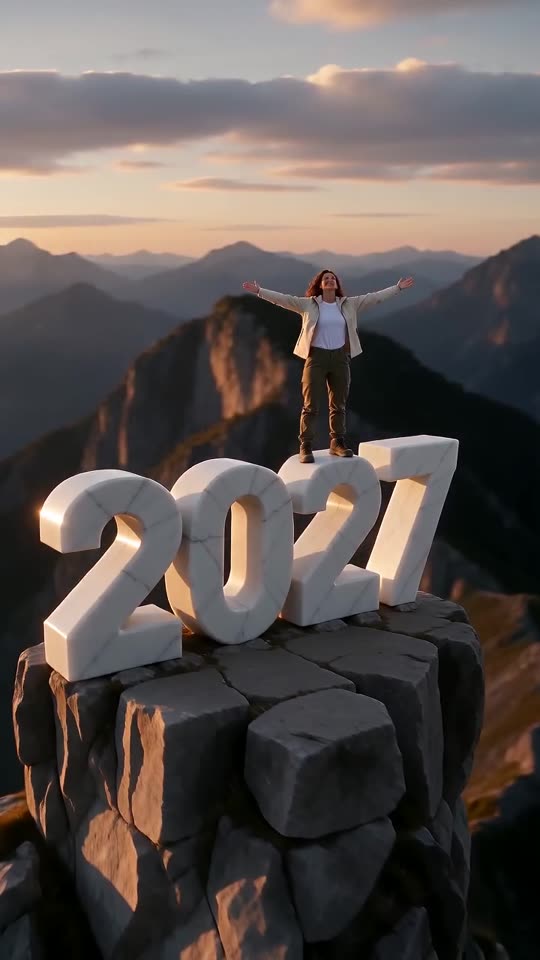
- New Year 2027 AI: Scale four giant digits, stand on top and let the camera pull back to show the year. One photo, six seconds.
Three steps from one photo to the switch
There is nothing to film and nothing to write.
Add your photo
One adult, facing the camera. Whole-body or knees-up pictures leave room for the kick and show off the new outfit. Keep the face sharp and unobstructed. Files: JPG, PNG or WebP, under 10 MB each.
Choose the details
Choose the outfit after the kick, the starting look and the room, then tick the consent line and sign in with Google. Each pack carries bonus 5-second previews to check your face before a credit goes.
Render, then add the sound
The 5-second 720p version costs 1 credit. Closing the tab is fine, because the result waits in My videos. Choose the sound while uploading to TikTok.
How to add the original sound in TikTok
Your video comes with an AI-made soundtrack. If you would rather use the trending sound, add it inside TikTok when you post. You can also save a copy without sound from My videos (Download without sound) and put the original sound on that.
- Open this clip in TikTok: our video follows it. Tap the sound name at the bottom, then tap Use this sound.
- Tap Upload and pick the video you downloaded from us.
- Open Volume and turn the video's own sound down to 0, or use the Download without sound copy from My videos.
- To line up the beat, use the scissors (trim) so the sound starts at 0 seconds, then post.

Need to move where the sound starts? This short video shows how to trim it.

Video: How To Trim Sound On TikTok 2026 (Very Easy) by Software Solutions on YouTube
Credits, no subscription
Pay for the clips you make. One 5-second Bibou Transition video takes 1 credit.
1 credit
$8.88
Up to 1 video
Every template: 1 credit per full video
Includes 1 bonus preview
One-time payment, no subscription
- Most popularSave 37%
3 credits
$16.88
Up to 3 videos
Every template: 1 credit per full video
Includes 3 bonus previews
One-time payment, no subscription
- Best valueSave 42%
5 credits
$25.88
Up to 5 videos
Every template: 1 credit per full video
Includes 5 bonus previews
One-time payment, no subscription
- Secure checkout by Waffo
- Credits arrive instantly
- Unused packs refundable within 7 days
- Failed renders are refunded
Where this trend comes from
Use this sound: your video is timed to it, from 0s
@bibou_kande_ · TikTok · Sep 26, 2026 · The post we follow: indoors in one fixed shot, a barefoot person in relaxed home clothes kicks one leg high and sends a shoe flying, then a hard cut shows the same person in a full going-out outfit striking poses and wiggling to the beat. It runs about 12s and had about 16.3 million plays on 12 November 2026. We follow a 5s stretch around the cut.
Links open the original posts on their own platforms. We are not affiliated with these creators.
Bibou Transition: common questions
Is a single photo enough?
Yes: a single photo with a single adult in it. The face should be sharp and turned toward the lens, with the whole body or at least the knees in view. Any JPG, PNG or WebP file under 10 MB works. Nobody under 18, and no pets or toys.
What exactly is the transition?
Barefoot in home clothes, a person kicks one leg high and a shoe flies off. A hard cut follows, and the same person stands in a full outfit, posing to a beat. See the explainer for the whole sequence.
Where did it start?
The post we follow went up on TikTok on 26 September 2026 and had about 16.3 million plays on 12 November. It may not be the first. We follow a 5s stretch around the cut, out of a clip of about 12s.
Which song is used, and is it in my file?
The post plays You Rock My World by Michael Jackson, a recording under copyright, though its sound page shows an upload by another account. Your file has no music, only quiet room ambience. Look the song up in TikTok's sound picker.
Will the kick land on the beat once I add the sound?
Roughly. The order follows the post, but generated motion can be a little early or late. Move the sound by a second in TikTok, or time the silent copy in an editor. The cut sits at the halfway point.
Can I use a selfie?
Yes, if it shows your face clearly. A full-length photo is better, as the clip needs a kicking leg and a complete outfit, and the model then keeps your build and style closer to the picture.
Does it work for a friend or a pet?
A friend can take your place, with permission, since the photo only has to show an adult. A pet, a toy or a child is refused, and the clip always has exactly one person in it.
Must I type a prompt anywhere?
No. The room, the camera and the timing of the cut are preset. You add a photo and select an outfit, a starting look and a room from short lists. There is no text box.
More questions (5)
Should I just use a CapCut template instead?
They do different things. A CapCut template re-times footage you already shot, inside an editor app. Ozil Goal AI generates a new clip from one photo in the browser, with nothing to install, but you do not control each frame.
How long does it take, and what comes back?
A few minutes. You receive one 5-second 720p vertical MP4 in My videos, plus a silent copy, and the render carries on if you close the tab.
Will I have to pay to try it?
A full video takes 1 credit and packs start at $8.88. Each pack adds bonus 5-second previews so you can test your photo first. Nothing renews monthly, and downloads carry no watermark.
Is Ozil Goal AI linked to Michael Jackson or the poster?
No. Ozil Goal AI is an independent site, and your video, generated from your own photo, is not made, endorsed or licensed by Michael Jackson, the poster of the original or anyone in it.
Can I put the result on TikTok or Reels?
Yes. Choose 9:16, upload the file and add your sound in the app. The clip is synthetic, so keep the platform's AI label switched on when you publish.
Bibou Transition guides
Two short pages: what the trend is, and how to make it.
Questions? Email support@ozil-goal-ai.app.
Ozil Goal AI is an independent site that builds AI templates. It is not affiliated with or endorsed by Michael Jackson, the account that posted the original, TikTok or anyone who appears in it, and no footage from the original is used.