Birds of a Feather AI: Float in an Office Chair
Also called: Birds of a Feather Trend, Birds of a Feather AI Trend, Birds of a Feather Office Chair, Floating Office Chair AI
Upload one photo of yourself, an adult friend, your pet or even a toy and Ozil Goal AI sets it in an office chair that drifts a little above a green carpet and turns slowly. A smooth camera starts wide, then glides in above and below the chair as the hair or fur spreads out and the mouth moves along to a song. It ends on a calm look at the lens. You decide the place, what they wear, the light and how the chair moves. The file has no original sound, so add yours in TikTok.
- 10s HD clip from $8.88 · every pack includes a bonus preview
- 1 photo, adult, pet or toy
- Vertical 9:16
- No watermark
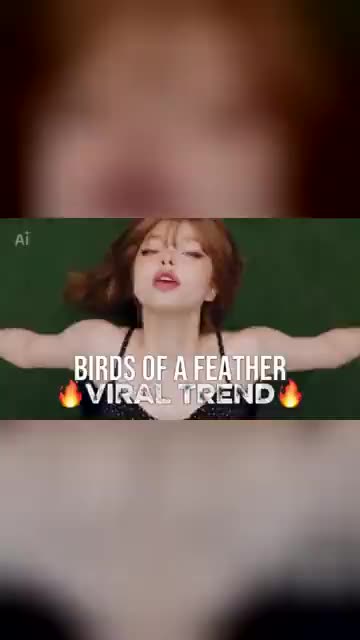
TikTok
@battos13
Original trend on TikTok
The post behind this template, played straight from TikTok. Your clip is built from your own photo.
Something not right with your video? Write to support@ozil-goal-ai.app and a person will take a look.
Trending AI templates
More viral video templates you can make from your own photos. Credits work on every template.
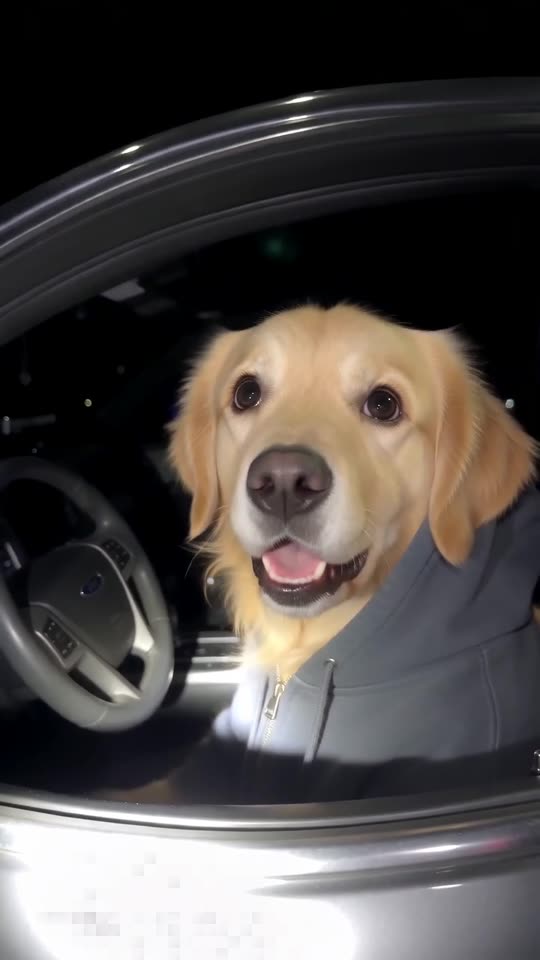
What Stop Sign AI
11s · 1 photo
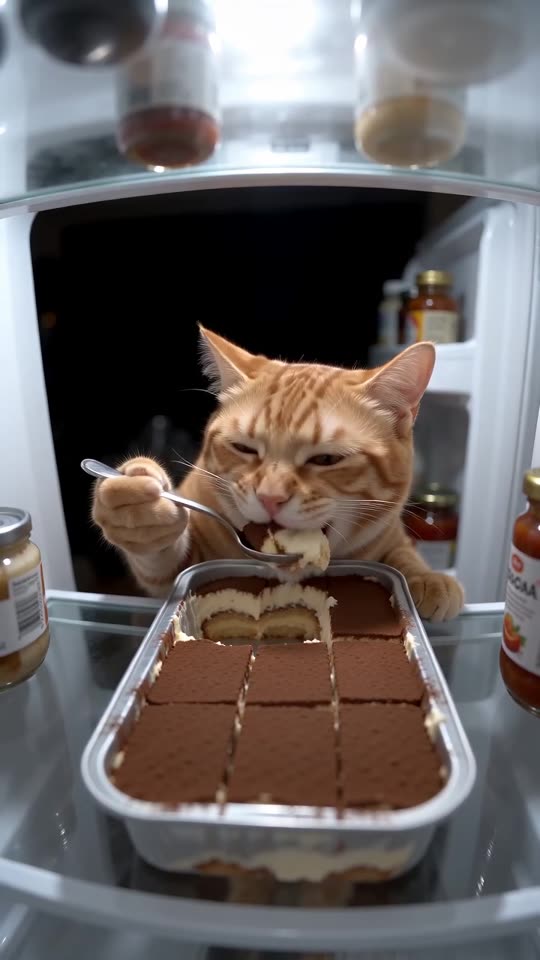
Pet Fridge Cake Heist AI
15s · 1 photo
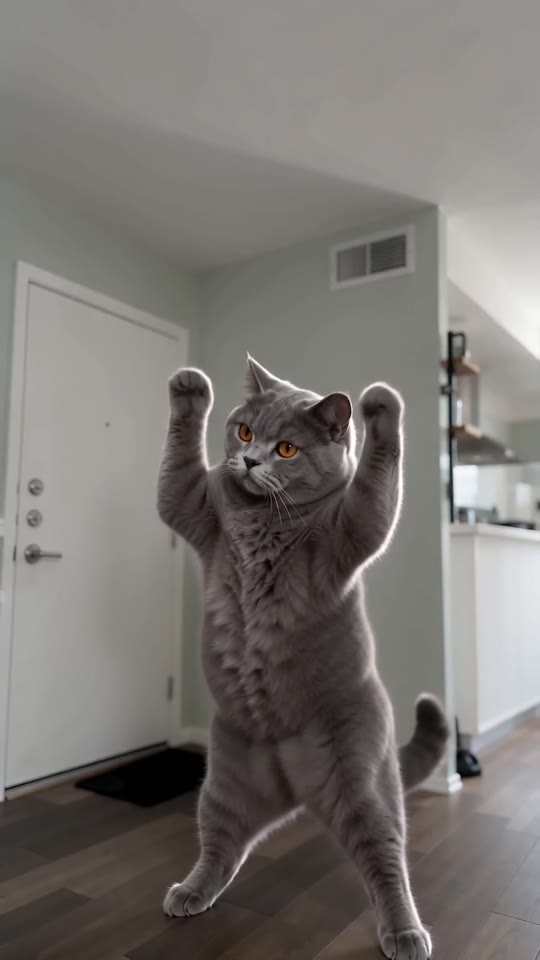

What each template does
- Lil T Jones Dance AI: A pet stands up in the living room and runs a whole routine: a shy giggle, a salute, kicks, a half turn and a wave. One photo, ten seconds.
- What Stop Sign AI: Hood up, window down, flashing lights behind: your pet plays totally clueless.
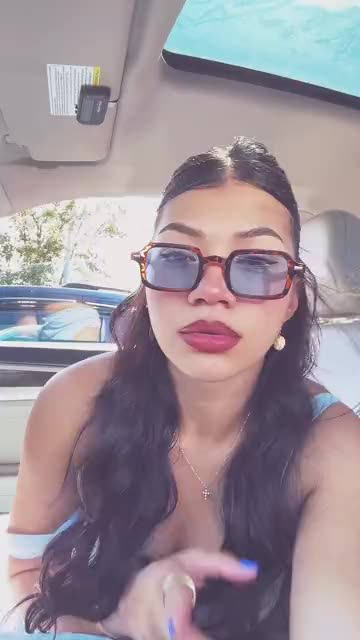
- Asereje Trend: Sit in the passenger seat in sunglasses and mouth along with open hands. Build it from one photo of you or your pet.
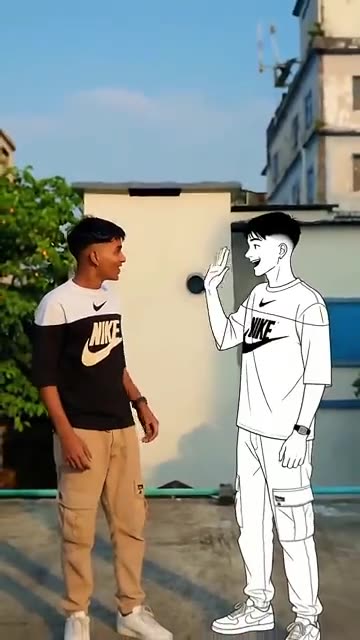
- Dance With Cartoon Self: You and a drawn twin of yourself wave hello, then dance the same steps side by side. Start from one photo.
- Pet Fridge Cake Heist AI: A hidden camera, a full tray of tiramisu and your pet holding a spoon. Needs 1 photo.
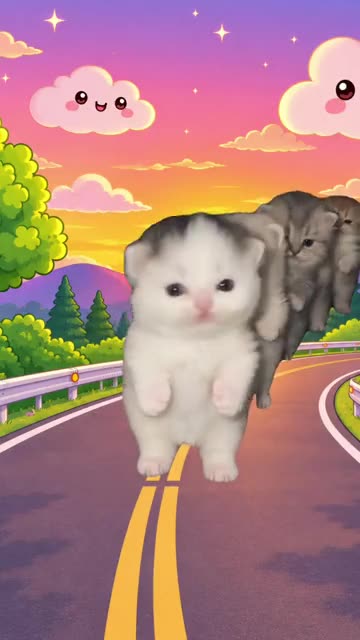
- Kiat Jud Dai Kitten Parade: A cartoon sunset road and a line of tiny look-alikes marching upright. Build it from one pet photo.
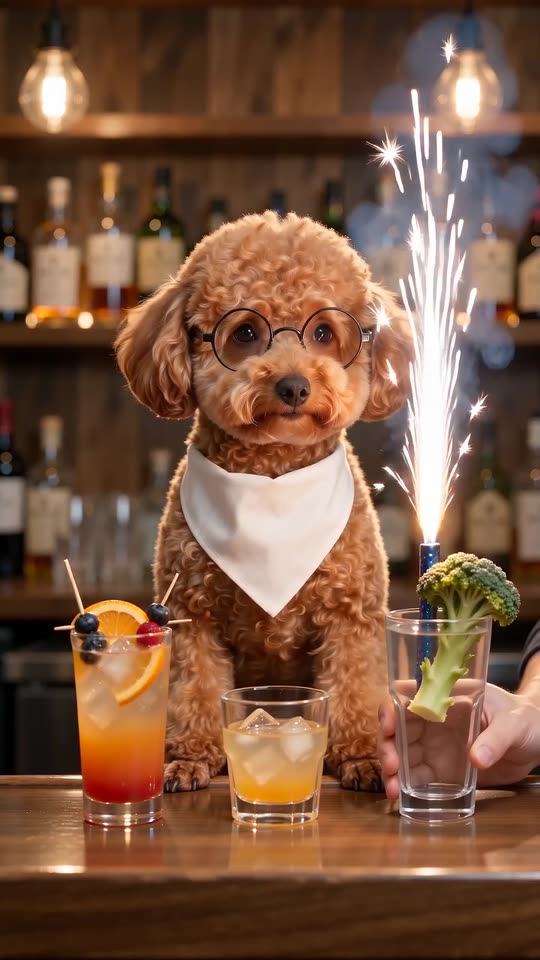
- Dog Bartender AI: A straight-faced pet in glasses sits behind the bar while hands make three ever wilder drinks. One photo, twelve seconds.
- Teach Me How To Dougie: Shoulders swaying, a hand sweeping past your head, knees bouncing and a big grin. All it takes is one picture of an adult or a pet.
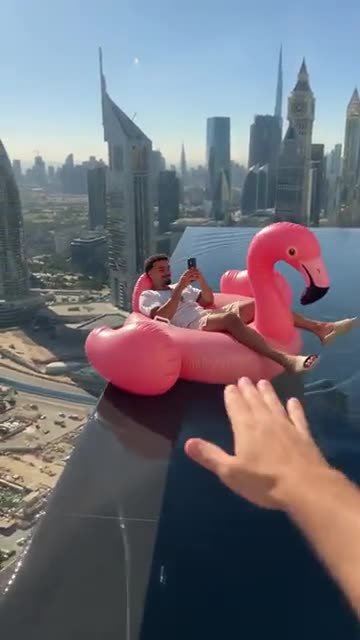
- Flamingo Float: A pink flamingo ring, the edge of a rooftop pool and a city skyline. A calm pool clip from one photo.
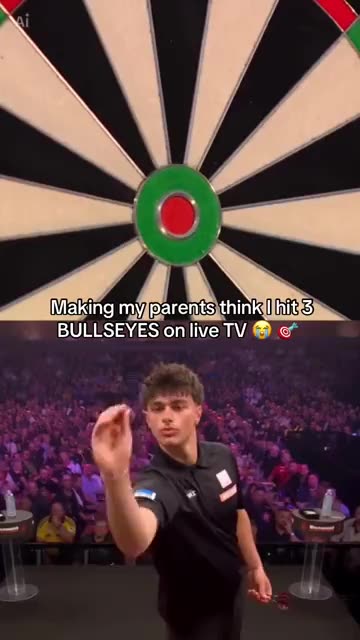
- Darts Bullseye AI: Three darts in the red, a big stage and a roaring crowd. A split-screen darts moment from one photo.
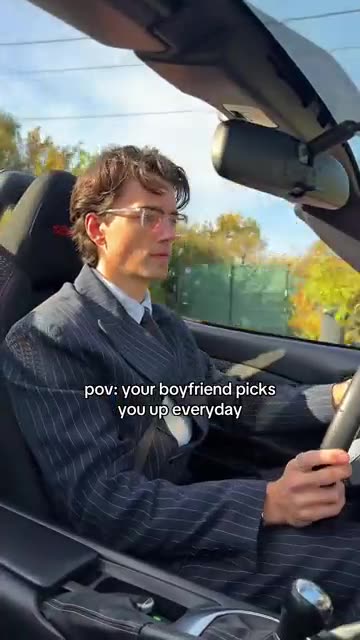
- Boyfriend Picks You Up: Drive an open-top car down an autumn road and turn up in a new outfit after every cut. Build it from one photo.
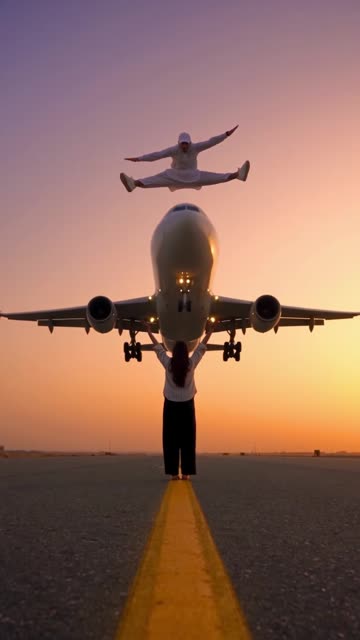
- Airplane Runway Jump: A mid-air split, a sunset runway and a jet that seems to pass beneath. Build it from one adult photo.
Three steps from photo to floating chair
You write nothing and film nothing.
Add your photo
One adult, pet, toy or drawn character looking at the lens, close-up or chest-up, with the hair or fur showing. Hair that can spread out makes the best result. JPG, PNG or WebP, 10 MB at most. Children are not accepted.
Choose the look
Pick a place, an outfit, a light and a float, tick the consent line and sign in with Google. Packs bring bonus 5-second previews, handy for seeing your photo in the chair before you spend a credit.
Render and post
The 10-second 720p version uses 1 credit. You can close the tab, as the result waits in My videos. Put your own sound on it in TikTok.
How to add the original sound in TikTok
Your video comes with an AI-made soundtrack. If you would rather use the trending sound, add it inside TikTok when you post. You can also save a copy without sound from My videos (Download without sound) and put the original sound on that.
- Open this clip in TikTok: our video follows it. Tap the sound name at the bottom, then tap Use this sound.
- Tap Upload and pick the video you downloaded from us.
- Open Volume and turn the video's own sound down to 0, or use the Download without sound copy from My videos.
- To line up the beat, use the scissors (trim) so the sound starts at 0 seconds, then post.

Need to move where the sound starts? This short video shows how to trim it.

Video: How To Trim Sound On TikTok 2026 (Very Easy) by Software Solutions on YouTube
Credits, no subscription
You pay only for finished clips. One 10-second Birds of a Feather video takes 1 credit.
1 credit
$8.88
Up to 1 video
Every template: 1 credit per full video
Includes 1 bonus preview
One-time payment, no subscription
- Most popularSave 37%
3 credits
$16.88
Up to 3 videos
Every template: 1 credit per full video
Includes 3 bonus previews
One-time payment, no subscription
- Best valueSave 42%
5 credits
$25.88
Up to 5 videos
Every template: 1 credit per full video
Includes 5 bonus previews
One-time payment, no subscription
- Secure checkout by Waffo
- Credits arrive instantly
- Unused packs refundable within 7 days
- Failed renders are refunded
Where this trend comes from
Use this sound: your video is timed to it, from 0s
@battos13 · TikTok · Oct 27, 2026 · The post we follow: a person lying back in an office chair that floats and turns slowly over a green carpet, hair spread out, mouthing a song to the camera. It runs 14s and had about 1,460 plays on 12 November 2026. TikTok shows an AI label on it, the sound is listed as an original sound from an account called SHARE TEMPLATE TREND, and the caption names the song and its singer and tags CapCut.- @battos13 · TikTok · Oct 28, 2026 · A second 14s post from the same account with the same sound, about 368 plays on 12 November 2026, also with an AI label. Its caption calls it the Birds Of A Feather Trend.
Links open the original posts on their own platforms. We are not affiliated with these creators.
Birds of a Feather: common questions
Where did the floating office chair clip come from?
From a TikTok post dated 27 October 2026 that runs 14s and had about 1,460 plays on 12 November. A person lies back in a chair that floats over a green carpet, mouthing a song. TikTok shows an AI label on it, and its caption tags CapCut.
Which song is it named after?
Its caption names the song as Billie Eilish’s “Birds of a Feather”. TikTok lists the sound itself as an original sound from an account called SHARE TEMPLATE TREND. Our clip leaves all of that out and carries a generated beat.
What do I see in the finished clip?
The chair floats a little above the carpet and turns slowly while the camera moves from a wide shot into close shots above and below. The subject leans back, hair spreading out, mouths along and looks at the lens. The explainer has the details.
Is one photo enough for the chair?
Yes. One photo of a single adult, pet, toy or drawn character is all it needs. A close, sharp picture facing the lens works best, with the hair or fur showing. Files can be JPG, PNG or WebP at 10 MB or less. Nobody under 18.
Is the original sound in my video?
No. Our clip carries a generated instrumental beat, and the mouth moves with no voice. Open the post in TikTok and tap its sound, or choose any track, and add it when you upload.
Will the lips match the song I pick?
Not exactly. The clip is generated and not cut to any track, so the mouth will not follow your words. Start your sound at zero and slide it a second either way, or line it up in an editor.
Can my cat or a friend take the chair?
Yes. A cat or dog drifts along with paws out and fur lifting. An adult friend can be the one in the photo if they agreed to appear and you may use it. The consent box covers both.
Must I write a prompt?
No. The camera, the order of shots and the setting are fixed. You add a photo and pick four short presets: place, outfit, light and float. There is no text box to fill in.
More questions (6)
Is this better than a CapCut template?
They suit different jobs. The post we follow tags CapCut, an editing app whose templates rework photos on your phone. Ozil Goal AI makes a new clip from one photo in the browser, with no app to install, but you do not steer the exact shots.
How long does it take, and what do I get?
Expect a few minutes. You get one 10-second 720p vertical MP4 in My videos, with a silent copy beside it. The render carries on if you close the tab.
What do I pay for one floating chair clip?
One full video takes 1 credit, and packs start at $8.88. Each pack adds bonus 5-second previews so you can check the photo first. Nothing renews monthly, and downloads carry no watermark.
Which parts of the scene can I pick?
There are six places, five outfits, five lights and five floats. The camera and the timing stay fixed, and no choice changes the price. The default is an empty office with a green carpet and a slow turn.
Is Ozil Goal AI connected to the person who posted it or to the singer?
Ozil Goal AI is an independent site: a clip built from your photo is not made, endorsed or licensed by the poster of the original, TikTok, Billie Eilish or anyone behind the song.
Can I post the result on TikTok or Reels?
Yes. Pick 9:16, upload the file and add your sound inside the app. Because the clip is synthetic, leave the platform's AI label on when you publish.
Birds of a Feather guides
Two short pages: what the clip looks like, and how to make yours.
Questions? Email support@ozil-goal-ai.app.
Ozil Goal AI is an independent site that builds AI templates. Neither the author of the original post, TikTok, Billie Eilish nor anyone who appears in it or made the song has any tie to this site or endorses it, and no footage or sound from the original is used.