Back Tattoo Love You AI: Wear a Portrait on Your Whole Back
Also called: Girlfriend Back Tattoo Trend, Love You Back Tattoo AI, Portrait Tattoo On Back Meme, Boyfriend Tattoo Prank
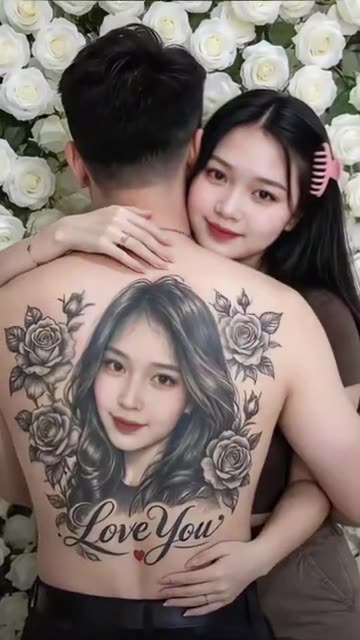
Send in two photos of adults and Ozil Goal AI sets the scene. The camera sits still behind one of you. Across that back lies a monochrome likeness of the other, ringed with roses, with script above it and a little red heart below. The other person leans in, arms around the waist, smiling at the lens. Select the wording, the backdrop and the ink style. There is no music in the file, so pick your sound inside TikTok.
- 5s HD clip from $8.88 · a bonus preview in every pack
- Vertical 9:16 MP4
- No watermark on the download
- One payment, no plan
TikTok
@yiyi29629
Original trend on TikTok
The post we follow, played straight from TikTok. Your clip is built from your own photos.
Something not right with your video? Write to support@ozil-goal-ai.app and a person will take a look.
Trending AI templates
More viral video templates you can make from your own photos. Credits work on every template.
What each template does
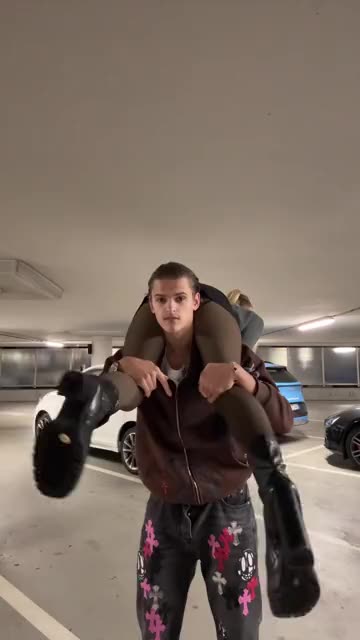
- Shoulder Carry: One person is carried across the shoulders, turned around and set down to face the camera. Build it from two photos.
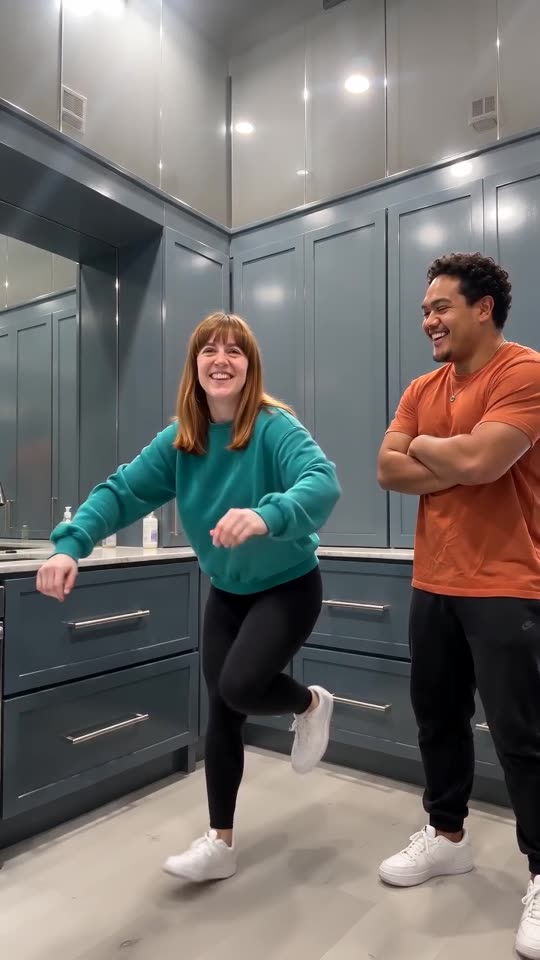
- Wipe Me Down Dance AI: Two photos become the Wipe Me Down kitchen stomp: friends or pets trade places in front of a phone camera.
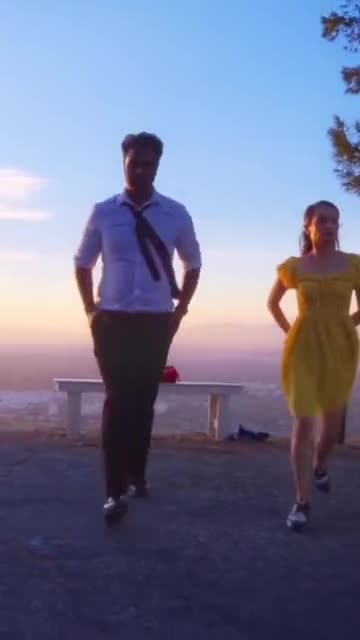
- La La Land Dance: Dusk, a city below and two dancers tapping side by side. Build it from two photos of adults or pets.
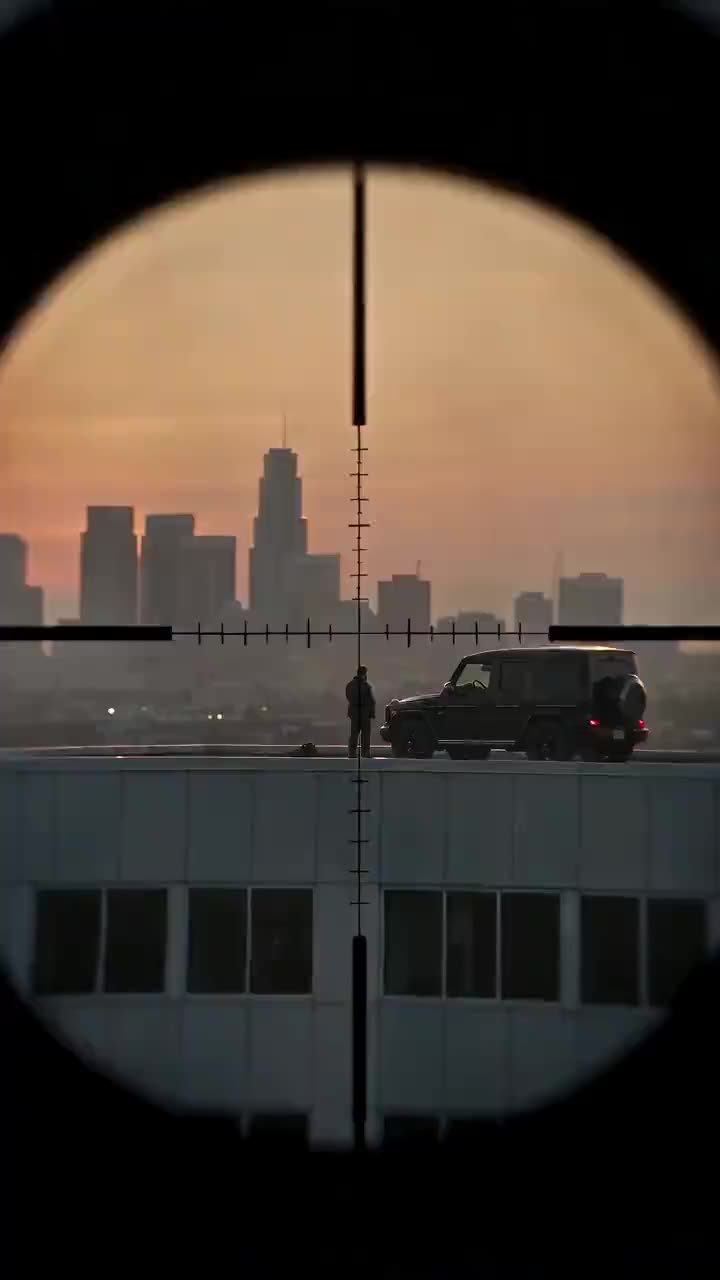
- Secret Sniper: A tearful watcher on a high roof, a round scope view and a lowered rifle. A sad drama scene from one photo.
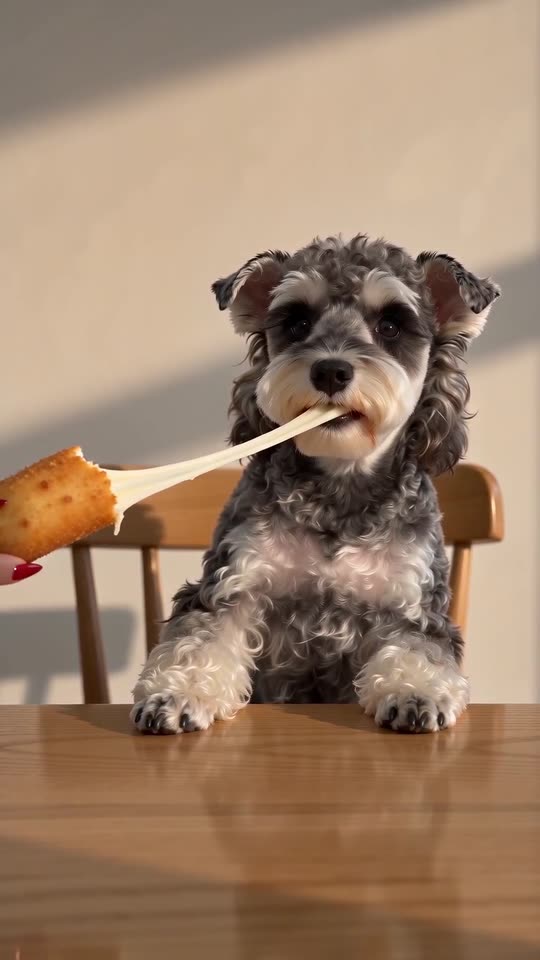
- Cardo Dinner AI: A hand with long red nails feeds you a giant cheese stick, and the cheese will not stop stretching. One photo, ten seconds.
- Tough Like a Gorilla: A cheeky dare, a giant quesadilla and one deadpan stare. Build it from two adult photos.
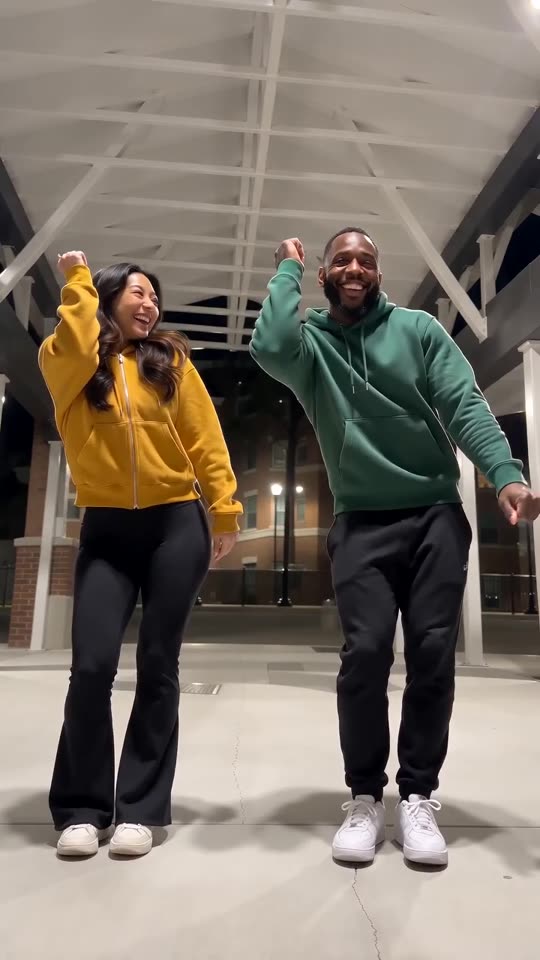
- Puerto Rican Mami Dance AI: Two dancers share a night-time walkway and trade sides on the beat, all made from two photos.
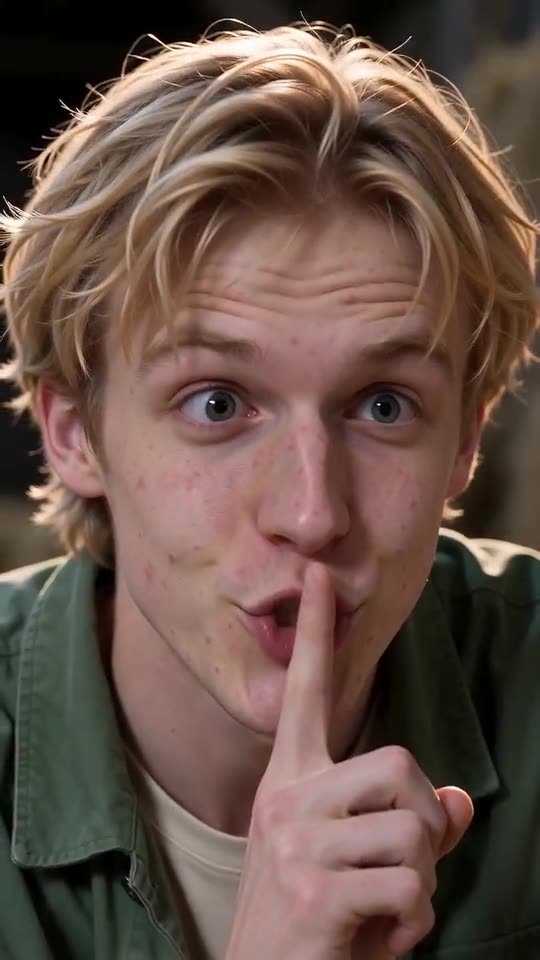
- Tip Toe in My Jordans, With You in It: One of you hushes the camera and tiptoes through the straw while the other gasps. Needs 2 photos.
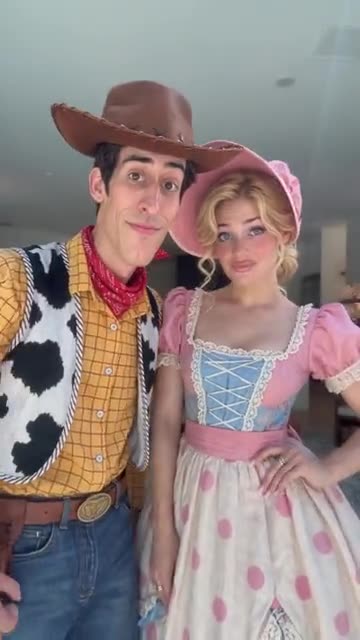
- My Girl Couple Trend: An oversized hand blocks two pairs of eyes, slides off, and the couple lean in. Build it from two adult photos.
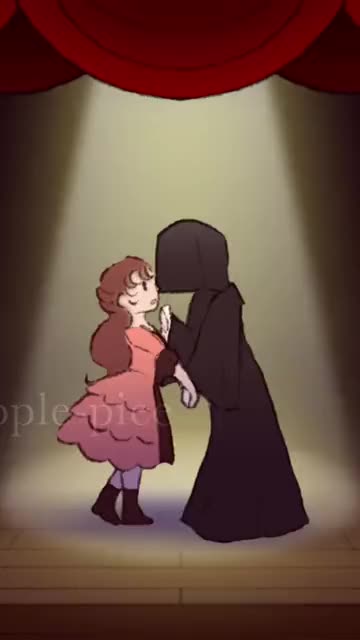
- Last Dance: Two dancers hold hands under a spotlight, spin, pull close and push apart. Cast it with two photos.
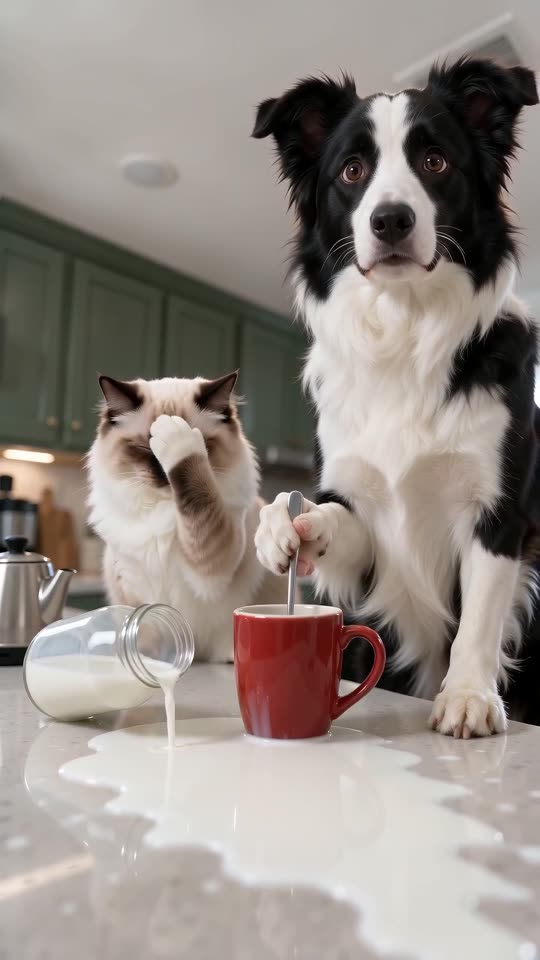
- Pets Making Coffee AI: Two pets at the counter: one pours, one stirs very seriously, a bottle falls and both stare at you. One or two photos, ten seconds.
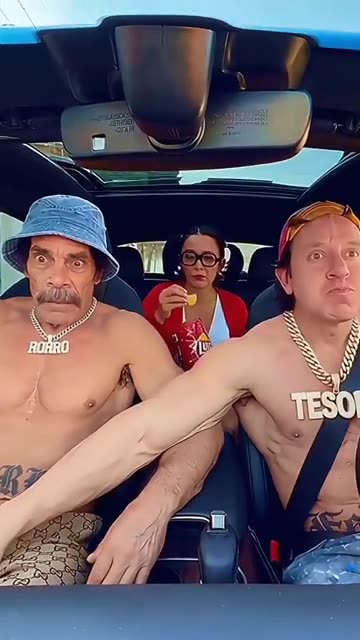
- Car Chips Prank: A parked car, a bag of snacks and a hand that will not stop reaching. Build it from one or two adult photos.
Three steps from two photos to the reveal
No filming, no inking and no typing.
Add both photos
Slot one is the person seen from behind, slot two is the face that becomes the portrait and does the hugging. One adult per photo, faces sharp and turned to the lens. JPG, PNG or WebP, 10 MB per file.
Choose the look
Pick the writing, the backdrop and the tattoo style, tick the consent line and sign in with Google. Every pack carries bonus 5-second previews, handy for checking the likeness before a credit is spent.
Render, then add sound
The 5-second 720p render costs 1 credit. Leaving the tab is fine, as the finished file waits in My videos. Choose the sound when you upload to TikTok.
How to add the original sound in TikTok
Your video comes with an AI-made soundtrack. If you would rather use the trending sound, add it inside TikTok when you post. You can also save a copy without sound from My videos (Download without sound) and put the original sound on that.
- Open this clip in TikTok: our video follows it. Tap the sound name at the bottom, then tap Use this sound.
- Tap Upload and pick the video you downloaded from us.
- Open Volume and turn the video's own sound down to 0, or use the Download without sound copy from My videos.
- To line up the beat, use the scissors (trim) so the sound starts at 0 seconds, then post.

Need to move where the sound starts? This short video shows how to trim it.

Video: How To Trim Sound On TikTok 2026 (Very Easy) by Software Solutions on YouTube
Credits, no subscription
Pay for the clips you make. One 5-second Back Tattoo Love You video takes 1 credit.
1 credit
$8.88
Up to 1 video
Every template: 1 credit per full video
Includes 1 bonus preview
One-time payment, no subscription
- Most popularSave 37%
3 credits
$16.88
Up to 3 videos
Every template: 1 credit per full video
Includes 3 bonus previews
One-time payment, no subscription
- Best valueSave 42%
5 credits
$25.88
Up to 5 videos
Every template: 1 credit per full video
Includes 5 bonus previews
One-time payment, no subscription
- Secure checkout by Waffo
- Credits arrive instantly
- Unused packs refundable within 7 days
- Failed renders are refunded
Where this trend comes from
Use this sound: your video is timed to it, from 0s
@yiyi29629 · TikTok · Nov 9, 2026 · The post we follow: a person stands with their back to the camera in front of a wall of white roses, the whole back covered by a black-and-grey portrait tattoo of their partner, who hugs them from behind and smiles at the camera. TikTok marks it as AI-generated. It runs about 29s and had about 91,000 plays on 12 November 2026. We follow the finished reveals, before the phone tutorial that starts at about 10s.
Links open the original posts on their own platforms. We are not affiliated with these creators.
Back Tattoo Love You: common questions
How many photos does it need, and what kind?
Two, with one adult in each. The first is the person shown from behind and the second becomes the portrait on their back. Both faces should be sharp and facing the lens. Use a JPG, PNG or WebP file of 10 MB or less. Nobody under 18.
Where did this idea come from?
Our reference post is from 9 November 2026 and counted roughly 91,000 plays on 12 November. TikTok tags it as AI-generated. One shot recurs with a new couple each time, so which came first is unclear.
What happens in the five seconds?
A bare back fills the frame with a portrait tattoo, roses and handwriting. The second person leans in from behind, rests a cheek on a shoulder and smiles at the camera while the shot pushes in slowly. See the explainer for a second-by-second breakdown.
Which sound is used, and is it in my file?
The post plays an original sound under the poster's own account, not a named song. Your file has only quiet room ambience. Open the post in TikTok, tap its sound and attach it when you publish.
Will the hug land on the beat once I add sound?
Roughly. The reveal is slow, so most sounds sit well, but generated motion can drift. Slide the sound a second either way in TikTok, or time the silent copy in an editor.
Can I use the same photo for both slots, like a selfie?
Yes, the same photo can fill both slots, so the portrait and the back belong to one person. Two different pictures look more natural. A group photo cannot be split, so crop to one adult per file.
Is the tattoo real, and can I get it inked?
No. The tattoo is pixels: it is painted into the video, and nobody gets a needle. Treat it as a surprise or a joke. A tattoo artist would have to design a real one.
Could I use my pet in the portrait?
No. Both slots need an adult. Pets, toys, cartoons and anyone under 18 are turned away. A friend or relative who agreed can take either slot.
More questions (6)
Do I have to write a prompt?
No. The camera, the roses and the timing are preset. You add photos and choose the writing, the backdrop and the tattoo style from short lists. There is no text box.
How is this different from a CapCut template?
The caption of the post we follow points to a CapCut template. A template re-times your own photos inside an editor app, while Ozil Goal AI builds a fresh clip in your browser, with nothing to install, though you cannot direct each frame.
Does making one cost money?
A full video takes 1 credit and packs start at $8.88. Each pack adds bonus 5-second previews so you can check the faces first. Nothing renews monthly, and downloads carry no watermark.
Is Ozil Goal AI linked to the person who posted it?
Ozil Goal AI is an independent site. Clips made here are not approved, sponsored or licensed by the account behind the original or by anyone shown in it.
May I post it on TikTok or Reels?
Yes. Choose 9:16, upload the file and add your sound in the app. The clip is synthetic, so leave the platform's AI label switched on when you publish.
How long does a render take, and what do I get?
Allow a few minutes. You receive one 5-second 720p vertical MP4 in My videos, plus a silent copy beside it, and the job carries on if you close the tab.
Back Tattoo Love You guides
Two short pages: what the trend is, and how to make it.
Ready to wear a portrait on your back?
Two adult photos, one bonus preview, then the reveal.
Make my videoQuestions? Email support@ozil-goal-ai.app.
Ozil Goal AI is an independent site that builds AI templates. It is not affiliated with or endorsed by the account that posted the original, by TikTok or by anyone who appears in it, and no footage from the original is used.