Christmas Green Dress Video: Your Portrait on a Wreath Staircase
Also called: Christmas Green Dress AI Trend, Green Satin Dress Christmas Stairs, Christmas Staircase Photo, Green Gown Christmas Trend
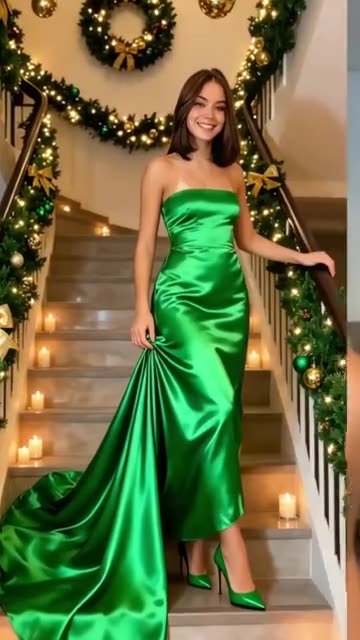
Upload one adult portrait and climb onto a winding staircase trimmed for Christmas, with evergreen wreaths, golden ornaments, ribbons and candles along the steps. You are in a satin gown whose train trails behind you, a hand on the rail and a hand gathering the skirt, while the camera drifts slowly closer. Prefer other colours or a suit? Those are options too. The portrait clip runs 5 seconds. Bonus previews in every pack let you try your photo before paying for the full render.
- 5s HD video from $8.88 · bonus previews are part of each pack
- 1 adult photo
- Portrait 9:16
- No watermark
TikTok
@po94275
Original trend on TikTok
Original TikTok post, above. Your clip is made from your own portrait.
Something not right with your video? Write to support@ozil-goal-ai.app and a person will take a look.
Trending AI templates
More viral video templates you can make from your own photos. Credits work on every template.
Iceman AI
15s · 1 photo
Talk Dirty AI Dance
15s · 1 photo
Prank Mask AI
5s · 1 photo
Street Light Slide AI
5s · 1 photo

What each template does
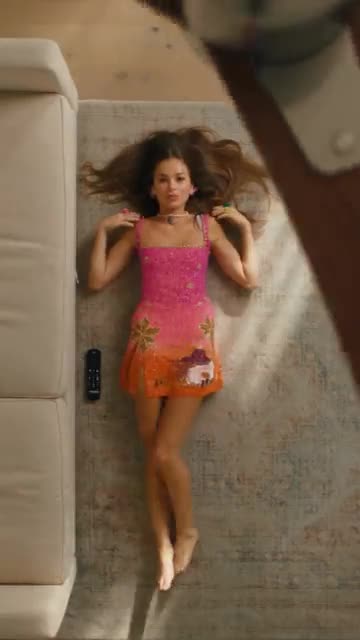
- Sofa Outfit Change: Lie on the rug while a fan blade sweeps by, and a new outfit appears after every pass. Build it from one photo.
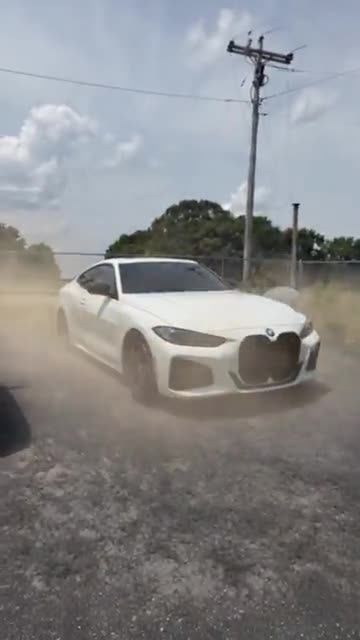
- Car Falling From Sky: Your car drops out of the clouds, spins past a jet and lands in a ring of dust. Build the intro shot from one photo.
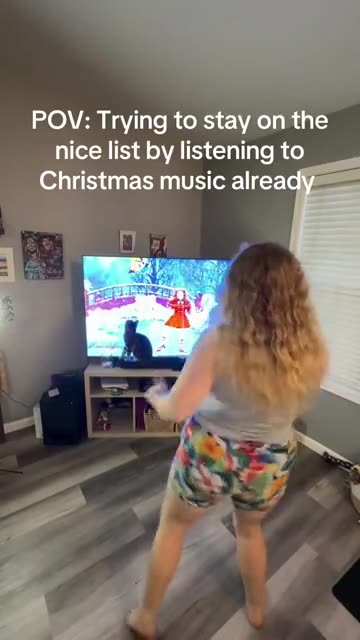
- Santa Tell Me Dance: A solo Christmas dance at home in front of the TV, ending with a turn to the camera. Made from one photo.
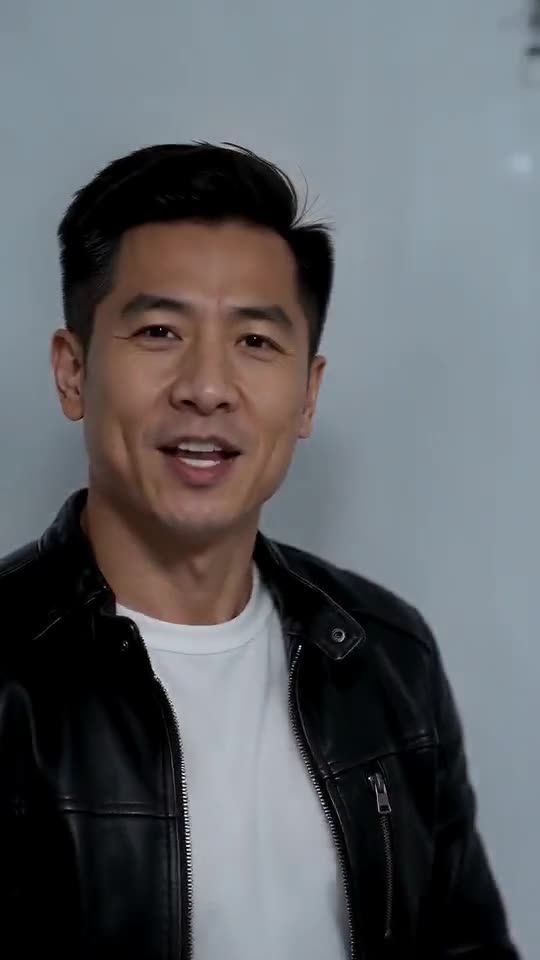
- Iceman AI: One photo, one white cold room: walk in, rap at the lens, pass the shelves and strike your poses.
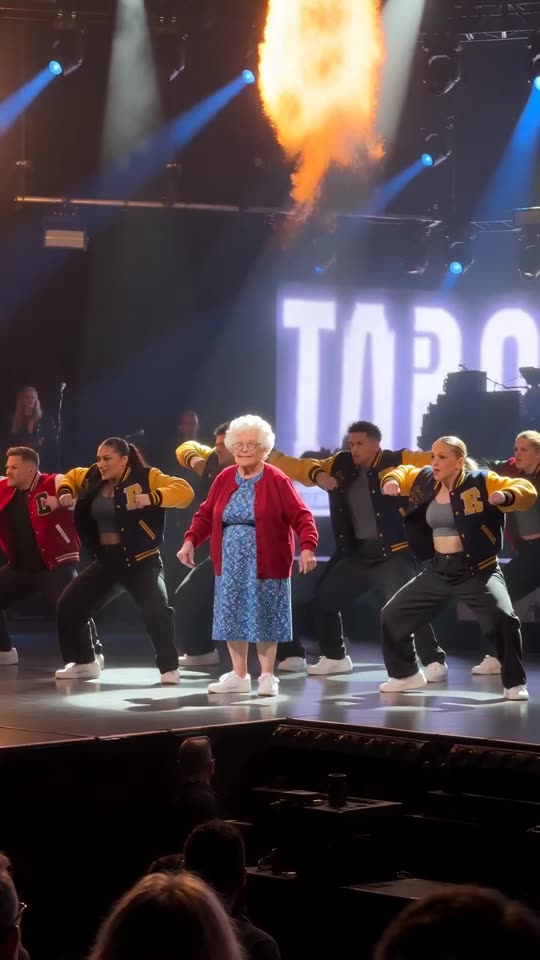
- Talk Dirty AI Dance: One photo becomes the Talk Dirty concert clip: you walk out of the line, squat under the spotlight and dance in step with a varsity-jacket crew as flames go up.
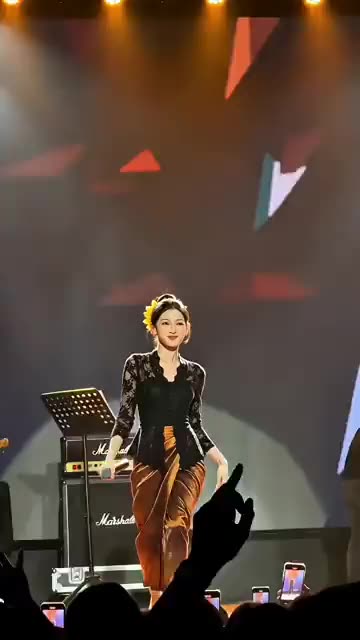
- Stage Singing: You sing and dance on a big lit stage while phones glow in the crowd. Start from one photo.
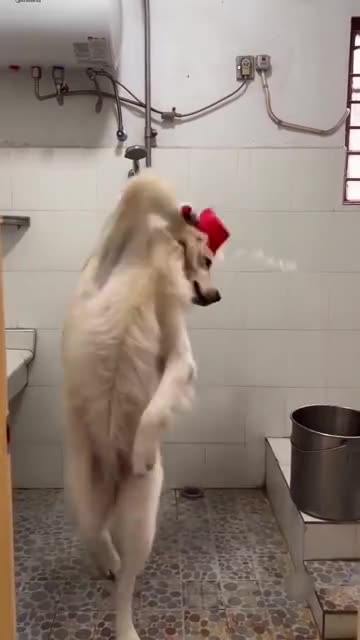
- Winter Pet Bath: On its hind legs in a tiled bathroom, a pet douses itself with a scoop of cold water and shudders. Built from one pet photo.
- Giant Hands Dress Up: Giant hands dress you like a doll, then you step out and pose. Build it from one photo.
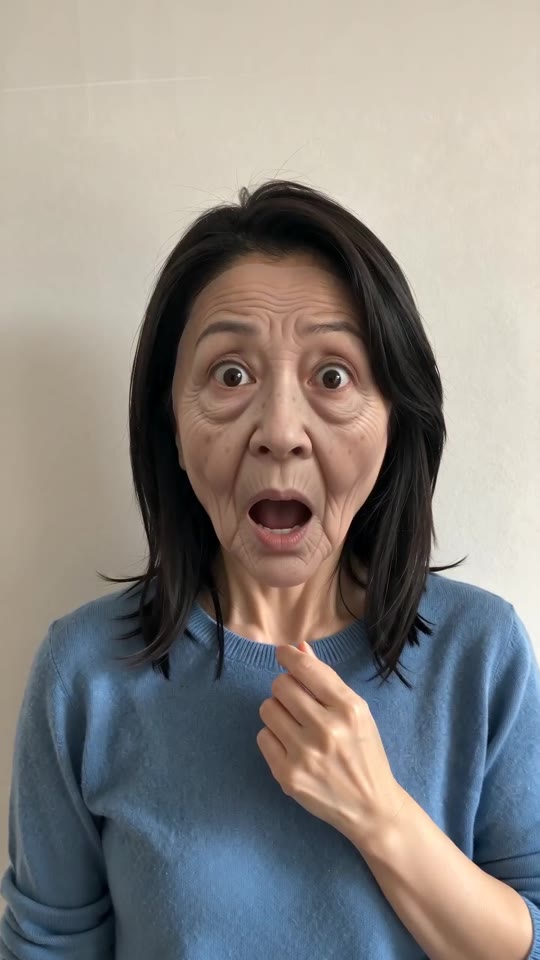
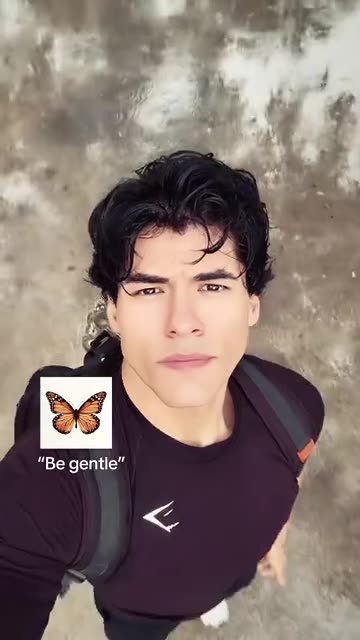
- Prank Mask AI: A tug, a sudden old face, a mask peeled off and you are back: one adult photo becomes the whole prank.
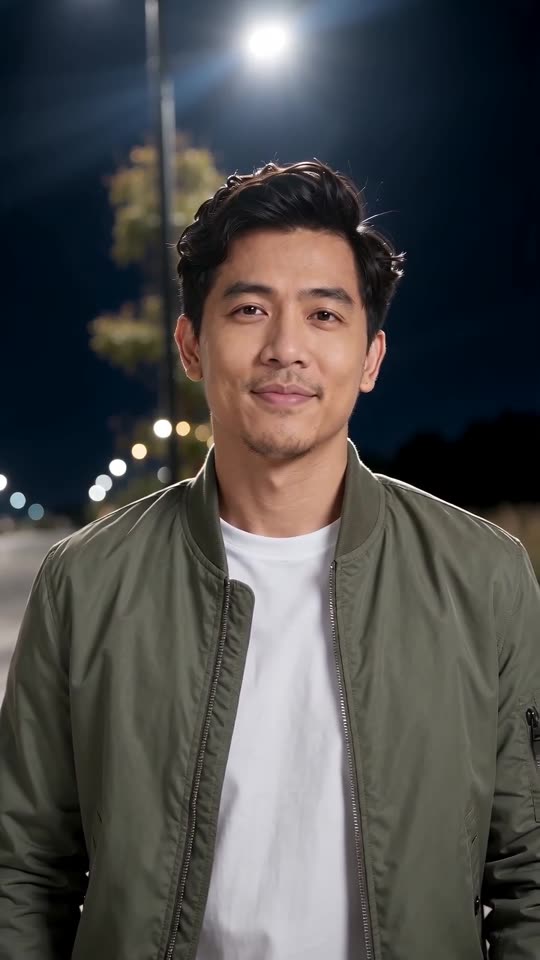
- Street Light Slide AI: One photo, a dark street and an arrival into a lamplit close-up.
- I Want Wings Glow Up: A sleepy selfie, a flock of butterflies, then a bright new look. Build it from one adult photo.
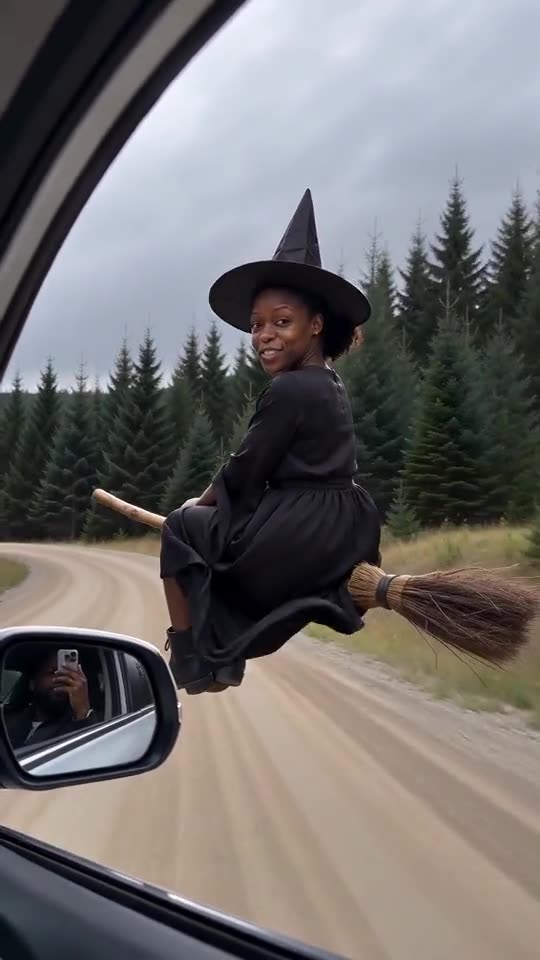
- My Ride Is Here: Cruise next to a car on a broom, then take off. One photo.
One portrait, one staircase
No camera, no editor, no typing.
Add your portrait
Choose a sharp photo of one adult who is looking at the camera, waist-up or full-body. The file can be a JPG, PNG or WebP of up to 10 MB.
Choose the styling
Set the gown colour, staircase decor, pose and clothing, then confirm photo consent and log in with Google. Every pack carries bonus 5-second previews for checking the likeness.
Render the clip
A 5-second 720p video uses 1 credit. You can step away, since the result is saved in My videos.
How to add the original sound in TikTok
Your video comes with an AI-made soundtrack. If you would rather use the trending sound, add it inside TikTok when you post. You can also save a copy without sound from My videos (Download without sound) and put the original sound on that.
- Open this clip in TikTok: our video follows it. Tap the sound name at the bottom, then tap Use this sound.
- Tap Upload and pick the video you downloaded from us.
- Open Volume and turn the video's own sound down to 0, or use the Download without sound copy from My videos.
- To line up the beat, use the scissors (trim) so the sound starts at 0 seconds, then post.

Need to move where the sound starts? This short video shows how to trim it.

Video: How To Trim Sound On TikTok 2026 (Very Easy) by Software Solutions on YouTube
Pay once, keep your credits
Each Christmas Green Dress clip of 5 seconds costs 1 credit. There is nothing to cancel.
1 credit
$8.88
Up to 1 video
Every template: 1 credit per full video
Includes 1 bonus preview
One-time payment, no subscription
- Most popularSave 37%
3 credits
$16.88
Up to 3 videos
Every template: 1 credit per full video
Includes 3 bonus previews
One-time payment, no subscription
- Best valueSave 42%
5 credits
$25.88
Up to 5 videos
Every template: 1 credit per full video
Includes 5 bonus previews
One-time payment, no subscription
- Checkout runs on a hosted payment page
- Credits show up at once
- Credits return if a render fails
Where this trend comes from
Use this sound: your video is timed to it, from 0s
@po94275 · TikTok · Nov 9, 2026 · The clip we follow: each woman first appears as her original photo, then changes into a green satin gown with a long train on a spiral staircase hung with Christmas wreaths, gold baubles and candles (about 24s, with a phone tutorial after the first 9s)
Links open the original posts on their own platforms. We are not affiliated with these creators.
Christmas Green Dress, answered
Where does the green gown staircase clip come from?
A TikTok format from November 2026. Each woman shows up first as her everyday photo, and the picture then turns into her in a green satin gown with a long train, standing on a festive winding staircase lit by candles. It is built as a quick sequence of picture changes.
Do I need one photo or several for the Christmas Green Dress video?
Just one. It must show a single adult facing the camera, waist-up or full-body, in JPG, PNG or WebP under 10 MB. A plain background and good light help the gown and the staircase blend in.
Is a selfie good enough as the photo?
Yes, provided your face is clear and the shot shows your upper body at least. A tight close-up leaves little to dress, while a mirror selfie with the phone in view can confuse the model.
Can a friend or a man use it too?
Yes. Choose the velvet suit or the tuxedo in the outfit list and the gown and train are dropped. The staircase, candles and slow push-in stay the same.
Which sound is used in the original?
The source post carries an original sound uploaded by a different account, not the poster's own audio. Our clip has only a room tone and a faint satin rustle. Download the silent version and add any sound you like in TikTok.
Will my video match the sound I add later?
The order of beats follows the original, yet nothing is cut to a particular song. A slow clip like this forgives small offsets. Start the sound at zero, then shift it by a second if you want it tighter.
What can I customise?
Five gown colours, five staircase looks (including falling snow and a gold-and-white scheme), five poses and five outfits. All are presets, so the camera and the sequence never change.
How long is the clip, and how soon is it ready?
The full clip is 5 seconds long in portrait. Rendering normally takes a few minutes, and the file is stored in My videos for you to collect.
More questions (4)
Why not use a CapCut template for the look?
A CapCut template needs your own footage and the app, and it mostly shuffles photos with transitions. Ozil Goal AI generates a new staircase scene from one photo in the browser, with nothing to install or edit.
Where do I enter a prompt?
Nowhere, as no prompt box exists. The gown, staircase and camera move are preset, and you only choose from the dropdowns.
Does the original contain a tutorial?
Yes. After roughly the first nine seconds the post switches to a phone tutorial. Our clip recreates only the staircase picture and nothing from the tutorial.
If a render fails, do I pay again, and what happens to my photo?
You do not pay for a failed run: its credits return on their own. The photo is used just to make your clip and is deleted after a short retention period, as the privacy policy explains.
Christmas Green Dress guides
A short explainer and a how-to for the staircase clip.
Need help? Email support@ozil-goal-ai.app.
Ozil Goal AI is an independent template tool. Your video is generated from your own portrait, and neither the poster of the original clip nor TikTok has made, endorsed or licensed it.