Closing Door Prank AI: The Hallway Sprint Video
Also called: Closing the Door Prank, Close the Door Prank, Door Closing Prank, Closing Door Prank AI Trend, Hallway Door Sprint Prank
Send two photos and Ozil Goal AI films the prank in a fixed shot. One of you stands by a half-open door and holds the handle. The other bursts out of the far end of the hallway at full speed, and the door swings shut just before they reach it. Then the two of you swap places and try again. The clip is 10 seconds long, vertical or wide. Pick the hallway, the clothes, the door and the light.
- 10s HD clip from $8.88 · bonus previews in every pack
- 2 photos
- 9:16 or 16:9
- No watermark
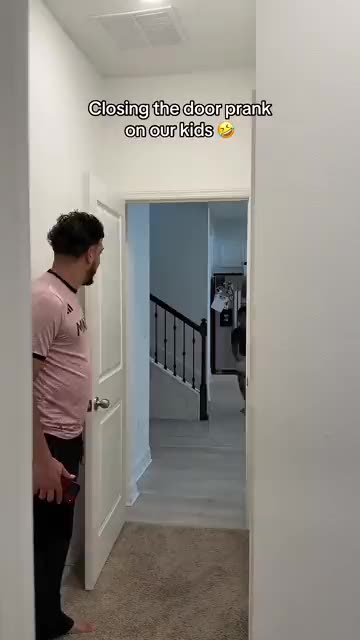
TikTok
@thepadillafamily_
Original trend on TikTok
The post behind this template, played straight from TikTok. Your clip is built from your own photos.
Something not right with your video? Write to support@ozil-goal-ai.app and a person will take a look.
Trending AI templates
More viral video templates you can make from your own photos. Credits work on every template.
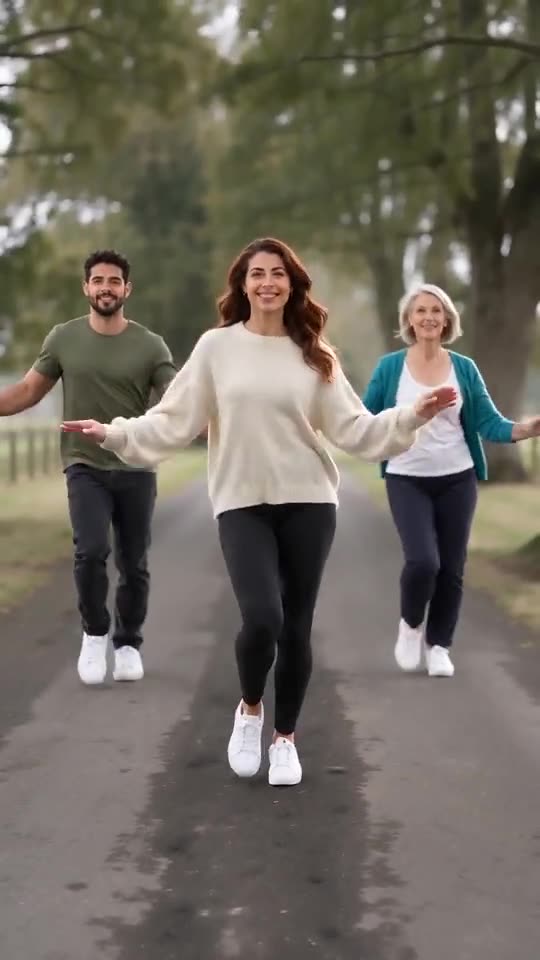
Babydoll Dance AI
15s · 1–2 photos
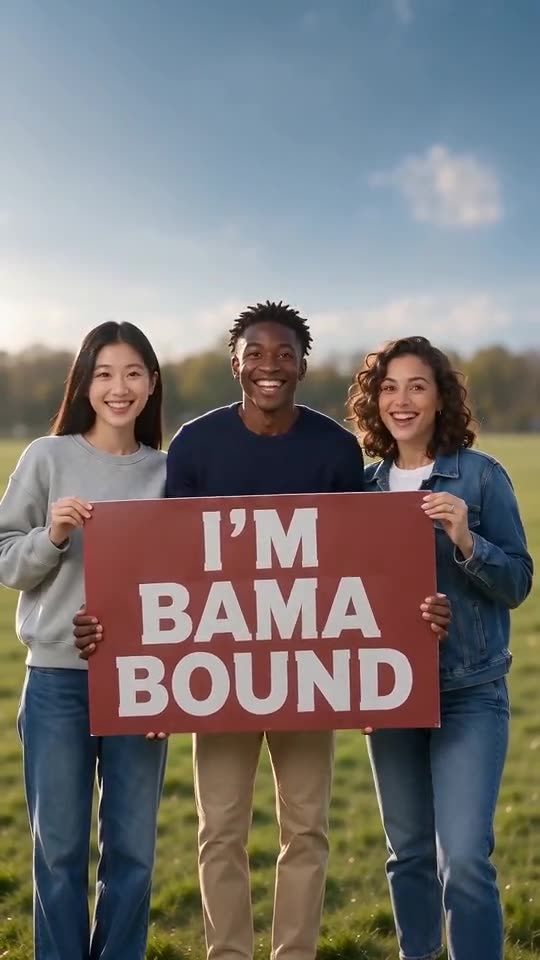
Bama Bound AI
12s · 1–2 photos
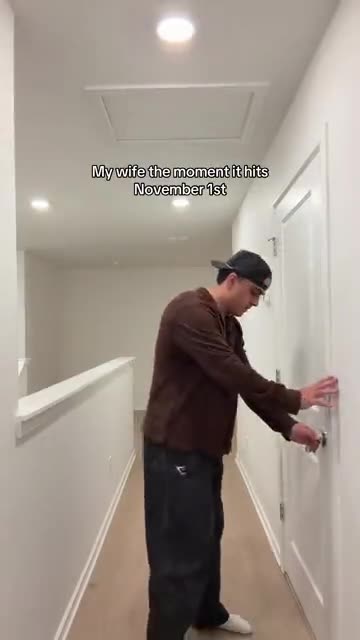
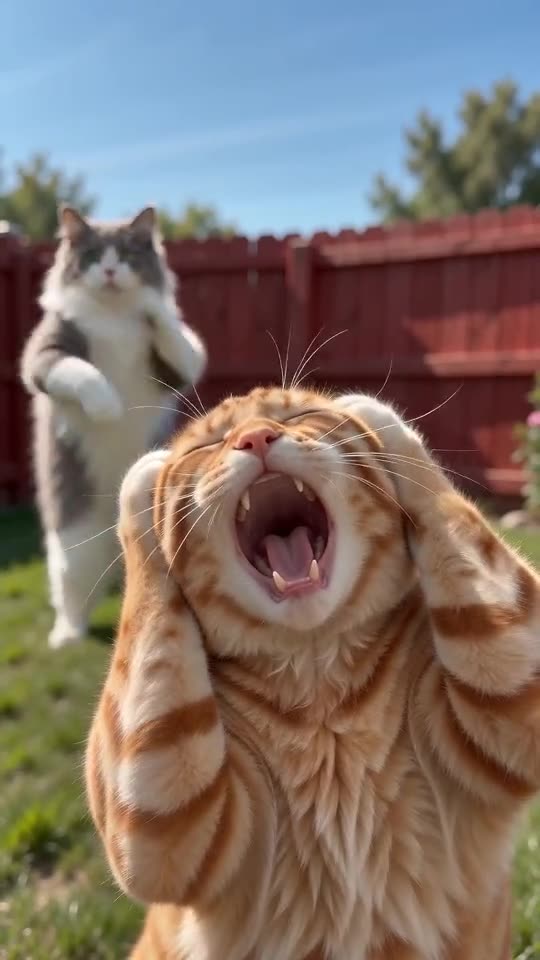
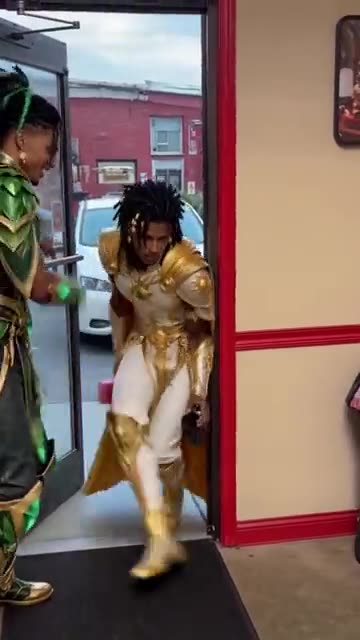
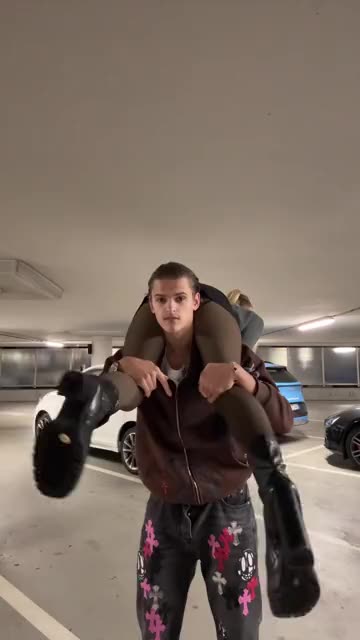
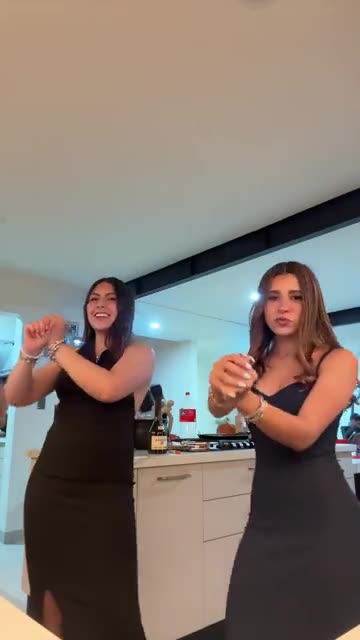
What each template does
- Somebody That I Used To Know: Painted into a patchwork wall, you mouth a slow song and a second singer turns to answer. Build it from one or two photos.
- Christmas Lights Wife AI: One calm at the door, one sprinting past with a tree. Two photos.
- Babydoll Dance AI: Send in one to four photos and friends or pets two-step down a country lane.
- Smalltown Boy AI Dance: Shriek into the lens, trade places, end side by side. Two pictures are all you need.
- Pimp Walk Entrance: A door held wide, a slow lean-back stroll with rolling shoulders and a cool close-up. Build it from one photo.
- Shoulder Carry: One person is carried across the shoulders, turned around and set down to face the camera. Build it from two photos.
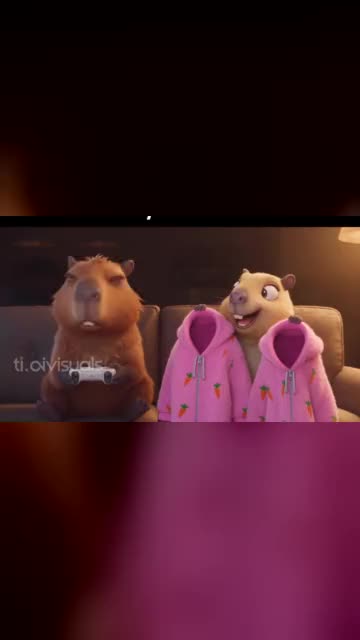
- Capybara Couple: Turn you and your partner, or your pets, into a cartoon capybara couple on the sofa. Build it from two photos.
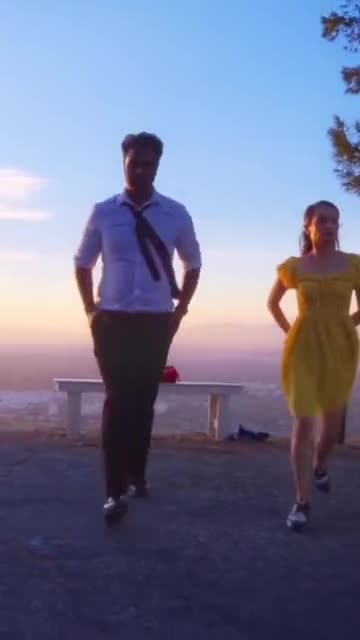
- La La Land Dance: Dusk, a city below and two dancers tapping side by side. Build it from two photos of adults or pets.
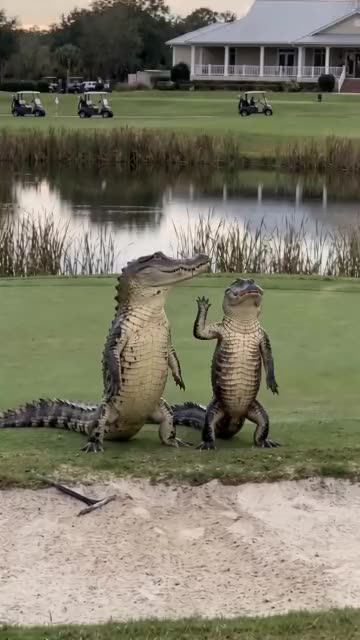
- Dancing Crocodiles: Two costumed dancers step in sync beside a pond. Build it from one photo or two.
- Bama Bound AI: Friends or pets hold a red sign on a lawn, raise it overhead, scream and jump, all made from one to four photos.
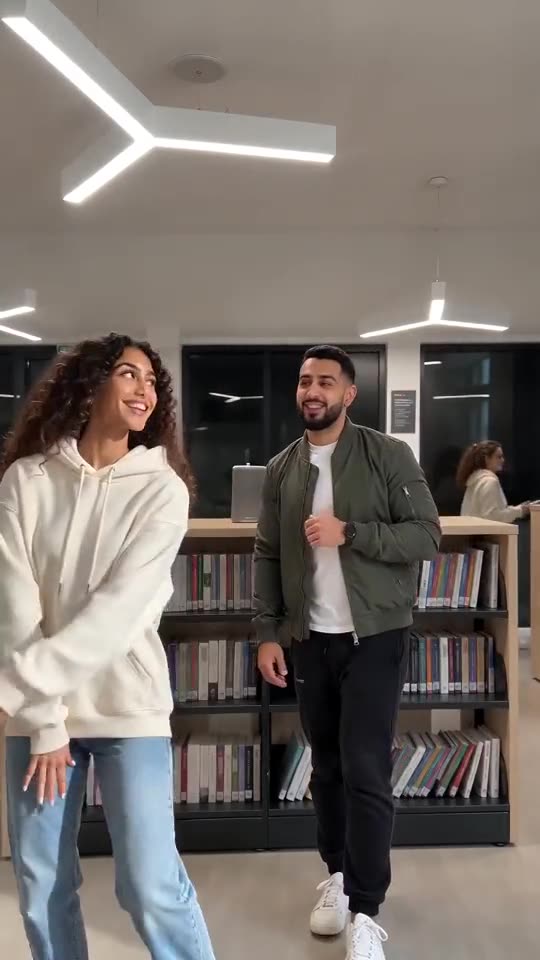
- Ba Ba Ba Dance AI: Two pictures become a library duo: both dancers side by side, then a solo each, timed to the beat.
- La Mujer del Pelotero: A cheeky hand routine in a bright room. Build it solo or with a friend from one or two adult photos.
Three steps from photos to the prank
You film nothing and type nothing.
Add both photos
The first photo is the closer, who holds the door. The second is the runner. Each shows one adult or one pet, with a sharp face turned to the lens. JPG, PNG or WebP, 10 MB per file.
Set the scene
Choose a place, outfits, a door and a light, tick the consent line and sign in with Google. Packs bring bonus 5-second previews, so you can check both faces before a credit goes.
Render and post
The 10-second 720p version uses 1 credit. You can leave the tab, as the result waits in My videos. Add your sound inside TikTok.
How to add the original sound in TikTok
Your video comes with an AI-made soundtrack. If you would rather use the trending sound, add it inside TikTok when you post. You can also save a copy without sound from My videos (Download without sound) and put the original sound on that.
- Open this clip in TikTok: our video follows it. Tap the sound name at the bottom, then tap Use this sound.
- Tap Upload and pick the video you downloaded from us.
- Open Volume and turn the video's own sound down to 0, or use the Download without sound copy from My videos.
- To line up the beat, use the scissors (trim) so the sound starts at 0 seconds, then post.

Need to move where the sound starts? This short video shows how to trim it.

Video: How To Trim Sound On TikTok 2026 (Very Easy) by Software Solutions on YouTube
Credits, no subscription
Pay for the clips you make. One 10-second Closing Door Prank video takes 1 credit, and credits you do not use stay valid.
1 credit
$8.88
Up to 1 video
Every template: 1 credit per full video
Includes 1 bonus preview
One-time payment, no subscription
- Most popularSave 37%
3 credits
$16.88
Up to 3 videos
Every template: 1 credit per full video
Includes 3 bonus previews
One-time payment, no subscription
- Best valueSave 42%
5 credits
$25.88
Up to 5 videos
Every template: 1 credit per full video
Includes 5 bonus previews
One-time payment, no subscription
- Secure checkout by Waffo
- Credits arrive instantly
- Unused packs refundable within 7 days
- Failed renders are refunded
Where this trend comes from
Use this sound: your video is timed to it, from 0s
@thepadillafamily_ · TikTok · Oct 28, 2026 · The post we follow: a family video in which one person holds a half-open door while another sprints down the hallway and the door shuts just in front of them, then the roles swap. It runs 14s and had about 12,100,000 plays on 12 November 2026. The sound is listed as an original sound, and the post shows no AI label.- @thefordfamili · TikTok · Oct 28, 2026 · The same prank in a white-door hallway, 12s with about 7,900,000 plays on 12 November 2026. The post shows no AI label.
- @treandgabby · TikTok · Oct 25, 2026 · The earliest of the three, a parent closing the door on someone sprinting toward it, 17s with about 4,300,000 plays on 12 November 2026. The post shows no AI label.
Links open the original posts on their own platforms. We are not affiliated with these creators.
Closing Door Prank: common questions
Where did the Closing Door Prank come from?
The post we follow is from 28 October 2026 and had about 12 million plays on 12 November. Another post from the same day and one from 25 October show the same prank. We cannot say which came first, only that these were the biggest we found.
What happens in the hallway?
The closer holds the handle of a half-open door. The runner sprints in from the far end, the door swings shut just in time and the runner stops short with arms wide. Then the two swap and go again. The explainer has the beats.
Do I need one photo or two for this prank?
Two, both required: the closer and the runner. Faces should be sharp and turned to the lens, ideally head to knees. JPG, PNG or WebP, up to 10 MB each. Nobody under 18, even though many of the original posts are family videos.
Can I use one selfie for both people?
Yes, the same photo can fill both slots, but you will appear twice, like clones. Two different photos look more natural. Crop a group picture to one person per file, since one image cannot be split between the roles.
Can my dog or cat be the runner?
Yes. A pet can fill the runner slot and gallop down the hallway, which suits the prank well. Holding the door is easier to read with a person, so keep the closer human if you can. Check a bonus preview first.
Is there a sound with the clip, and will the slam land on the beat?
TikTok lists the sound of the post we follow as an original sound, so we name no song. Our video holds a light generated beat. Add your own sound in TikTok and slide it until the door shuts on your beat.
Is a CapCut template a better route?
A CapCut template re-times footage you filmed yourself, so you need a door, a hallway and a willing runner. Ozil Goal AI makes a new clip from two photos in the browser, with no filming and no app, but you cannot direct the exact timing.
Must I type a prompt?
No. The camera, the order of moves and the setting are fixed. You add two photos and choose four short presets: place, outfit, door and light. There is no text box, and the caption on the original is not copied.
More questions (7)
Does a prank clip cost money to make?
A full video takes 1 credit, and packs start at $8.88. Each pack adds bonus 5-second previews so you can check both faces first. Nothing renews monthly, and the download has no watermark.
How long is the clip, and when will it be ready?
The full clip runs 10 seconds, a little shorter than the 14s post we follow. Rendering takes a few minutes, and if you close the tab the finished video waits in My videos.
Does anyone get hurt in the clip?
No. The door swings shut gently and stops in front of the runner, with hands and fingers kept clear of the edge. Nothing is slammed on anyone, and our prompt never asks for a hit, a trap or a fall.
Can I change the hallway or the door?
Yes, through presets. Pick from a bright hall, a landing, a flat corridor, a loft, a hotel-style corridor or a cabin, and a white, oak, navy, sage or frosted door. The camera and the moves stay fixed, and the price never changes.
Can I post the result on TikTok or Reels?
Yes. Pick 9:16, upload the file and add your sound inside the app. Because the clip is synthetic, leave the platform's AI label on when you publish.
Is Ozil Goal AI connected to the families who posted the prank?
Ozil Goal AI is an independent site, so a clip built from your photos is not made, endorsed or licensed by the people in the original posts, the accounts behind their sounds or TikTok.
What if the render fails, and how long are photos stored?
A failed render returns its credit by itself. A pack you never opened can be refunded within 7 days under the refund policy. Photos stay private and are erased after 14 days, per the privacy policy.
Closing Door Prank guides
Two short pages: what the prank looks like, and how to make yours.
Questions? Email support@ozil-goal-ai.app.
Ozil Goal AI is an independent site that builds AI templates. Neither the people in the original prank posts nor TikTok have any tie to this site or endorse it, and no footage or sound from the originals is used.