Tough Like a Gorilla AI: Dare a Friend, Then Quesadilla Them
Also called: More Like A Quesadilla, Gorilla Quesadilla Trend, Tough Like A Gorilla Meme, Quesadilla Face Meme
Upload two photos of adults and Ozil Goal AI sets the scene. Slot one leans toward the camera with raised eyebrows and a cheeky dare, then lifts a big flat quesadilla and rests it gently against the cheek of slot two, who looks straight at the lens, unimpressed. The ending is up to you: shared laughter, an eye roll or a high five. Pick the place and the prop. The file has no soundtrack, so choose your sound in TikTok.
- 5s HD clip from $8.88 · a bonus preview in every pack
- Takes 2 photos
- Vertical 9:16 MP4
- No watermark on the download
TikTok
@sweetlilcamy
Original trend on TikTok
The post we follow, played straight from TikTok. Your clip is built from your own photos.
Something not right with your video? Write to support@ozil-goal-ai.app and a person will take a look.
Trending AI templates
More viral video templates you can make from your own photos. Credits work on every template.
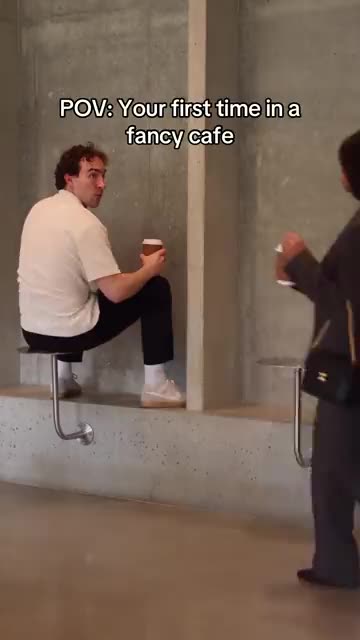
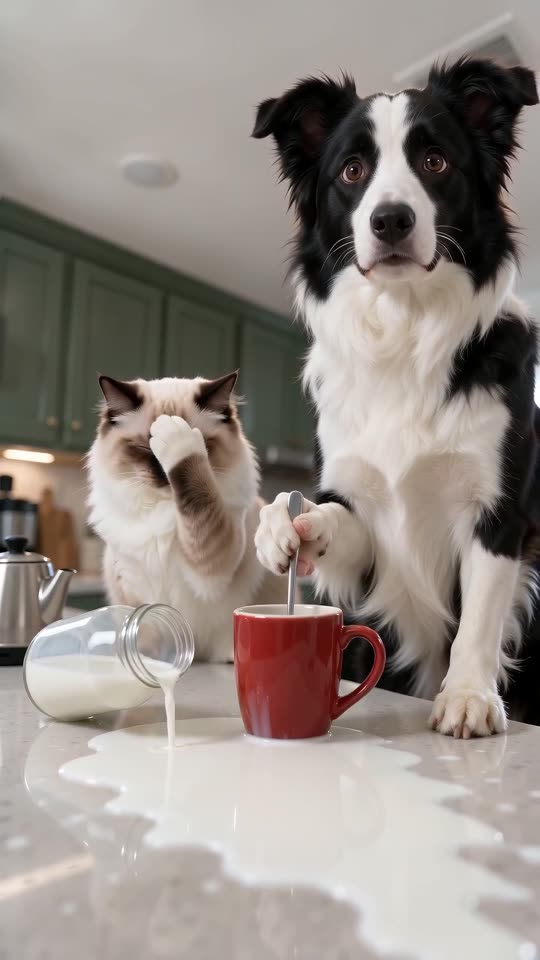
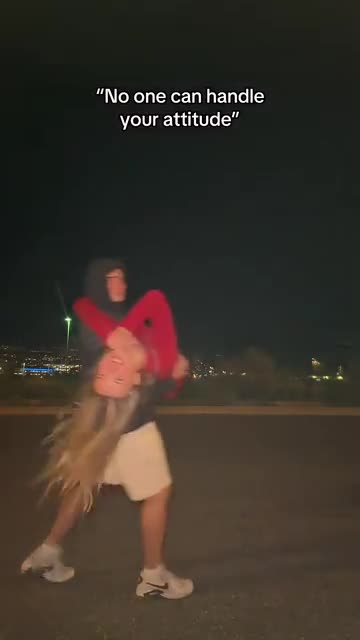
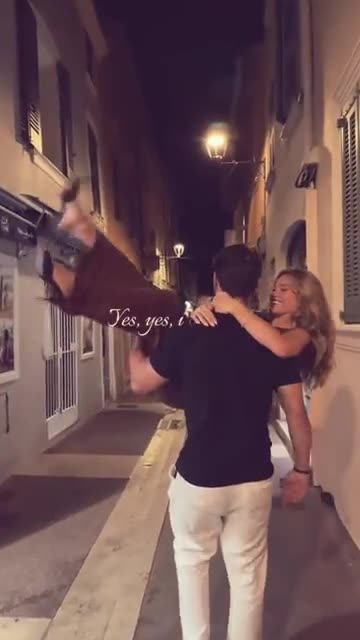
What each template does
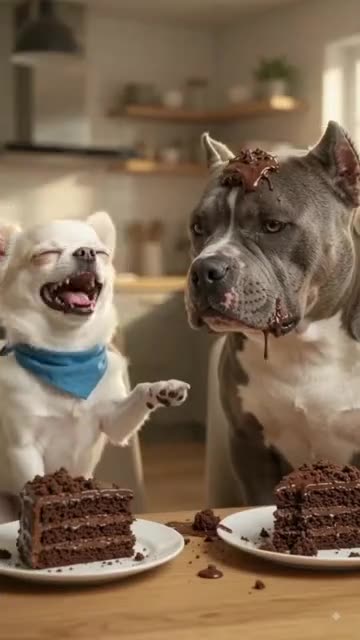
- Dog Cake Smash AI: One pet flicks cake, the other wears it, then payback arrives. A single photo can start the fight.
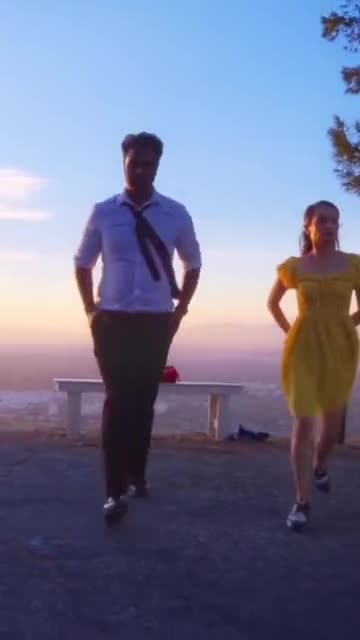
- La La Land Dance: Dusk, a city below and two dancers tapping side by side. Build it from two photos of adults or pets.
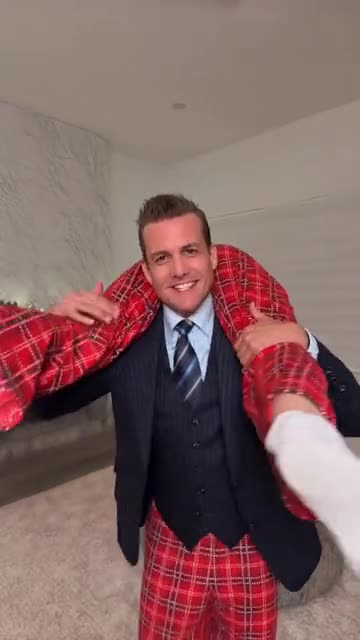
- Suits Carry AI: A sharp suit, a limp pair of pyjamas across the shoulders, one slow spin. Two photos are enough.
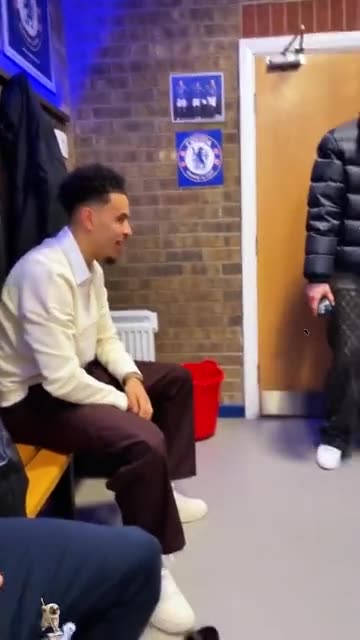
- Spin That Coupe: A shout from the bench, a swing to the door and you stepping in with attitude. Build it from one or two adult photos.
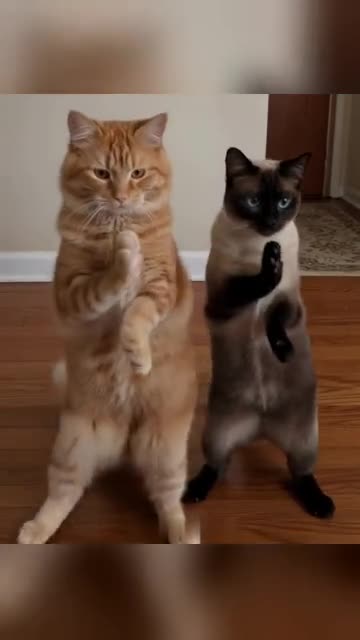
- Pet Duo Dance: Two pets upright, paws swiping in step. Build it from one or two pet photos.
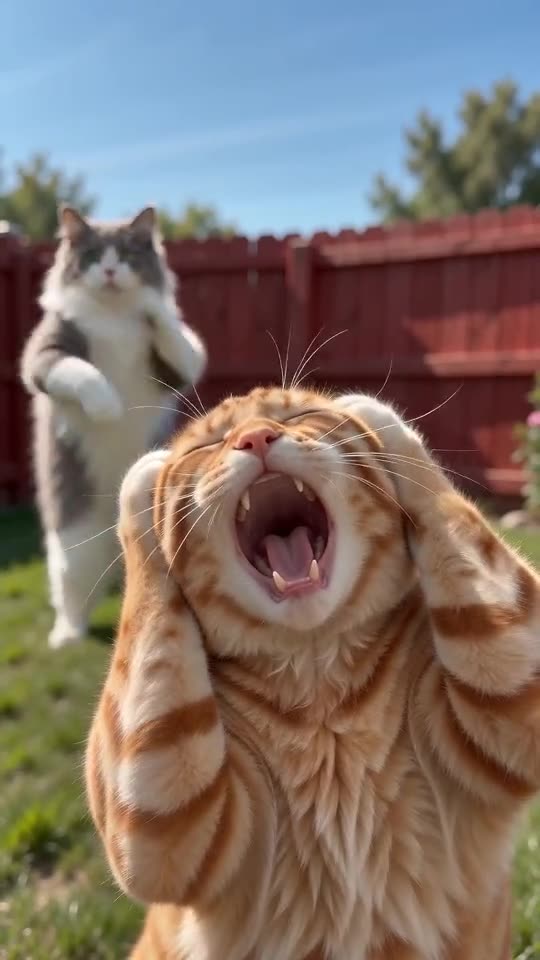
- Smalltown Boy AI Dance: Shriek into the lens, trade places, end side by side. Two pictures are all you need.
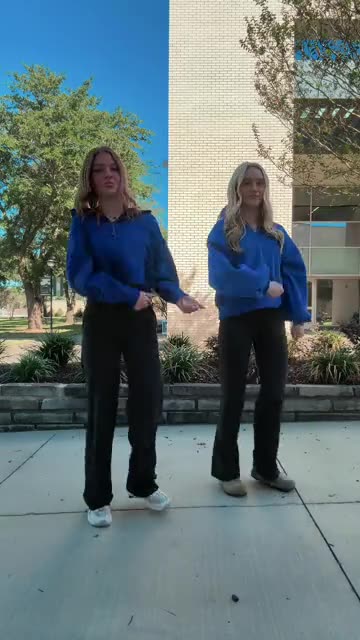
- Thanksgiving Dance AI: Side steps, a hip-twist squat and hand flicks. Add a photo or two.
- Fancy Cafe POV AI: A tiny steel table mistaken for a stool, a calm regular and a coffee on the wrong table. A cafe comedy from your photos.
- Pets Making Coffee AI: Two pets at the counter: one pours, one stirs very seriously, a bottle falls and both stare at you. One or two photos, ten seconds.
- Handle Your Attitude: Two people walk apart, one turns and runs back, then leaps into a hug. Build it from two adult photos.
- Yes Yes I Love You: Run down a lamp-lit street at night, or lift your partner and spin. Start from one or two photos.
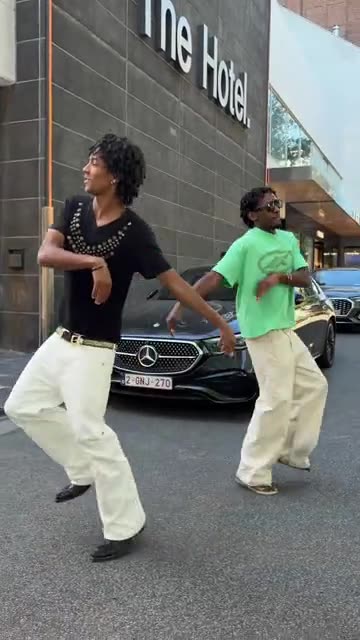
- Street Duo Dance: Contrasting outfits, a pavement dance and a pose on a big green bin. Build it from two adult photos.
Three steps from two photos to a quesadilla gag
No filming and no typing.
Add both photos
One adult per photo. Slot one is the person who dares and holds the prop; slot two is the one who gets the deadpan look. Sharp, front-facing shots from the chest up work best. JPG, PNG or WebP, 10 MB per file.
Choose the details
Pick a place, a prop and an ending, tick the consent line and sign in with Google. A pack includes bonus 5-second previews, so you can compare both faces before a credit is spent.
Render, then add sound
The 5-second 720p render costs 1 credit. You can leave the tab, as the result waits in My videos. Add your sound when you upload to TikTok.
How to add the original sound in TikTok
Your video comes with an AI-made soundtrack. If you would rather use the trending sound, add it inside TikTok when you post. You can also save a copy without sound from My videos (Download without sound) and put the original sound on that.
- Open this clip in TikTok: our video follows it. Tap the sound name at the bottom, then tap Use this sound.
- Tap Upload and pick the video you downloaded from us.
- Open Volume and turn the video's own sound down to 0, or use the Download without sound copy from My videos.
- To line up the beat, use the scissors (trim) so the sound starts at 0 seconds, then post.

Need to move where the sound starts? This short video shows how to trim it.

Video: How To Trim Sound On TikTok 2026 (Very Easy) by Software Solutions on YouTube
Credits, no subscription
Pay for the clips you make. One 5-second Tough Like a Gorilla video takes 1 credit.
1 credit
$8.88
Up to 1 video
Every template: 1 credit per full video
Includes 1 bonus preview
One-time payment, no subscription
- Most popularSave 37%
3 credits
$16.88
Up to 3 videos
Every template: 1 credit per full video
Includes 3 bonus previews
One-time payment, no subscription
- Best valueSave 42%
5 credits
$25.88
Up to 5 videos
Every template: 1 credit per full video
Includes 5 bonus previews
One-time payment, no subscription
- Secure checkout by Waffo
- Credits arrive instantly
- Unused packs refundable within 7 days
- Failed renders are refunded
Where this trend comes from
Use this sound: your video is timed to it, from 0s
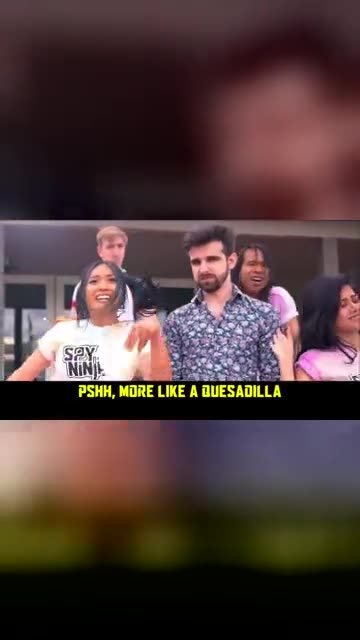
@sweetlilcamy · TikTok · Nov 7, 2026 · The post we follow: a screen recording, shown as a wide picture in the middle of a vertical frame, in which one person leans toward the camera and a big flat tortilla is held up next to a man's face while he looks on unimpressed. It runs about 49s and had about 3 million plays on 12 November 2026. We follow a short stretch near 11s.
Links open the original posts on their own platforms. We are not affiliated with these creators.
Tough Like a Gorilla: common questions
Where does Tough Like a Gorilla come from?
From a TikTok post dated 7 November 2026 that showed about 3 million plays on 12 November. It may not be the first of its kind. The post runs 49s, and we follow only a short stretch near its 11s mark.
What happens in the clip?
One person leans in with a cheeky dare. Then they raise a big flat quesadilla beside the other person's face, who gives the camera a flat, unimpressed look. The explainer walks through the beats.
Do I need two photos, and who goes where?
Yes, two photos with one adult each. The first person is the one who dares and holds the prop, the second is the one with the deadpan face. Both should look at the lens. Any JPG, PNG or WebP under 10 MB. Nobody under 18.
Which sound is used, and is it in my video?
The post lists an original sound from the poster's own account, and its hashtags name Spy Ninjas, a YouTube group. The audio sounds like a song from a music video. Your file has no music or speech, only light ambience. Pick a sound in TikTok.
Will the quesadilla moment match the beat if I add sound?
Roughly. The order follows the post, but generated motion may drift from the beat. Slide the sound a second either way in TikTok, or time the silent copy in an editor.
Can I use one selfie for both people?
Yes, the same photo can fill both slots, but you will see two copies of one face. Two different pictures look more natural. A group photo cannot be split between the slots, so crop to one adult per file.
Does the friend have to be a friend, or can it be a coworker or a pet?
Any adult who agreed to appear works, such as a friend, relative or coworker. Pets, toys and children are not accepted. The touch is light and nobody gets hurt.
Do I have to type a prompt?
No. The camera, the cut and the order of moves are preset. You add the photos and choose a place, a prop and an ending from short lists. There is no text box.
More questions (5)
How is this different from a CapCut template?
A CapCut template re-times footage you have already shot, so you would need to film the gag first. Ozil Goal AI builds a new clip from two stills in your browser, with no app, but you cannot direct each move.
How long is the clip, and how long does a render take?
The video lasts 5s as a vertical 720p MP4. Allow a few minutes. It lands in My videos with a silent copy, and the job carries on if you close the tab.
What do I pay for one video?
Each full video takes 1 credit, with packs from $8.88. Every pack adds bonus 5-second previews to check your photos. Nothing renews monthly, and downloads carry no watermark.
Is Ozil Goal AI connected to Spy Ninjas or the person who posted it?
Ozil Goal AI is an independent site, and your video, generated from your own photos, is not made, endorsed or licensed by Spy Ninjas, the poster of the original or anyone in it.
Can I post the result on TikTok or Reels?
Yes. Choose 9:16, upload the file and add your sound inside the app. Because the clip is synthetic, keep the platform's AI label on when you publish.
Tough Like a Gorilla guides
Two short pages: what the trend is, and how to make it.
Questions? Email support@ozil-goal-ai.app.
Ozil Goal AI is an independent site that builds AI templates. It is not affiliated with or endorsed by the account that posted the original, by Spy Ninjas, by TikTok or by anyone who appears in it, and no footage from the original is used.