Sidewalk Collision AI: Slow-Motion Coffee Bump on a Night Street
Also called: Sidewalk Collision Trend, Chaos Trend, Coffee Bump Slow Motion, Bullet Time Bump, Chaos Walking Trend, Shoulder Bump Slow Motion
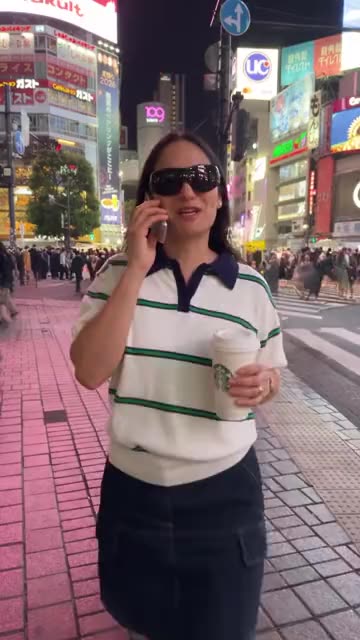
Upload one photo of an adult and Ozil Goal AI drops you on a busy street after dark, strolling toward the lens with a coffee in one hand and a flip phone at your ear. A stranger brushes your shoulder, and time stretches. The cup tumbles with a few drops floating beside it, your sunglasses lift off your head and the phone turns slowly while the camera pushes in on each. You look up, wide-eyed, and reach out a hand. Pick the city, an outfit and the cup. The file has street sound and a dreamy tune but no voices, so choose your sound in TikTok.
- 8s HD clip from $8.88 · a bonus preview in every pack
- Takes 1 photo
- Vertical 9:16 MP4
- No watermark on the download
TikTok
@diellepike
Original trend on TikTok
The post we follow, played straight from TikTok. Your clip is built from your own photo.
Something not right with your video? Write to support@ozil-goal-ai.app and a person will take a look.
Trending AI templates
More viral video templates you can make from your own photos. Credits work on every template.

Bby Wow Guy AI
9s · 1 photo

Pet Fridge Cake Heist AI
15s · 1 photo

What each template does
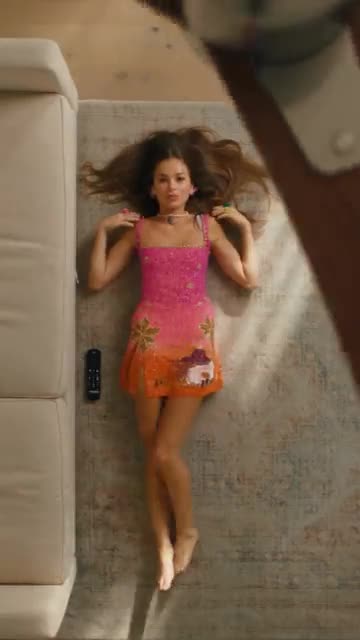
- Sofa Outfit Change: Lie on the rug while a fan blade sweeps by, and a new outfit appears after every pass. Build it from one photo.
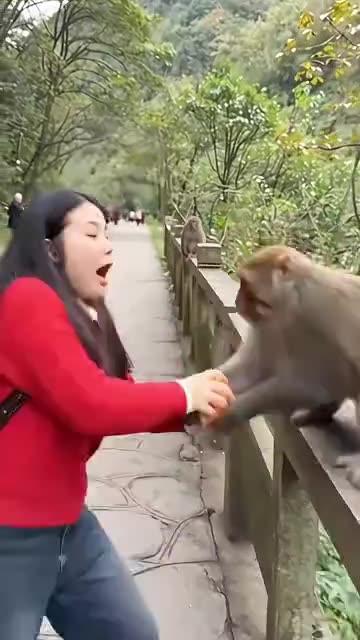
- Monkey Steals Apple: A monkey snatches the apple from your hand on a mountain road. Build it from one photo of an adult.
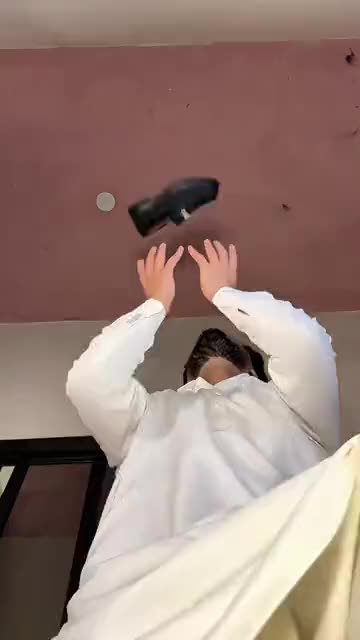
- Casa Tupka Transition: Hold a shoe up to the lens, and a beat later you are in a sharp new outfit. Build it from one photo.
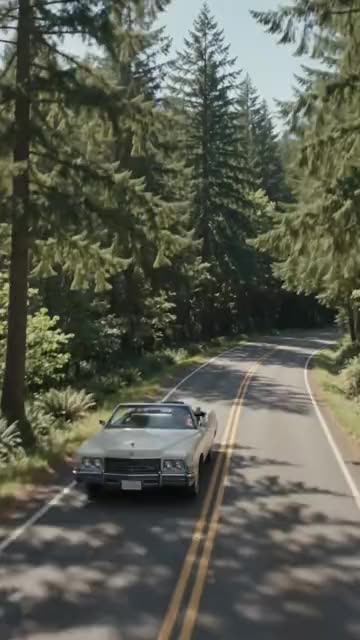
- Convertible Coffee Drive: A drone shot, an open top and a calm sip of coffee. Build it from one photo.
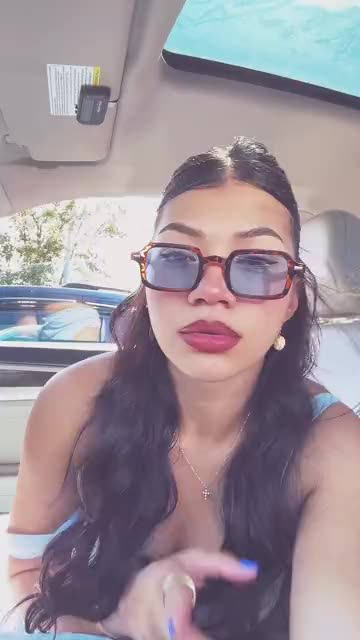
- Asereje Trend: Sit in the passenger seat in sunglasses and mouth along with open hands. Build it from one photo of you or your pet.
- Bby Wow Guy AI: Cut across the dance floor. Bite. Freeze on the lens. One picture does it.
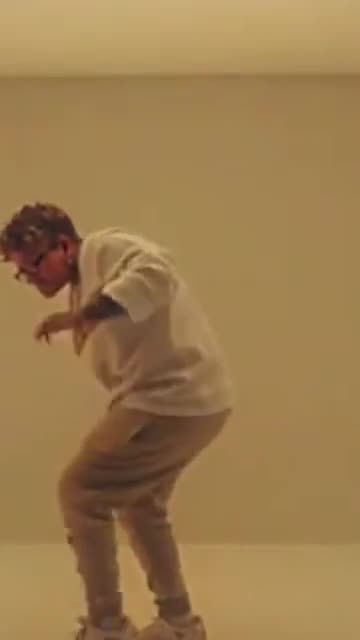
- Hotline Bling: Hand-chops, a phone to the ear and a crouch in a room that glows pink, blue and teal. Build it from one photo.
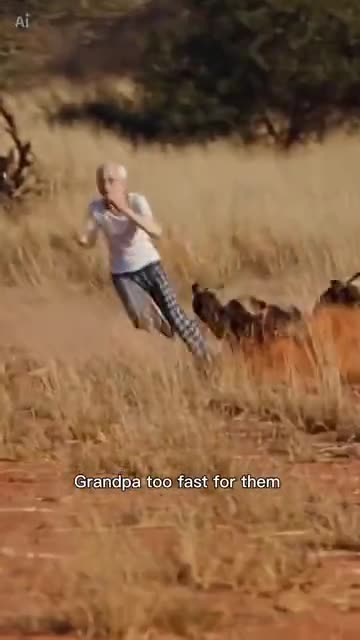
- Chased By Hyenas: You or your pet sprint across a dusty plain with a pack at your heels. Build it from one photo.
- Pet Fridge Cake Heist AI: A hidden camera, a full tray of tiramisu and your pet holding a spoon. Needs 1 photo.
- Punching Bag Dance: A heavy bag swings at the lens while the dancer behind it leans, spins and holds the beat. Build it from one photo.
- Giant Hands Dress Up: Giant hands dress you like a doll, then you step out and pose. Build it from one photo.
- I Want Wings Glow Up: A sleepy selfie, a flock of butterflies, then a bright new look. Build it from one adult photo.
Three steps from one photo to a slow-motion bump
No filming and no typing.
Add one photo
One adult, from the waist up or full length, with the face clear and looking at the lens. The walker keeps the clothes it sees unless you pick an outfit, so choose a plain, well-lit shot. Accepted files: JPG, PNG or WebP, 10 MB at most.
Set the street
Choose the city, an outfit and the cup, then tick the consent line and sign in with Google. Each pack carries bonus 5-second previews, so you can check the likeness before a credit goes.
Render, then add sound
The 8-second 720p render uses 1 credit. You can leave the tab while it runs, because the finished file waits in My videos. Choose the track when you upload to TikTok.
How to add the original sound in TikTok
Your video comes with an AI-made soundtrack. If you would rather use the trending sound, add it inside TikTok when you post. You can also save a copy without sound from My videos (Download without sound) and put the original sound on that.
- Open this clip in TikTok: our video follows it. Tap the sound name at the bottom, then tap Use this sound.
- Tap Upload and pick the video you downloaded from us.
- Open Volume and turn the video's own sound down to 0, or use the Download without sound copy from My videos.
- To line up the beat, use the scissors (trim) so the sound starts at 0 seconds, then post.

Need to move where the sound starts? This short video shows how to trim it.

Video: How To Trim Sound On TikTok 2026 (Very Easy) by Software Solutions on YouTube
Credits, no subscription
You pay per clip, never monthly. One 8-second Sidewalk Collision video takes 1 credit.
1 credit
$8.88
Up to 1 video
Every template: 1 credit per full video
Includes 1 bonus preview
One-time payment, no subscription
- Most popularSave 37%
3 credits
$16.88
Up to 3 videos
Every template: 1 credit per full video
Includes 3 bonus previews
One-time payment, no subscription
- Best valueSave 42%
5 credits
$25.88
Up to 5 videos
Every template: 1 credit per full video
Includes 5 bonus previews
One-time payment, no subscription
- Secure checkout by Waffo
- Credits arrive instantly
- Unused packs refundable within 7 days
- Failed renders are refunded
Where this trend comes from
Use this sound: your video is timed to it, from 0s
@diellepike · TikTok · Aug 31, 2026 · The post we follow: on a busy Shibuya street at night a woman on the phone with a coffee cup is bumped, and the cup, her sunglasses and her phone drift through the air in slow motion. It runs 10s, TikTok shows no AI label, and its caption calls it a recreation of the viral Chaos trend. It had about 1,900 plays on 12 November 2026. We follow it sped up to 8s.- @colourmeinstyle · TikTok · Sep 4, 2026 · Another early take: a man keeps bumping into people and spilling coffee in slow motion. It runs 10s, carries an AI label, and had about 14,500 plays on 12 November 2026.
Links open the original posts on their own platforms. We are not affiliated with these creators.
Sidewalk Collision: common questions
Where did the sidewalk collision trend start?
The post we follow went up on TikTok on 31 August 2026 and showed about 1,900 plays on 12 November. Its caption calls it a recreation of the viral Chaos trend. Another early take, from 4 September, has a man bumping into people and spilling coffee.
What happens in the clip?
A walker with a coffee and a phone is lightly bumped by a passer-by, and in slow motion the cup, the sunglasses and the phone drift in the air before the walker reaches out. The explainer has the order.
How many photos do I upload, one or two?
One. The walker is the only role, and the passer-by is invented, so there is no second slot. Use a photo of one adult, from the waist up or full length, as JPG, PNG or WebP up to 10 MB.
Which sound goes with it, and is it in my video?
The post's sound page lists an original sound uploaded under another account, with no named song. Your file has street ambience, a soft whoosh and a slow tune, with no voices. Use the silent copy if you want only your own sound.
Will the slow motion line up with the beat when I add sound?
Roughly. The bump lands near 2s and the slow-motion stretch runs from about 3s to 6s, but the clip is generated and not timed to a track. Slide your sound a second either way in TikTok, or time the silent copy in an editor.
Can I use a selfie for this?
Yes, if it is waist-up or wider and the face is sharp, because the walker is shown strolling. A tight close-up leaves the body to guess. Step back or crop a longer photo and keep the light even.
Can my dog be bumped, or a friend?
An adult friend can, if they agreed. Pets, children, toys and drawn characters are refused for this one, because the scene needs an adult holding a phone and a cup.
Is anyone hurt in the bump?
No. It is a light brush of shoulders. Nobody falls or is struck, and the cup and the phone float away from everyone, so no coffee lands on anybody.
More questions (6)
Who is the person who bumps me?
An ordinary pedestrian invented by the model, with a plain face and plain clothes. They are not a real or famous person, and you cannot upload a photo for them.
Do I need to write a prompt?
No. The camera, the order of beats and the timing are preset. You add a photo and pick a city, an outfit and a cup from short lists. There is no text box.
Can a CapCut template do the same thing?
A CapCut template re-edits footage you filmed yourself, so it cannot start from one still. Ozil Goal AI generates the street, the bump and the slow motion from a single photo in your browser, with no app to install, though you cannot direct each step.
How long is the clip, and how long do I wait?
The clip lasts 8s as a vertical 720p MP4. Rendering takes a few minutes and carries on if you close the tab. The file lands in My videos with a silent copy beside it.
How much would I pay for a Sidewalk Collision video?
A full video costs 1 credit, and packs start at $8.88. Every pack adds bonus 5-second previews to check your photo. Nothing renews monthly, and downloads have no watermark.
Does the account behind the original have any part in Ozil Goal AI?
Ozil Goal AI is an independent site, and your video, generated from your own photo, is not made, endorsed or licensed by the account that posted the original or anyone in it.
Sidewalk Collision guides
Two short pages: what the trend is, and how to make it.
Questions? Email support@ozil-goal-ai.app.
Ozil Goal AI is an independent site that builds AI templates. It is not affiliated with or endorsed by the account that posted the original, by TikTok or by anyone who appears in it, and no footage from the original is used.