My face looks different in the Ramalama video: how do I fix that?
Updated:
Short answer
Faces drift when the model cannot read yours. Only feet appear for the first seven seconds, so the face is painted from your photo at the reveal. A sharp, bright, front-facing picture where the face fills a decent part of the frame keeps the likeness closest.
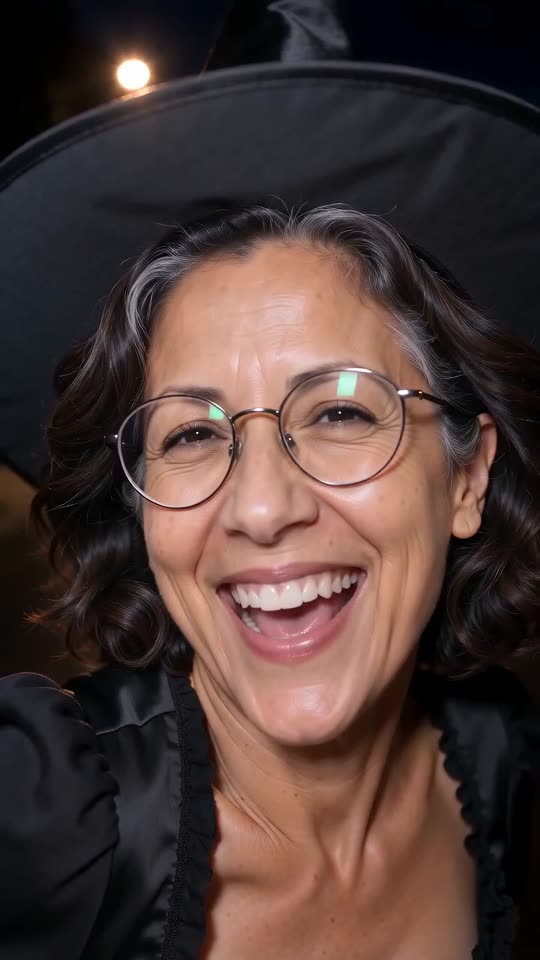
Common culprits
- A small face: a distant full-length shot leaves few pixels to copy.
- Blur and dim light: soft pictures lose fine detail.
- Cover-ups: sunglasses, a fringe, a mask or a hand across the face.
- Beauty filters: they alter the face before the model ever gets it.
What to change
Swap in a sharp head-and-shoulders shot taken in daylight, looking at the lens, and check it with the preview before the full render. The rules are in the photo guide.
Questions people ask
Does one photo always give one face?
No. Each run starts fresh, so the face varies a little.
Could the outfit be changing my face?
No outfit covers the face.
Will a finished video be run again for me?
Failed renders are refunded automatically. Finished ones are not repeated, so lean on the preview.
Strut into your own Ramalama moment
Drop in a photo. Every pack includes bonus previews, so you can check your photos before spending a credit. The finished video has no watermark and nothing renews on its own.
Make my video