The face changed in my Shaking Head video: causes and fixes
Updated:
Short answer
Small, dim or angled photos drift, and so do photos with two animals. Because the face fills the frame and the eyes open and close, flaws show at once. Start from a clear, bright, front-facing picture, look at a 5-second bonus preview, then render the full video.
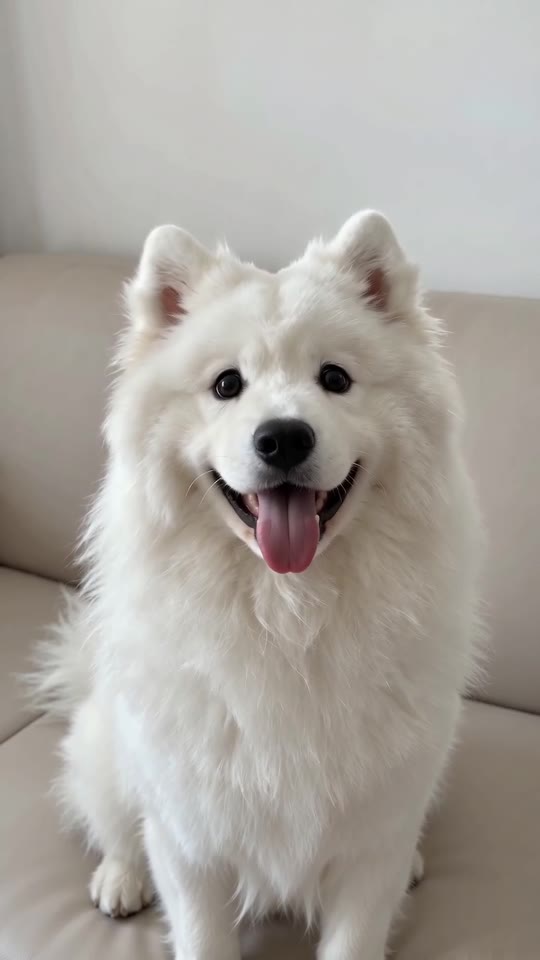
Fast remedies
- Tighten the crop so the face is large, in focus and open-eyed.
- Use natural light and drop sunglasses and filters.
- Choose a shot where the subject faces the camera.
- One pet or person only.
The cause
The face sits close to the lens and keeps moving for the entire clip. Small markings, like a white blaze or a collar patch, are the first things lost, so a sharper source gives the model more to keep.
Questions people ask
Am I charged when a render fails?
No, the credit is returned automatically.
Could an outfit choice reshape the face?
No, clothes only.
If I try again, will the face come out differently?
Likely a bit, because each attempt starts from scratch. It uses 1 credit, so check the photo on a bonus preview from your pack beforehand.
Your pet, your sway: make a Shaking Head video
Add one photo and receive a 7-second HD clip, with packs from $8.88. Nothing renews, and the finished video carries no watermark.
Make my video