The Shaking Head stare lands off the beat: what to adjust
Updated:
Short answer
Look at the sound first. Use the one from the @baller213465 post that our clip is modelled on, beginning at 0 seconds. Every render is new, so a tiny gap, mostly at the first eye-opening, is normal and not a fault.
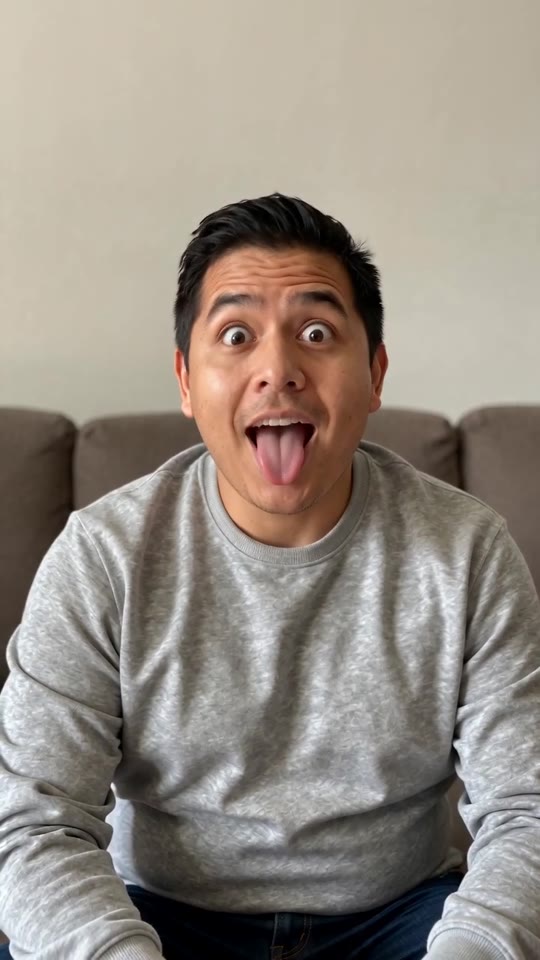
Adjusting in your editor
- Work from the 7-second full video rather than the preview.
- Pick the @baller213465 sound.
- Set its start to 0 seconds and end it with the clip.
- Silence the video's built-in audio.
What causes the gap
Even though the cat video is the model, the AI improvises each movement. The opening stare can therefore appear a hair sooner or later.
Questions people ask
Is a good render rerun without charge?
No. Only failed renders are refunded.
Is the silent file useful here?
Yes, since nothing competes with the sound you add.
Would another attempt change the timing?
Slightly, since renders are never identical. A rerun costs 1 credit, and a bonus preview is the cheaper test.
Your pet, your sway: make a Shaking Head video
Add one photo and receive a 7-second HD clip, with packs from $8.88. Nothing renews, and the finished video carries no watermark.
Make my video