Making an Enchantress video with AI, start to finish
Updated:
Short answer
Upload one photo framed from the chest up, choose a witch look and, if you have a bonus preview, run the 5-second preview. Happy that the witch still looks like you? Then spend 1 credit on the 10-second video, save it and start the trending sound in TikTok at the very first frame.
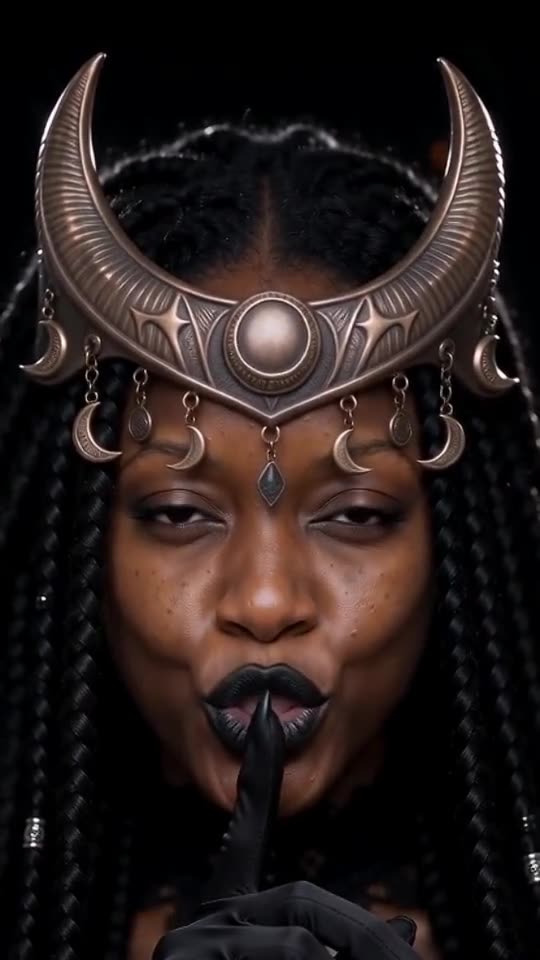
Choosing the photo
- A single person or pet, cropped at the chest.
- A big, crisp face in soft, even light.
- Nothing over the eyes or mouth, such as shades or a mask.
Putting the sound on
Download the silent copy, press Add sound in TikTok and pick the Enchantress template sound. Have it begin on the first frame.
Questions people ask
Is any editing left for me?
No. The video arrives finished, and the sound is the only thing you add.
How soon is it done?
Usually within a few minutes. Shut the tab if you like and collect it later from My videos.
Does this need a subscription?
No. Credits are bought once in a pack and never lapse, and each 10-second video takes one.
Become the moon witch
Add a single photo. Every pack includes bonus previews, so you can check your photos before spending a credit. There is no subscription, and finished videos carry no watermark.
Make my video