How do I put the Enchantress sound on my video so the beats land?
Updated:
Short answer
The trend uses “original sound – ArtemisCC”, a sound uploaded by the CapCut template account @artemiscc_capcut, not a released song. Our video follows that template clip. Save the silent copy, tap Add sound in TikTok, pick it and start it at zero, so the claw grab, the wipe and the shush land on cue.
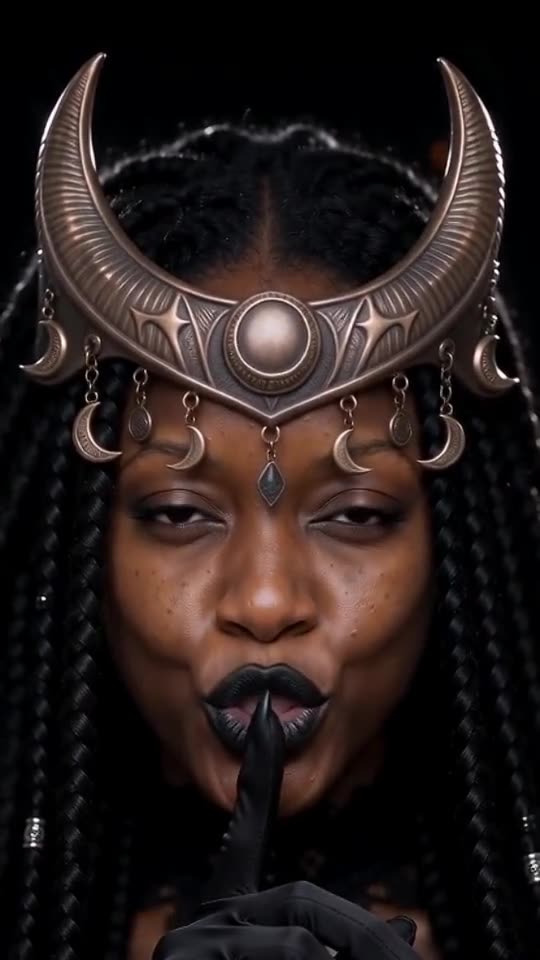
What our video carries
An AI-made dark instrumental, with a whoosh as the screen wipes and nobody speaking or singing. A silent version can be downloaded too.
If the beats drift
- Begin the sound at the first frame.
- Switch to the silent download.
- Uploads of this sound are trimmed a little differently from each other, so shift it by a few frames when needed.
Three moments carry the sound
The claws rise and grip the hand in the first 2.6 seconds, the black hand covers the lens at about three seconds as the reveal, and the shush starts around 5 and holds to the end. That last stretch is five seconds of calm, so a sound that is still loud there will feel wrong. Match the cover over the lens first, then judge the rest.
How to add the original sound in TikTok
Short version: download your video, open the original clip in TikTok, tap its sound name, choose Use this sound and add your video. The full tutorial with a video is on the template page.
Questions people ask
Which sound do I choose?
The one on the template creator’s very first Enchantress post. Most copies use it.
Why is the sound not baked in?
It belongs to the template creator, and TikTok offers it as a shareable sound, so adding it there is the clean route.
Is this a monthly service?
No. Credits are one-time and never expire, and each 10-second video costs one.
Become the moon witch
Add a single photo. Every pack includes bonus previews, so you can check your photos before spending a credit. There is no subscription, and finished videos carry no watermark.
Make my video